ByteCap vs Gling
In the contest of ByteCap vs Gling, which AI Video Editing tool is the champion? We evaluate pricing, alternatives, upvotes, features, reviews, and more.
If you had to choose between ByteCap and Gling, which one would you go for?
When we examine ByteCap and Gling, both of which are AI-enabled video editing tools, what unique characteristics do we discover? ByteCap is the clear winner in terms of upvotes. The number of upvotes for ByteCap stands at 7, and for Gling it's 4.
Does the result make you go "hmm"? Cast your vote and turn that frown upside down!
ByteCap

What is ByteCap?
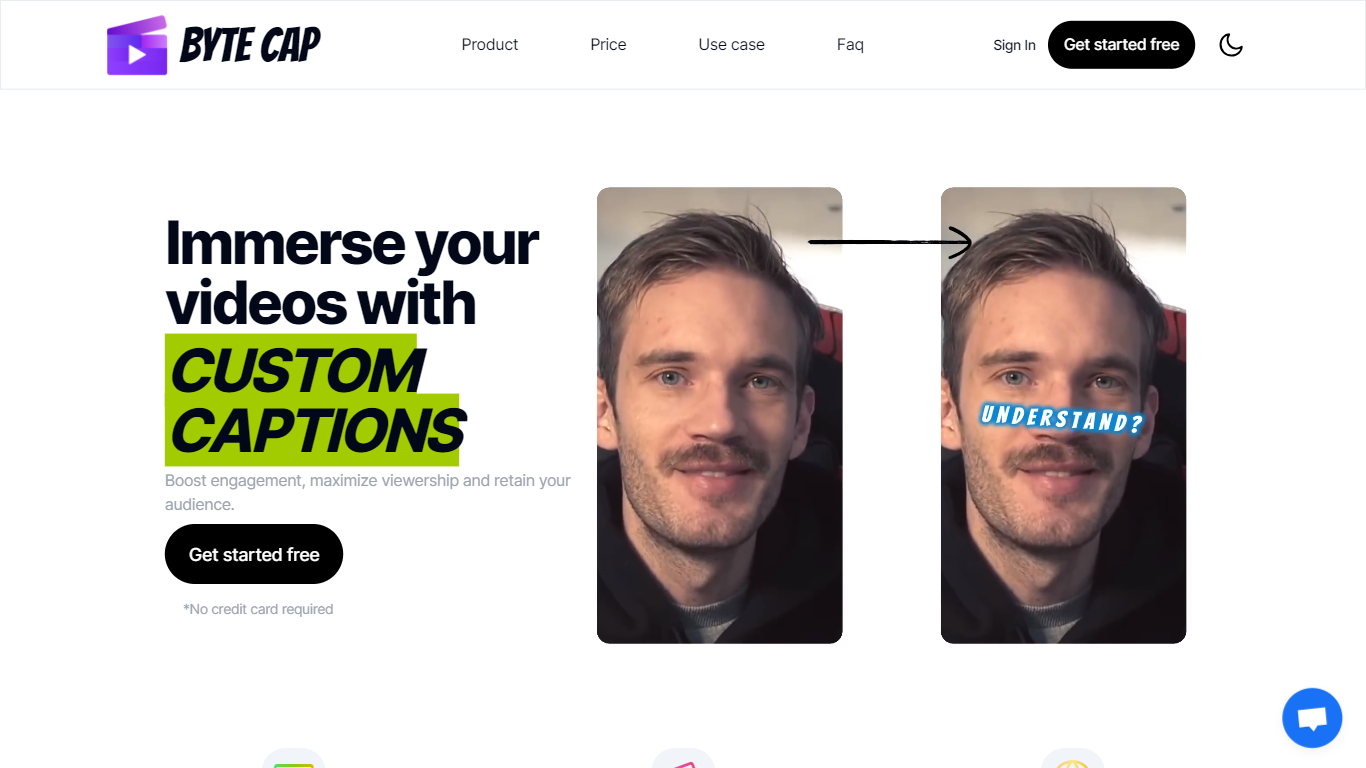
ByteCap turns long-form video into short clips built for TikTok, Reels, and YouTube Shorts. Paste a YouTube link or upload a file, and the platform finds standout moments, reframes speakers for vertical video, adds captions, and publishes across connected social accounts from one workflow.
The clipping model goes beyond transcripts. ByteCap scores clips on hook strength, payoff, pacing, and standalone value, then ranks the strongest moments first. Object detection keeps speakers in frame as they move, and multi-person shots stack automatically for 9:16 output.
Built for creators, podcasters, streamers, marketers, and agencies who post short-form video regularly and want editing, captioning, clipping, and scheduling in one place instead of juggling separate apps.
Gling

What is Gling?
Gling is desktop video editing software that uses transcription to cut bad takes, silences, and filler words from raw recordings before you export to Premiere, Final Cut Pro, or DaVinci Resolve. Upload a talking-head or voiceover file, review an AI-trimmed timeline, tweak cuts in text form, and download MP4, MP3, or SRT captions. It also generates YouTube titles, chapters, and short viral clips from links.
Manual timeline scrubbing eats hours on repetitive cleanup, while Gling automates the boring first pass and leaves creative decisions to you. That trade-off suits creators who record long sessions but do not want a fully automated publish pipeline. Desktop-only delivery keeps processing local-friendly, though you need a Mac or PC rather than a browser tab.
YouTube creators and podcast-style video makers use Gling to shrink edit time on tutorials, vlogs, and multicam sessions. The free plan includes 1 hour of AI-edited media per month with watermarked exports, Plus costs $20 per month with 10 hours, and Pro adds 30 hours without watermarks plus premium support.
ByteCap Upvotes
Gling Upvotes
ByteCap Top Features
AI clipping scans full videos for hooks, punchlines, and key moments, not just loud audio spikes
Speaker tracking reframes moving subjects and stacks multi-person shots for vertical 9:16 clips
Animated captions in 30+ languages with word-level timing, emojis, and keyword highlights
Built-in editor for silences, filler words, zooms, B-roll, overlays, music, and hook titles
Content calendar schedules and publishes to TikTok, Reels, Shorts, and other connected channels
Virality scores grade each clip on hook, payoff, curiosity, pacing, and standalone value
Faceless video maker and AI playground for generating images and video without on-camera footage
Gling Top Features
Automatically remove bad takes, silences, and filler words from uploaded recordings
Edit cuts through a text-based transcript instead of scrubbing the timeline manually
Export XML projects to Adobe Premiere, Final Cut Pro, or DaVinci Resolve
Generate AI captions, YouTube titles, chapters, and viral clips from links
Plus plan includes 10 hours of AI-edited media per month for $20
ByteCap Category
- Video Editing
Gling Category
- Video Editing
ByteCap Pricing Type
- Freemium
Gling Pricing Type
- Freemium