
Last updated 09-02-2026
Category:
Reviews:
Join thousands of AI enthusiasts in the World of AI!
ByteCap
ByteCap turns long recordings into short clips built for TikTok, Reels, and YouTube Shorts. Paste a public YouTube link or upload a file, and it finds standout moments, reframes speakers for vertical video, adds captions, and publishes across connected social accounts from one workflow.
Most AI clippers stop after finding timestamps. ByteCap treats clipping as step one in a single pipeline that captions, reframes, adds hook titles and B-roll, then schedules posts to YouTube, TikTok, Instagram, Facebook, LinkedIn, and X without exporting to another app.
Built for podcasters, streamers, educators, and marketing teams who post short-form video regularly and want editing, captioning, clipping, and scheduling in one workspace instead of juggling separate tools.
AI clipping grades each moment on hook, payoff, curiosity, pacing, and standalone value, not just loud audio spikes
Speaker tracking reframes moving subjects and auto-stacks multi-person shots for 9:16 vertical clips
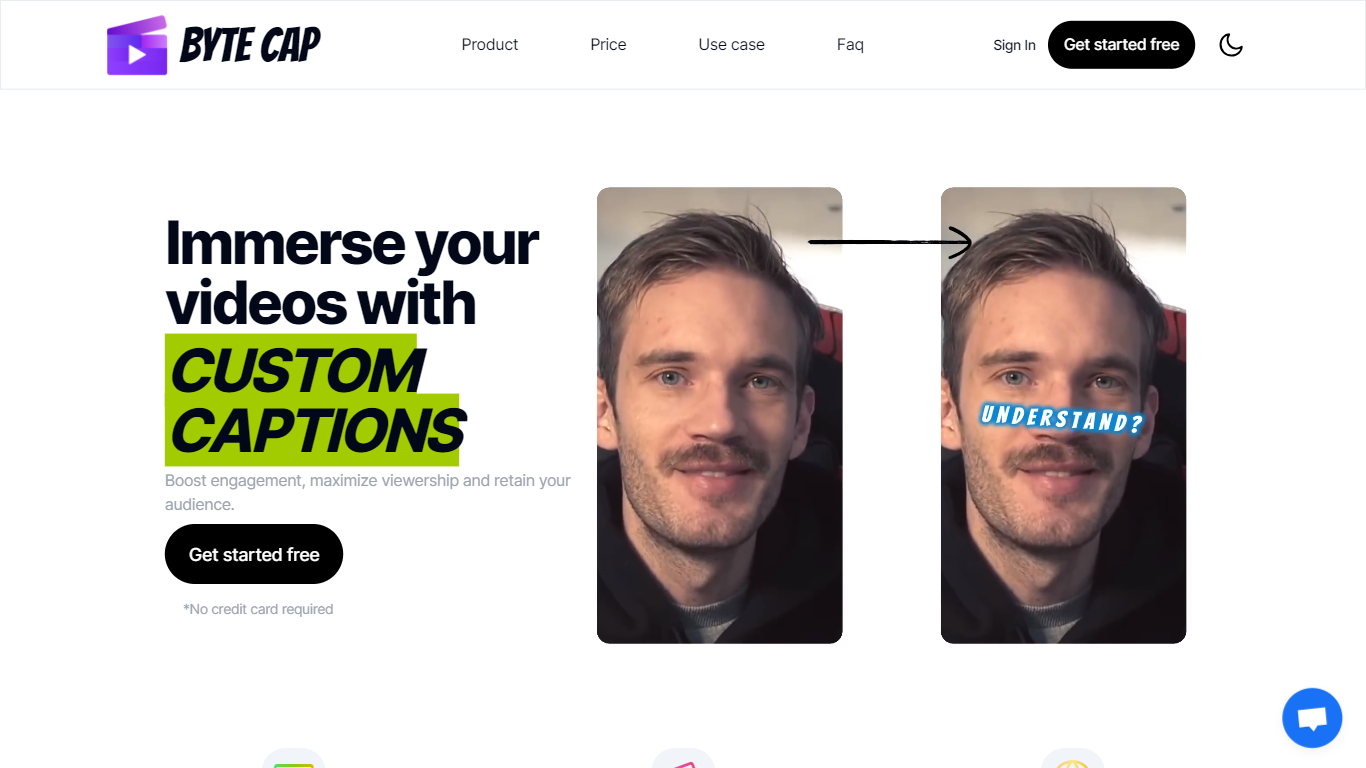
Animated captions in 30+ languages with word-level timing; paid plans add ElevenLabs and OpenAI voice options
Paid plans accept uploads up to 4 hours or 10GB per file for long podcasts and webinars
Content calendar publishes to YouTube, TikTok, Instagram, Facebook, LinkedIn, and X from one tab
Free tier includes 50 monthly AI credits; Starter at $15 per month includes 150 credits with AI clipping
Combines clipping, captioning, editing, scheduling, and analytics in one platform instead of separate apps
Starter plan at $15 per month undercuts many clip-only tools that stop at export
Clips are scored and ranked by virality factors instead of relying on transcript keywords alone
Pro plan exports up to 4K at 60fps with 300 monthly credits for high-volume creators
Free exports include a watermark and cap out at 1080p, 30fps, and 50 monthly credits
Long-video AI clipping requires a paid Starter plan or higher; the free tier has no clipping
Business tier pricing requires contacting sales rather than self-serve checkout
Does ByteCap have a free plan?
Yes. ByteCap offers a Free plan at $0 with 50 monthly AI credits, AI animated captions, one automation, 1080p exports at 30fps, and social scheduling. Exports include a watermark, and long-video AI clipping requires a paid Starter plan or higher.
How much does ByteCap's Starter plan cost?
ByteCap's Starter plan is $15 per month. It includes 150 monthly credits, AI clipping from long video to shorts, AI reframe, AI B-roll, 3 automations, and watermark-free 4K exports at 60fps.
Can ByteCap post directly to TikTok, YouTube, and Instagram?
Yes. ByteCap lets you connect social accounts and publish or schedule clips to YouTube, TikTok, Instagram, Facebook, LinkedIn, and X from its built-in content calendar without a separate scheduler.
How does ByteCap's AI clipping find good moments?
ByteCap analyzes dialogue, visual action, scene dynamics, audio energy, hooks, and payoff across the full timeline. Each clip gets a virality score with hook, payoff, curiosity, pacing, and standalone grades, then the strongest candidates rank first.
What video formats and aspect ratios does ByteCap support?
ByteCap supports 9:16, 4:5, 1:1, and 16:9 aspect ratios on every plan. On the Free plan, exports cap at 1080p and 30fps with a watermark. Paid Starter and Pro plans export up to 4K at 60fps without a watermark.
Does ByteCap work on videos without dialogue?
Yes. ByteCap reads movement, energy, reactions, and scene changes on gaming, sports, travel, education, and other footage types. You can also prompt it to find specific moments such as goals in a match or key teaching highlights.