ByteCap vs Riverside
Explore the showdown between ByteCap vs Riverside and find out which AI Video Editing tool wins. We analyze upvotes, features, reviews, pricing, alternatives, and more.
When comparing ByteCap and Riverside, which one rises above the other?
When we contrast ByteCap with Riverside, both of which are exceptional AI-operated video editing tools, and place them side by side, we can spot several crucial similarities and divergences. The community has spoken, Riverside leads with more upvotes. Riverside has garnered 25 upvotes, and ByteCap has garnered 7 upvotes.
Disagree with the result? Upvote your favorite tool and help it win!
ByteCap
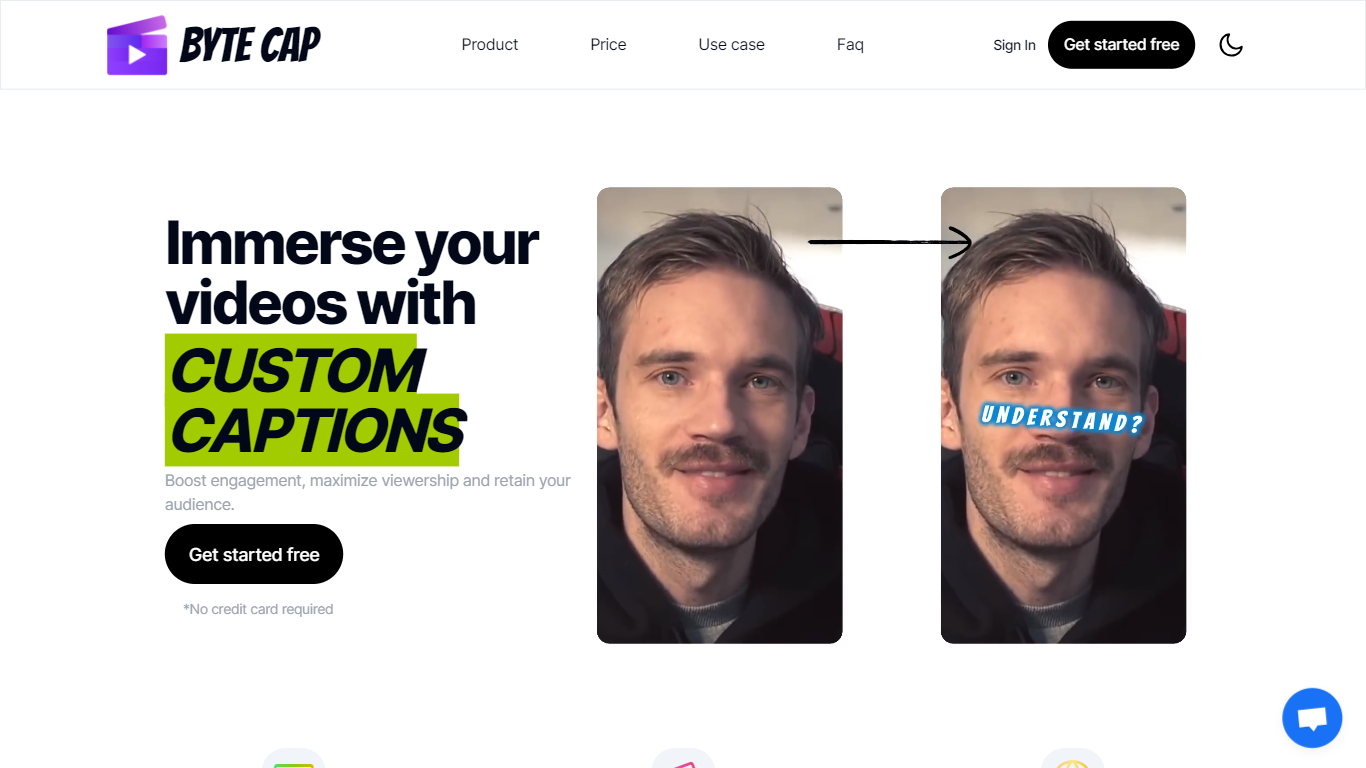

What is ByteCap?
ByteCap turns long recordings into short clips built for TikTok, Reels, and YouTube Shorts. Paste a public YouTube link or upload a file, and it finds standout moments, reframes speakers for vertical video, adds captions, and publishes across connected social accounts from one workflow.
Most AI clippers stop after finding timestamps. ByteCap treats clipping as step one in a single pipeline that captions, reframes, adds hook titles and B-roll, then schedules posts to YouTube, TikTok, Instagram, Facebook, LinkedIn, and X without exporting to another app.
Built for podcasters, streamers, educators, and marketing teams who post short-form video regularly and want editing, captioning, clipping, and scheduling in one workspace instead of juggling separate tools.
Riverside

What is Riverside?
Riverside is a video editing and recording platform built for remote podcasts, interviews, and webinars. It records up to 4K video and uncompressed audio locally on each participant's device, so spotty internet does not tank quality. After recording, you edit in a text-based timeline, generate Magic Clips, captions, and show notes, then publish to YouTube, Spotify, and Apple Podcasts from the same workflow.
Zoom and Google Meet optimize for live calls, not post-production. Riverside records separate tracks locally, then layers AI cleanup, filler-word removal, and clip generation on top. The trade-off is that it is built for creators who publish regularly, not for one-off internal meetings that never leave the call app.
Podcasters, marketers, and producers at companies like Spotify and The New York Times use Riverside for studio-style remote recordings. Founded in 2020 by brothers Gideon and Nadav, the product now lives at riverside.com while riverside.fm redirects to the same experience.
ByteCap Upvotes
Riverside Upvotes
ByteCap Top Features
AI clipping grades each moment on hook, payoff, curiosity, pacing, and standalone value, not just loud audio spikes
Speaker tracking reframes moving subjects and auto-stacks multi-person shots for 9:16 vertical clips
Animated captions in 30+ languages with word-level timing; paid plans add ElevenLabs and OpenAI voice options
Paid plans accept uploads up to 4 hours or 10GB per file for long podcasts and webinars
Content calendar publishes to YouTube, TikTok, Instagram, Facebook, LinkedIn, and X from one tab
Free tier includes 50 monthly AI credits; Starter at $15 per month includes 150 credits with AI clipping
Riverside Top Features
Local recording up to 4K video with separate WAV and MP4 tracks per speaker
Free plan includes 2 hours of multi-track recordings and unlimited single-track editing
Pro plan at $24 per month (billed annually) adds 15 hours of separate track downloads and 4K output
AI Co-Creator generates clips, show notes, captions, and filler-word removal from recordings
Built-in podcast hosting publishes to Spotify, Apple Podcasts, and YouTube
Grow and Webinar tiers add multistream live streaming and webinar registration for up to 100 attendees
ByteCap Category
- Video Editing
Riverside Category
- Video Editing
ByteCap Pricing Type
- Freemium
Riverside Pricing Type
- Freemium