CalcGen AI vs Coginiti AI
In the face-off between CalcGen AI vs Coginiti AI, which AI Analytics tool takes the crown? We scrutinize features, alternatives, upvotes, reviews, pricing, and more.
When we put CalcGen AI and Coginiti AI head to head, which one emerges as the victor?
If we were to analyze CalcGen AI and Coginiti AI, both of which are AI-powered analytics tools, what would we find? The upvote count is neck and neck for both CalcGen AI and Coginiti AI. Every vote counts! Cast yours and contribute to the decision of the winner.
You don't agree with the result? Cast your vote to help us decide!
CalcGen AI

What is CalcGen AI?
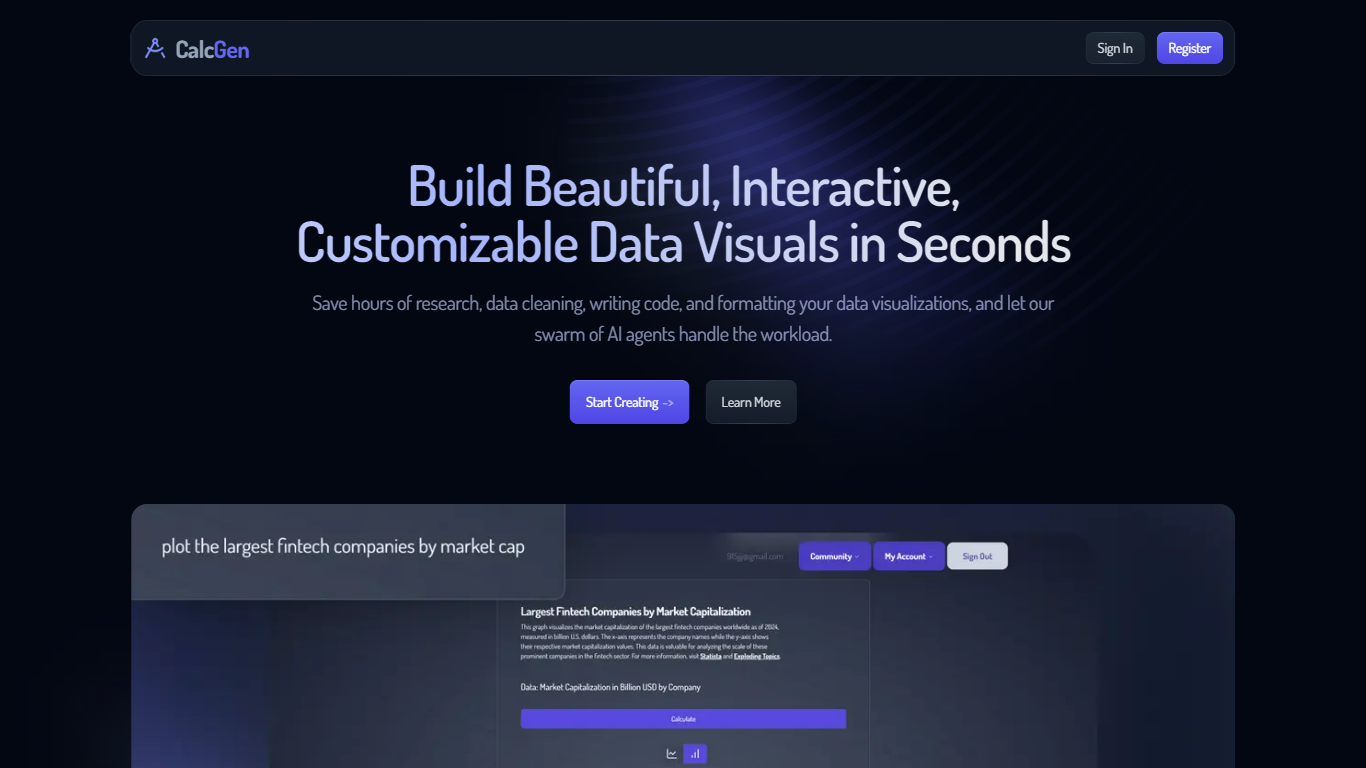
CalcGen AI turns a plain-language question into an interactive chart, graph, or calculator without you writing code or hunting down datasets. Type a prompt like smoking rates in the USA, and a swarm of search, analysis, and visualization agents finds credible sources, writes a summary, and renders a shareable visual you can embed in Notion, PowerPoint, or WordPress.
ChatGPT can sketch a chart from data you paste in. CalcGen goes further by sending a search agent to pull numbers from the web, linking every source, and letting you customize themes, filters, and chart types in a visual editor. The trade-off is beta maturity: the tutorial recommends datasets under 150 points for best results.
Analysts, educators, and marketers use it when they need a polished visualization fast but lack time for spreadsheet cleanup and formatting. CalcGen was featured on Product Hunt as a top 8 launch and in Rundown AI's trending products list in October 2024.
Coginiti AI
What is Coginiti AI?
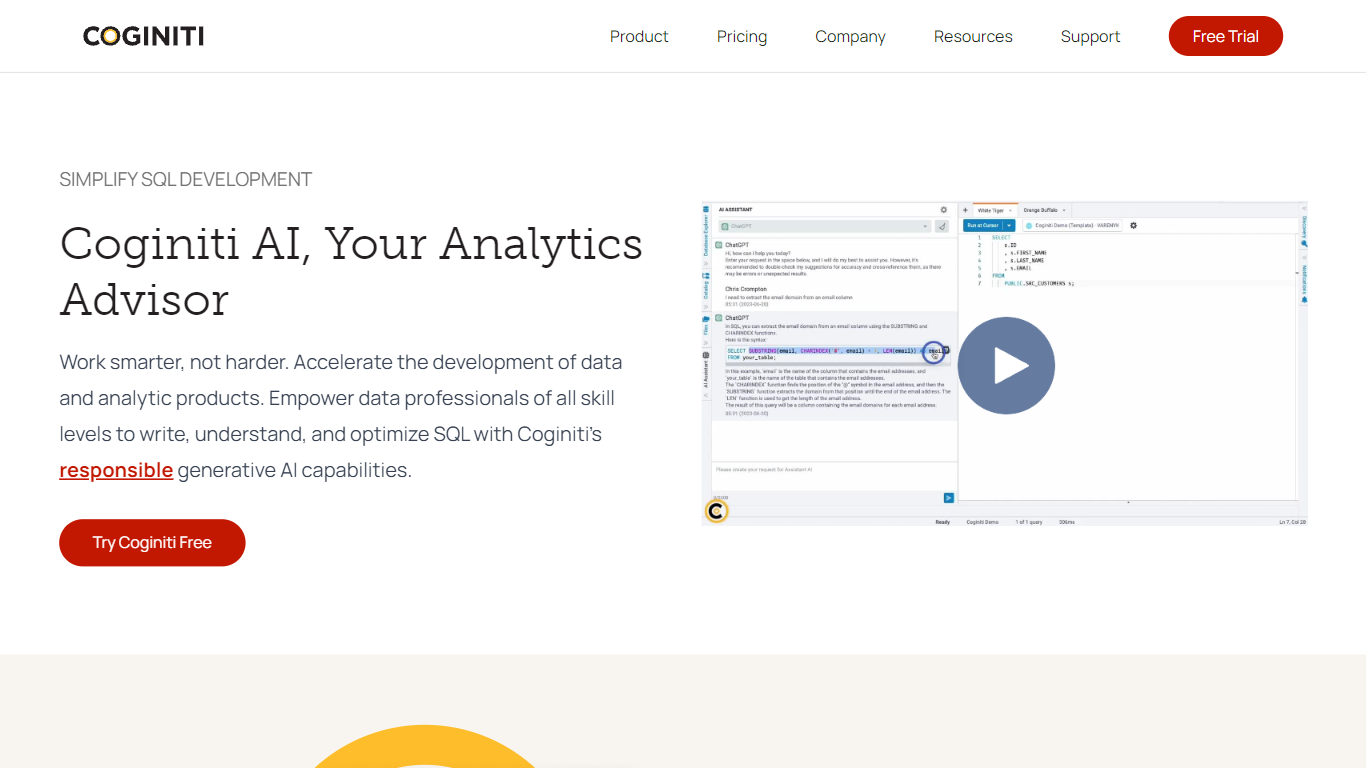
Writing and debugging SQL still eats hours even when the warehouse is fast, and Coginiti AI puts a conversational advisor inside the Coginiti analytics workspace to shorten that loop. You ask questions in plain language to catch syntax errors, get execution plan explanations, request sample queries, and tune joins or indexes without leaving the editor. The advisor learns from each interaction and stays optional, so teams can turn it off or point it at their own generative model.
Generic copilots draft text and stop. Coginiti AI stays inside a full SQL workbench with a personal analytics catalog, versioning, multi-database connections, and team sharing on higher tiers. Coginiti does not let third-party models touch your data platforms directly, which matters when you are querying production warehouses. Pro ships as a Windows or macOS desktop app with a 30-day free trial, while Team and Enterprise add shared catalogs, scheduling, and web deployment.
Data engineers, analysts, and scientists at security-conscious organizations use it to reuse SQL blocks, propagate code changes across dependent analytics, and cut compute costs from slower queries. Supported connections span major cloud warehouses plus Amazon S3, Azure Blob Storage, and Google Cloud Storage.
CalcGen AI Upvotes
Coginiti AI Upvotes
CalcGen AI Top Features
Search Agent finds data online and links credible sources to every visualization
Analysis Agent writes chart titles and detailed data summaries automatically
Visualization Agent builds interactive charts with custom filters and sorting from prompts
Embeds into Notion, PowerPoint, WordPress, Wix, and Miro
Theme library lets you match charts to your brand design language
Custom graph calculators plot equations dynamically from user inputs
Paid plans start at $9.99 per month according to the welcome page
Coginiti AI Top Features
Plain-language SQL advisor catches syntax errors and explains execution plans inside the editor
On-demand learning mode answers concept questions and returns sample queries tailored to your skill level
Performance coaching suggests index and join changes to cut response times and compute spend
Debugging guidance walks through error handling without leaving the Coginiti workspace
AI module is 100% optional with human-in-the-loop control and your choice of generative model
Coginiti Pro includes a 30-day free trial on Windows and macOS desktops
CalcGen AI Category
- Analytics
Coginiti AI Category
- Analytics
CalcGen AI Pricing Type
- Freemium
Coginiti AI Pricing Type
- Paid