CalcGen AI vs FileAI
Dive into the comparison of CalcGen AI vs FileAI and discover which AI Analytics tool stands out. We examine alternatives, upvotes, features, reviews, pricing, and beyond.
When comparing CalcGen AI and FileAI, which one rises above the other?
When we compare CalcGen AI and FileAI, two exceptional analytics tools powered by artificial intelligence, and place them side by side, several key similarities and differences come to light. The upvote count is neck and neck for both CalcGen AI and FileAI. Since other aitools.fyi users could decide the winner, the ball is in your court now to cast your vote and help us determine the winner.
Want to flip the script? Upvote your favorite tool and change the game!
CalcGen AI


What is CalcGen AI?
CalcGen AI turns a plain-language question into an interactive chart, graph, or calculator without you writing code or hunting down datasets. Type a prompt like smoking rates in the USA, and a swarm of search, analysis, and visualization agents finds credible sources, writes a summary, and renders a shareable visual you can embed in Notion, PowerPoint, or WordPress.
ChatGPT can sketch a chart from data you paste in. CalcGen goes further by sending a search agent to pull numbers from the web, linking every source, and letting you customize themes, filters, and chart types in a visual editor. The trade-off is beta maturity: the tutorial recommends datasets under 150 points for best results.
Analysts, educators, and marketers use it when they need a polished visualization fast but lack time for spreadsheet cleanup and formatting. CalcGen was featured on Product Hunt as a top 8 launch and in Rundown AI's trending products list in October 2024.
FileAI
What is FileAI?
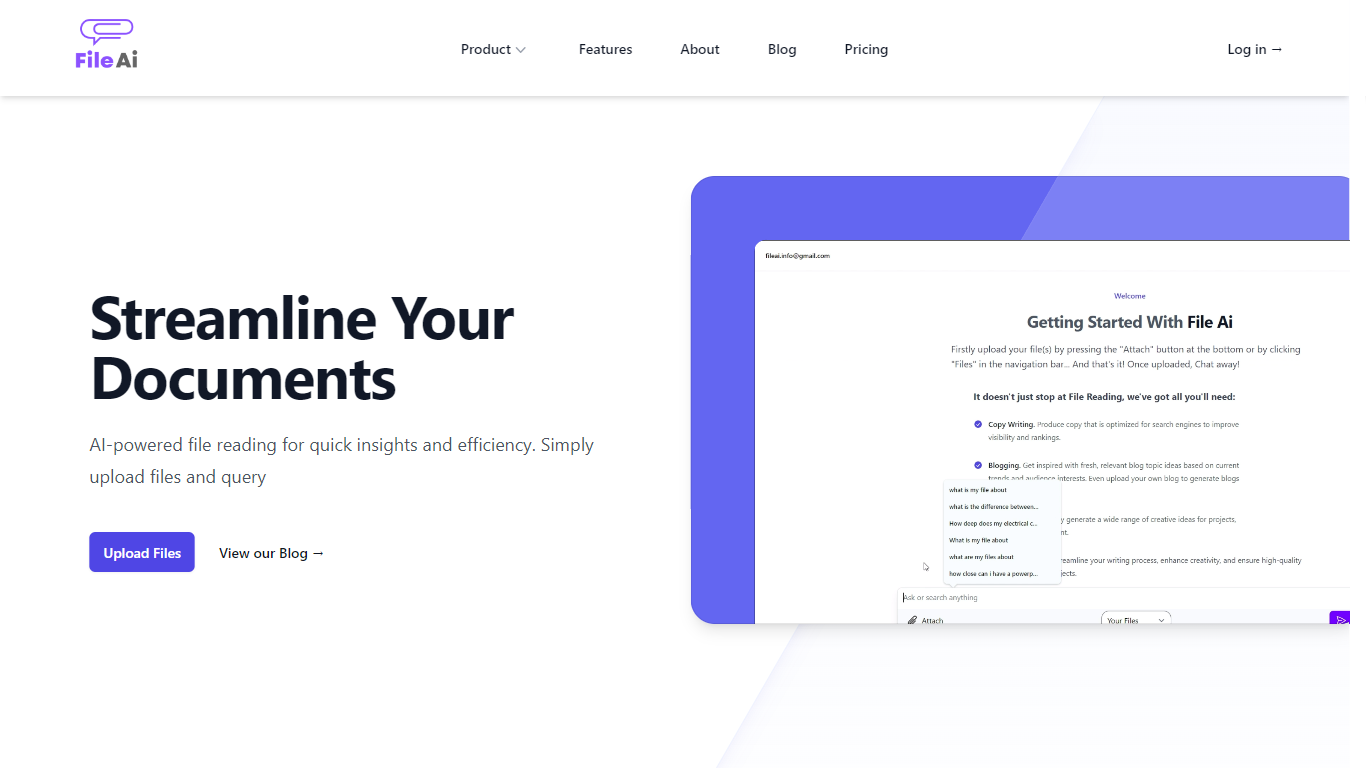
FileAI is a private document analytics workspace where you upload contracts, reports, and research, then ask questions and get answers backed by numbered citations. It reads PDF, DOCX, PPTX, TXT, Markdown, JSON, and HTML inside a workspace only you can query. Every answer ties back to a specific passage in your files, so you can open the source before you act on it.
Where generic chatbots invent details from memory, FileAI restricts answers to the documents you select and attaches a citation drawer for each claim. It also says plainly when your files do not contain an answer instead of guessing. That trade-off favors contract review and compliance work over open-ended creative writing.
Legal teams, researchers, and operations staff use FileAI to interrogate agreements, compare studies, and pull facts from policy manuals without rereading hundreds of pages. Fast mode handles quick lookups in seconds, while Deep mode works through longer comparisons even if you close the tab.
CalcGen AI Upvotes
FileAI Upvotes
CalcGen AI Top Features
Search Agent finds data online and links credible sources to every visualization
Analysis Agent writes chart titles and detailed data summaries automatically
Visualization Agent builds interactive charts with custom filters and sorting from prompts
Embeds into Notion, PowerPoint, WordPress, Wix, and Miro
Theme library lets you match charts to your brand design language
Custom graph calculators plot equations dynamically from user inputs
Paid plans start at $9.99 per month according to the welcome page
FileAI Top Features
Numbered citations open the source file and retrieved passage for every document-derived claim
Fast mode streams answers in seconds using about 10 AI units; Deep mode uses about 50 units for rigorous cross-document reasoning
Supports PDF, DOCX, PPTX, TXT, MD, JSON, and HTML uploads up to 20 MB on Free or 100 MB on Access
Free plan includes 5 documents and 100 AI units per month with citation-backed Fast mode
Access plan at $9.90 per month adds Deep mode, folders, and multi-document questions across 100 files
Lifetime plan costs $99.90 once for all Access features with fair-use allowance
CalcGen AI Category
- Analytics
FileAI Category
- Analytics
CalcGen AI Pricing Type
- Freemium
FileAI Pricing Type
- Freemium