CalcGen AI vs Mode
Explore the showdown between CalcGen AI vs Mode and find out which AI Analytics tool wins. We analyze upvotes, features, reviews, pricing, alternatives, and more.
In a face-off between CalcGen AI and Mode, which one takes the crown?
When we contrast CalcGen AI with Mode, both of which are exceptional AI-operated analytics tools, and place them side by side, we can spot several crucial similarities and divergences. The upvote count is neck and neck for both CalcGen AI and Mode. The power is in your hands! Cast your vote and have a say in deciding the winner.
Want to flip the script? Upvote your favorite tool and change the game!
CalcGen AI
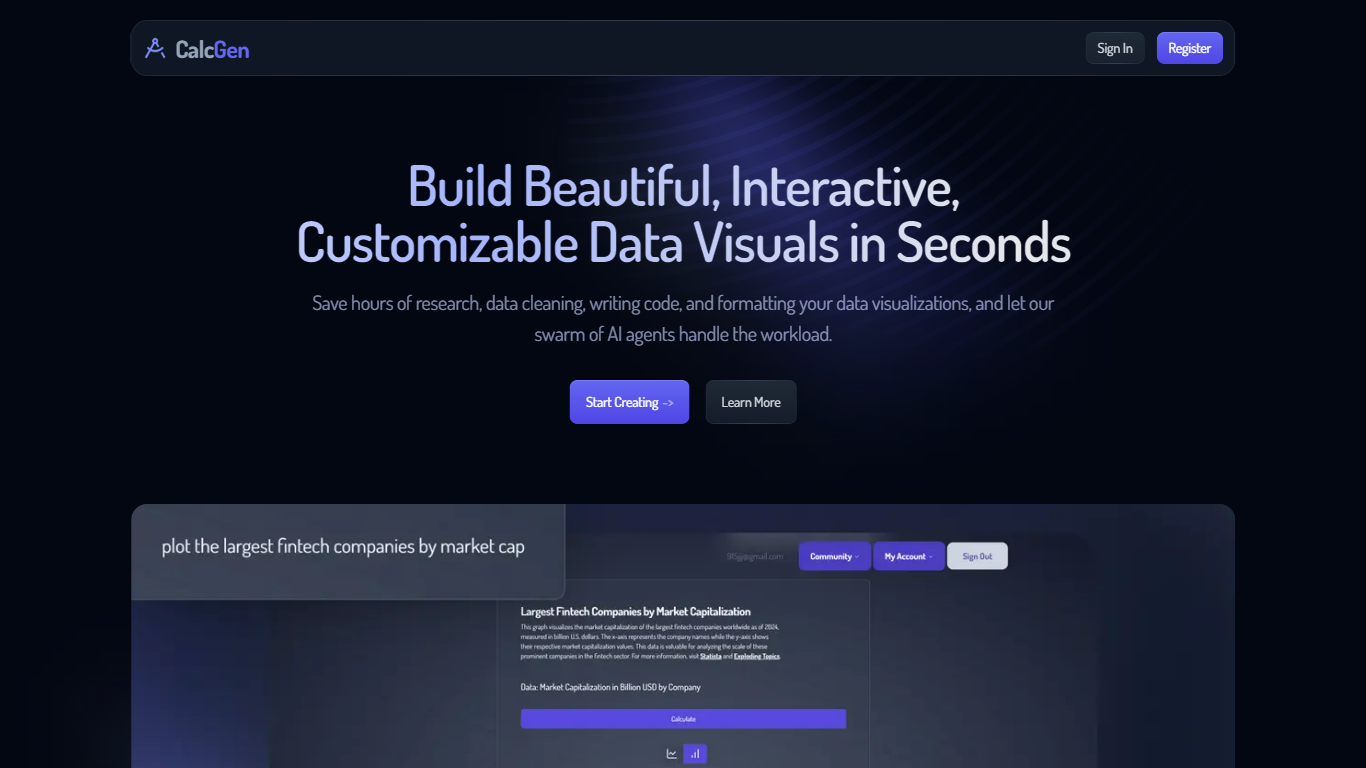

What is CalcGen AI?
CalcGen AI turns a plain-language question into an interactive chart, graph, or calculator without you writing code or hunting down datasets. Type a prompt like smoking rates in the USA, and a swarm of search, analysis, and visualization agents finds credible sources, writes a summary, and renders a shareable visual you can embed in Notion, PowerPoint, or WordPress.
ChatGPT can sketch a chart from data you paste in. CalcGen goes further by sending a search agent to pull numbers from the web, linking every source, and letting you customize themes, filters, and chart types in a visual editor. The trade-off is beta maturity: the tutorial recommends datasets under 150 points for best results.
Analysts, educators, and marketers use it when they need a polished visualization fast but lack time for spreadsheet cleanup and formatting. CalcGen was featured on Product Hunt as a top 8 launch and in Rundown AI's trending products list in October 2024.
Mode
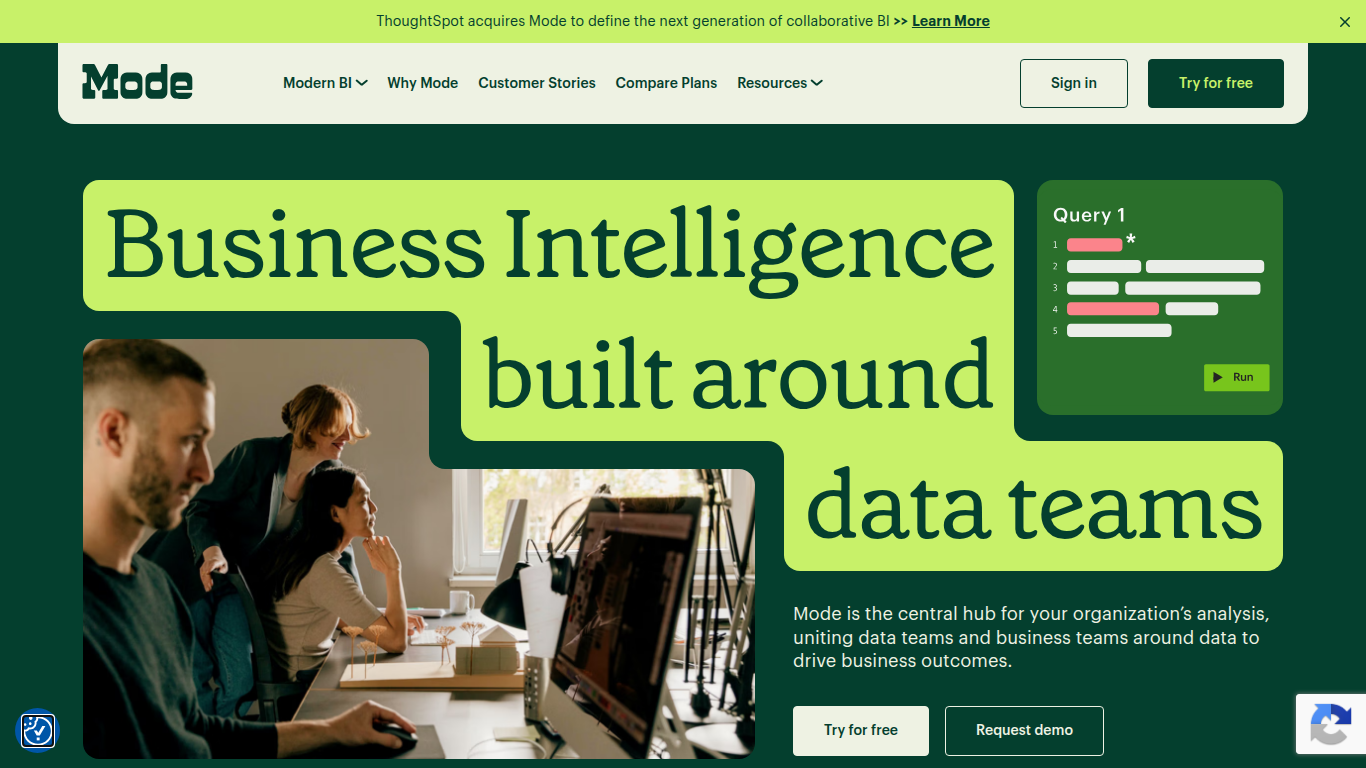
What is Mode?
Mode unites data teams and business teams around SQL, Python, R, and visual analysis in one workspace. Analysts run ad hoc queries, build interactive dashboards, and publish self-service reports without switching tools. The platform connects to major data warehouses and integrates with the dbt Semantic Layer for governed metrics across the organization.
Most BI tools force a choice between analyst-grade depth and business-user simplicity. Mode runs both on the same platform: data teams write SQL and Python notebooks while business users explore curated datasets through drag-and-drop dashboards. Reusable datasets, scheduled reports, and Slack sharing keep everyone on the same numbers without maintaining separate data models for each audience.
Mode targets data analysts, analytics engineers, and business intelligence teams at companies that have invested in a modern data stack. The free Studio plan supports up to 3 users with SQL, Python, and R at 10 MB per query. Pro and Enterprise tiers add 250 GB monthly compute, permissioning, API access, and visualization of tens of millions of rows. ThoughtSpot acquired Mode to combine collaborative BI with search-driven analytics.
CalcGen AI Upvotes
Mode Upvotes
CalcGen AI Top Features
Search Agent finds data online and links credible sources to every visualization
Analysis Agent writes chart titles and detailed data summaries automatically
Visualization Agent builds interactive charts with custom filters and sorting from prompts
Embeds into Notion, PowerPoint, WordPress, Wix, and Miro
Theme library lets you match charts to your brand design language
Custom graph calculators plot equations dynamically from user inputs
Paid plans start at $9.99 per month according to the welcome page
Mode Top Features
SQL editor with connected Python and R notebooks using 60+ libraries
Visual exploration of 100,000+ datapoints directly in the browser
Interactive dashboards with drilldowns, filters, and scheduled reports
Reusable datasets curated by data teams for self-service reporting
dbt Semantic Layer integration for governed metrics across the org
Email and Slack sharing with REST API and webhook automation
Custom data apps built with HTML, CSS, and JavaScript for internal tools
CalcGen AI Category
- Analytics
Mode Category
- Analytics
CalcGen AI Pricing Type
- Freemium
Mode Pricing Type
- Freemium