CallBud vs Flux
Explore the showdown between CallBud vs Flux and find out which AI tool wins. We analyze upvotes, features, reviews, pricing, alternatives, and more.
In a face-off between CallBud and Flux, which one takes the crown?
When we contrast CallBud with Flux, both of which are exceptional AI-operated tools, and place them side by side, we can spot several crucial similarities and divergences. The users have made their preference clear, Flux leads in upvotes. Flux has been upvoted 11 times by aitools.fyi users, and CallBud has been upvoted 6 times.
You don't agree with the result? Cast your vote to help us decide!
CallBud

What is CallBud ?
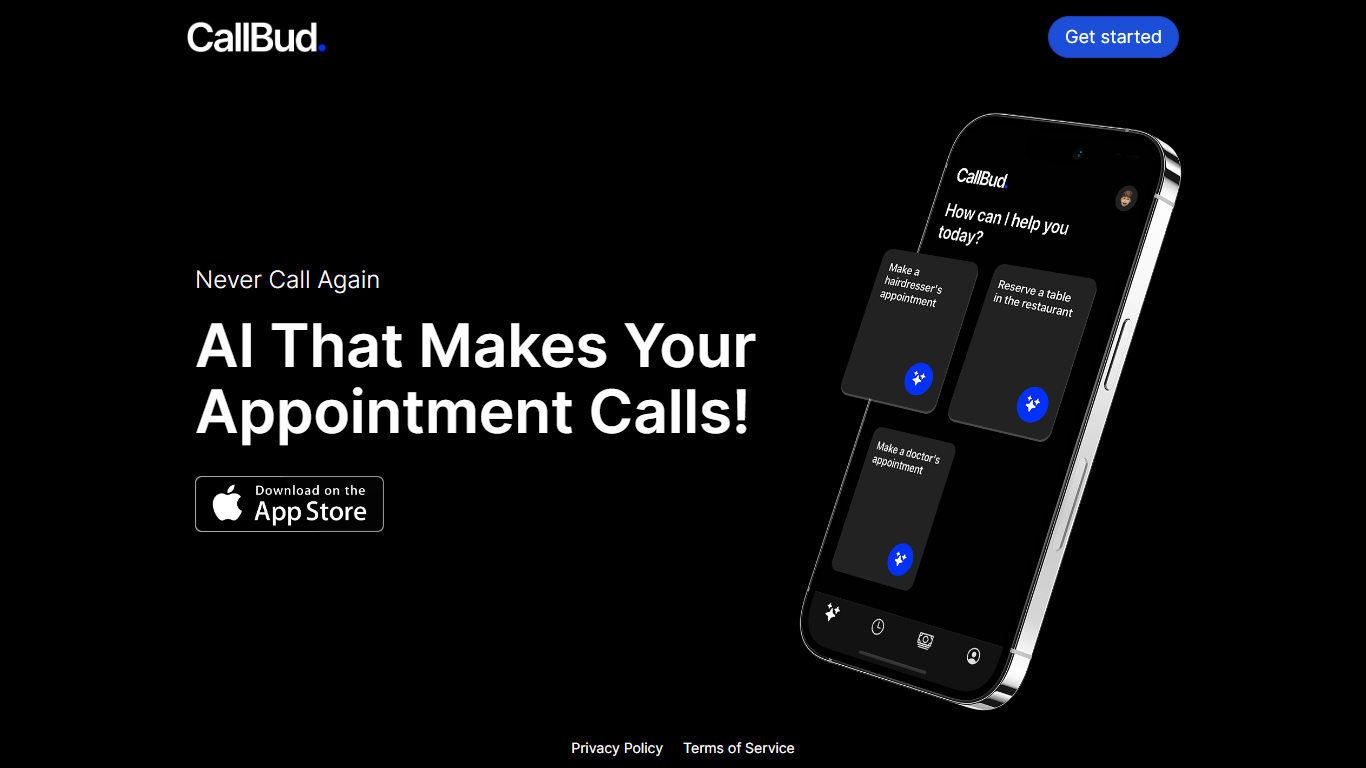
Introducing CallBud, your revolutionary AI Call Assistant, designed to simplify and automate the process of making appointment calls. Our state-of-the-art app employs advanced AI to handle the tedious task of scheduling appointments for services such as haircuts, restaurant reservations, and doctor's visits with ease and efficiency.
With CallBud, the days of spending time on the phone for bookings are over, as our intelligent AI takes over to ensure a seamless appointment-setting experience. Our commitment to privacy is unwavering, and you can trust that your information is secure with our robust privacy policy and terms of service. Join the future of appointment scheduling with CallBud and experience the luxury of never having to make an appointment call yourself again.
Flux

What is Flux?
Flux runs ECAD in the browser so hardware engineers design printed circuit boards from idea through manufacturing without desktop installs. You describe what you want to build, and Flux Copilot plans the work, generates schematics and layouts, and checks in before key steps so you stay in control.
Compared with traditional desktop ECAD suites, Flux combines collaborative schematic and layout editing with live component data, supply chain pricing, and explainable automation in one workspace. Copilot handles planning, part research, BoM generation, placement, routing, and design reviews while you approve key steps instead of clicking through every net manually.
Flux supports multi-layer PCBs up to eight layers for IoT devices, wearables, robotics, and production-bound hardware. You can import from Altium, Cadence, KiCad, Eagle, and EasyEDA, then export Gerbers, drill files, BoMs, pick-and-place files, and standard netlists for fabrication.
CallBud Upvotes
Flux Upvotes
CallBud Top Features
AI-Driven Appointment Scheduling: Automates the appointment booking process for various services.
Convenience: Offers users the luxury of never having to make appointment calls themselves.
Privacy Assurance: Adheres to a strict privacy policy to protect user information.
Broad Service Range: Capable of handling appointments for hairdressers, restaurants, and doctors.
User-Friendly: Designed for ease of use with a focus on a hassle-free experience.
Flux Top Features
Describe a board in plain language and Copilot maps a plan for approval
Generates schematics, BoMs, and layouts with placement and routing
Runs design reviews for unconnected pins, missing caps, and tolerance issues
Multi-layer PCBs up to eight layers, from prototype to production
Imports Altium, Cadence, KiCad, Eagle, and EasyEDA projects
Exports Gerbers, drill files, BoM, pick-and-place, and netlists
14-day free trial covers all features before Explore, Build, or Pro billing starts
CallBud Category
- Meeting Assistant
Flux Category
- Design
CallBud Pricing Type
- Freemium
Flux Pricing Type
- Freemium