Fellow vs Flux
When comparing Fellow vs Flux, which AI tool shines brighter? We look at pricing, alternatives, upvotes, features, reviews, and more.
In a comparison between Fellow and Flux, which one comes out on top?
When we put Fellow and Flux side by side, both being AI-powered tools, The users have made their preference clear, Fellow leads in upvotes. Fellow has been upvoted 108 times by aitools.fyi users, and Flux has been upvoted 11 times.
Does the result make you go "hmm"? Cast your vote and turn that frown upside down!
Fellow

What is Fellow?
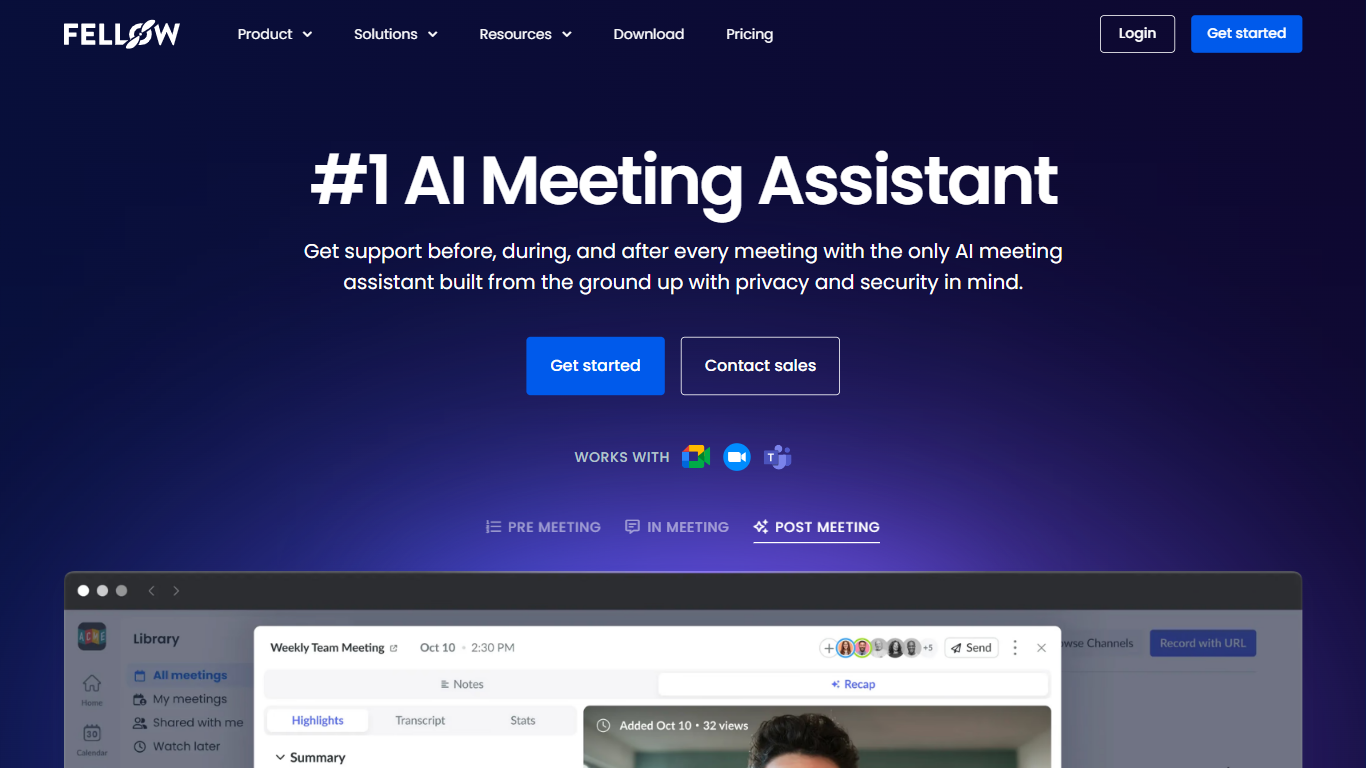
Fellow is a secure AI meeting assistant designed to record, transcribe, and summarize meetings across platforms like Zoom, Microsoft Teams, and Google Meet. It prioritizes privacy, ensuring meeting data is accessible only to authorized users with granular controls and compliance with SOC 2, HIPAA, and GDPR standards. The platform supports pre-meeting preparation with collaborative agendas and AI-generated briefs, helping teams stay focused and productive. Post-meeting, Fellow automates follow-ups, action items, and CRM updates, integrating with over 50 tools including Salesforce, HubSpot, Jira, and Slack. It offers botless recording options for added privacy and supports regulated industries such as finance and healthcare with features like transcript redaction and audit trails. Fellow serves diverse teams from sales and marketing to engineering and operations, centralizing meeting knowledge and streamlining workflows.
Flux

What is Flux?
Flux runs ECAD in the browser so hardware engineers design printed circuit boards from idea through manufacturing without desktop installs. You describe what you want to build, and Flux Copilot plans the work, generates schematics and layouts, and checks in before key steps so you stay in control.
Compared with traditional desktop ECAD suites, Flux combines collaborative schematic and layout editing with live component data, supply chain pricing, and explainable automation in one workspace. Copilot handles planning, part research, BoM generation, placement, routing, and design reviews while you approve key steps instead of clicking through every net manually.
Flux supports multi-layer PCBs up to eight layers for IoT devices, wearables, robotics, and production-bound hardware. You can import from Altium, Cadence, KiCad, Eagle, and EasyEDA, then export Gerbers, drill files, BoMs, pick-and-place files, and standard netlists for fabrication.
Fellow Upvotes
Flux Upvotes
Fellow Top Features
🔒 Privacy-first design with SOC 2, HIPAA, and GDPR compliance ensures your meeting data stays secure and private.
📝 AI-powered meeting notes and summaries capture key points and action items automatically during calls.
🤖 AskFellow AI agent generates follow-up emails, documents, and CRM updates to keep workflows moving.
📚 Centralized recording library with granular access controls lets teams organize and share meeting knowledge safely.
🔗 Integrates with 50+ tools like Salesforce, HubSpot, Jira, Slack, and Zapier to sync meeting insights across workflows.
Flux Top Features
Describe a board in plain language and Copilot maps a plan for approval
Generates schematics, BoMs, and layouts with placement and routing
Runs design reviews for unconnected pins, missing caps, and tolerance issues
Multi-layer PCBs up to eight layers, from prototype to production
Imports Altium, Cadence, KiCad, Eagle, and EasyEDA projects
Exports Gerbers, drill files, BoM, pick-and-place, and netlists
14-day free trial covers all features before Explore, Build, or Pro billing starts
Fellow Category
- Meeting Assistant
Flux Category
- Design
Fellow Pricing Type
- Freemium
Flux Pricing Type
- Freemium