Flux vs Sembly AI
In the battle of Flux vs Sembly AI, which AI tool comes out on top? We compare reviews, pricing, alternatives, upvotes, features, and more.
Between Flux and Sembly AI, which one is superior?
Upon comparing Flux with Sembly AI, which are both AI-powered tools, The users have made their preference clear, Sembly AI leads in upvotes. Sembly AI has 17 upvotes, and Flux has 11 upvotes.
Feeling rebellious? Cast your vote and shake things up!
Flux


What is Flux?
Flux runs ECAD in the browser so hardware engineers design printed circuit boards from idea through manufacturing without desktop installs. You describe what you want to build, and Flux Copilot plans the work, generates schematics and layouts, and checks in before key steps so you stay in control.
Compared with traditional desktop ECAD suites, Flux combines collaborative schematic and layout editing with live component data, supply chain pricing, and explainable automation in one workspace. Copilot handles planning, part research, BoM generation, placement, routing, and design reviews while you approve key steps instead of clicking through every net manually.
Flux supports multi-layer PCBs up to eight layers for IoT devices, wearables, robotics, and production-bound hardware. You can import from Altium, Cadence, KiCad, Eagle, and EasyEDA, then export Gerbers, drill files, BoMs, pick-and-place files, and standard netlists for fabrication.
Sembly AI
What is Sembly AI?
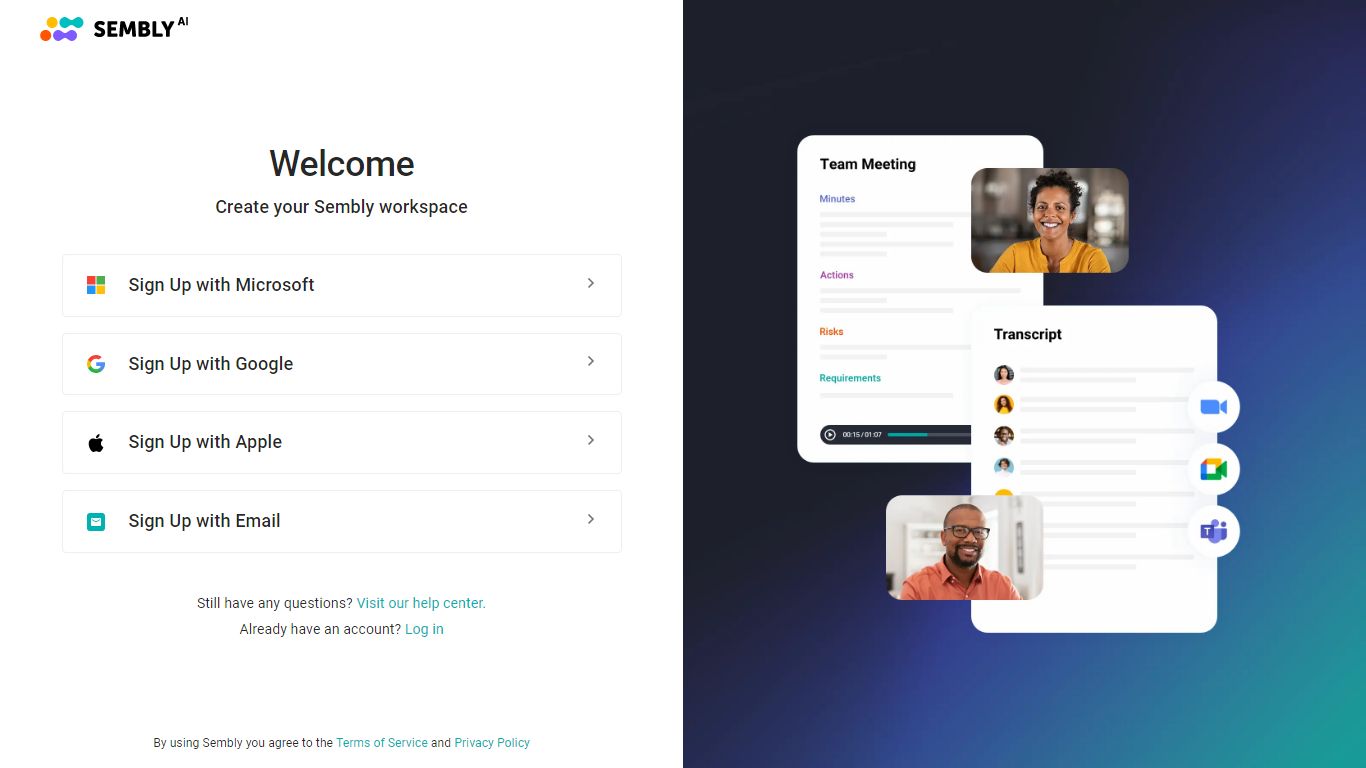
Sembly AI joins your Zoom, Google Meet, Microsoft Teams, or Webex calls, transcribes the conversation, and turns it into client-ready deliverables like proposals, project briefs, and status reports. The meeting assistant also tracks decisions, action items, sentiment, and talk-time patterns across your workspace history.
Where most meeting bots stop at a transcript, Sembly AI targets professional services teams that bill for follow-up documents. It generates up to 40 AI documents per user on the MAX plan, syncs outcomes to Salesforce, Notion, Slack, and HubSpot, and supports 48 languages with US and EU data residency options.
Project management offices, agencies, IT outsourcers, and HR recruiters are the verticals Sembly AI highlights on its site. Gartner named Sembly an Emerging Visionary in AI tools, and the platform reports 2 million plus client interactions processed.
Basic starts at $17 per month with a free trial, Pro at $29 per user per month, and MAX at $39 per user per month. Annual billing cuts prices to $10, $20, and $30 respectively with a 30 percent discount.
Flux Upvotes
Sembly AI Upvotes
Flux Top Features
Describe a board in plain language and Copilot maps a plan for approval
Generates schematics, BoMs, and layouts with placement and routing
Runs design reviews for unconnected pins, missing caps, and tolerance issues
Multi-layer PCBs up to eight layers, from prototype to production
Imports Altium, Cadence, KiCad, Eagle, and EasyEDA projects
Exports Gerbers, drill files, BoM, pick-and-place, and netlists
14-day free trial covers all features before Explore, Build, or Pro billing starts
Sembly AI Top Features
Joins Zoom, Google Meet, Microsoft Teams, and Webex with unlimited meeting hours on paid plans
Generates sales proposals, project briefs, pitch decks, and client reports from call transcripts
Supports 48 languages with US and EU data residency options for global teams
Syncs meeting intelligence to Salesforce, Notion, Slack, HubSpot, and 50 plus integrations
Pro plan includes multi-meeting AI chat and up to 5 AI-generated documents per user
MAX plan adds HIPAA compliance, audit logs, custom SSO, and up to 40 AI insights per user
Flux Category
- Design
Sembly AI Category
- Meeting Assistant
Flux Pricing Type
- Freemium
Sembly AI Pricing Type
- Freemium