ChatGPT for Outlook vs ChatGPT Services
In the contest of ChatGPT for Outlook vs ChatGPT Services, which AI Email Assistant tool is the champion? We evaluate pricing, alternatives, upvotes, features, reviews, and more.
If you had to choose between ChatGPT for Outlook and ChatGPT Services, which one would you go for?
When we examine ChatGPT for Outlook and ChatGPT Services, both of which are AI-enabled email assistant tools, what unique characteristics do we discover? Interestingly, both tools have managed to secure the same number of upvotes. Join the aitools.fyi users in deciding the winner by casting your vote.
Not your cup of tea? Upvote your preferred tool and stir things up!
ChatGPT for Outlook
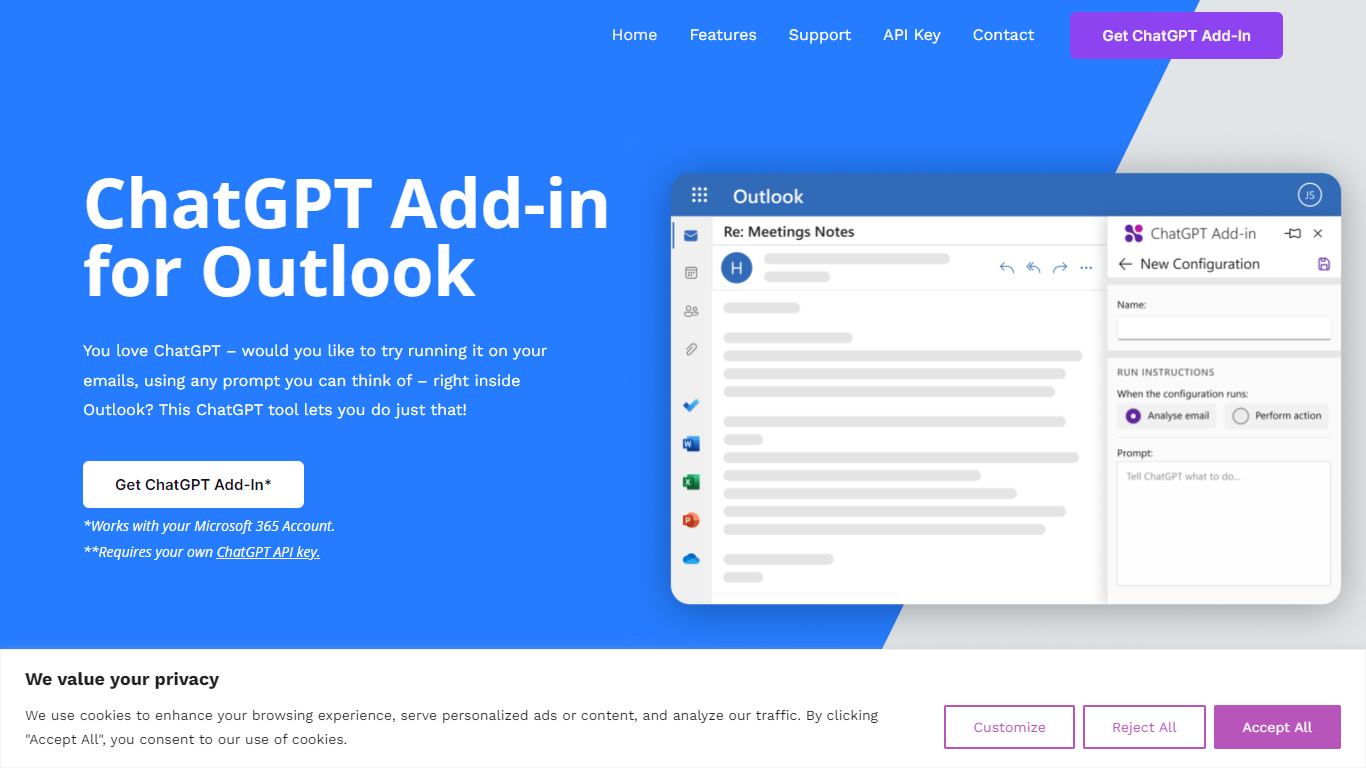

What is ChatGPT for Outlook?
ChatGPT for Outlook is a free Outlook add-in from Blueberry Consultants that runs OpenAI's ChatGPT on messages in your inbox or while you compose new mail. You install it with a manifest URL, connect your own ChatGPT API key, and write custom prompts to summarize threads, pull out key details, or reshape email text without leaving Outlook.
The add-in is built for people who already rely on ChatGPT and want that workflow inside email. You can process a full message or narrow the scope to the body, subject, or attachments, then view results in a separate window or replace the original content. Multiple prompt configurations let you match different inbox scenarios.
Blueberry also offers custom branded versions for teams and resellers, with prompts and API keys tailored to a Microsoft 365 domain. The product is not affiliated with OpenAI or Microsoft, though Blueberry is a Microsoft Partner.
ChatGPT Services
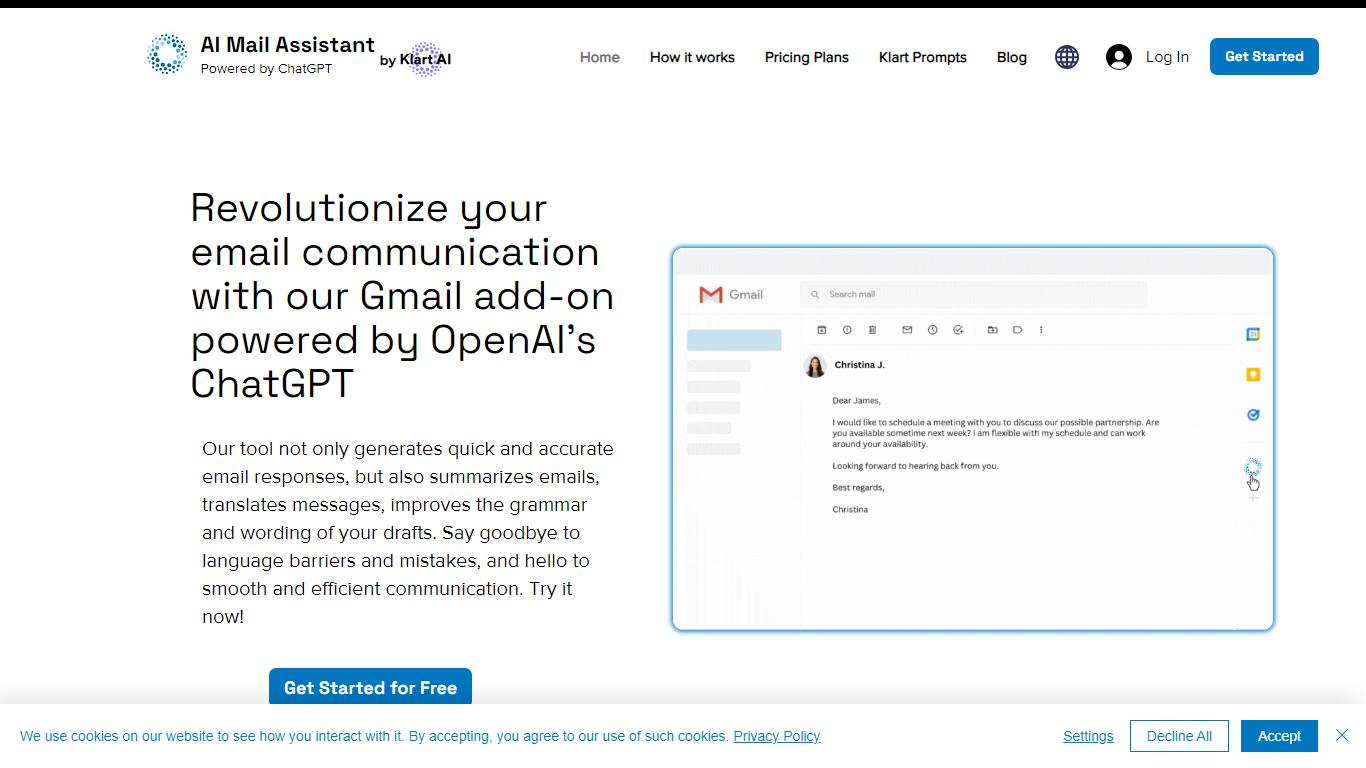
What is ChatGPT Services?
ChatGPT Services hosts Gmail add-ons from Klart AI that write, translate, summarize, and analyze email inside your inbox. AI Mail Assistant adds reply generation, draft polishing, 13-language translation, ChatGPT Q&A, and tone or ethics analysis to Gmail through the Google Workspace Marketplace.
Unlike standalone ChatGPT tabs, these tools live in Gmail's sidebar so you generate replies, insert drafts, and translate threads without switching apps. A separate AI Label Assistant product auto-labels and archives mail on an hourly schedule using your existing Gmail labels, with custom instructions when label titles alone are not specific enough.
The suite also includes Klart Prompts for GPT, Midjourney, and reverse prompt engineering. Plans start with 10 free AI Mail Assistant requests per month, paid tiers from €4.99 monthly, and Stripe or PayPal billing with cancel-anytime subscriptions.
ChatGPT for Outlook Upvotes
ChatGPT Services Upvotes
ChatGPT for Outlook Top Features
Install via a manifest URL and connect your own ChatGPT API key in minutes
Write custom prompts to summarize emails, highlight details, or rewrite message text
Process the full email or filter by body, subject, or attachments only
Show ChatGPT output in a separate window or replace the original email body
Flag or mark importance automatically based on generated output
Save multiple prompt configurations for different email types or workflows
ChatGPT Services Top Features
AI Mail Assistant generates Gmail replies, summaries, and draft improvements powered by GPT-4 and GPT-4o
Built-in translation covers 13 languages for both incoming mail and outgoing drafts
Email analysis flags sarcasm, harassment, discrimination, mobbing, and ethical issues in threads
AI Label Assistant auto-labels mail hourly with up to 20 custom labels and optional auto-archiving
Free AI Mail Assistant tier includes 10 requests per month across all compose features
Klart Prompts Pro adds unlimited GPT, Midjourney, and reverse prompt engineering generators
ChatGPT for Outlook Category
- Email Assistant
ChatGPT Services Category
- Email Assistant
ChatGPT for Outlook Pricing Type
- Freemium
ChatGPT Services Pricing Type
- Freemium