ChatGPT for Outlook vs ResponseBrain
In the face-off between ChatGPT for Outlook vs ResponseBrain, which AI Email Assistant tool takes the crown? We scrutinize features, alternatives, upvotes, reviews, pricing, and more.
In a face-off between ChatGPT for Outlook and ResponseBrain, which one takes the crown?
If we were to analyze ChatGPT for Outlook and ResponseBrain, both of which are AI-powered email assistant tools, what would we find? ResponseBrain stands out as the clear frontrunner in terms of upvotes. The upvote count for ResponseBrain is 7, and for ChatGPT for Outlook it's 6.
You don't agree with the result? Cast your vote to help us decide!
ChatGPT for Outlook
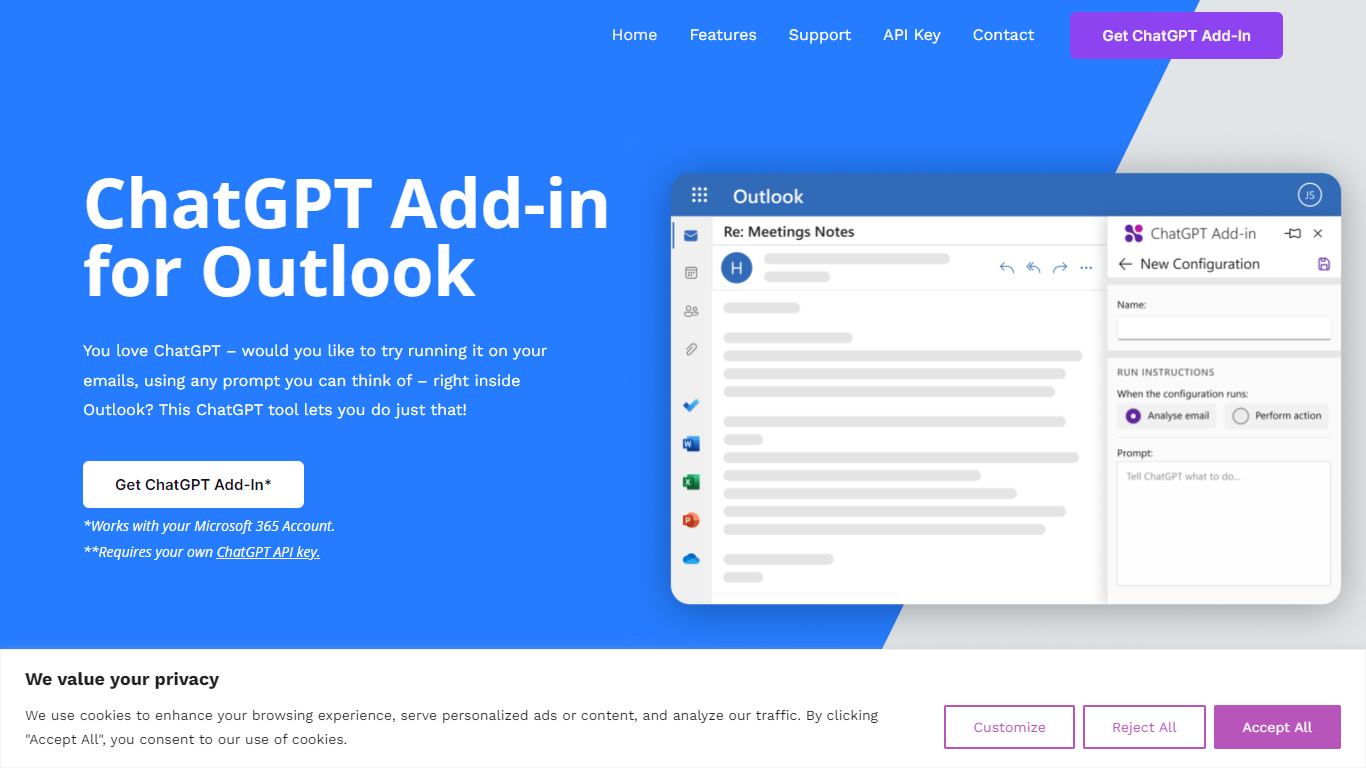

What is ChatGPT for Outlook?
ChatGPT for Outlook is a free Outlook add-in from Blueberry Consultants that runs OpenAI's ChatGPT on messages in your inbox or while you compose new mail. You install it with a manifest URL, connect your own ChatGPT API key, and write custom prompts to summarize threads, pull out key details, or reshape email text without leaving Outlook.
The add-in is built for people who already rely on ChatGPT and want that workflow inside email. You can process a full message or narrow the scope to the body, subject, or attachments, then view results in a separate window or replace the original content. Multiple prompt configurations let you match different inbox scenarios.
Blueberry also offers custom branded versions for teams and resellers, with prompts and API keys tailored to a Microsoft 365 domain. The product is not affiliated with OpenAI or Microsoft, though Blueberry is a Microsoft Partner.
ResponseBrain
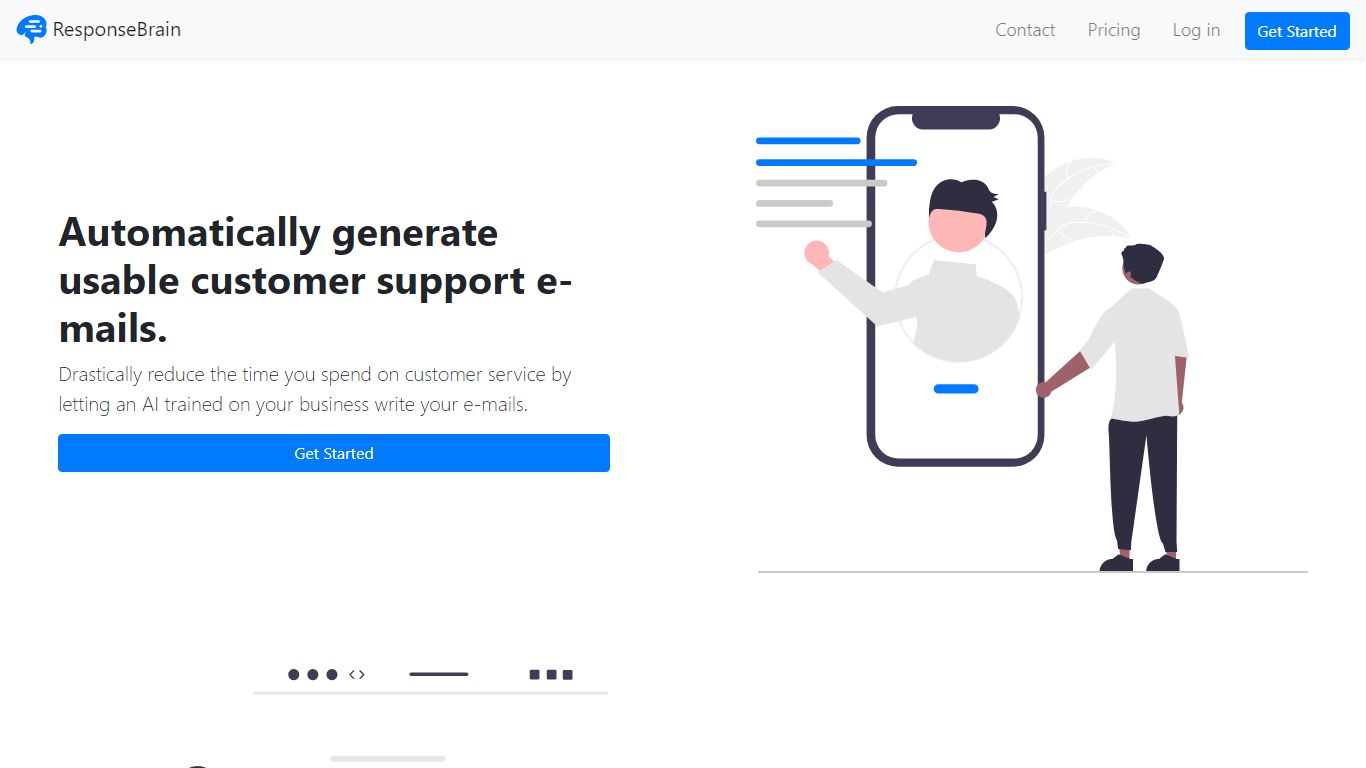
What is ResponseBrain?
ResponseBrain is an innovative AI-powered solution designed to revolutionize customer support e-mails. With ResponseBrain, businesses can effortlessly generate professional and effective customer service responses, saving valuable time and effort. Powered by cutting-edge artificial intelligence, this platform utilizes ChatGPT and GPT-4 models trained specifically on your business's relevant information. By leveraging existing content such as help center articles, blog posts, or previous e-mails, ResponseBrain creates a personalized AI assistant that comprehensively understands your business's intricacies. The AI assistant adeptly answers customer queries, freeing up your time to focus on core business activities. Compatible with any e-mail system and requiring no technical setup, ResponseBrain seamlessly integrates into your existing workflow. Additionally, ResponseBrain offers a user-friendly app for convenient access to your AI assistant at all times. Experience the efficiency and productivity gains that ResponseBrain brings to your customer support process today!
ChatGPT for Outlook Upvotes
ResponseBrain Upvotes
ChatGPT for Outlook Top Features
Install via a manifest URL and connect your own ChatGPT API key in minutes
Write custom prompts to summarize emails, highlight details, or rewrite message text
Process the full email or filter by body, subject, or attachments only
Show ChatGPT output in a separate window or replace the original email body
Flag or mark importance automatically based on generated output
Save multiple prompt configurations for different email types or workflows
ResponseBrain Top Features
Generates professional and effective customer service responses
Utilizes ChatGPT and GPT-4 models trained specifically on your business's relevant information
Adeptly answers customer queries
Compatible with any e-mail system and requiring no technical setup
Offers a user-friendly app for convenient access to your AI assistant at all times
ChatGPT for Outlook Category
- Email Assistant
ResponseBrain Category
- Email Assistant
ChatGPT for Outlook Pricing Type
- Freemium
ResponseBrain Pricing Type
- Freemium