ChatPDF vs PDFPeer
Compare ChatPDF vs PDFPeer and see which AI PDF tool is better when we compare features, reviews, pricing, alternatives, upvotes, etc.
Which one is better? ChatPDF or PDFPeer?
When we compare ChatPDF with PDFPeer, which are both AI-powered pdf tools, In the race for upvotes, PDFPeer takes the trophy. PDFPeer has received 89 upvotes from aitools.fyi users, while ChatPDF has received 19 upvotes.
Does the result make you go "hmm"? Cast your vote and turn that frown upside down!
ChatPDF

What is ChatPDF?
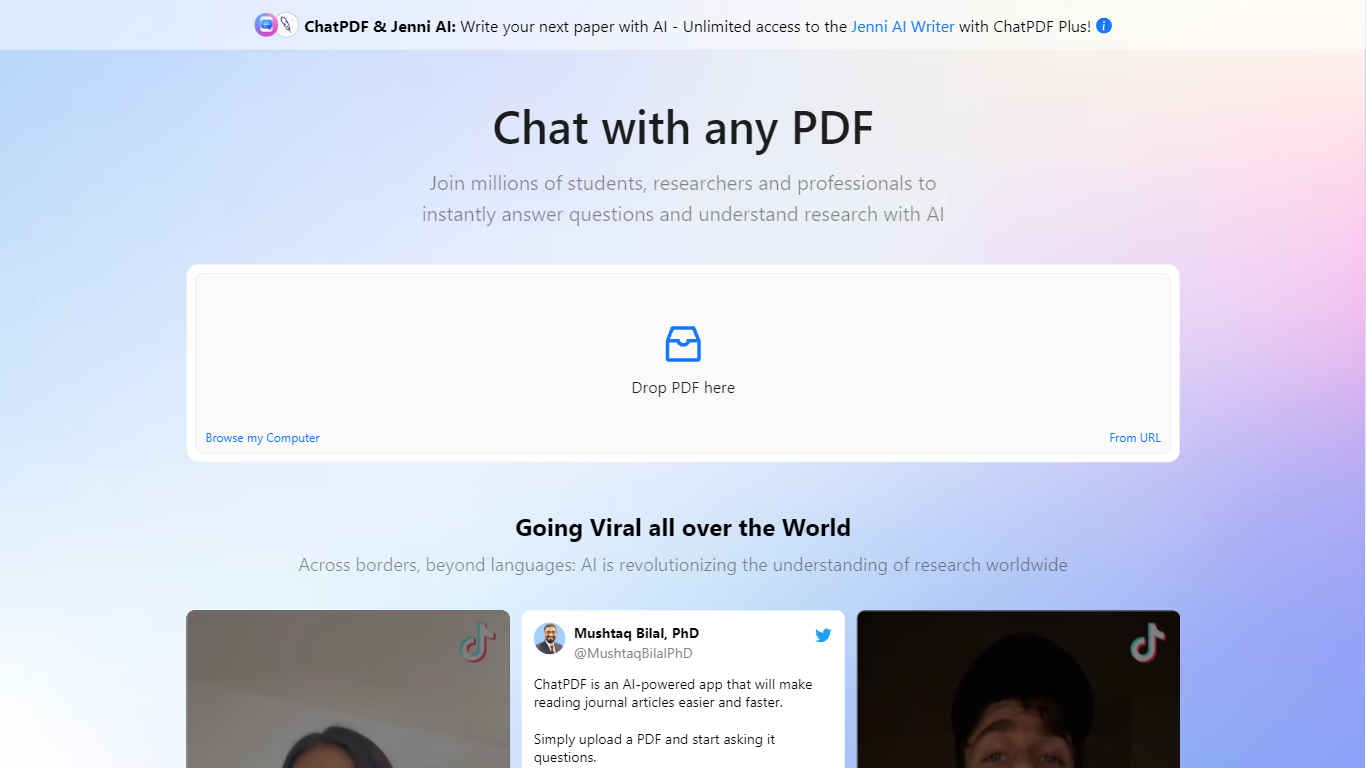
Upload a PDF and ask questions in plain language; ChatPDF maps every answer back to the page where it found the evidence. You can also paste YouTube links, website URLs, or plain text to start a chat without uploading a file. Supported uploads include PDF, Word, PowerPoint, Markdown, and plain text.
Unlike standalone PDF chat apps, ChatPDF bundles document chat with AI Research, AI Writer, AI Detector, YouTube chat, flashcards, and slides under one account. The side-by-side layout keeps your source open next to the chat, and citations jump straight to the referenced passage. General chatbots can summarize pasted text, but they do not map answers back to page numbers across multiple files in a folder.
Students use it to study for exams, summarize lecture notes, and work through homework faster. Researchers run literature reviews, chat with open-access papers in AI Research, and draft cite-ready text in AI Writer. Professionals turn to it for contracts, manuals, financial reports, and training materials.
The site cites more than 10 million users and over one million questions answered daily. ChatPDF routes queries between GPT-4o and GPT-4o-mini, and the free tier covers two documents per day with no account required.
PDFPeer
What is PDFPeer?
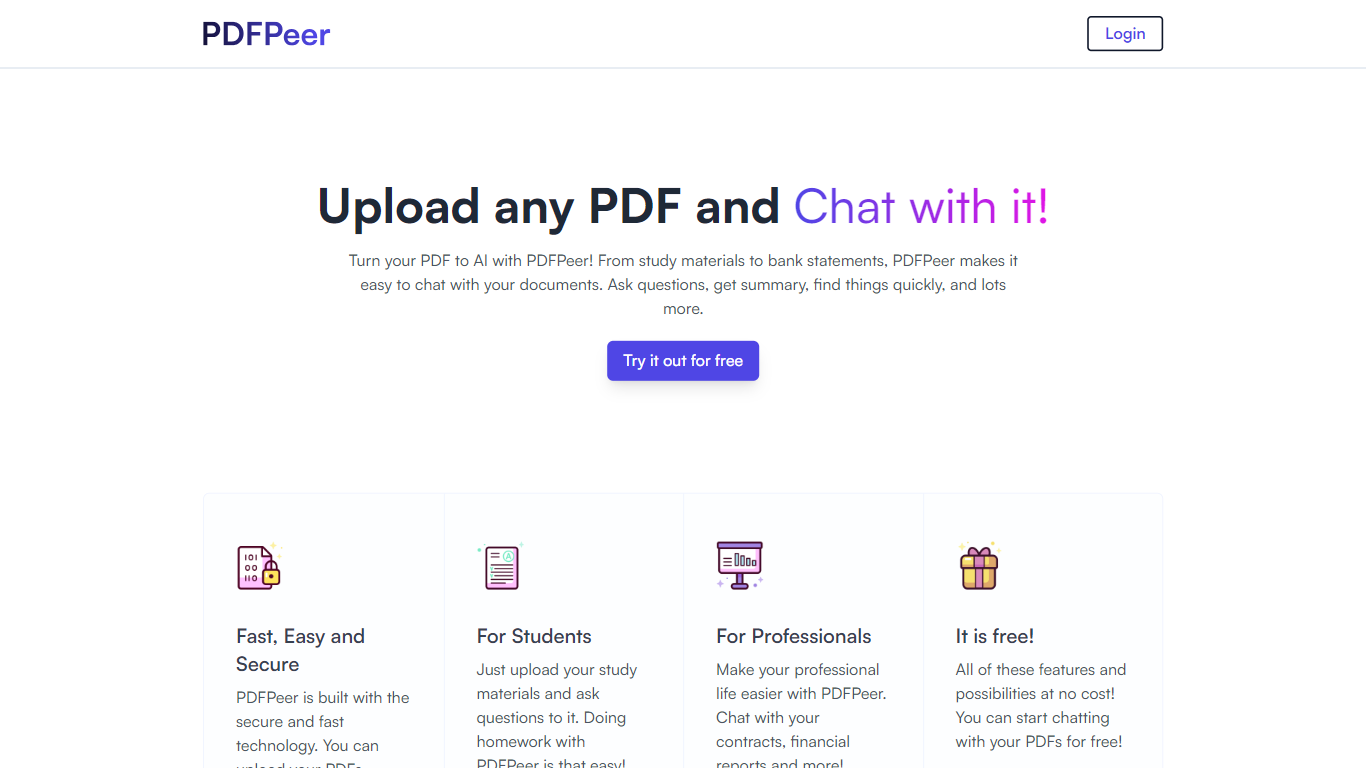
PDFPeer turns uploaded PDFs into documents you can question in plain language. Upload a file, then ask for summaries, specific facts, or quick lookups without scrolling page by page. The product targets students working through lecture notes and professionals handling contracts, reports, bank statements, and similar paperwork.
The homepage highlights use across study materials, invoices, resumes, contracts, tax forms, research papers, and other document types. PDFPeer also ships a separate free tools section for conversions and extraction, including PDF to text, OCR, image conversion, and split PDF workflows that do not require signing in.
Accounts support Google, GitHub, or email sign-in. Southern East Inc., based in Waterloo, Ontario, operates PDFPeer and handles billing through Stripe.
ChatPDF Upvotes
PDFPeer Upvotes
ChatPDF Top Features
Free tier analyzes up to 2 documents per day with no account required
Supports PDF, Word (.doc/.docx), PowerPoint (.ppt/.pptx), Markdown, and .txt uploads
Answers include clickable citations that jump to the exact page in your document
Multi-file folders let you query and compare several documents in one conversation
Routes queries between GPT-4o and GPT-4o-mini for speed and answer quality
AI Research searches academic papers and chats with open-access PDFs
YouTube chat returns answers with timestamp links to relevant video moments
PDFPeer Top Features
Upload a PDF and ask questions in natural language instead of searching manually
Generate summaries and pull specific details from long documents quickly
Works across study notes, contracts, invoices, resumes, tax forms, and research papers
Free tier includes one PDF with limits on file size, page count, and daily questions
Unlimited plan removes PDF, page, and question caps with priority support
Standalone free PDF utilities for text extraction, OCR, image conversion, and splitting files
ChatPDF Category
- PDF
PDFPeer Category
- PDF
ChatPDF Pricing Type
- Freemium
PDFPeer Pricing Type
- Freemium