Checkget vs Chat with AI - LetsView Chat
In the contest of Checkget vs Chat with AI - LetsView Chat, which AI Chat Bot tool is the champion? We evaluate pricing, alternatives, upvotes, features, reviews, and more.
If you had to choose between Checkget and Chat with AI - LetsView Chat, which one would you go for?
When we examine Checkget and Chat with AI - LetsView Chat, both of which are AI-enabled chat bot tools, what unique characteristics do we discover? There's no clear winner in terms of upvotes, as both tools have received the same number. Every vote counts! Cast yours and contribute to the decision of the winner.
Not your cup of tea? Upvote your preferred tool and stir things up!
Checkget
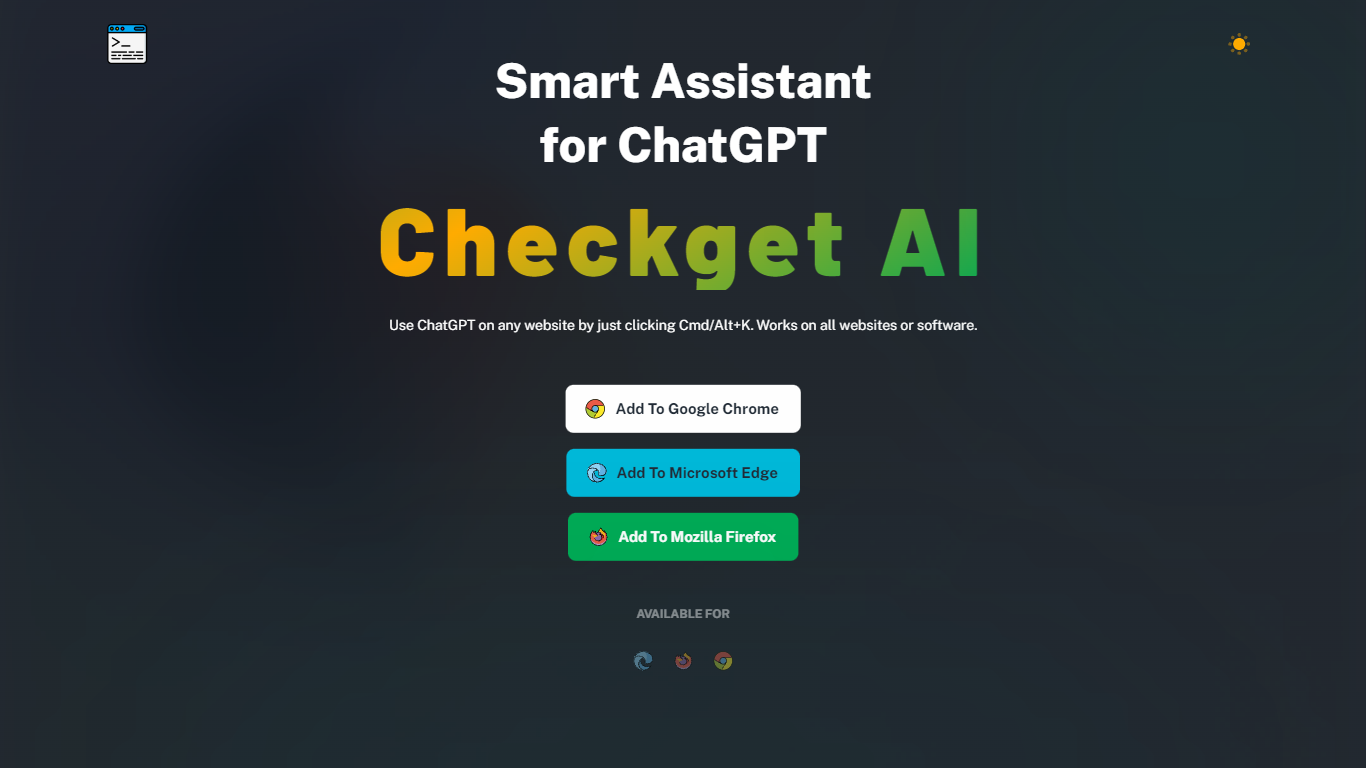

What is Checkget?
Checkget is a browser extension chatbot that puts ChatGPT on any website through a keyboard shortcut. Press Cmd+K on Mac or Alt+K on Windows from Gmail, docs, or any page, select text, and Checkget opens without copying into a separate tab. Chrome, Edge, and Firefox builds are listed on the homepage.
Most ChatGPT sidebar tools still ask you to paste text or leave the page. Checkget tries to read the scenario first, whether you are replying to email or explaining code, before suggesting actions. Paid tiers add GPT-4 with a cap of 5 requests per call, and local mode lets you route prompts through your own ChatGPT API key instead of Checkget servers.
Writers, developers, and support staff who live in the browser can use Checkget to summarize, translate, fix grammar, shorten, lengthen, rephrase, or change tone on selected text. Freemium limits start at 30 requests per day on the free Personal plan.
Chat with AI - LetsView Chat
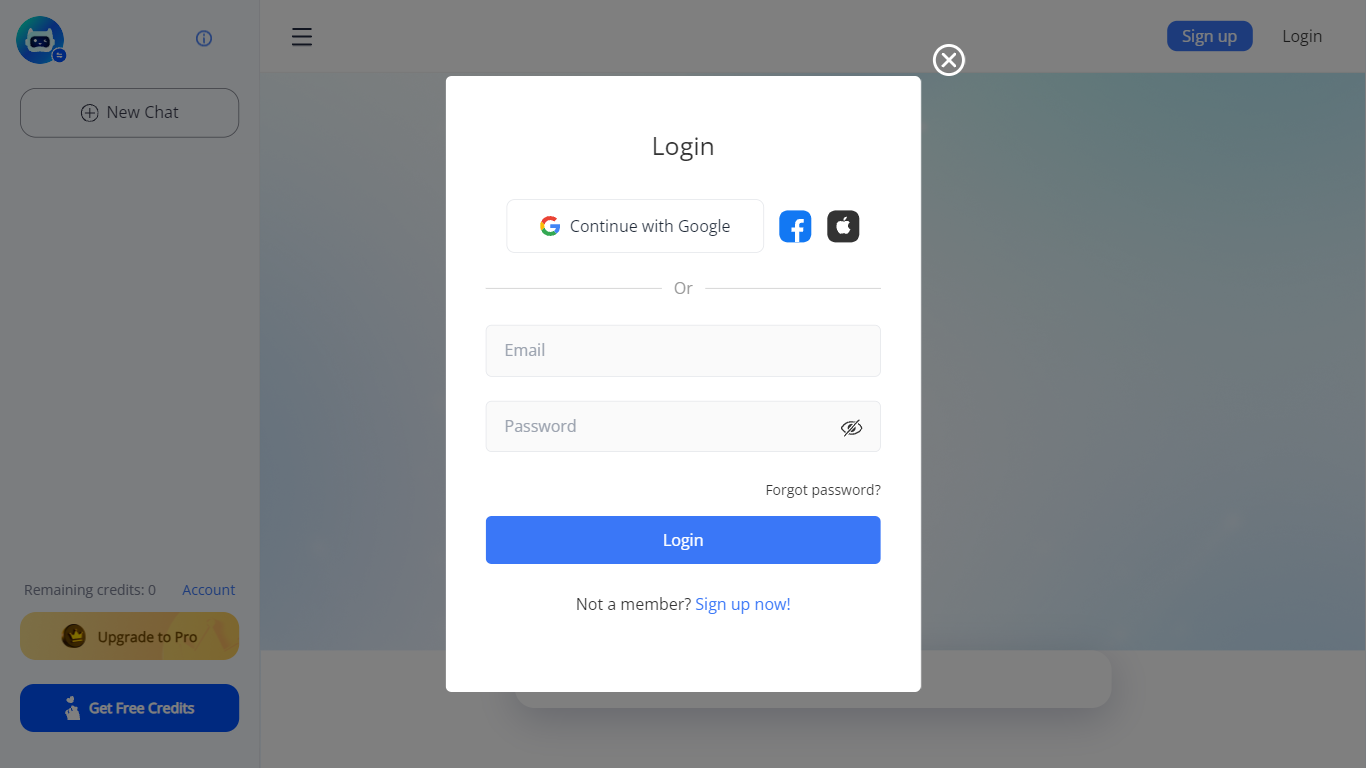
What is Chat with AI - LetsView Chat?
LetsView Chat is a browser-based AI chatbot from LetsView where you sign in, pick an assistant, and send prompts through a web interface. The chatbot page shows credit balances, a free-credit promo, and an Upgrade to Pro path, so usage runs on credits rather than an open-ended free session.
Unlike LetsView's screen-mirroring apps, this product is a standalone chat workspace with assistant switching, recommended prompts, and an Inspiration Library to browse starter ideas. You can continue with Google or create a LetsView account before chatting.
The public page exposes little technical detail beyond those workflow pieces, so teams evaluating LetsView Chat should sign in to test assistant quality and credit limits directly on letsview.com/chatbot.
Checkget Upvotes
Chat with AI - LetsView Chat Upvotes
Checkget Top Features
Opens on any site with Cmd+K (Mac) or Alt+K (Windows) without leaving the page
Free Personal plan includes 30 requests per day and 5 conversation rounds on GPT-3.5
Pro at $4.99 per month raises limits to 200 daily requests, 15 rounds, and GPT-4 (5 requests per call)
Premium at $9.98 per month offers 500 daily requests and 30 conversation rounds
Local mode sends prompts through your own ChatGPT API key after you set an ApiKey
Chrome, Edge, and Firefox extensions are available from the Checkget homepage
Chat with AI - LetsView Chat Top Features
Browser-based chat at letsview.com/chatbot with no desktop download mentioned on the page
Switch assistant profiles before starting a new chat session
Credit balance displayed in the interface with Upgrade to Pro and Get Free Credits options
Inspiration Library for browsing prompt ideas inside the chat workspace
Google sign-in plus standard email signup and login
Recommended prompt shortcuts surfaced on the chat landing screen
Checkget Category
- Chat Bot
Chat with AI - LetsView Chat Category
- Chat Bot
Checkget Pricing Type
- Freemium
Chat with AI - LetsView Chat Pricing Type
- Freemium