Claude vs Paxo
In the battle of Claude vs Paxo, which AI Meeting Assistant tool comes out on top? We compare reviews, pricing, alternatives, upvotes, features, and more.
Which one is better? Claude or Paxo?
Upon comparing Claude with Paxo, which are both AI-powered meeting assistant tools, Paxo stands out as the clear frontrunner in terms of upvotes. Paxo has received 7 upvotes from aitools.fyi users, while Claude has received 6 upvotes.
Disagree with the result? Upvote your favorite tool and help it win!
Claude

What is Claude?
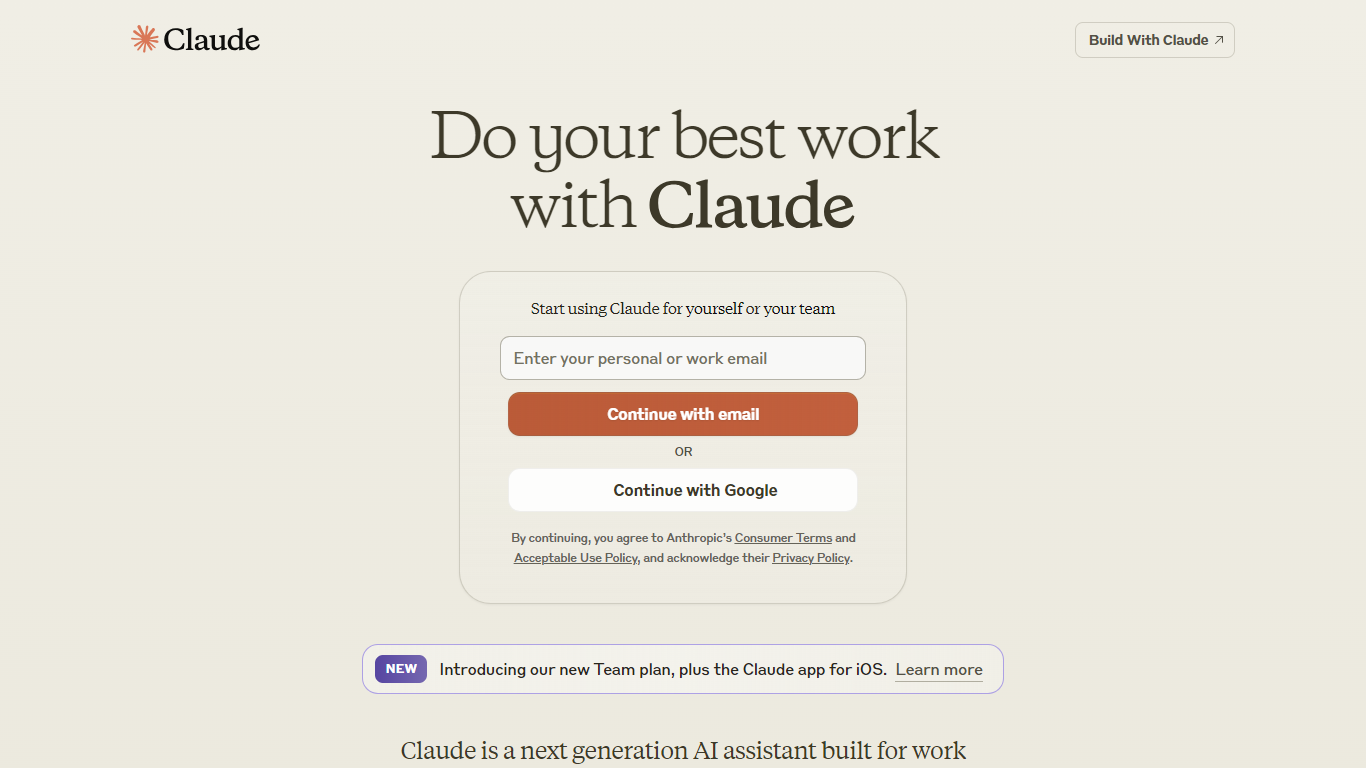
Claude is Anthropic's conversational AI assistant for writing, coding, research, and analysis. You chat with it on the web at claude.ai, through desktop and mobile apps, or through the Claude API if you are building your own product.
The product goes well beyond a chat box. Claude Code handles agentic coding, Claude Cowork runs delegated tasks across your apps, and dedicated workflows cover design and scientific research. The model lineup includes Fable, Opus, Sonnet, and Haiku, with extended thinking for harder problems and memory that carries across conversations.
It fits developers, researchers, writers, and teams who want one assistant to brainstorm, draft, analyze data, run code, and plug into Slack, Google Workspace, or Microsoft 365 through connectors and desktop extensions.
Paxo
What is Paxo?
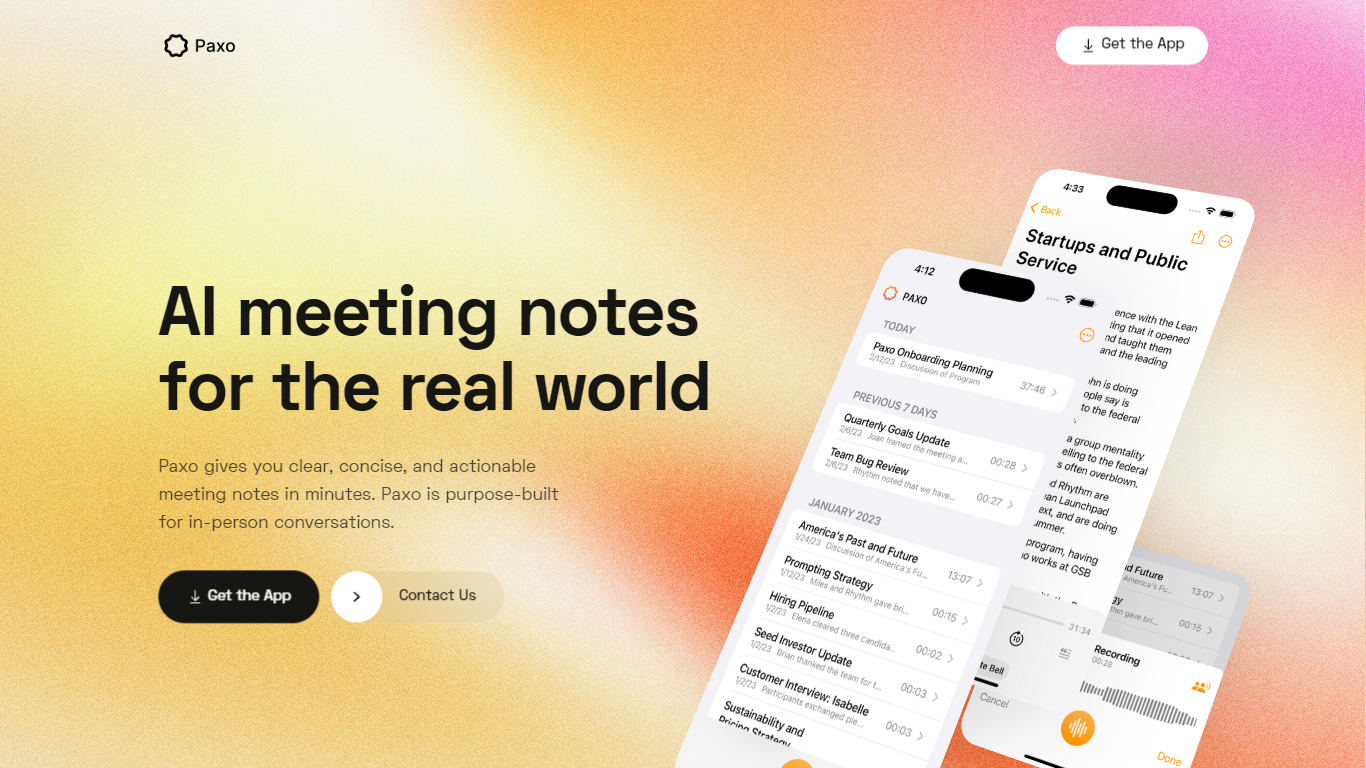
Paxo is an innovative app designed to transform the way you handle meeting notes. This AI-powered tool is tailored specifically for documenting in-person conversations, ensuring you capture clear, concise, and actionable notes quickly and efficiently. Paxo stands out with its automatic note-taking capability, enabling you to concentrate on the meeting without the worry of missing any important details. It employs advanced voice identification technology to recognize and assign speakers, learning the voices of team members over time for greater accuracy in future sessions.
Enhancing the user experience, Paxo emphasizes privacy, storing all recordings locally on your device and eliminating them from servers after processing. This privacy-first architecture guarantees that confidential information remains secure. Moreover, Paxo is versatile, suitable for various meeting environments, including face-to-face interactions and virtual conferences like Zoom.
Paxo simplifies organization and accessibility, offering features such as seamless syncing across devices via iCloud, making recordings both organized and searchable. In addition, it provides compatibility with numerous apps for effortless data import and export. With continuous updates, Paxo evolves to meet users' needs, backed by an unwavering support team. By prioritizing user privacy and offering a robust set of features, Paxo positions itself as an essential tool for anyone looking to streamline their meeting documentation process.
Claude Upvotes
Paxo Upvotes
Claude Top Features
Chat on web, iOS, Android, and desktop with shared projects and memory
Claude Code, Cowork, Design, and Science bundled in paid plans for coding and delegated work
Extended thinking mode for multi-step reasoning on complex tasks
Connect Slack, Google Workspace, and Microsoft 365 through connectors and remote MCP
Web search, file creation, and code execution without leaving the chat
Switch between Fable, Opus, Sonnet, and Haiku based on speed or depth needs
Import memory from another AI provider when you switch to Claude
Paxo Top Features
Automatic Note-Taking: Capture every important detail with the push of a record button.
Voice Identification: Distinguish speakers and assign names using contacts for easy tracking.
Privacy Protection: Recordings stored on-device and promptly deleted from servers post-processing.
Cross-Platform Syncing: Sync your recordings across multiple devices through iCloud.
User Convenience: Import and export data seamlessly to avoid any lock-in with other apps.
Claude Category
- Meeting Assistant
Paxo Category
- Meeting Assistant
Claude Pricing Type
- Freemium
Paxo Pricing Type
- Freemium