Cleanup Pictures By Pixelcut vs AI Photo Editor
In the clash of Cleanup Pictures By Pixelcut vs AI Photo Editor, which AI Photo Editing tool emerges victorious? We assess reviews, pricing, alternatives, features, upvotes, and more.
When we put Cleanup Pictures By Pixelcut and AI Photo Editor head to head, which one emerges as the victor?
Let's take a closer look at Cleanup Pictures By Pixelcut and AI Photo Editor, both of which are AI-driven photo editing tools, and see what sets them apart. With more upvotes, AI Photo Editor is the preferred choice. AI Photo Editor has 17 upvotes, and Cleanup Pictures By Pixelcut has 6 upvotes.
Want to flip the script? Upvote your favorite tool and change the game!
Cleanup Pictures By Pixelcut
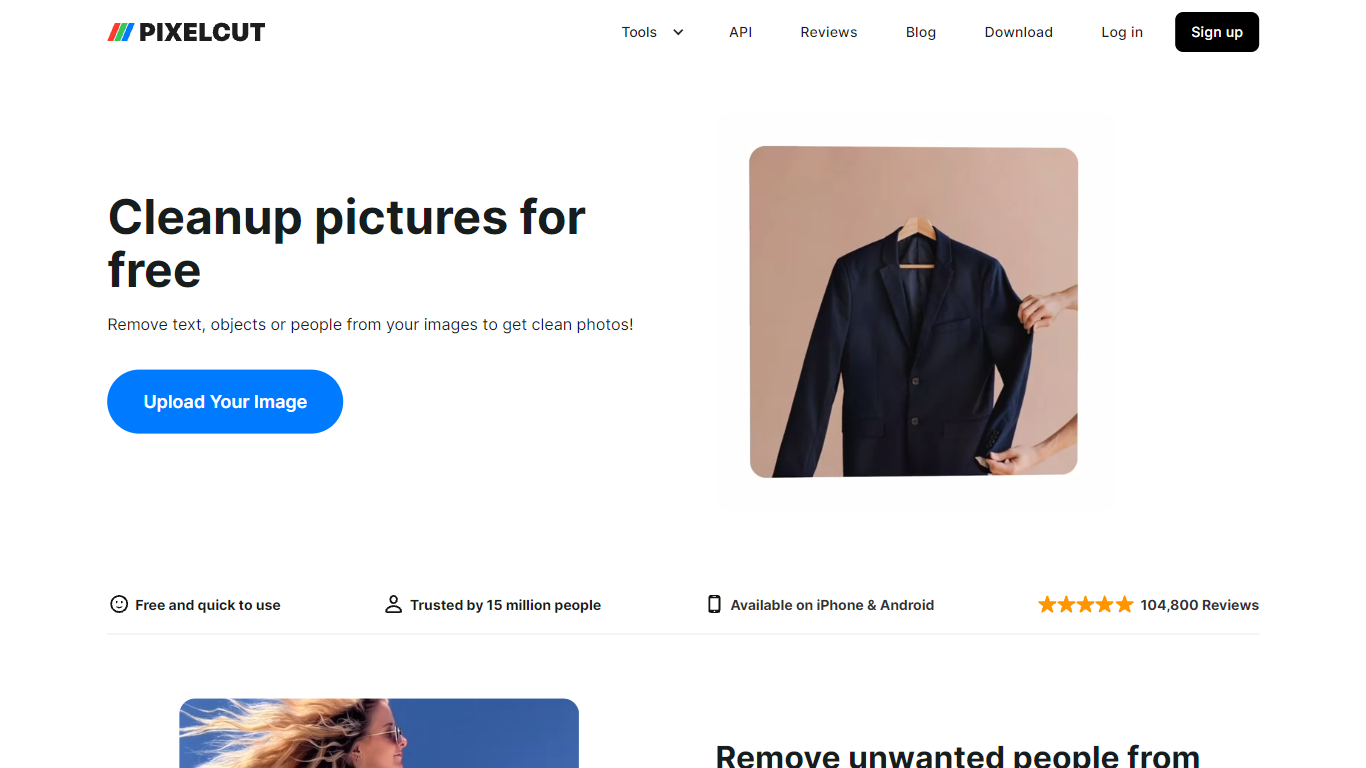

What is Cleanup Pictures By Pixelcut?
Cleanup Pictures by Pixelcut is an easy-to-use online photo editor focused on removing unwanted objects, people, and text from images. Its Magic Eraser tool lets users swipe over elements they want gone, and the AI fills in the background naturally, leaving no traces behind. This tool is ideal for anyone from casual photo editors to professionals who want quick, clean results without complex software.
Beyond object removal, Cleanup Pictures supports multiple image formats including JPG, PNG, and HEIC, making it versatile for different users. It also offers batch processing for editing several photos at once, saving time for users managing large image sets. The tool’s interface is designed to be intuitive, so even beginners can achieve polished edits with minimal effort.
Pixelcut has integrated advanced AI technology that not only removes objects but also smooths skin blemishes and erases text or watermarks without damaging the photo quality. This makes it a handy tool for social media creators, online sellers, and photographers who want to enhance images quickly.
The platform is part of the broader Pixelcut suite, which includes background removal, AI background generation, and template options, allowing users to create professional-looking images for marketing, e-commerce, or personal use. The app is available on mobile and desktop, providing flexibility to edit photos anywhere.
Privacy is a priority; uploaded photos are handled securely and not shared with third parties. Users can download their cleaned images immediately after editing. For those needing more features, Pixelcut offers Pro plans with additional tools like HD exports, unlimited background removals, and team collaboration.
Overall, Cleanup Pictures stands out for its simplicity, speed, and effective AI-powered editing, making it a valuable tool for anyone looking to clean up photos without hassle.
AI Photo Editor
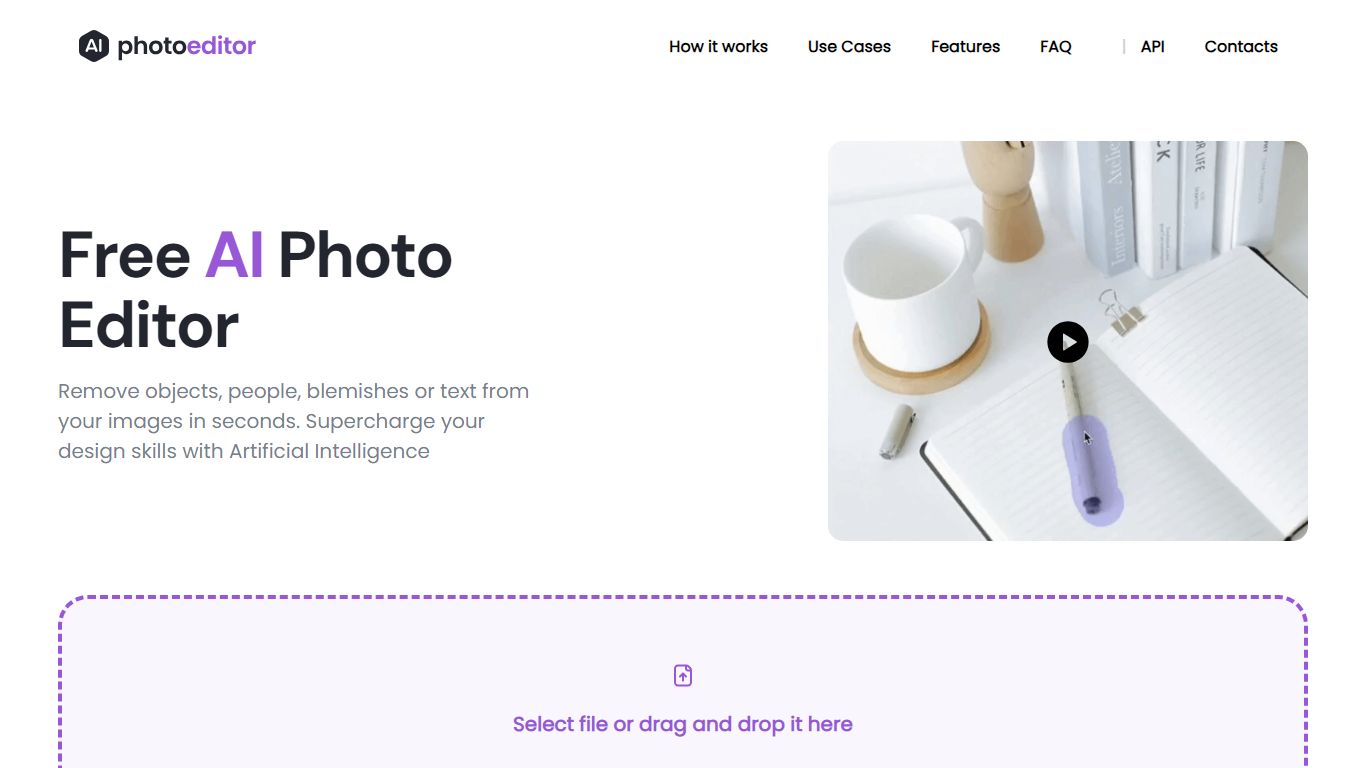
What is AI Photo Editor?
AI Photo Editor provides a set of photo editing tools that can seamlessly remove unwanted objects, people, or text from images, it allows you to keep only what matters most in your photos. It can effortlessly enhance image quality, making your photos clearer and more vivid than ever before. Fix image imperfections, and transform your photos into sharp, high-quality pictures. The AI Photo Editor is a versatile and user-friendly tool, built to elevate the photo editing experience and help to create stunning photos without design skills.
Cleanup Pictures By Pixelcut Upvotes
AI Photo Editor Upvotes
Cleanup Pictures By Pixelcut Top Features
🖼️ Easy Object Removal: Swipe over unwanted items or people and watch them disappear cleanly.
👥 AI Person Remover: Specifically targets and removes people from photo backgrounds effortlessly.
📝 Text & Watermark Eraser: Remove text or watermarks without smudging or damaging the image.
⚡ Batch Processing: Edit multiple photos at once to save time on repetitive tasks.
🌈 AI Background Generator: Replace backgrounds with AI-created scenes or solid colors for a professional look.
AI Photo Editor Top Features
Remove any unwanted foreground or background objects from your photos with just a few clicks
Remove any text overlays, watermarks, prints or unwanted captions to clean up your photos
Say goodbye to blemishes, wrinkles, and imperfections. Enhance your facial features instantly
Works on web and mobile out of the box. Edit your photos at home, office or on the go
Download results in 1024px resolution for free. No more 720px limitations or clunky sliders
PhotoEditor is free and easy tool - no downloads required. AI automatically segments objects to remove
Cleanup Pictures By Pixelcut Category
- Photo Editing
AI Photo Editor Category
- Photo Editing
Cleanup Pictures By Pixelcut Pricing Type
- Freemium
AI Photo Editor Pricing Type
- Free