Clearly Reader vs Speechify
In the face-off between Clearly Reader vs Speechify, which AI Text to Speech (TTS) tool takes the crown? We scrutinize features, alternatives, upvotes, reviews, pricing, and more.
In a face-off between Clearly Reader and Speechify, which one takes the crown?
If we were to analyze Clearly Reader and Speechify, both of which are AI-powered text to speech (tts) tools, what would we find? There's no clear winner in terms of upvotes, as both tools have received the same number. The power is in your hands! Cast your vote and have a say in deciding the winner.
Disagree with the result? Upvote your favorite tool and help it win!
Clearly Reader

What is Clearly Reader?
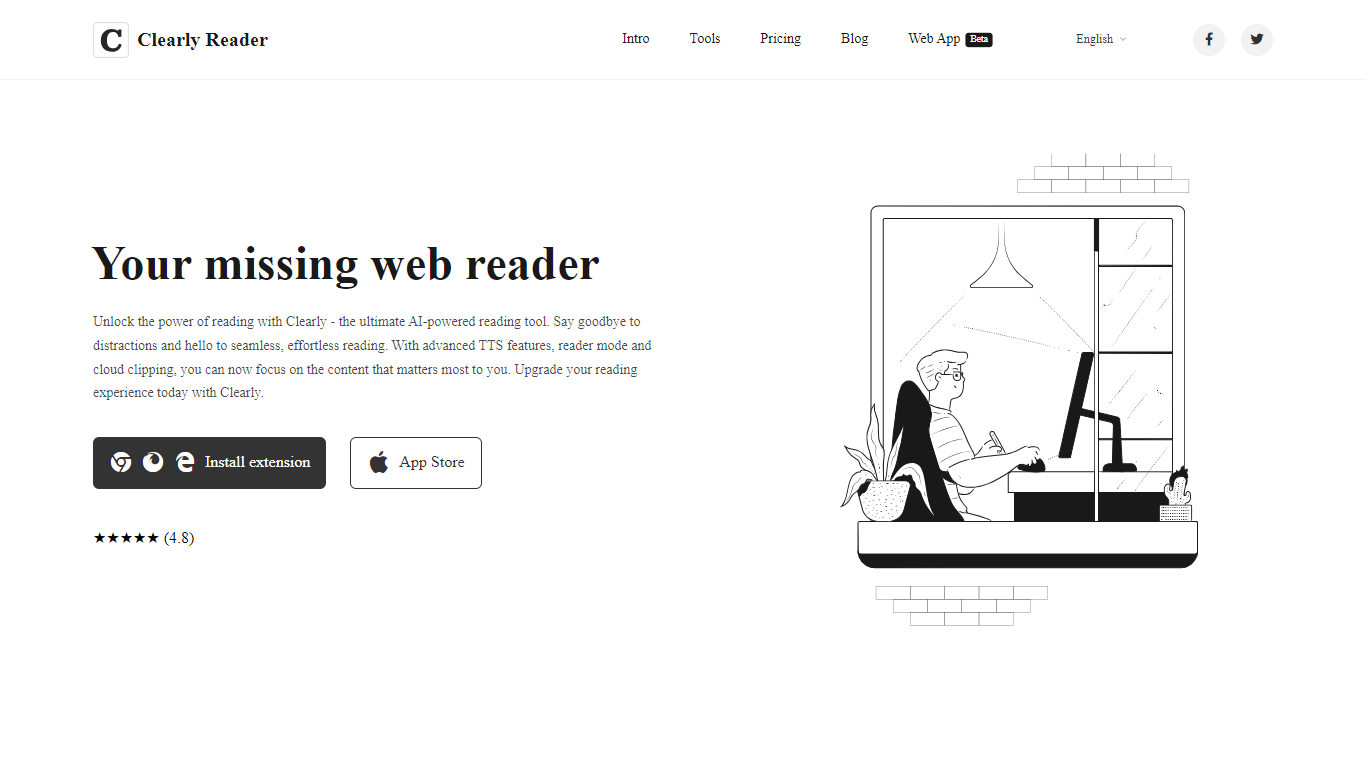
Clearly Reader is a browser reader-mode extension that strips ads and clutter from articles so you can focus on the text. One click (or Alt+R) turns a noisy web page into a clean reading layout with adjustable fonts, themes, and spacing.
The product adds AI-assisted reading tools on top of basic readability. Skim mode (Alt+S) generates quick summaries, outlines, and key points so you can decide whether a long article is worth finishing. Translation, keyword highlighting, and an AI reader assistant help you work through dense content faster.
Clearly Reader also includes text-to-speech with browser and Microsoft voices, configurable rate and pitch, and export options to PDF, Word, Markdown, EPUB, and other formats. Clipping features let you save articles to cloud storage, RSS-style feeds, or third-party apps like Obsidian, Pocket, and Instapaper.
Pricing splits into a free lifetime tier for core readability, a one-time Pro license for advanced themes, exports, and sync, and a monthly subscription for cloud and AI features like clip-to-cloud and the AI reader assistant. Extensions are available for Chrome and an iOS app is listed on the App Store.
For researchers, students, and heavy online readers, Clearly Reader combines distraction-free layouts with speech, export, and AI summary tools in one reading workflow.
Speechify
What is Speechify?
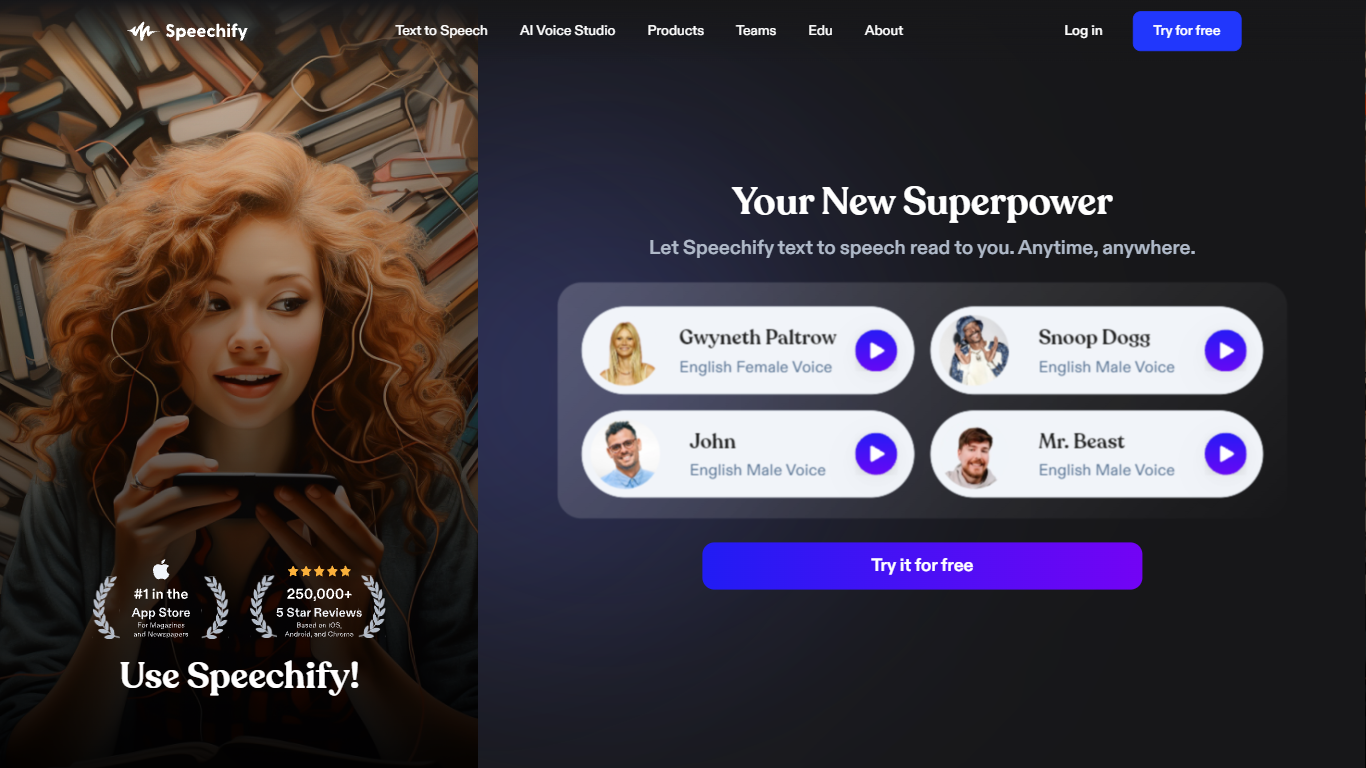
Speechify is a voice productivity platform that reads text aloud, types what you say, and answers questions about what you are reading. Upload a PDF, paste a web page, or scan a printed page and listen with natural voices at speeds up to 5x. It runs on web, mobile, desktop, and browser extensions so you can keep listening across devices.
Founder Cliff Weitzman built Speechify after growing up with dyslexia and hacking together text-to-speech tools to get through college reading at Brown University. The product has since grown into a full voice layer: dictation that works in any app, one-click AI podcasts from documents, meeting note taking, and a voice assistant that summarizes pages you are reading.
With 60 million users and over 1 million five-star reviews, Speechify targets students, professionals, and anyone who reads faster by listening. It won a 2025 Apple Design Award and was named Chrome Extension of the Year.
Clearly Reader Upvotes
Speechify Upvotes
Clearly Reader Top Features
Switch any article into a clean reader layout with one click or Alt+R
Listen to articles with browser or Microsoft text-to-speech voices
Generate AI summaries, outlines, and skim-mode gists with Alt+S
Export pages to PDF, Word, Markdown, EPUB, and more
Clip articles to cloud storage, RSS feeds, or apps like Obsidian
Speechify Top Features
1,000+ natural voices in 60+ languages with celebrity options like Snoop Dogg
Listen at up to 5x speed with text highlighting that follows along
Voice typing hits 160 words per minute in Gmail, Slack, Google Docs, and more
Turn any document or short description into an AI podcast in one click
Scan printed pages with OCR and hear them read aloud instantly
Voice AI assistant answers questions about whatever you are reading
Runs on iOS, Android, Mac, Windows, Chrome, and Edge
Clearly Reader Category
- Text to Speech (TTS)
Speechify Category
- Text to Speech (TTS)
Clearly Reader Pricing Type
- Freemium
Speechify Pricing Type
- Freemium