Clearly Reader vs TTSMaker
Explore the showdown between Clearly Reader vs TTSMaker and find out which AI Text to Speech (TTS) tool wins. We analyze upvotes, features, reviews, pricing, alternatives, and more.
In a face-off between Clearly Reader and TTSMaker, which one takes the crown?
When we contrast Clearly Reader with TTSMaker, both of which are exceptional AI-operated text to speech (tts) tools, and place them side by side, we can spot several crucial similarities and divergences. The upvote count is neck and neck for both Clearly Reader and TTSMaker. Join the aitools.fyi users in deciding the winner by casting your vote.
Feeling rebellious? Cast your vote and shake things up!
Clearly Reader
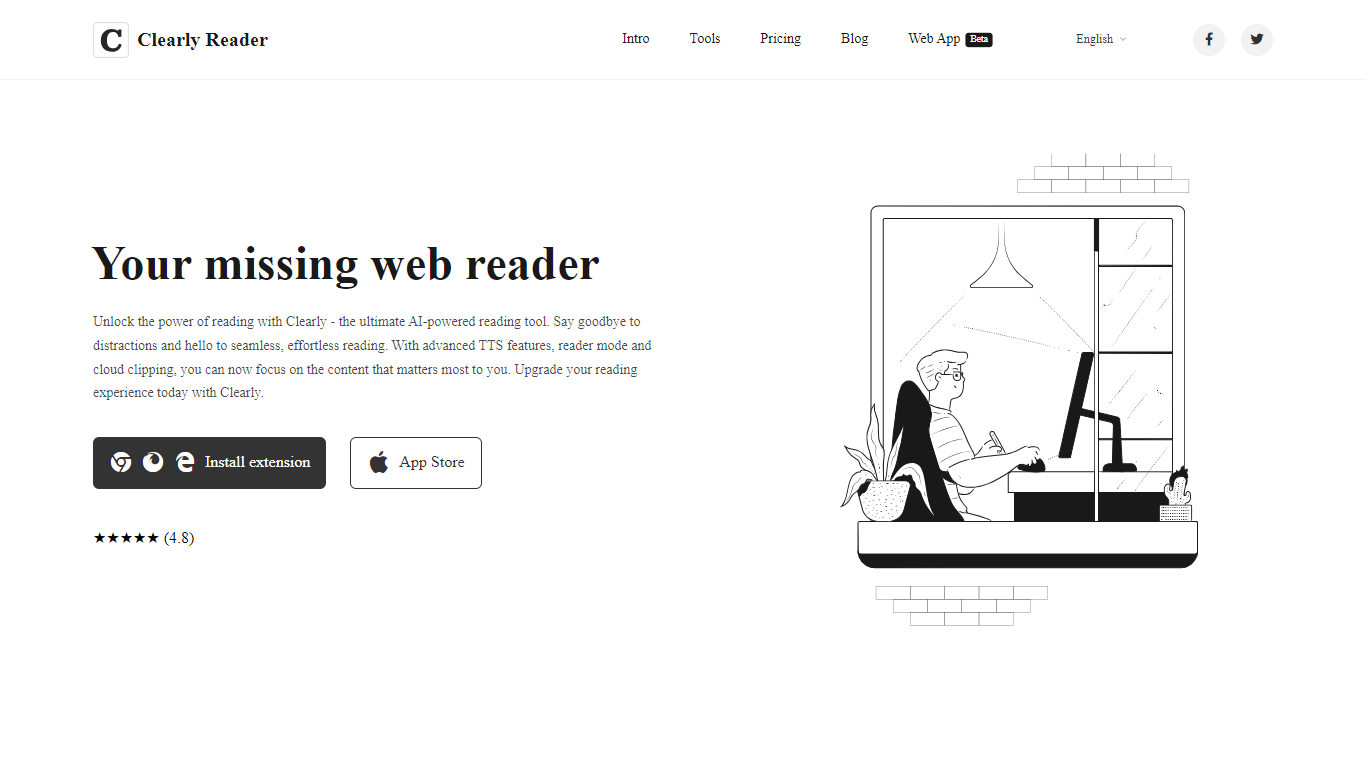

What is Clearly Reader?
Clearly Reader is a browser reader-mode extension that strips ads and clutter from articles so you can focus on the text. One click (or Alt+R) turns a noisy web page into a clean reading layout with adjustable fonts, themes, and spacing.
The product adds AI-assisted reading tools on top of basic readability. Skim mode (Alt+S) generates quick summaries, outlines, and key points so you can decide whether a long article is worth finishing. Translation, keyword highlighting, and an AI reader assistant help you work through dense content faster.
Clearly Reader also includes text-to-speech with browser and Microsoft voices, configurable rate and pitch, and export options to PDF, Word, Markdown, EPUB, and other formats. Clipping features let you save articles to cloud storage, RSS-style feeds, or third-party apps like Obsidian, Pocket, and Instapaper.
Pricing splits into a free lifetime tier for core readability, a one-time Pro license for advanced themes, exports, and sync, and a monthly subscription for cloud and AI features like clip-to-cloud and the AI reader assistant. Extensions are available for Chrome and an iOS app is listed on the App Store.
For researchers, students, and heavy online readers, Clearly Reader combines distraction-free layouts with speech, export, and AI summary tools in one reading workflow.
TTSMaker
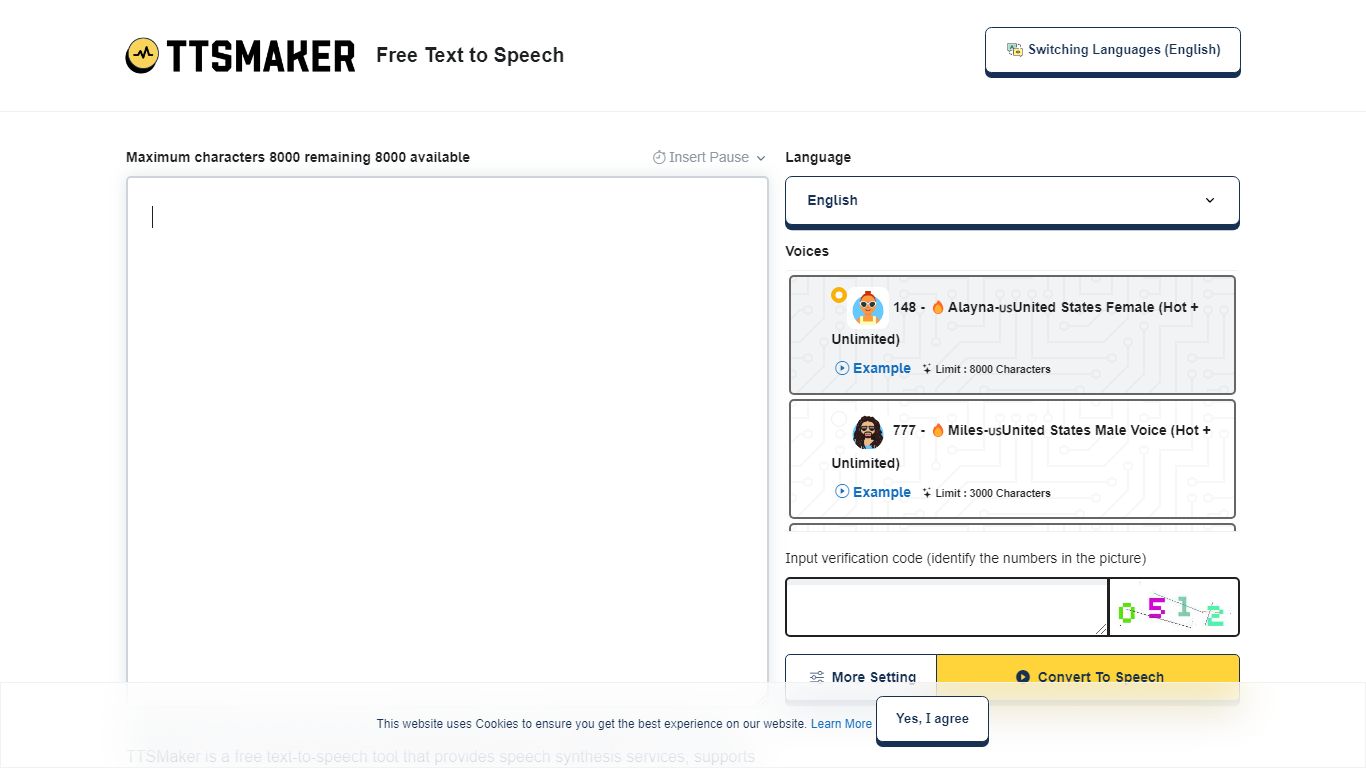
What is TTSMaker?
TTSMaker is a free online text-to-speech tool that converts written text into downloadable audio files. It supports 100+ languages and 600+ AI voices, so creators can generate voiceovers without hiring voice actors or recording themselves.
The tool runs in your browser. Paste text, pick a language and voice, adjust speed, volume, and pitch, then export audio in MP3, OGG, AAC, OPUS, or WAV. A separate multi-speaker dialogue generator lets you build conversations across multiple voice blocks, each with its own language and voice settings.
TTSMaker grants full commercial usage rights to generated audio on the free plan, with no attribution required. Paid TTSMaker Pro tiers add higher character limits, emotion controls, API access, and a dialogue editor with cloud project saving.
YouTube and TikTok creators, educators building listening materials, marketers producing ad voiceovers, and developers integrating TTS via API on Pro or Studio plans are the main audiences.
Clearly Reader Upvotes
TTSMaker Upvotes
Clearly Reader Top Features
Switch any article into a clean reader layout with one click or Alt+R
Listen to articles with browser or Microsoft text-to-speech voices
Generate AI summaries, outlines, and skim-mode gists with Alt+S
Export pages to PDF, Word, Markdown, EPUB, and more
Clip articles to cloud storage, RSS feeds, or apps like Obsidian
TTSMaker Top Features
600+ AI voices across 100+ languages, from US English to Hindi and Japanese
Full commercial usage rights on the free plan with no attribution required
Export audio as MP3, WAV, OGG, AAC, or OPUS with adjustable speed and pitch
Multi-speaker dialogue generator for conversations with different voices per block
SRT subtitle export and background music mixing built into the converter
Clearly Reader Category
- Text to Speech (TTS)
TTSMaker Category
- Text to Speech (TTS)
Clearly Reader Pricing Type
- Freemium
TTSMaker Pricing Type
- Freemium