Clearly Reader vs Voice to Text
In the battle of Clearly Reader vs Voice to Text, which AI Text to Speech (TTS) tool comes out on top? We compare reviews, pricing, alternatives, upvotes, features, and more.
Between Clearly Reader and Voice to Text, which one is superior?
Upon comparing Clearly Reader with Voice to Text, which are both AI-powered text to speech (tts) tools, Neither tool takes the lead, as they both have the same upvote count. Since other aitools.fyi users could decide the winner, the ball is in your court now to cast your vote and help us determine the winner.
Does the result make you go "hmm"? Cast your vote and turn that frown upside down!
Clearly Reader

What is Clearly Reader?
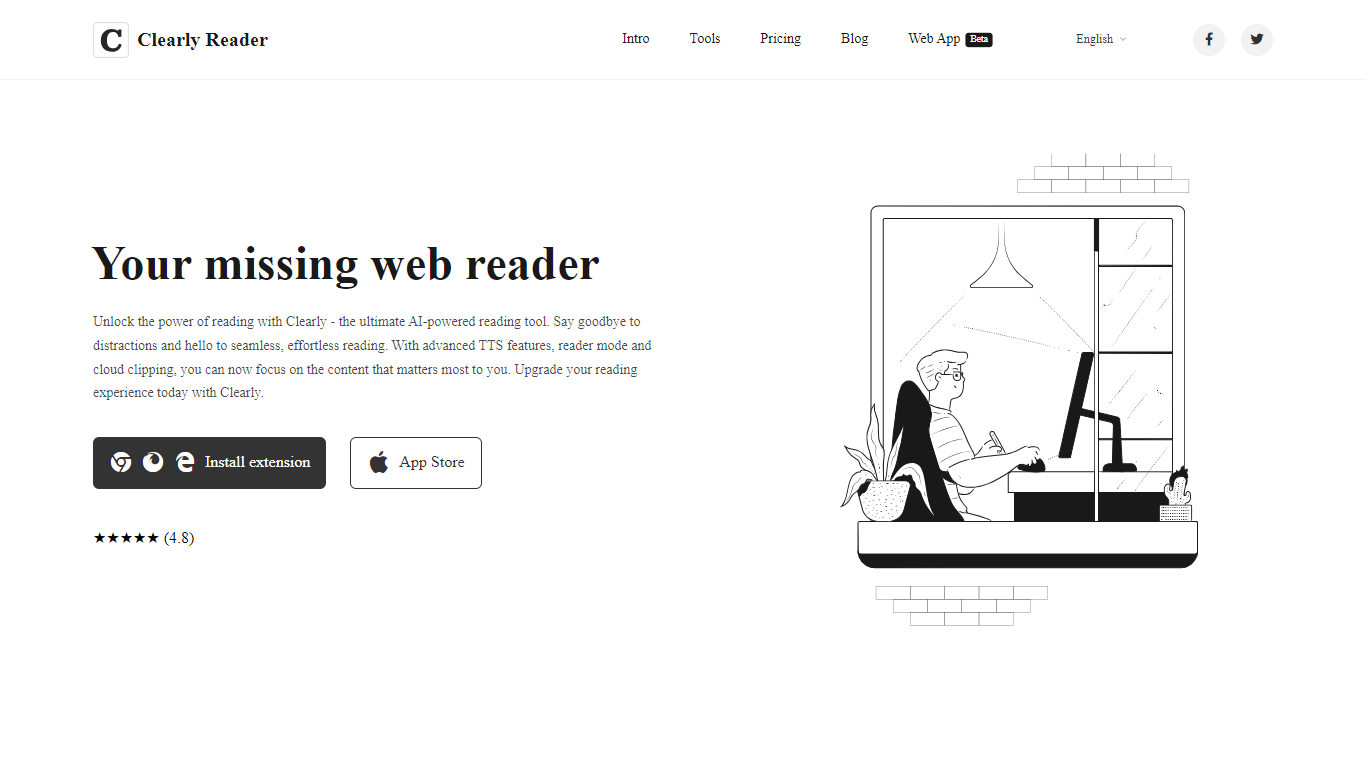
Clearly Reader is a browser reader-mode extension that strips ads and clutter from articles so you can focus on the text. One click (or Alt+R) turns a noisy web page into a clean reading layout with adjustable fonts, themes, and spacing.
The product adds AI-assisted reading tools on top of basic readability. Skim mode (Alt+S) generates quick summaries, outlines, and key points so you can decide whether a long article is worth finishing. Translation, keyword highlighting, and an AI reader assistant help you work through dense content faster.
Clearly Reader also includes text-to-speech with browser and Microsoft voices, configurable rate and pitch, and export options to PDF, Word, Markdown, EPUB, and other formats. Clipping features let you save articles to cloud storage, RSS-style feeds, or third-party apps like Obsidian, Pocket, and Instapaper.
Pricing splits into a free lifetime tier for core readability, a one-time Pro license for advanced themes, exports, and sync, and a monthly subscription for cloud and AI features like clip-to-cloud and the AI reader assistant. Extensions are available for Chrome and an iOS app is listed on the App Store.
For researchers, students, and heavy online readers, Clearly Reader combines distraction-free layouts with speech, export, and AI summary tools in one reading workflow.
Voice to Text
What is Voice to Text?
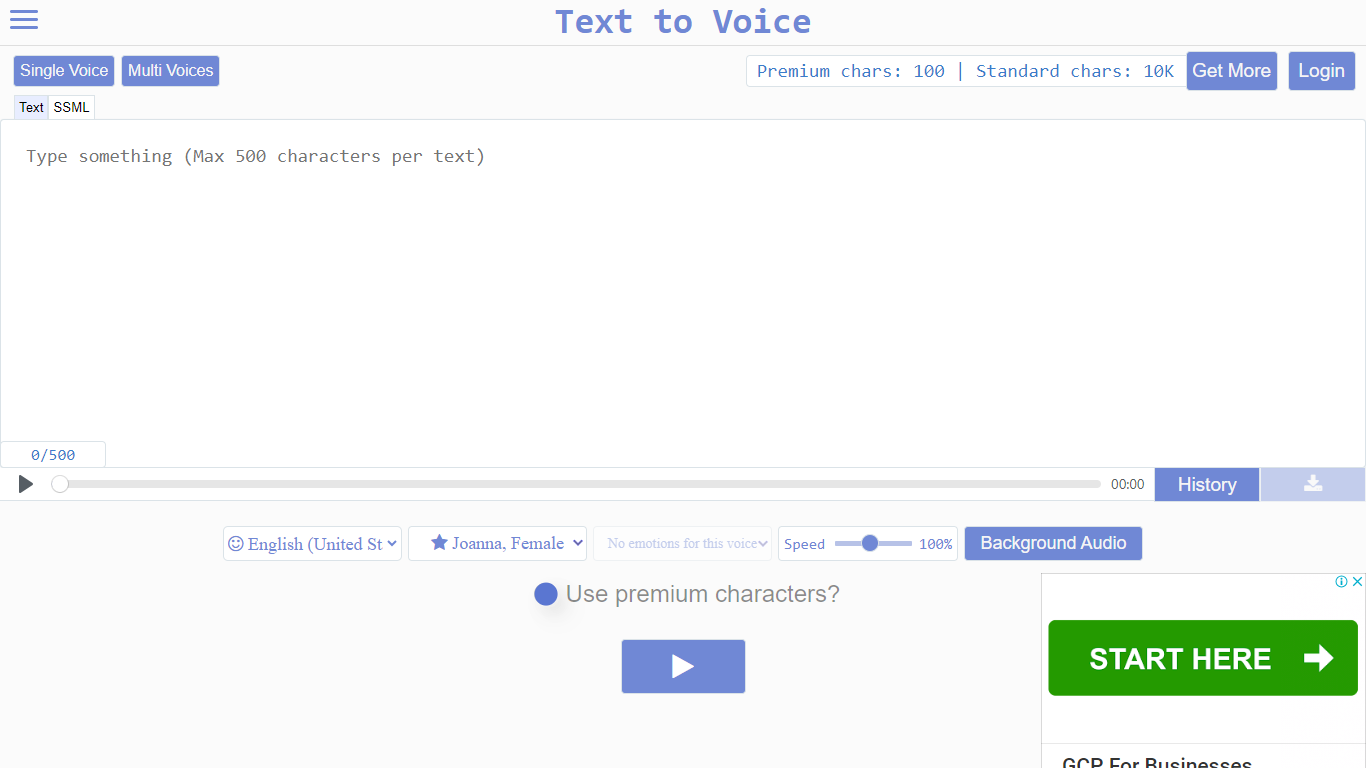
Text to Voice (texttovoice.online) is a browser-based text to speech platform that turns written text into downloadable MP3 voiceovers. You type or paste text, pick a language and voice, adjust speed and emotion, then play or download the result. No desktop install is required; it runs in the browser on Mac, Windows, and mobile.
The core converter supports a large catalog of languages and regional accents, with separate tools for standard voices, Gen2 voices, prompted voices, multi-speaker scripts, voice changing, voice cloning, and sound effects. Gen2 voices aim for more lifelike output with emotion inferred from text context. Premium voices use a more advanced algorithm for less robotic speech, while standard voices cover everyday use on a free character allowance.
Free accounts reset daily with premium and standard character pools. Paid plans add higher limits, commercial use, background audio, file history, sound effects, and API access on the top tier. Google sign-in is supported alongside email registration.
Clearly Reader Upvotes
Voice to Text Upvotes
Clearly Reader Top Features
Switch any article into a clean reader layout with one click or Alt+R
Listen to articles with browser or Microsoft text-to-speech voices
Generate AI summaries, outlines, and skim-mode gists with Alt+S
Export pages to PDF, Word, Markdown, EPUB, and more
Clip articles to cloud storage, RSS feeds, or apps like Obsidian
Voice to Text Top Features
Convert text to speech in dozens of languages with gender, accent, and emotion controls
Gen2 voices produce more lifelike audio with context-driven emotion and varied tone on replay
Multi-speaker mode builds scripts with different voices, speeds, and delays per line
Voice changer transforms uploaded audio into another voice while keeping source emotion
Clone a Gen2 voice from a clear 10+ second sample (Pro plan; clones expire after 30 days)
Download finished voiceovers as MP3 files with one click on the free tier
Clearly Reader Category
- Text to Speech (TTS)
Voice to Text Category
- Text to Speech (TTS)
Clearly Reader Pricing Type
- Freemium
Voice to Text Pricing Type
- Freemium