Clipboard TTS vs Unreal Speech
When comparing Clipboard TTS vs Unreal Speech, which AI Text to Speech (TTS) tool shines brighter? We look at pricing, alternatives, upvotes, features, reviews, and more.
In a comparison between Clipboard TTS and Unreal Speech, which one comes out on top?
When we put Clipboard TTS and Unreal Speech side by side, both being AI-powered text to speech (tts) tools, The upvote count shows a clear preference for Unreal Speech. The number of upvotes for Unreal Speech stands at 9, and for Clipboard TTS it's 6.
Disagree with the result? Upvote your favorite tool and help it win!
Clipboard TTS

What is Clipboard TTS?
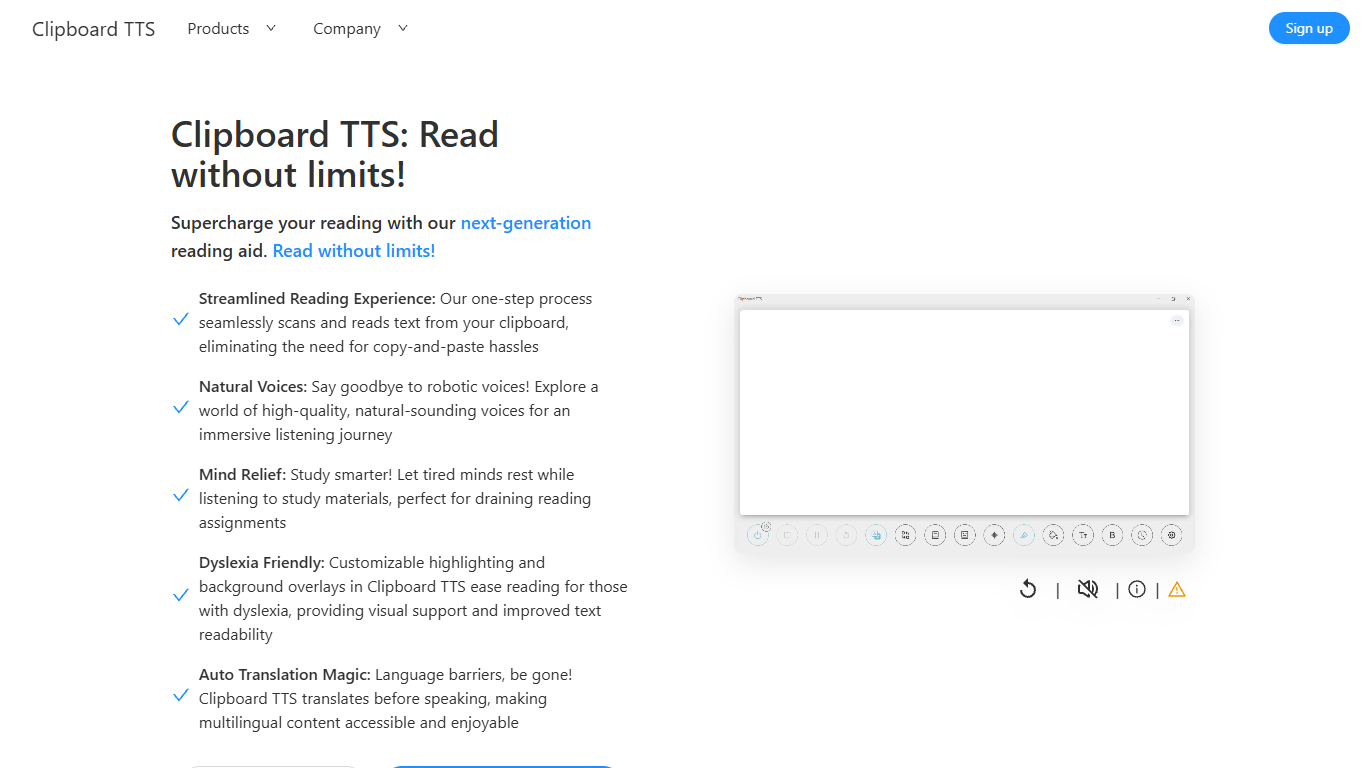
Clipboard TTS is a desktop reading aid that watches your clipboard and reads copied text aloud. Instead of pasting text into a separate app, you copy anything on your computer and hear it spoken back in a voice you choose. The tool targets readers who want hands-free access to articles, study materials, and documents.
The software is built with dyslexia and reading fatigue in mind. It offers word and sentence highlighting, colored background overlays, the OpenDyslexic font, and BoldCue bolding to help eyes track text while audio plays. Auto-translation detects the language of copied text and speaks it in the language tied to your selected voice.
Clipboard TTS runs as a Windows desktop application with a Linux version listed as coming soon. It supports 49 languages and more than 100 voices, plus image-to-text conversion when you copy a screenshot or photo containing text.
Unreal Speech
What is Unreal Speech?
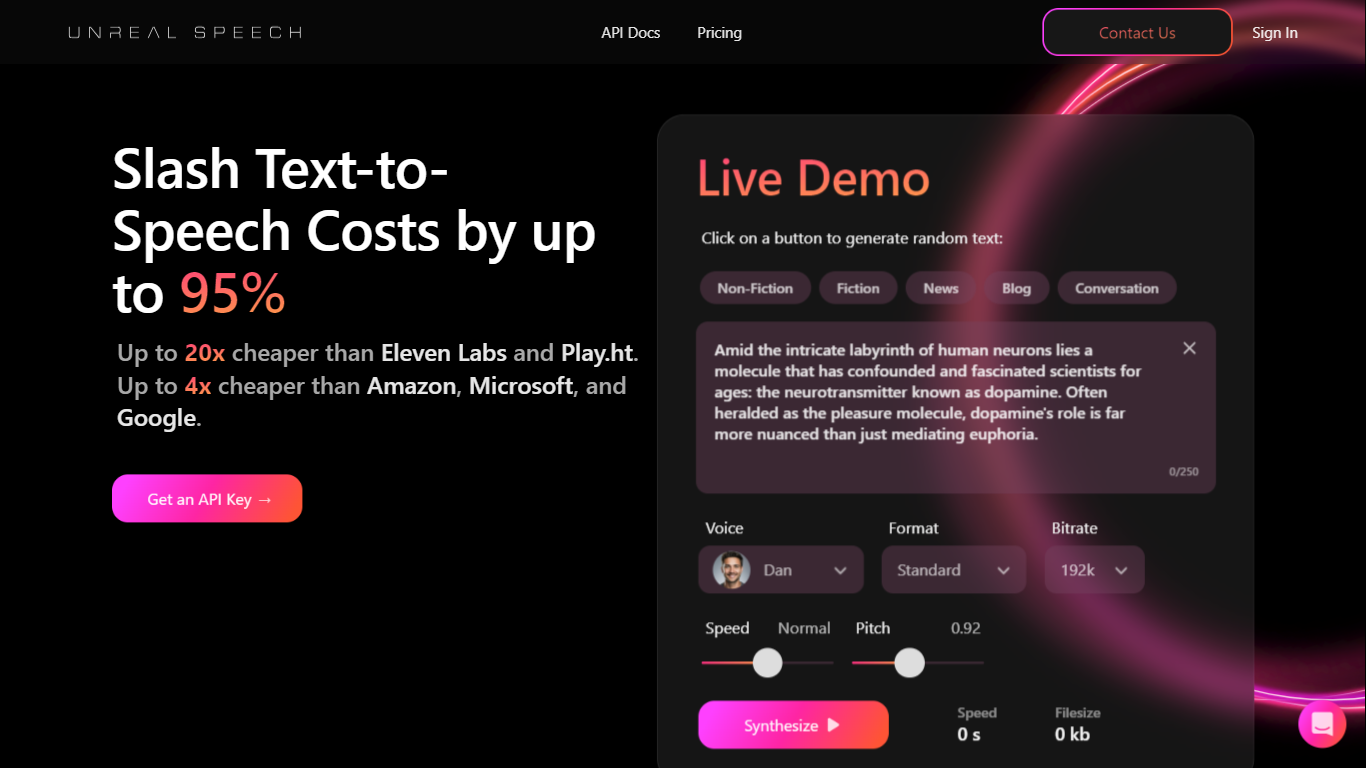
Unreal Speech is a production-ready text-to-speech API built on the open-source Kokoro TTS engine. It gives developers and businesses natural speech synthesis at a fraction of the cost of ElevenLabs, Amazon Polly, Google Cloud, and Microsoft Azure. The API streams audio in about 300 milliseconds and supports long-form jobs up to 10 hours per request.
Kokoro runs on an 82-million-parameter decoder-only model that blends ideas from StyleTTS 2 and iSTFTNet. You get 48 voices across eight languages, including US and UK English, Mandarin, Hindi, Spanish, Portuguese, Japanese, French, and Italian. Per-word timestamps let apps highlight text in sync with playback, which helps with accessibility, karaoke-style UIs, and interactive readers.
The REST API exposes four endpoints: /stream for sub-second synthesis of up to 1,000 characters, /speech for up to 3,000 characters with timestamp URLs, /synthesisTasks for async jobs up to 500,000 characters, and a websocket /streamWithTimestamps route for live audio plus word timing. SDKs ship for Python, Node.js, and React Native, with sample code on the homepage.
Kokoro TTS Studio on unrealspeech.com offers a free browser demo to test voices before signing up. Paid plans remove attribution requirements for commercial audio. Enterprise customers on the platform process billions of characters monthly with 99.9% uptime.
Clipboard TTS Upvotes
Unreal Speech Upvotes
Clipboard TTS Top Features
Monitors your clipboard and reads new text automatically without pasting into a separate window
Converts copied images to speech via built-in OCR when text appears in a screenshot
Highlights the current word and sentence in colors you choose while audio plays
Auto-translates copied text to match the language of your selected voice before speaking
AI Assist uses GPT-3 to rewrite or summarize copied text based on a custom prompt you write
Unreal Speech Top Features
Streams up to 1,000 characters in about 300ms via /stream
Async synthesis tasks handle up to 500,000 characters per request
Per-word timestamps sync text highlighting with audio output
48 voices across eight languages with speed and pitch controls
Websocket /streamWithTimestamps delivers live audio plus timing data
Python, Node.js, and React Native SDKs ship with code samples
Single synthesis jobs can produce up to 10 hours of audio
Clipboard TTS Category
- Text to Speech (TTS)
Unreal Speech Category
- Text to Speech (TTS)
Clipboard TTS Pricing Type
- Paid
Unreal Speech Pricing Type
- Freemium