Clipchamp vs ClipFM
In the battle of Clipchamp vs ClipFM, which AI Video Editing tool comes out on top? We compare reviews, pricing, alternatives, upvotes, features, and more.
Between Clipchamp and ClipFM, which one is superior?
Upon comparing Clipchamp with ClipFM, which are both AI-powered video editing tools, Both tools are equally favored, as indicated by the identical upvote count. You can help us determine the winner by casting your vote and tipping the scales in favor of one of the tools.
Feeling rebellious? Cast your vote and shake things up!
Clipchamp

What is Clipchamp?
Clipchamp enables users to record, edit, and share high-definition videos directly from their web browser or Windows app. It offers tools for creating videos with webcam, screen, and voice recordings, combined with AI-powered editing features like noise suppression and automatic subtitle generation.
What distinguishes Clipchamp from other video editors is its integration of advanced AI tools such as a natural voiceover generator with over 400 voices and an AI silence remover that automatically cuts long pauses. It also provides customizable color and gradient backgrounds and supports exporting videos up to 4K resolution without watermarks for premium users.
Clipchamp's content library includes royalty-free stock videos, images, music, and templates tailored for social media, education, and business use. Its privacy-first approach ensures all recordings remain on the user's device unless shared, making it a secure choice for video creation.
With features like multi-item editing, grouping, and a flexible video resizer supporting multiple aspect ratios, Clipchamp offers a comprehensive editing experience suitable for creators of all skill levels. It works seamlessly in Microsoft Edge and Google Chrome browsers, with an optional Windows app available for enhanced performance.
ClipFM
What is ClipFM?
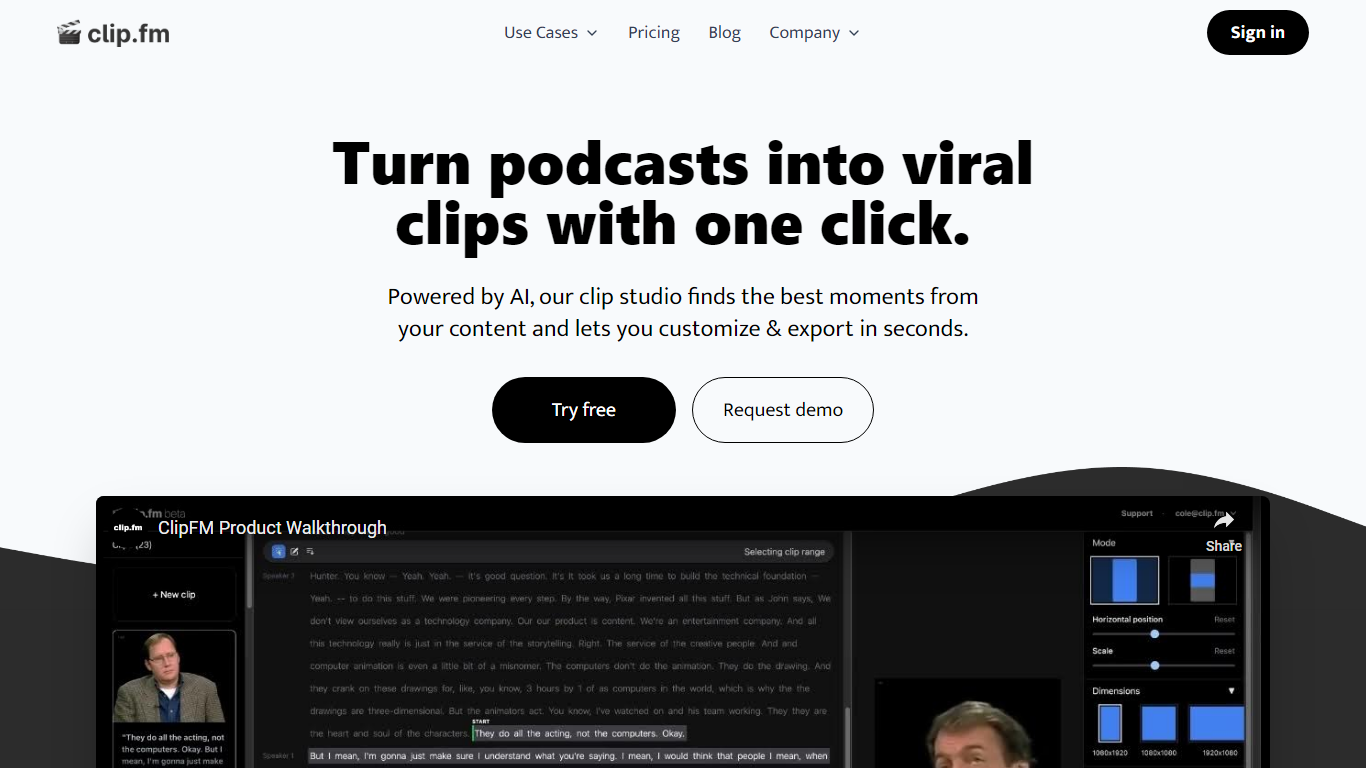
ClipFM turns long podcast and interview recordings into short social clips with one click. Upload a video, and ClipFM uses AI to find highlight moments, then exports vertical clips you can post to TikTok, YouTube Shorts, and similar platforms.
Manual clipping means scrubbing through hour-long episodes to find quotable lines. ClipFM automates moment detection and ships a clip studio where you adjust start and end points before export, which is closer to Opus Clip or Descript's repurposing flow than a full timeline editor. The homepage showcases example Shorts with view counts as social proof.
It fits podcasters, YouTube creators, and marketing teams who publish conversational video and need a steady stream of short-form clips without hiring a dedicated editor. English audio content such as interviews and speeches is the primary use case on the marketing site.
Clipchamp Upvotes
ClipFM Upvotes
Clipchamp Top Features
🎤 Natural AI voiceover generator with 400+ voices and adjustable pitch and pace
📝 AI subtitle generator creating accurate captions in 80+ languages with editable styles
📹 Screen and webcam recorder with unlimited retakes and no watermarks
🔇 AI silence remover to automatically cut long pauses and silences from videos
🎨 Custom color and gradient video backgrounds with HSV and HEX color picker
📺 Video exports up to 4K resolution available with premium subscription
🎬 Multi-item editing and grouping tools for efficient workflow
ClipFM Top Features
Detects highlight moments in long videos and turns them into short social clips automatically
Offers a clip studio to adjust start and end points before exporting
Markets a 7-day free trial on the homepage with cancel-anytime billing
Supports monthly and yearly plans with 6 months free when billed annually per the pricing page
Shows example YouTube Shorts with view counts on the homepage as sample output
Pricing FAQ lists a 14-day free trial on the starter plan and PayPal plus card payments
Clipchamp Category
- Video Editing
ClipFM Category
- Video Editing
Clipchamp Pricing Type
- Freemium
ClipFM Pricing Type
- Freemium