Clipchamp vs EasySub
In the battle of Clipchamp vs EasySub, which AI Video Editing tool comes out on top? We compare reviews, pricing, alternatives, upvotes, features, and more.
Between Clipchamp and EasySub, which one is superior?
Upon comparing Clipchamp with EasySub, which are both AI-powered video editing tools, The upvote count shows a clear preference for EasySub. EasySub has received 7 upvotes from aitools.fyi users, while Clipchamp has received 6 upvotes.
Feeling rebellious? Cast your vote and shake things up!
Clipchamp

What is Clipchamp?
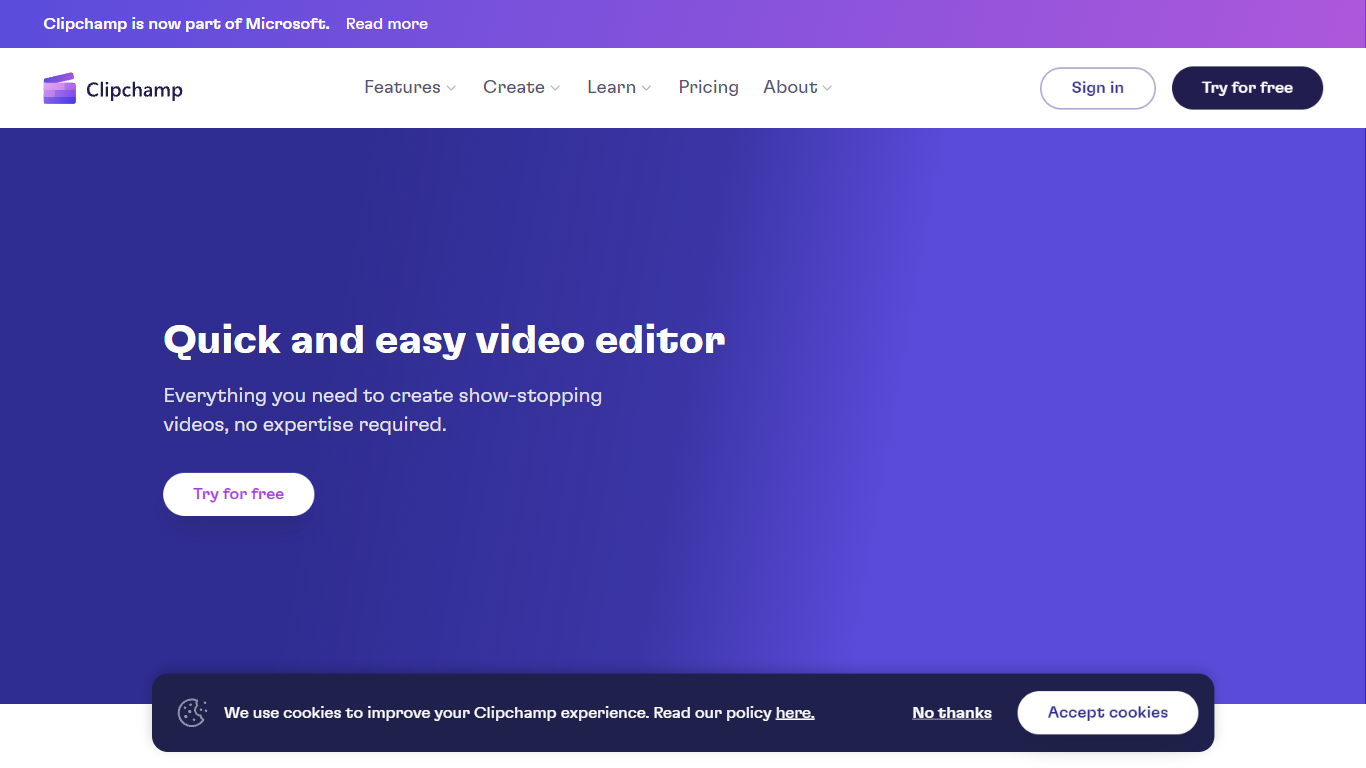
Clipchamp enables users to record, edit, and share high-definition videos directly from their web browser or Windows app. It offers tools for creating videos with webcam, screen, and voice recordings, combined with AI-powered editing features like noise suppression and automatic subtitle generation.
What distinguishes Clipchamp from other video editors is its integration of advanced AI tools such as a natural voiceover generator with over 400 voices and an AI silence remover that automatically cuts long pauses. It also provides customizable color and gradient backgrounds and supports exporting videos up to 4K resolution without watermarks for premium users.
Clipchamp's content library includes royalty-free stock videos, images, music, and templates tailored for social media, education, and business use. Its privacy-first approach ensures all recordings remain on the user's device unless shared, making it a secure choice for video creation.
With features like multi-item editing, grouping, and a flexible video resizer supporting multiple aspect ratios, Clipchamp offers a comprehensive editing experience suitable for creators of all skill levels. It works seamlessly in Microsoft Edge and Google Chrome browsers, with an optional Windows app available for enhanced performance.
EasySub
What is EasySub?
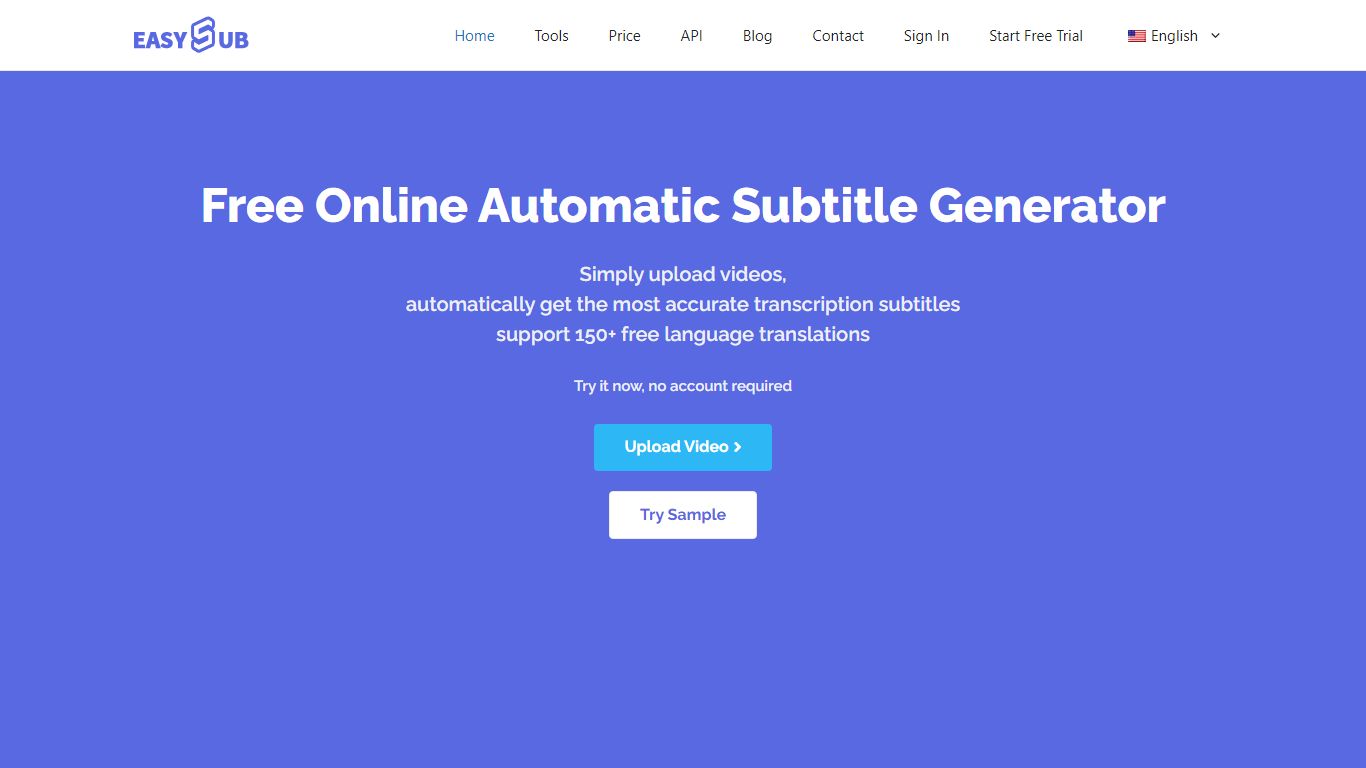
EasySub generates and edits video subtitles, captions, and transcripts in the browser for creators working on long-form or movie-length footage. Upload a video, get automatic speech-to-text, translate captions into 150+ languages, tweak timing in the subtitle editor, and export SRT files for YouTube, TikTok, or editing suites. The marketing site claims 99% transcription accuracy and highlights tools for transcription, captioning, video translation, and subtitle conversion.
Dedicated transcript apps often stop at plain text. EasySub keeps the workflow inside captioning: automatic subtitles, a subtitle translator, a free downloader, and an API for teams that want to embed generation in their own products. Pay-as-you-go pricing at $0.20 per minute suits occasional uploads, while Pro and Teams bundles trade monthly hours for unlimited exports and shared seats.
YouTubers, course creators, and localization teams use EasySub when they need multilingual captions without rebuilding subtitles manually. The free tier includes limited monthly transcription minutes with tool access, and new users can buy a 2-hour starter pack for $5. Refunds are offered if the service does not fit your workflow, per the pricing FAQ.
Clipchamp Upvotes
EasySub Upvotes
Clipchamp Top Features
🎤 Natural AI voiceover generator with 400+ voices and adjustable pitch and pace
📝 AI subtitle generator creating accurate captions in 80+ languages with editable styles
📹 Screen and webcam recorder with unlimited retakes and no watermarks
🔇 AI silence remover to automatically cut long pauses and silences from videos
🎨 Custom color and gradient video backgrounds with HSV and HEX color picker
📺 Video exports up to 4K resolution available with premium subscription
🎬 Multi-item editing and grouping tools for efficient workflow
EasySub Top Features
Marketing site claims 99% accurate automatic subtitle generation for long videos
Supports transcription and translation across 150+ languages
Pay-as-you-go rate is $0.20 per minute, equal to $12 per hour on the pricing page
Pro plan lists $9 per month with 3 hours of transcription and unlimited exports
Toolkit includes subtitle editor, converter, translator, speech-to-text, and video translator
API workspace is available for developers integrating subtitle generation
Clipchamp Category
- Video Editing
EasySub Category
- Video Editing
Clipchamp Pricing Type
- Freemium
EasySub Pricing Type
- Freemium