ClipFM vs Riverside
In the battle of ClipFM vs Riverside, which AI Video Editing tool comes out on top? We compare reviews, pricing, alternatives, upvotes, features, and more.
Between ClipFM and Riverside, which one is superior?
Upon comparing ClipFM with Riverside, which are both AI-powered video editing tools, The community has spoken, Riverside leads with more upvotes. Riverside has 25 upvotes, and ClipFM has 6 upvotes.
Feeling rebellious? Cast your vote and shake things up!
ClipFM
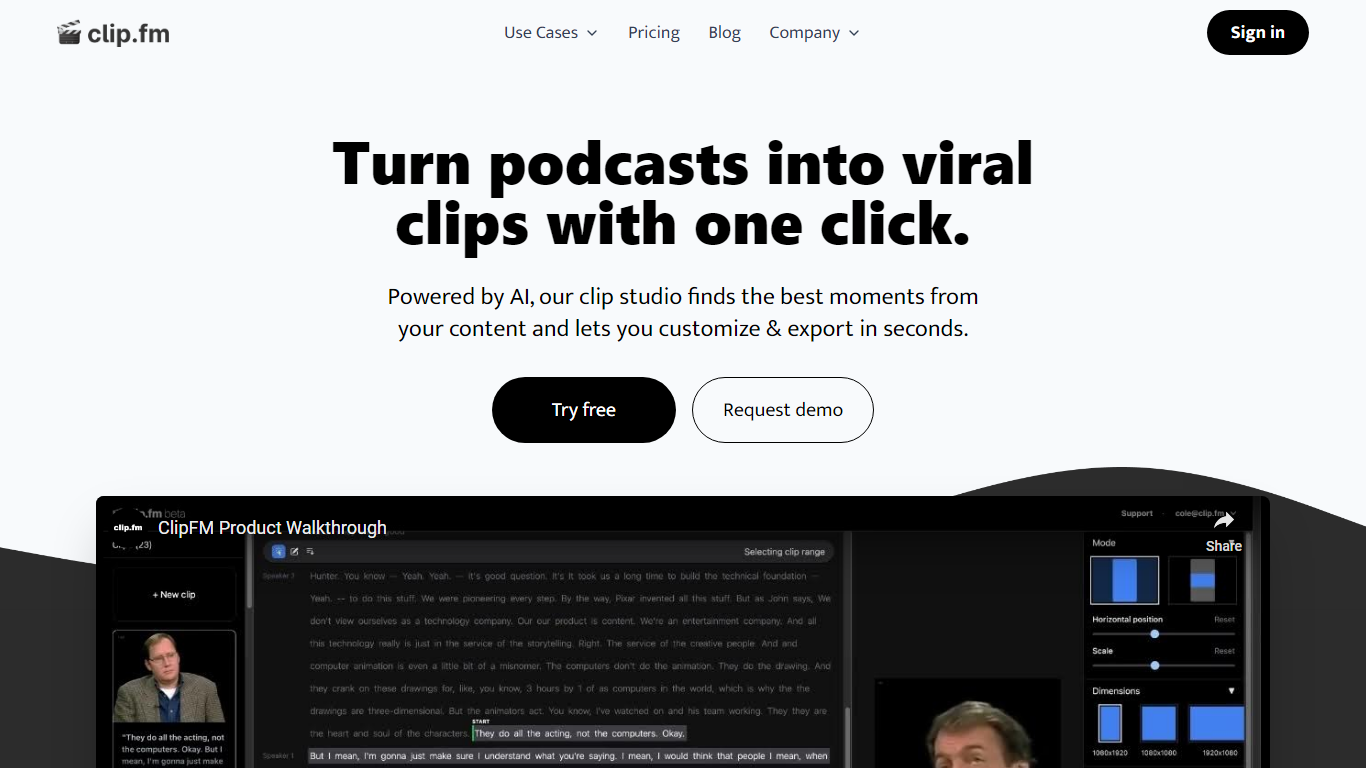

What is ClipFM?
ClipFM turns long podcast and interview recordings into short social clips with one click. Upload a video, and ClipFM uses AI to find highlight moments, then exports vertical clips you can post to TikTok, YouTube Shorts, and similar platforms.
Manual clipping means scrubbing through hour-long episodes to find quotable lines. ClipFM automates moment detection and ships a clip studio where you adjust start and end points before export, which is closer to Opus Clip or Descript's repurposing flow than a full timeline editor. The homepage showcases example Shorts with view counts as social proof.
It fits podcasters, YouTube creators, and marketing teams who publish conversational video and need a steady stream of short-form clips without hiring a dedicated editor. English audio content such as interviews and speeches is the primary use case on the marketing site.
Riverside

What is Riverside?
Riverside is a video editing and recording platform built for remote podcasts, interviews, and webinars. It records up to 4K video and uncompressed audio locally on each participant's device, so spotty internet does not tank quality. After recording, you edit in a text-based timeline, generate Magic Clips, captions, and show notes, then publish to YouTube, Spotify, and Apple Podcasts from the same workflow.
Zoom and Google Meet optimize for live calls, not post-production. Riverside records separate tracks locally, then layers AI cleanup, filler-word removal, and clip generation on top. The trade-off is that it is built for creators who publish regularly, not for one-off internal meetings that never leave the call app.
Podcasters, marketers, and producers at companies like Spotify and The New York Times use Riverside for studio-style remote recordings. Founded in 2020 by brothers Gideon and Nadav, the product now lives at riverside.com while riverside.fm redirects to the same experience.
ClipFM Upvotes
Riverside Upvotes
ClipFM Top Features
Detects highlight moments in long videos and turns them into short social clips automatically
Offers a clip studio to adjust start and end points before exporting
Markets a 7-day free trial on the homepage with cancel-anytime billing
Supports monthly and yearly plans with 6 months free when billed annually per the pricing page
Shows example YouTube Shorts with view counts on the homepage as sample output
Pricing FAQ lists a 14-day free trial on the starter plan and PayPal plus card payments
Riverside Top Features
Local recording up to 4K video with separate WAV and MP4 tracks per speaker
Free plan includes 2 hours of multi-track recordings and unlimited single-track editing
Pro plan at $24 per month (billed annually) adds 15 hours of separate track downloads and 4K output
AI Co-Creator generates clips, show notes, captions, and filler-word removal from recordings
Built-in podcast hosting publishes to Spotify, Apple Podcasts, and YouTube
Grow and Webinar tiers add multistream live streaming and webinar registration for up to 100 attendees
ClipFM Category
- Video Editing
Riverside Category
- Video Editing
ClipFM Pricing Type
- Freemium
Riverside Pricing Type
- Freemium