OnlyDoc vs Glean
In the contest of OnlyDoc vs Glean, which AI Search Engine tool is the champion? We evaluate pricing, alternatives, upvotes, features, reviews, and more.
If you had to choose between OnlyDoc and Glean, which one would you go for?
When we examine OnlyDoc and Glean, both of which are AI-enabled search engine tools, what unique characteristics do we discover? With more upvotes, Glean is the preferred choice. Glean has garnered 7 upvotes, and OnlyDoc has garnered 6 upvotes.
Not your cup of tea? Upvote your preferred tool and stir things up!
OnlyDoc

What is OnlyDoc?
OnlyDoc is a browser-based document platform for converting, editing, and managing PDFs and other file formats online. Upload a file, pick a tool, and download the result without installing desktop software. The site covers everyday document work from format conversion to compression, OCR, translation, and electronic signatures.
What sets OnlyDoc apart is the breadth of utilities packed into one web app. The homepage groups tools for editing PDFs, converting to and from dozens of formats, handling images, and running document-focused AI features. You can move from a scanned receipt to searchable text, or from a long report to a short summary, without leaving the site.
OnlyDoc is built for students, freelancers, and office workers who need quick document tasks handled in the browser. It also suits researchers and analysts who want to skim dense PDFs before committing to a full read. The interface is available in English, Portuguese, Spanish, and Indonesian.
Glean
What is Glean?
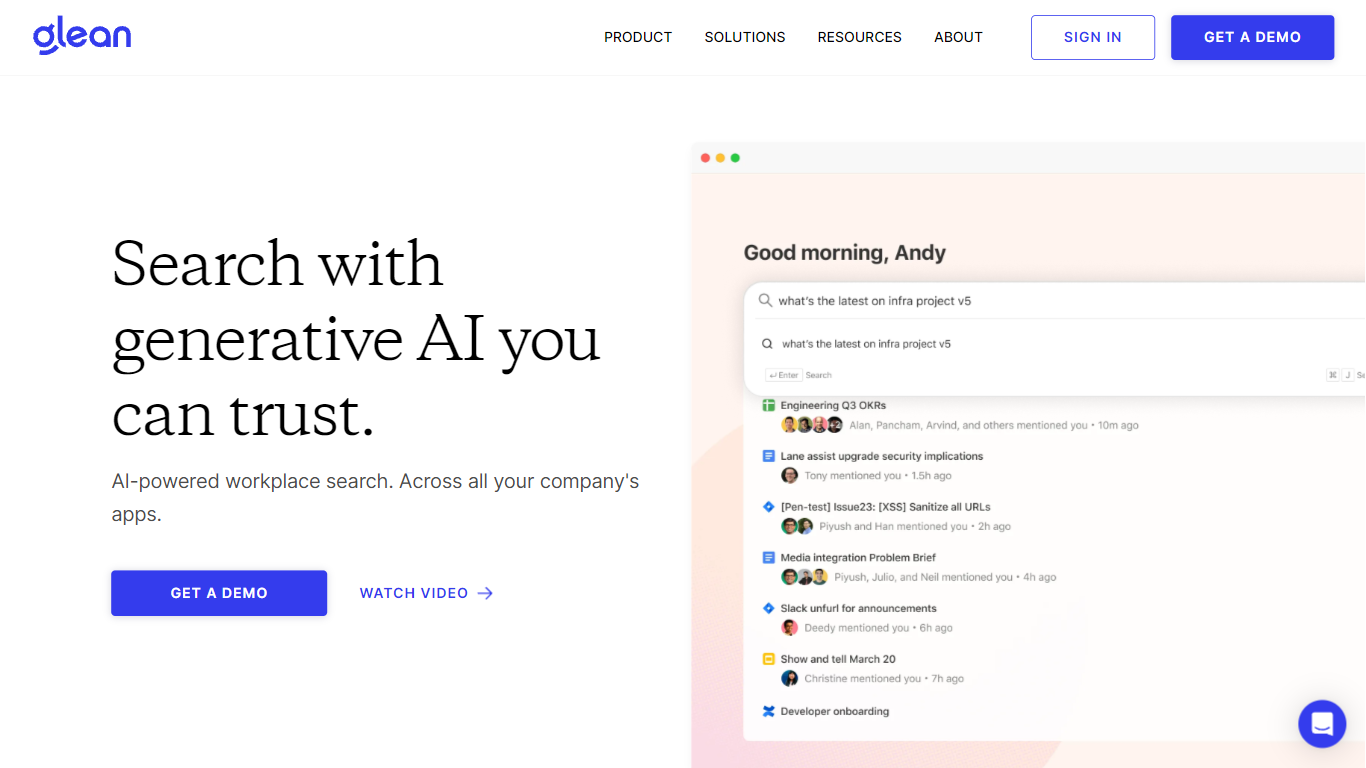
Glean connects your company's apps, documents, and permissions into one enterprise search and Work AI platform. Employees ask questions in natural language, get answers grounded in Slack, Google Drive, Jira, Confluence, Salesforce, and hundreds of other sources, then automate follow-up work with assistants and agents. The system respects existing access controls so people only see what they are already allowed to view.
Generic AI chat tools send broad prompts to models without your org chart, ticket history, or doc permissions baked in. Glean indexes enterprise context once, maps relationships in an Enterprise Graph, and claims a 30% reduction in token usage compared with off-the-shelf MCP tools because less irrelevant text reaches the model. That matters when every department is spinning up agents on the same data.
IT, engineering, sales, support, and HR teams at companies like Booking.com, Zillow, and Samsung use Glean to find answers faster, build no-code agents, and cut internal support tickets. Deployment is demo-led: you request access through Glean's sales flow rather than self-serve signup.
OnlyDoc Upvotes
Glean Upvotes
OnlyDoc Top Features
Converts between PDF and 30+ formats including Word, Excel, PowerPoint, and EPUB
PDF summarizer extracts key points from files up to 100 MB in under 30 seconds
OCR turns scanned pages into searchable, editable text
Translate PDF content into other languages directly in the browser
Merge, split, compress, rotate, and sign PDFs without desktop software
Runs on desktop and mobile browsers with no software install required
Glean Top Features
275+ out-of-the-box connectors sync Slack, Google Drive, Jira, Confluence, GitHub, and Salesforce
Supports 35+ unique LLMs with flexible model choice across the platform
Glean claims 110 hours saved per user per year and 20% fewer internal support tickets
Permission-aware search inherits source-app access rules so users only see allowed content
SOC 2 Type II, ISO 27001, ISO 42001, HIPAA, and GDPR compliance badges listed on the homepage
OnlyDoc Category
- Search Engine
Glean Category
- Search Engine
OnlyDoc Pricing Type
- Freemium
Glean Pricing Type
- Paid