CodeRabbit vs Prisma Editor
In the clash of CodeRabbit vs Prisma Editor, which AI Developer tool emerges victorious? We assess reviews, pricing, alternatives, features, upvotes, and more.
If you had to choose between CodeRabbit and Prisma Editor, which one would you go for?
Let's take a closer look at CodeRabbit and Prisma Editor, both of which are AI-driven developer tools, and see what sets them apart. The upvote count reveals a draw, with both tools earning the same number of upvotes. Since other aitools.fyi users could decide the winner, the ball is in your court now to cast your vote and help us determine the winner.
Feeling rebellious? Cast your vote and shake things up!
CodeRabbit
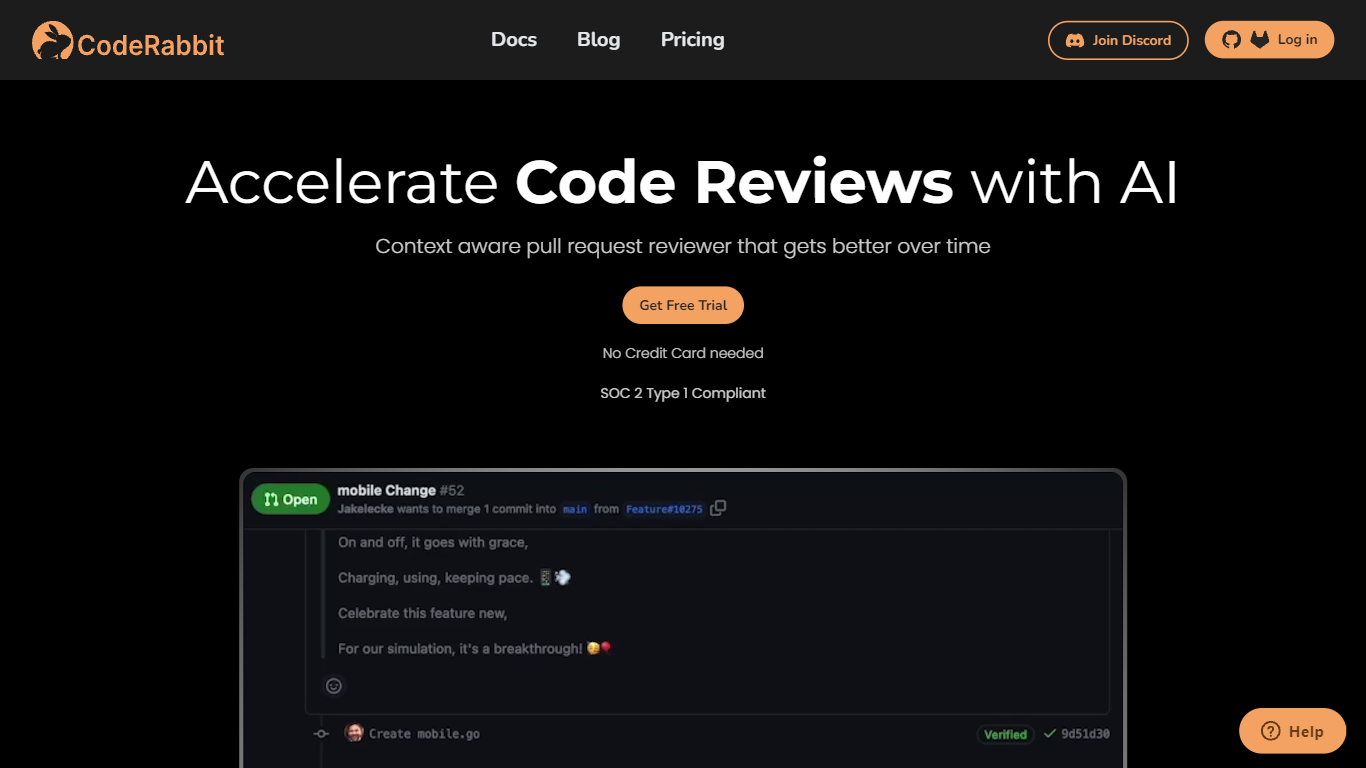

What is CodeRabbit?
CodeRabbit comments on pull requests in GitHub and GitLab, summarizing diffs and flagging bugs before a human reviewer opens the PR. It summarizes diffs, flags bugs and style issues, and suggests fixes before a human reviewer opens the PR. Reviews also run in the IDE and CLI, so developers can catch problems before pushing. The product targets engineering teams that want faster review cycles without adding headcount.
Generic AI assistants can comment on code, but they lack repo context and PR workflow hooks. CodeRabbit installs as a GitHub or GitLab app and posts line-level feedback on every pull request, with optional linters, SAST tool output, and linked-repository analysis for cross-repo changes. Pro and Pro Plus tiers add agentic chat inside the PR, docstring generation, autofix suggestions, and custom pre-merge checks that block merges until conditions pass.
Small teams can start on the free tier, which covers PR summarization and IDE/CLI reviews across unlimited public and private repos. Paid plans bill per developer who creates pull requests, not per seat in the org, starting at $24 per user per month on annual billing. Open-source maintainers get free reviews on public repositories with no time limit.
Prisma Editor
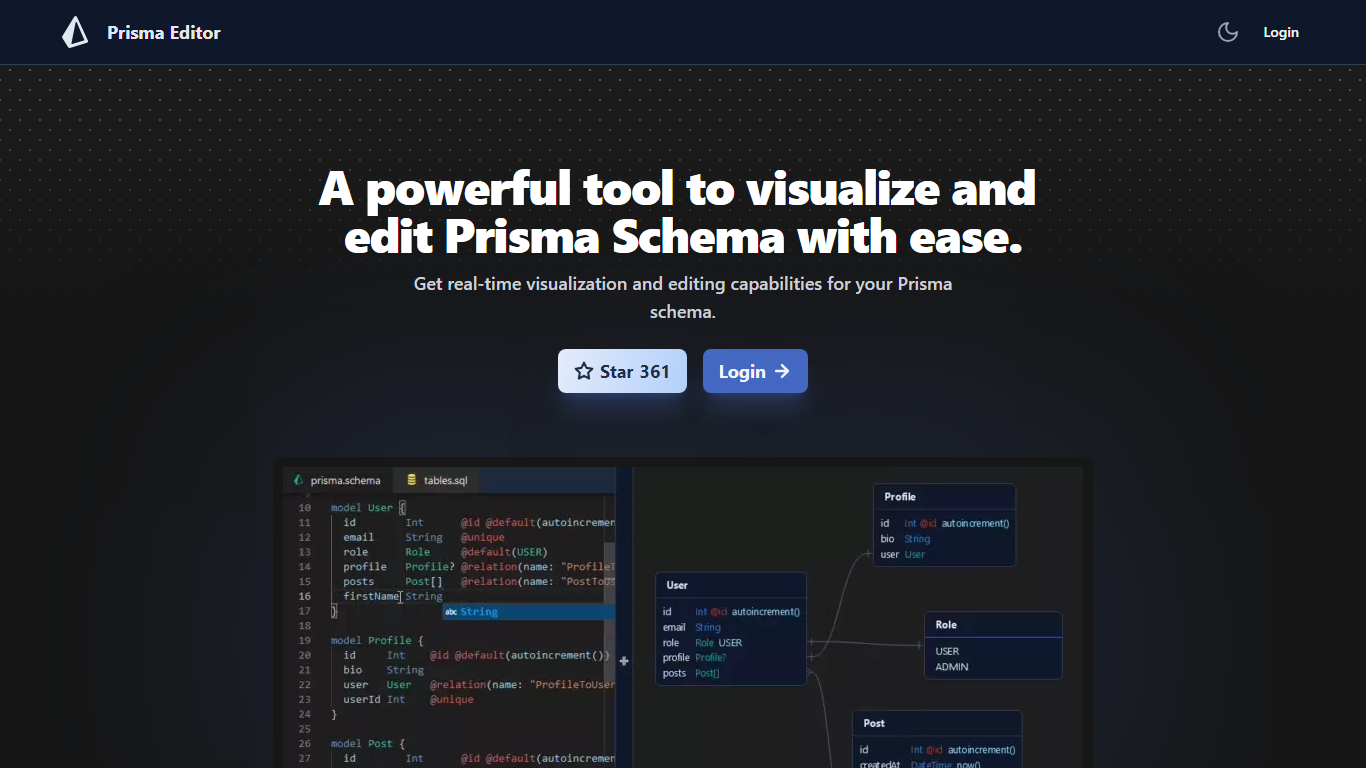
What is Prisma Editor?
Prisma Editor is a browser-based visual editor for Prisma schema files that renders your models as an interactive graph while you edit. Changes update the diagram in real time, and you can tweak fields directly on the graph instead of scrolling through plain text.
Prisma Studio shows data rows, while Prisma Editor focuses on schema design with shareable links and natural-language schema generation through OpenAI. The site labels itself a community project that is not affiliated with Prisma HQ, and the open-source repo on GitHub reports more than 1,000 stars.
TypeScript teams prototyping databases use it to whiteboard relations before committing schema.prisma changes. Login unlocks the editor, and shared links let teammates review the same graph without passing files around.
CodeRabbit Upvotes
Prisma Editor Upvotes
CodeRabbit Top Features
Automated line-level code review comments on every GitHub and GitLab pull request
Free tier includes PR summarization and IDE/CLI reviews with unlimited repositories
Pro plan at $24 per user per month (annual) adds linters, SAST, Jira/Linear, and agentic chat
Pro Plus at $48 per user per month adds unit test generation, merge conflict resolution, and 10 linked repo analyses
Pre-merge checks block merges until custom conditions pass (up to 20 on Pro Plus)
MCP connections let the reviewer pull context from external tools (5 on Pro, 15 on Pro Plus)
CodeRabbit Agent for Slack bills $0.50 per active agent minute for incident response and code generation
Prisma Editor Top Features
Real-time graph visualization updates as you create or modify Prisma models
Direct schema editing from the visual graph without leaving the diagram view
Shareable schema links for collaborative reviews across a team
OpenAI integration turns natural language prompts into boilerplate schema code
Open-source project on GitHub (mohammed-bahumaish/prisma-editor) with 1,035 stars listed on the homepage
Featured in Awesome Prisma, the T3 collection, and Product Hunt according to site badges
CodeRabbit Category
- Developer
Prisma Editor Category
- Developer
CodeRabbit Pricing Type
- Freemium
Prisma Editor Pricing Type
- Free