Coefficient vs GPT Excel
When comparing Coefficient vs GPT Excel, which AI Excel tool shines brighter? We look at pricing, alternatives, upvotes, features, reviews, and more.
In a comparison between Coefficient and GPT Excel, which one comes out on top?
When we put Coefficient and GPT Excel side by side, both being AI-powered excel tools, The upvote count shows a clear preference for GPT Excel. GPT Excel has 8 upvotes, and Coefficient has 6 upvotes.
Feeling rebellious? Cast your vote and shake things up!
Coefficient


What is Coefficient?
Coefficient is a spreadsheet add-on for Google Sheets and Microsoft Excel that connects live business data from CRMs, warehouses, marketing platforms, and accounting tools without SQL or engineering tickets. It installs as a sidebar inside your spreadsheet and lets you pull, refresh, and write data back to systems like Salesforce, HubSpot, Snowflake, and QuickBooks. GPT Copilot adds plain-English tools for cleaning data, building pivot tables, generating charts, and connecting new sources by description.
Where dedicated BI tools like Tableau or Looker need trained developers and charge per viewer, Coefficient keeps the build surface in the spreadsheet your team already uses. The newer AI Dashboards feature turns any sheet into a shareable web dashboard with prompt-based editing, drill-down to source records, and row-level security, all without a separate BI license for viewers.
Finance, revenue operations, marketing, and analytics teams use Coefficient to replace copy-paste reporting with scheduled refreshes, Slack alerts, and two-way sync. The company reports 700,000 users and integration with 150+ business systems. Excel support covers data imports across connectors, while Alerts and GPT Copilot are still rolling out on the desktop add-in.
GPT Excel
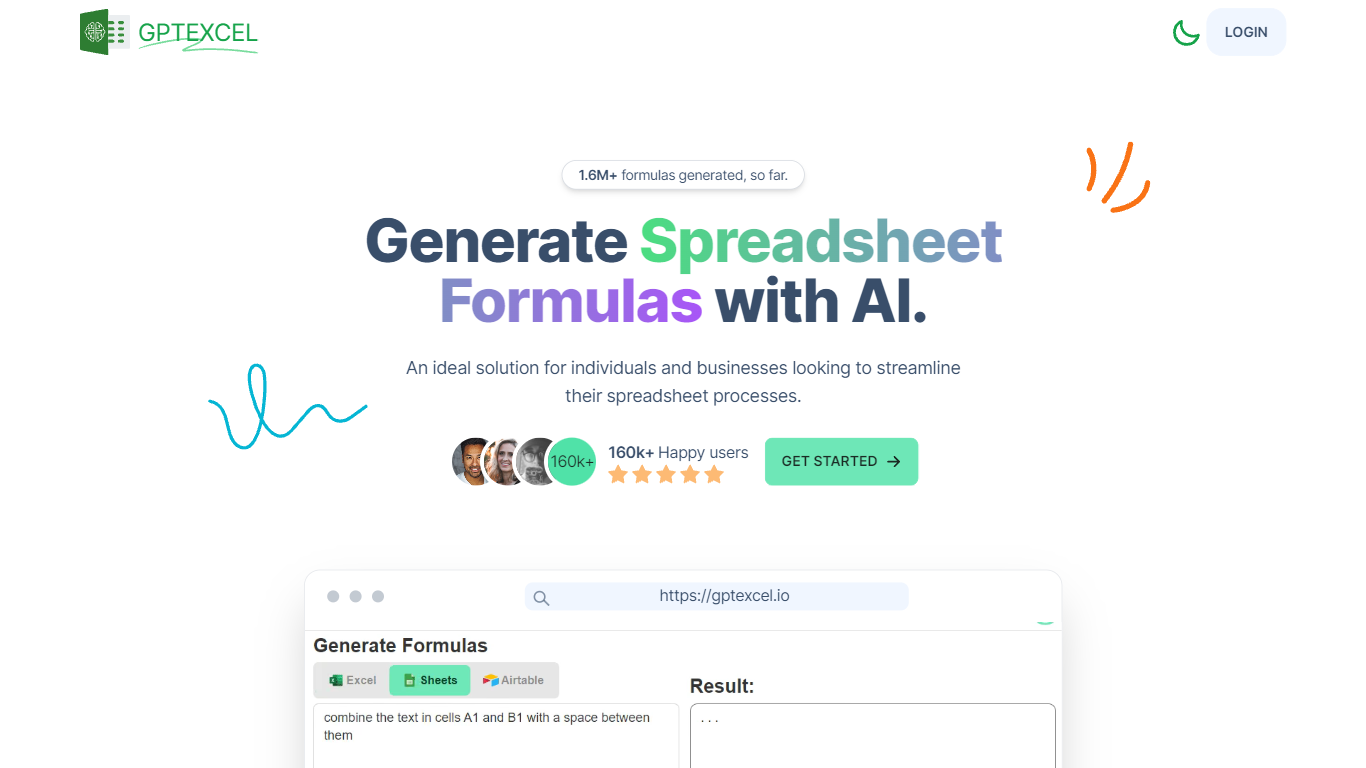
What is GPT Excel?
GPT Excel turns plain-language prompts into spreadsheet formulas, pivot tables, charts, SQL queries, regex patterns, and automation scripts for Excel, Google Sheets, and Airtable. Upload a workbook or start in chat, and it returns the formula or script you can paste back into your file.
Most spreadsheet copilots stop at single-cell formulas. GPT Excel bundles pivot builders, VBA and Apps Script generation, SQL helpers, and template creation in one web app, which saves context switching when a analysis task jumps from a SUMIFS fix to a pivot refresh to a reporting query.
Analysts, operators, and small business teams use it to speed up recurring spreadsheet work. The free plan covers light daily usage, while Pro and Pro Plus raise chat and tool limits for heavier monthly workloads.
Coefficient Upvotes
GPT Excel Upvotes
Coefficient Top Features
Pull live data from 150+ connectors including Salesforce, Snowflake, HubSpot, and NetSuite into Google Sheets or Excel
Build shareable AI Dashboards from any spreadsheet with prompt editing, drill-down to source records, and row-level security per viewer
Use =GPTX() functions and GPT Copilot to clean, query, and analyze spreadsheet data in plain English
Schedule hourly or daily data refreshes and write changes back to CRMs and databases with two-way sync
Publish web dashboards and send Slack or email alerts on metrics; viewer access requires no separate license
GPT Excel Top Features
Generates formulas for Excel, Google Sheets, LibreOffice Calc, and Airtable
Builds and modifies pivot tables from chat prompts
Creates VBA, Google Apps Script, and Airtable automation scripts
Writes and debugs SQL queries plus regex patterns for data validation
Free plan includes 10 AI chat messages every 30 days and 4 tool runs every 12 hours
Pro Plus supports up to 10,000 chat messages and 100 MB uploads per file
Coefficient Category
- Excel
GPT Excel Category
- Excel
Coefficient Pricing Type
- Freemium
GPT Excel Pricing Type
- Freemium