CoffeeChat AI vs Transkriptor
Explore the showdown between CoffeeChat AI vs Transkriptor and find out which AI Meeting Assistant tool wins. We analyze upvotes, features, reviews, pricing, alternatives, and more.
When comparing CoffeeChat AI and Transkriptor, which one rises above the other?
When we contrast CoffeeChat AI with Transkriptor, both of which are exceptional AI-operated meeting assistant tools, and place them side by side, we can spot several crucial similarities and divergences. Both tools are equally favored, as indicated by the identical upvote count. Your vote matters! Help us decide the winner among aitools.fyi users by casting your vote.
Disagree with the result? Upvote your favorite tool and help it win!
CoffeeChat AI

What is CoffeeChat AI?
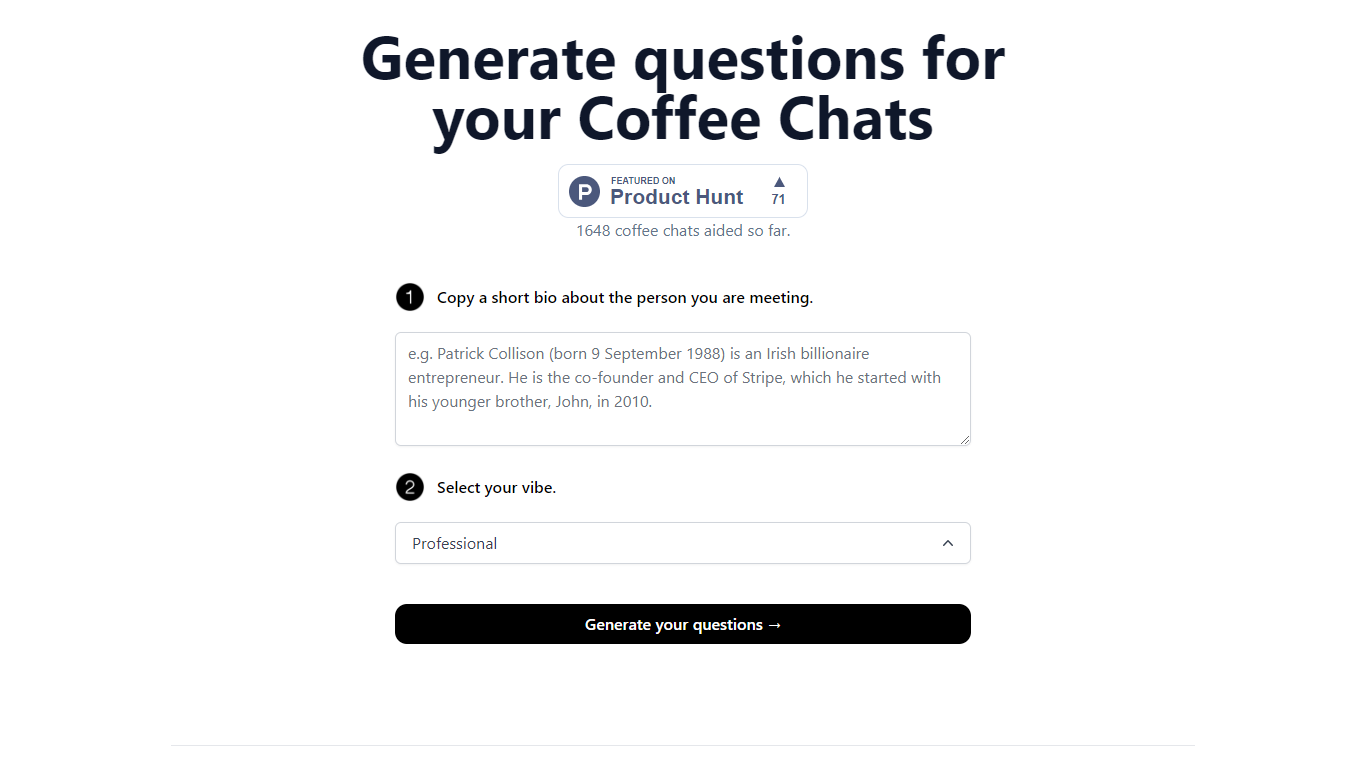
CoffeeChat AI is an innovative tool designed to enhance the experience of professional networking by providing personalized conversation starters for your coffee chats. Created by a team of developers, @susantoscott, @chrispramana, and @wilsonlimset, this tool helps to break the ice and engage in more meaningful discussions.
By simply copying a short bio of the person you're meeting and selecting the desired vibe - which, in this case, is 'Professional' - you can generate a set of tailored questions that will help facilitate your conversation. CoffeeChat AI aims to aid networking efforts and has a user-friendly interface to cater to professionals from various sectors looking to make the most out of their interactions.
Transkriptor
What is Transkriptor?
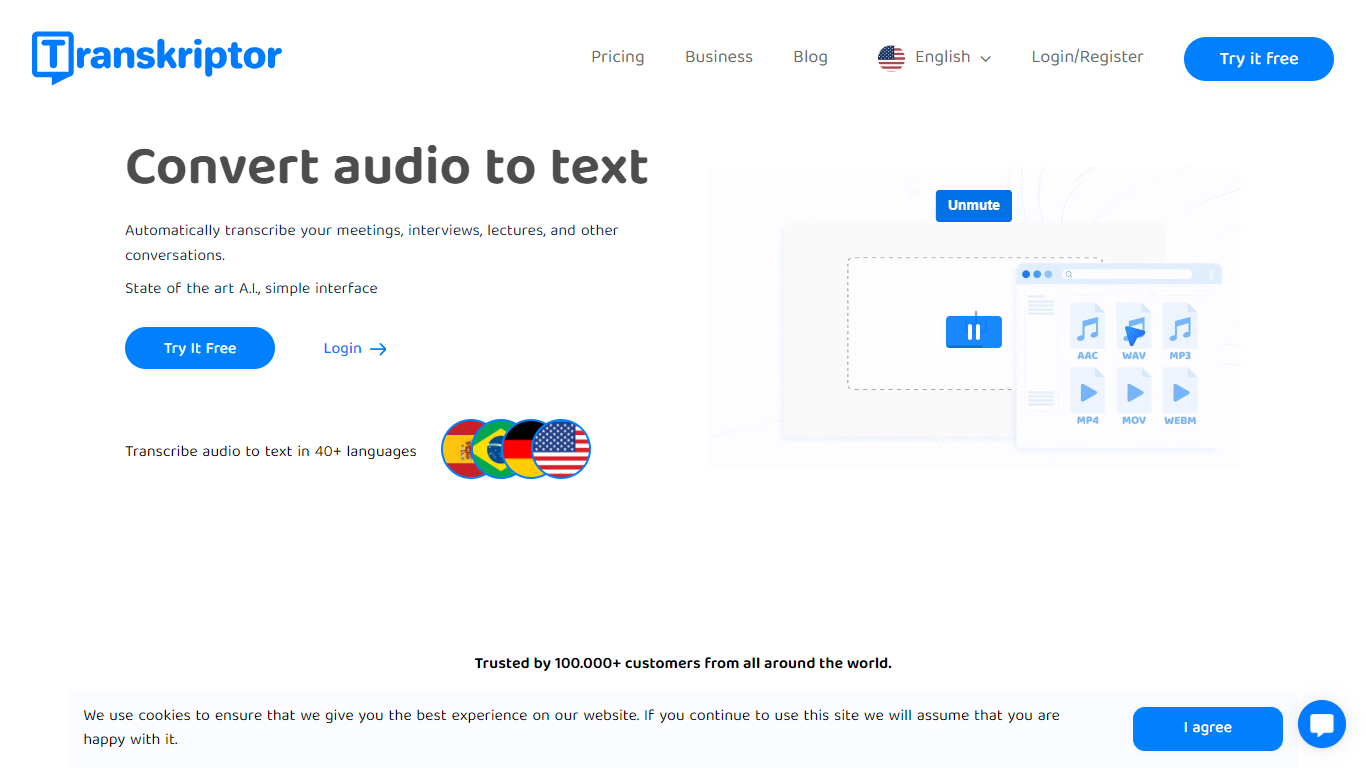
Transkriptor turns audio and video into editable text transcripts for meetings, interviews, lectures, podcasts, and phone calls. It is built for professionals, students, and teams who need accurate speech-to-text without spending hours on manual note taking.
Upload MP3, MP4, WAV, and other common formats, record live in the browser or mobile apps, or connect your calendar to capture Zoom, Microsoft Teams, and Google Meet sessions. Transkriptor transcribes in 100+ languages, identifies speakers, and adds summaries, action items, sentiment analysis, and an Ask feature to search across your transcript library with cited sources.
The product is available on web, Chrome extension, desktop, iOS, and Android. Integrations route transcripts and notes into CRM, storage, and productivity tools such as Salesforce, HubSpot, Notion, Slack, Google Drive, and Dropbox. Security certifications include SOC 2, ISO 27001, and GDPR compliance with EU-hosted infrastructure.
CoffeeChat AI Upvotes
Transkriptor Upvotes
CoffeeChat AI Top Features
Generate questions: Automatically generate personalized questions for your coffee chats.
Select your vibe: Choose the 'Professional' vibe to align the questions with the tone of your meeting.
Copy bio: Input a short bio about the person you are meeting to customize the questions.
Professional Focus: Designed specifically for professional networking scenarios.
Creators: Built by a team of developers known on Twitter as @susantoscott, @chrispramana, and @wilsonlimset.
Transkriptor Top Features
Transcribe uploaded audio or video files, live recordings, and videoconference calls in 100+ languages
Auto-generate meeting summaries, action items, and speaker-labeled transcripts with sentiment analysis
Search across your transcript library with Ask Transkriptor to pull decisions and quotes with cited sources
Record meetings without a bot via desktop and mobile apps, or use calendar sync for Zoom, Teams, and Google Meet
Connect transcripts to CRM, storage, and productivity tools including Salesforce, Notion, Slack, and Google Drive
CoffeeChat AI Category
- Meeting Assistant
Transkriptor Category
- Meeting Assistant
CoffeeChat AI Pricing Type
- Freemium
Transkriptor Pricing Type
- Freemium