Cogram vs osher.ai
When comparing Cogram vs osher.ai, which AI All In One tool shines brighter? We look at pricing, alternatives, upvotes, features, reviews, and more.
In a comparison between Cogram and osher.ai, which one comes out on top?
When we put Cogram and osher.ai side by side, both being AI-powered all in one tools, The upvote count is neck and neck for both Cogram and osher.ai. The power is in your hands! Cast your vote and have a say in deciding the winner.
Disagree with the result? Upvote your favorite tool and help it win!
Cogram
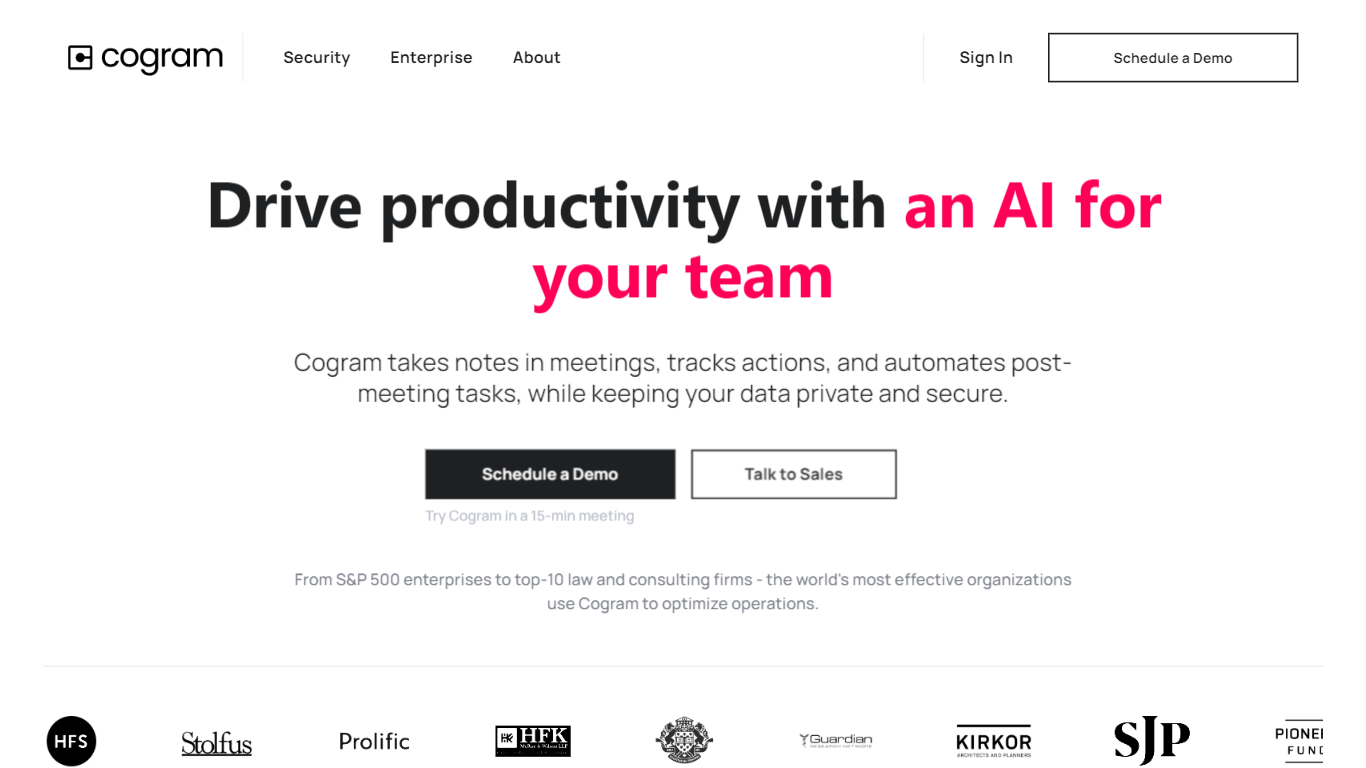

What is Cogram?
Cogram gives architects and engineers one workspace for project documentation, from meeting minutes and field reports to RFIs, submittals, and project email. The platform connects to Procore, Deltek, Unanet, Microsoft Teams, Outlook, Autodesk, Zoom, and Google Meet, then outputs drafts in your firm's templates instead of generic summaries.
Generic meeting assistants capture call notes. Cogram is built around AEC workflows: RFIs and submittals sync with Procore, field reports come from voice and photos on site, and the project Agent answers questions against drawings and correspondence. Modular pricing lets firms buy only the modules they need, and external collaborator accounts are free.
Project managers, design leads, and construction administrators use Cogram to cut repetitive admin work the homepage estimates can save several hours per week. Individuals can start a 14-day trial; team pricing is quoted per seat after a demo.
osher.ai
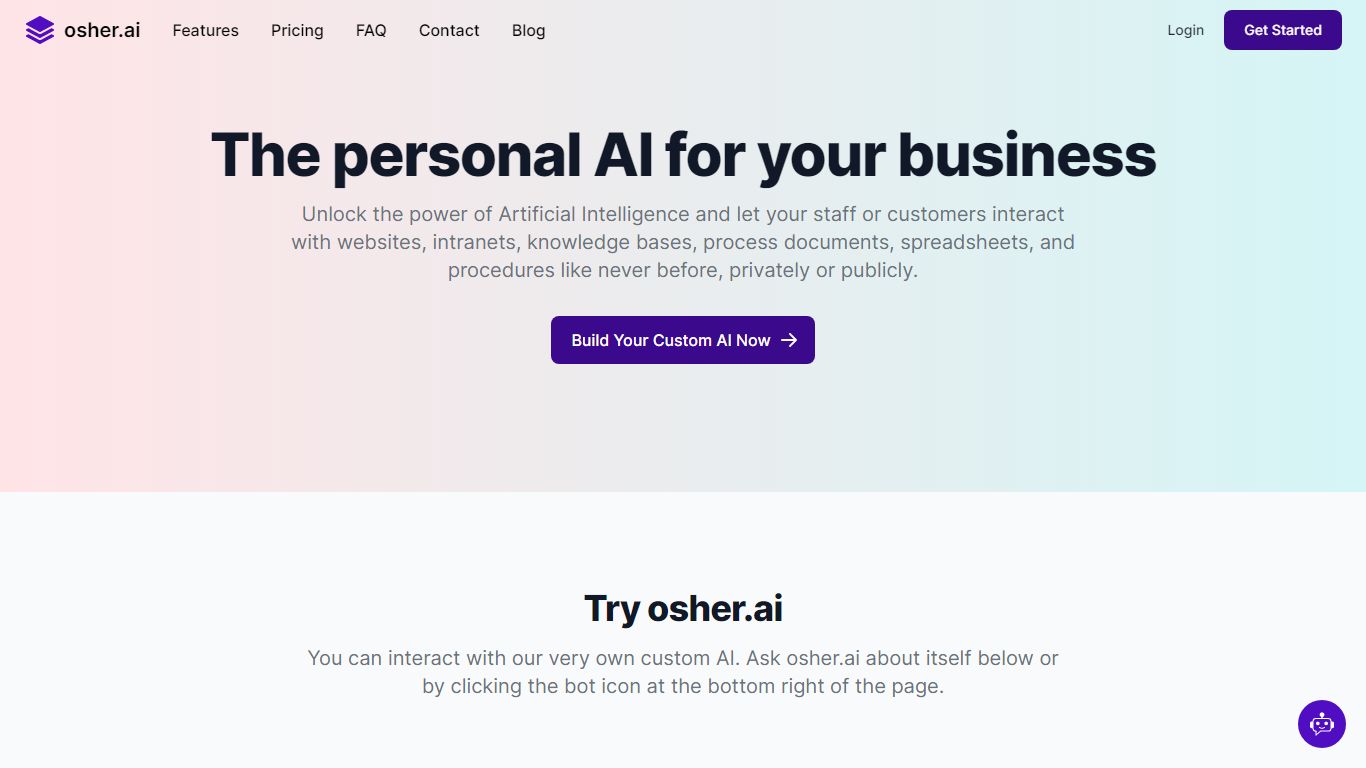
What is osher.ai?
osher.ai is the personal AI for your business. Interact with your internal processes, knowledge bases, web content, and data via private or publicly accessible AIs.
Build and deploy custom AIs for your business, organization team or club with osher.ai.
Your AIs can be trained on content you upload, such as your internal knowledgebase, process documents, or spreadsheets.
Create multiple AIs with access to different content. Customize their name, personality, purpose and color to align with your brand.
Control how your AIs are accessed and limit access by domain. You can embed a chat widget on your website for public interactions, or insert the AI in an intranet for internal employee access.
Pricing starts at only $29 per month and the Enterprise plan includes API access.
Cogram Upvotes
osher.ai Upvotes
Cogram Top Features
Project Agent answers questions and analyzes AEC documents with project context
Meeting minutes and field reports generated in your firm's templates from calls or site visits
RFI and submittal logging integrated with Procore for faster review cycles
Email filing and search across all project correspondence
Integrations with Procore, Deltek, Unanet, Microsoft Teams, Outlook, Autodesk, Zoom, and Google Meet
SOC 2 Type II certified with SAML SSO, MFA, and no training on customer data
14-day free trial for individuals; external collaborator accounts are free on team plans
osher.ai Top Features
Private AIs
Public AIs
Customize your AIs
Chat based
Upload documents
Connect websites
Secure
Enterprise ready
Cogram Category
- All In One
osher.ai Category
- All In One
Cogram Pricing Type
- Freemium
osher.ai Pricing Type
- Paid