Commabot vs Sheety.ai
Compare Commabot vs Sheety.ai and see which AI Excel tool is better when we compare features, reviews, pricing, alternatives, upvotes, etc.
Which one is better? Commabot or Sheety.ai?
When we compare Commabot with Sheety.ai, which are both AI-powered excel tools, Both tools are equally favored, as indicated by the identical upvote count. Your vote matters! Help us decide the winner among aitools.fyi users by casting your vote.
You don't agree with the result? Cast your vote to help us decide!
Commabot

What is Commabot?
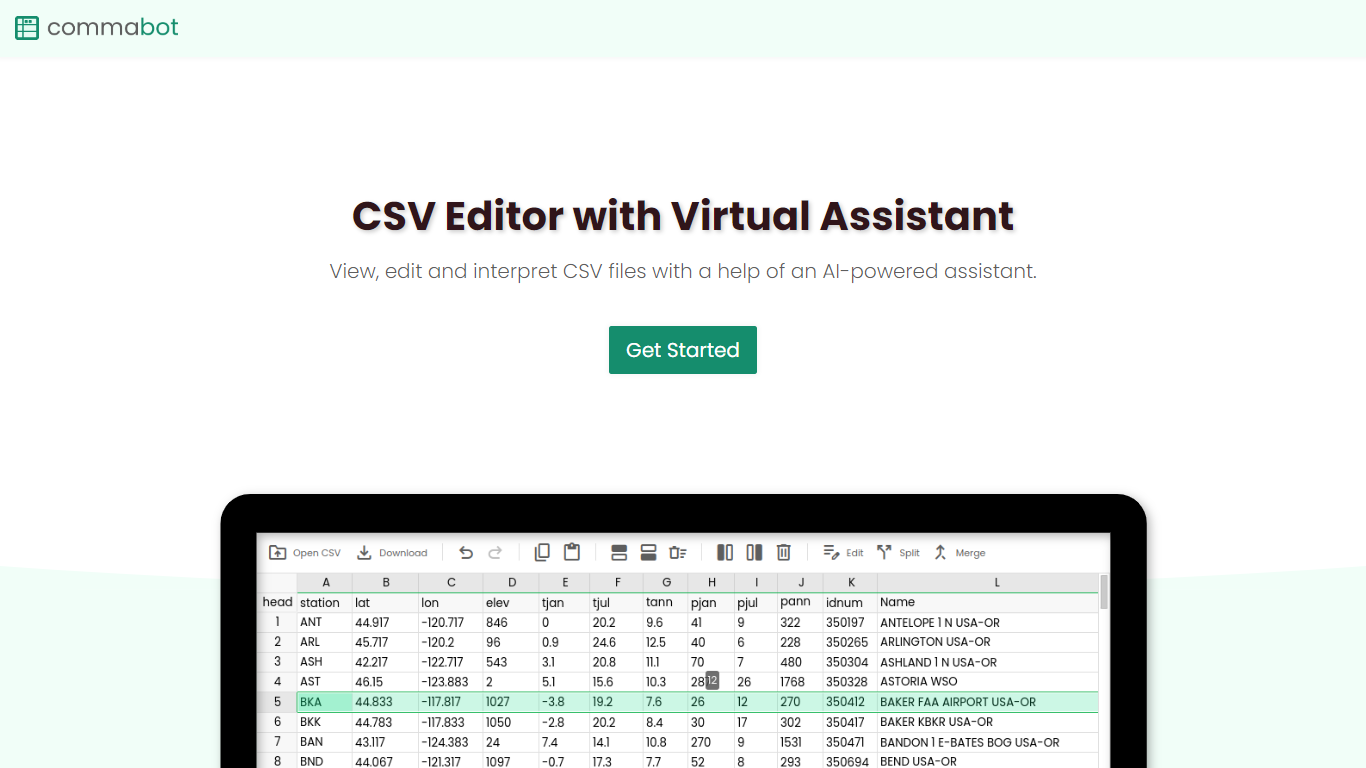
Commabot is a browser-based Excel alternative for CSV work: you upload a file and handle analysis, cleaning, and transformation in a chat interface instead of writing spreadsheet formulas. The homepage frames it as a conversational CSV editor for sales reports, survey results, financial records, and other tabular files.
The About page also describes specialized contact list prep workflows: deduplicating contacts, standardizing phone numbers to E.164, removing unsubscribes, merging multiple lists, and formatting exports for HubSpot or Salesforce import. That gives the product both open-ended CSV chat and CRM-ready contact cleanup paths.
You sign in with Google to upload files. Commabot runs on Google Cloud infrastructure and processes uploads in memory unless you explicitly save them to your account.
Sheety.ai
What is Sheety.ai?
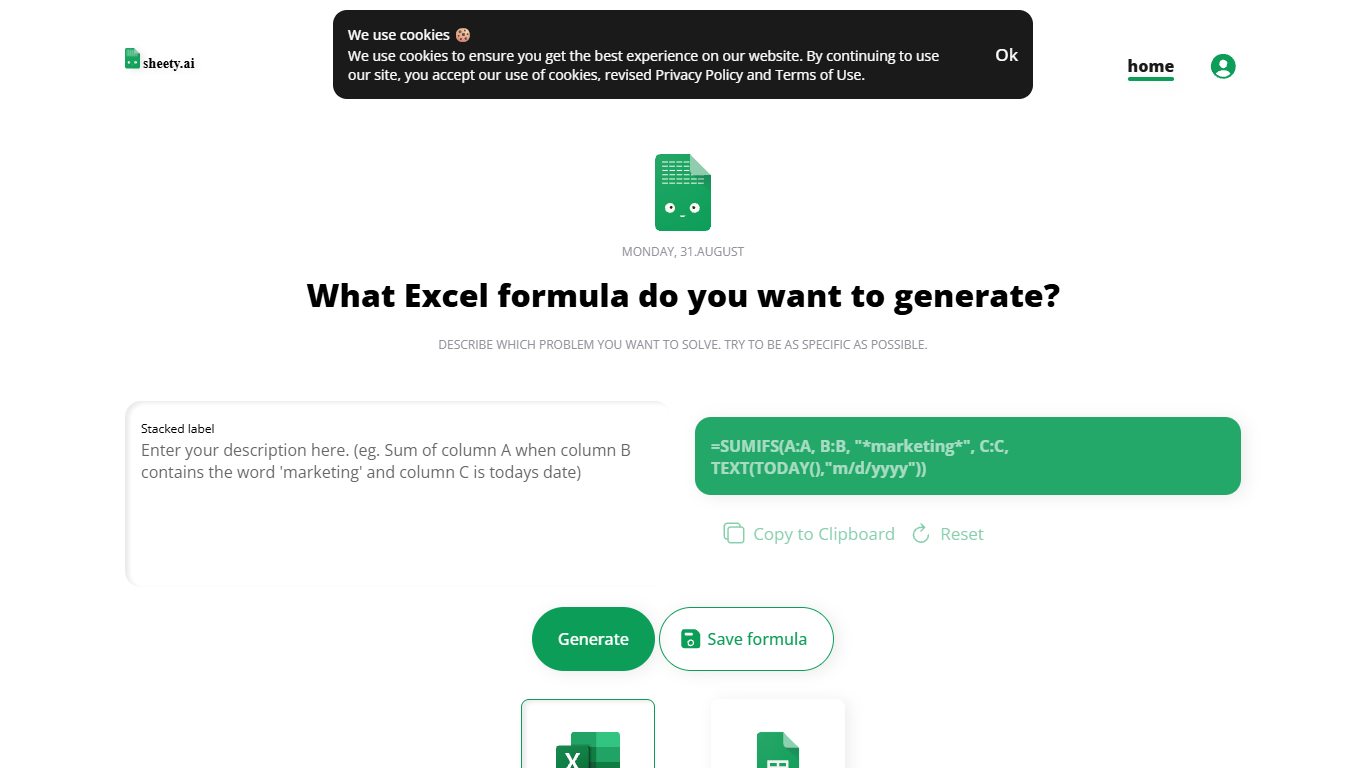
Describe a spreadsheet problem in plain words and Sheety.ai returns a formula ready to copy into Excel or Google Sheets. You pick the platform, generate the result, and paste it into your workbook. The homepage centers on one input box with generate, copy, reset, and save actions.
Unlike broader spreadsheet copilots that edit whole workbooks, Sheety.ai returns only the formula string for you to paste. That narrow focus keeps the workflow quick for one-off lookups and avoids tying you to a single platform thanks to the Excel and Google Sheets toggle.
Anonymous visitors can run 5 formula generations without signing up. A free account removes that limit, lets you save formulas to your profile, and syncs them for access from anywhere. The homepage also lists Latest Formulas other users have shared.
Sheety.ai is developed and hosted in Switzerland, and the homepage states that the team cares about user privacy. Saved formulas stay tied to registered accounts, and the site highlights Swiss hosting as part of its privacy positioning.
Commabot Upvotes
Sheety.ai Upvotes
Commabot Top Features
Upload a single CSV file at a time and ask questions in plain English to explore and modify your data
Generate charts and summaries from uploaded files through the chat interface
Clean and transform tabular data without writing spreadsheet formulas
Standardize phone numbers to E.164 format through dedicated contact prep workflows
Format contact lists for HubSpot or Salesforce import using workflow templates
Merge multiple contact lists into one consolidated dataset
Workflow templates show usage count and average processing time before you run them
Sheety.ai Top Features
Describe your spreadsheet problem in words and get a ready-to-paste formula back
Switch output between Excel and Google Sheets before you generate
Anonymous visitors get 5 formula generations; free accounts unlock unlimited use
Copy results to the clipboard or save formulas to your account profile
Browse the Latest Formulas section on the homepage for shared examples
Commabot Category
- Excel
Sheety.ai Category
- Excel
Commabot Pricing Type
- Free
Sheety.ai Pricing Type
- Free