Compress Images vs Fotol AI
Explore the showdown between Compress Images vs Fotol AI and find out which AI Image Editing tool wins. We analyze upvotes, features, reviews, pricing, alternatives, and more.
When comparing Compress Images and Fotol AI, which one rises above the other?
When we contrast Compress Images with Fotol AI, both of which are exceptional AI-operated image editing tools, and place them side by side, we can spot several crucial similarities and divergences. Interestingly, both tools have managed to secure the same number of upvotes. Every vote counts! Cast yours and contribute to the decision of the winner.
Disagree with the result? Upvote your favorite tool and help it win!
Compress Images

What is Compress Images?
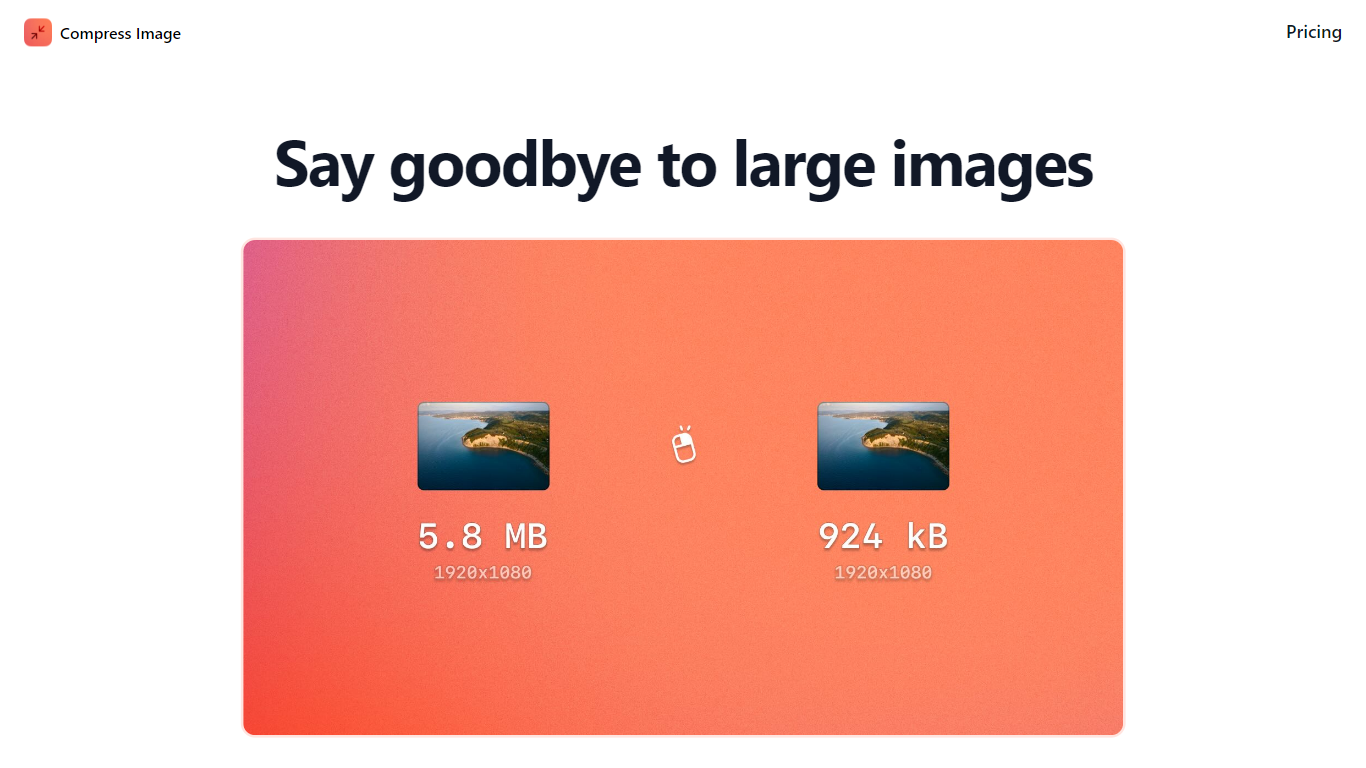
Compress Images is a macOS Finder Quick Action that shrinks image files locally without uploading them to a server. Right-click a photo, pick Quick Actions, then Compress Image to run the tool from Finder. It targets Mac users who need smaller JPG and HEIC files for email, web uploads, or storage cleanup.
Browser compressors usually send files to remote servers. Compress Images runs offline on macOS 12 or later and advertises up to 90% size reduction with what it calls invisible compression. That trade-off favors privacy and speed over cross-platform access.
Graphic designers, photographers, and anyone juggling large HEIC exports from iPhones are the likely audience. Bulk conversion has no stated limit, and HEIC files can auto-convert to JPG during compression.
Pricing is a one-time $5.99 purchase with no subscription. The app works entirely through Finder, so there is no separate editor window to learn.
Fotol AI
What is Fotol AI?
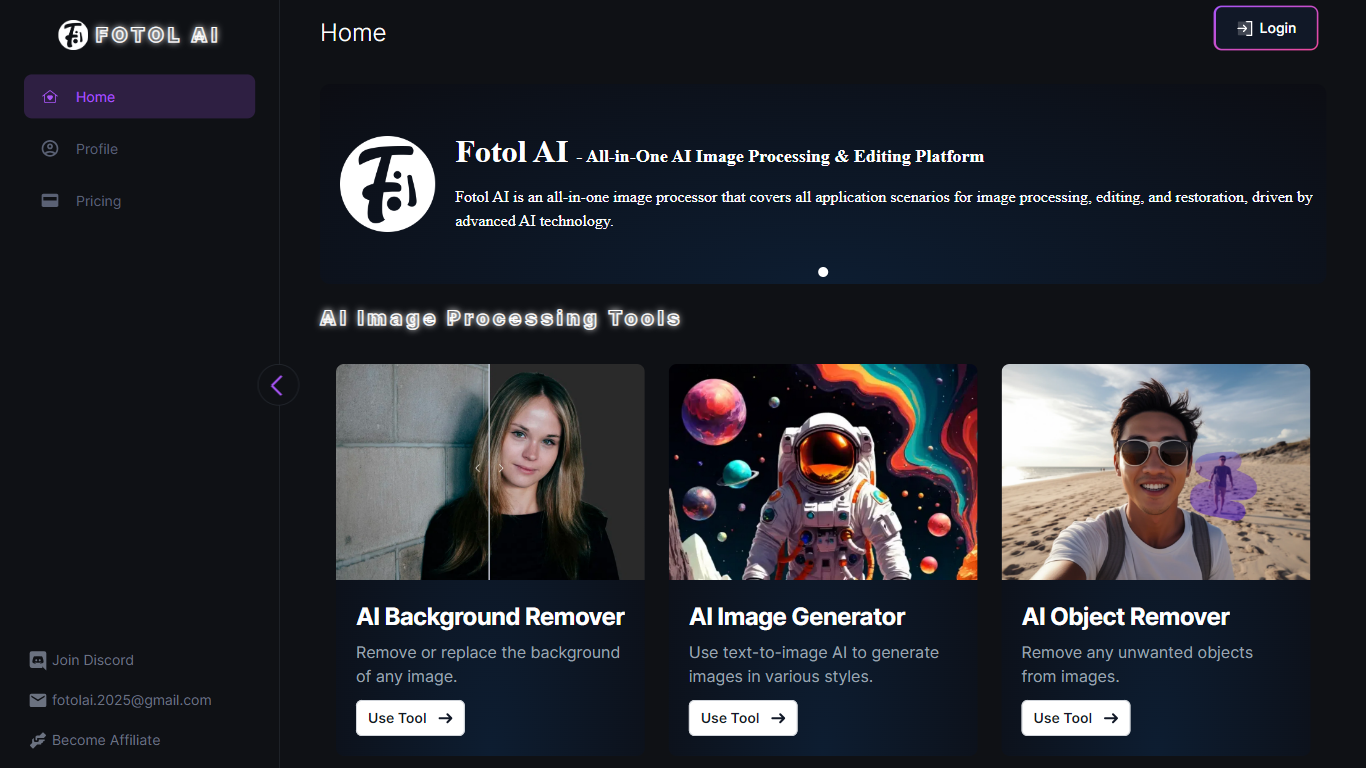
Fotol AI is a comprehensive image processing and editing platform that leverages advanced artificial intelligence technology to cater to a wide array of image-related tasks. Its core functionality encompasses image processing, editing, and restoration, making it an essential tool for both amateur and professional users. The platform is designed for photographers, graphic designers, and content creators who require efficient and effective solutions for enhancing their visual content.
The unique value proposition of Fotol AI lies in its all-in-one approach, providing users with a suite of tools that address various image manipulation needs. From background removal to image restoration, Fotol AI stands out by offering a seamless user experience that integrates multiple functionalities into a single platform. This integration not only saves time but also enhances productivity, allowing users to focus on their creative endeavors without the hassle of switching between different applications.
Key differentiators of Fotol AI include its AI-driven capabilities, which ensure high-quality results with minimal user input. The platform's advanced algorithms enable features such as AI image generation and object removal, which are typically complex tasks in traditional image editing software. By simplifying these processes, Fotol AI empowers users to achieve professional-grade results effortlessly, making it a valuable asset in the competitive landscape of image editing tools.
Compress Images Upvotes
Fotol AI Upvotes
Compress Images Top Features
Finder Quick Action compresses images in two clicks on macOS 12+
Offline processing with no uploads to remote servers
Up to 90% file size reduction with invisible compression
Unlimited bulk conversion for large photo batches
Auto-converts HEIC files to JPG during compression
One-time $5.99 purchase with no subscription
Fotol AI Top Features
AI Background Remover: Effortlessly remove or replace backgrounds in images, enhancing the focus on the subject while maintaining high image quality.
AI Image Generator: Utilize text-to-image AI technology to create unique images in various artistic styles, catering to diverse creative needs.
AI Object Remover: Seamlessly eliminate unwanted objects from images, allowing for cleaner compositions and improved visual appeal.
AI Image Inpainting: Replace or add objects in images with precision, enabling users to modify their visuals without compromising quality.
AI Uncrop: Expand images beyond their original borders using AI to intelligently fill in the outer content, providing more context and detail.
Compress Images Category
- Image Editing
Fotol AI Category
- Image Editing
Compress Images Pricing Type
- Paid
Fotol AI Pricing Type
- Freemium