Compress Images vs MyPicNow
In the clash of Compress Images vs MyPicNow, which AI Image Editing tool emerges victorious? We assess reviews, pricing, alternatives, features, upvotes, and more.
When we put Compress Images and MyPicNow head to head, which one emerges as the victor?
Let's take a closer look at Compress Images and MyPicNow, both of which are AI-driven image editing tools, and see what sets them apart. With more upvotes, MyPicNow is the preferred choice. MyPicNow has been upvoted 7 times by aitools.fyi users, and Compress Images has been upvoted 6 times.
You don't agree with the result? Cast your vote to help us decide!
Compress Images

What is Compress Images?
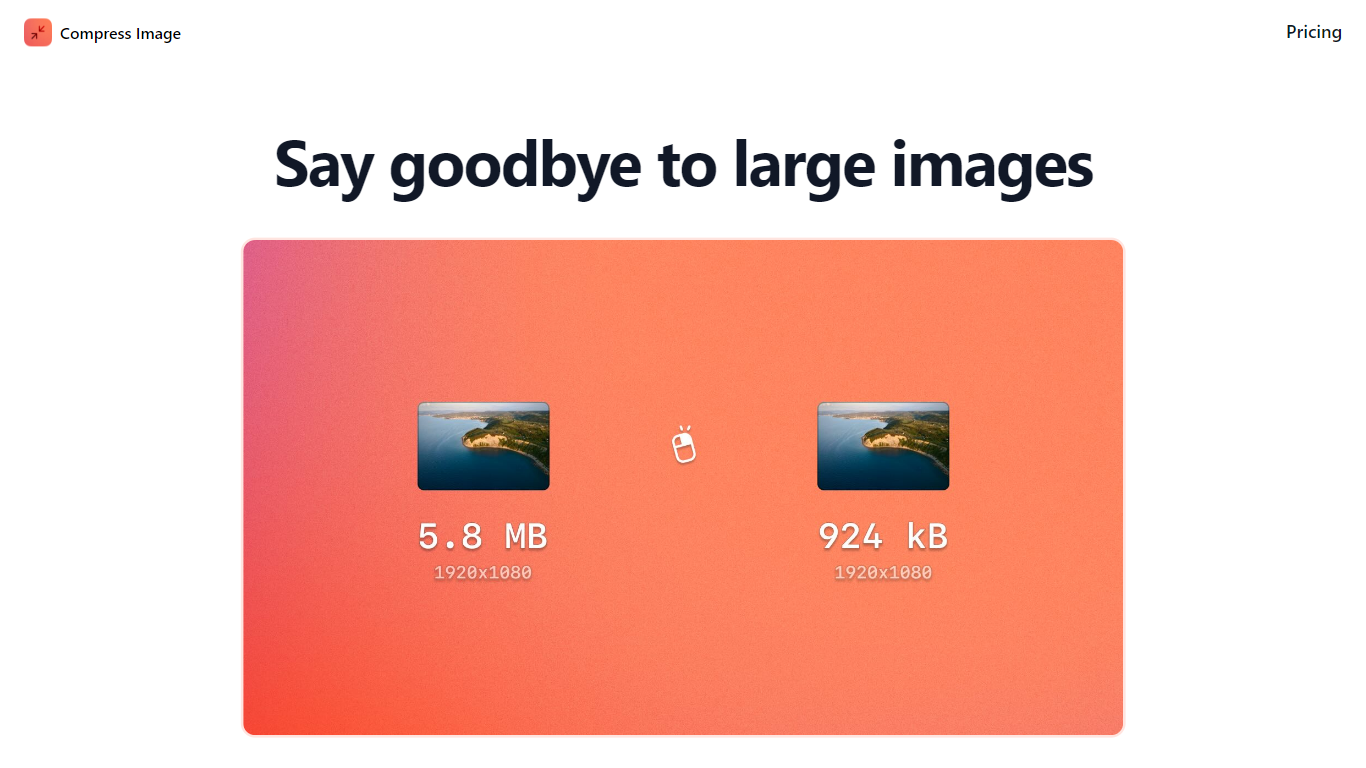
Compress Images is a macOS Finder Quick Action that shrinks image files locally without uploading them to a server. Right-click a photo, pick Quick Actions, then Compress Image to run the tool from Finder. It targets Mac users who need smaller JPG and HEIC files for email, web uploads, or storage cleanup.
Browser compressors usually send files to remote servers. Compress Images runs offline on macOS 12 or later and advertises up to 90% size reduction with what it calls invisible compression. That trade-off favors privacy and speed over cross-platform access.
Graphic designers, photographers, and anyone juggling large HEIC exports from iPhones are the likely audience. Bulk conversion has no stated limit, and HEIC files can auto-convert to JPG during compression.
Pricing is a one-time $5.99 purchase with no subscription. The app works entirely through Finder, so there is no separate editor window to learn.
MyPicNow

What is MyPicNow?
MyPicNow turns your selfies into studio-style headshots and portraits without booking a photographer. Upload reference photos, train a personal model, and generate images across 60+ themed photo packs built for LinkedIn profiles, dating apps, and social feeds.
The platform runs a custom deep learning pipeline tuned for photorealistic facial preservation. You keep a consistent likeness across generations, get 4K output, and pick from curated photo packs instead of writing prompts from scratch. Optional upscaling and video animation extend results beyond static shots.
Founded in 2024 by Markus Kellermann in Spain, MyPicNow targets job seekers, creators, and professionals who need polished profile photos on a budget. The service is privacy-first, GDPR compliant, and processes payments through Stripe.
Compress Images Upvotes
MyPicNow Upvotes
Compress Images Top Features
Finder Quick Action compresses images in two clicks on macOS 12+
Offline processing with no uploads to remote servers
Up to 90% file size reduction with invisible compression
Unlimited bulk conversion for large photo batches
Auto-converts HEIC files to JPG during compression
One-time $5.99 purchase with no subscription
MyPicNow Top Features
Sixty-plus photo packs for LinkedIn, dating apps, and social feeds
Personal model trains in about 10 minutes from your uploaded selfies
Each photo renders in roughly 10 seconds, with batch sizes up to four
4K upscaling sharpens portraits while keeping facial details intact
Pro and Premium plans include commercial usage rights for work profiles
Built-in photo editor lets you fix artifacts without leaving the app
Compress Images Category
- Image Editing
MyPicNow Category
- Image Editing
Compress Images Pricing Type
- Paid
MyPicNow Pricing Type
- Paid