Compress Images vs InsightFace
Explore the showdown between Compress Images vs InsightFace and find out which AI Image Editing tool wins. We analyze upvotes, features, reviews, pricing, alternatives, and more.
In a face-off between Compress Images and InsightFace, which one takes the crown?
When we contrast Compress Images with InsightFace, both of which are exceptional AI-operated image editing tools, and place them side by side, we can spot several crucial similarities and divergences. The upvote count is neck and neck for both Compress Images and InsightFace. The power is in your hands! Cast your vote and have a say in deciding the winner.
You don't agree with the result? Cast your vote to help us decide!
Compress Images

What is Compress Images?
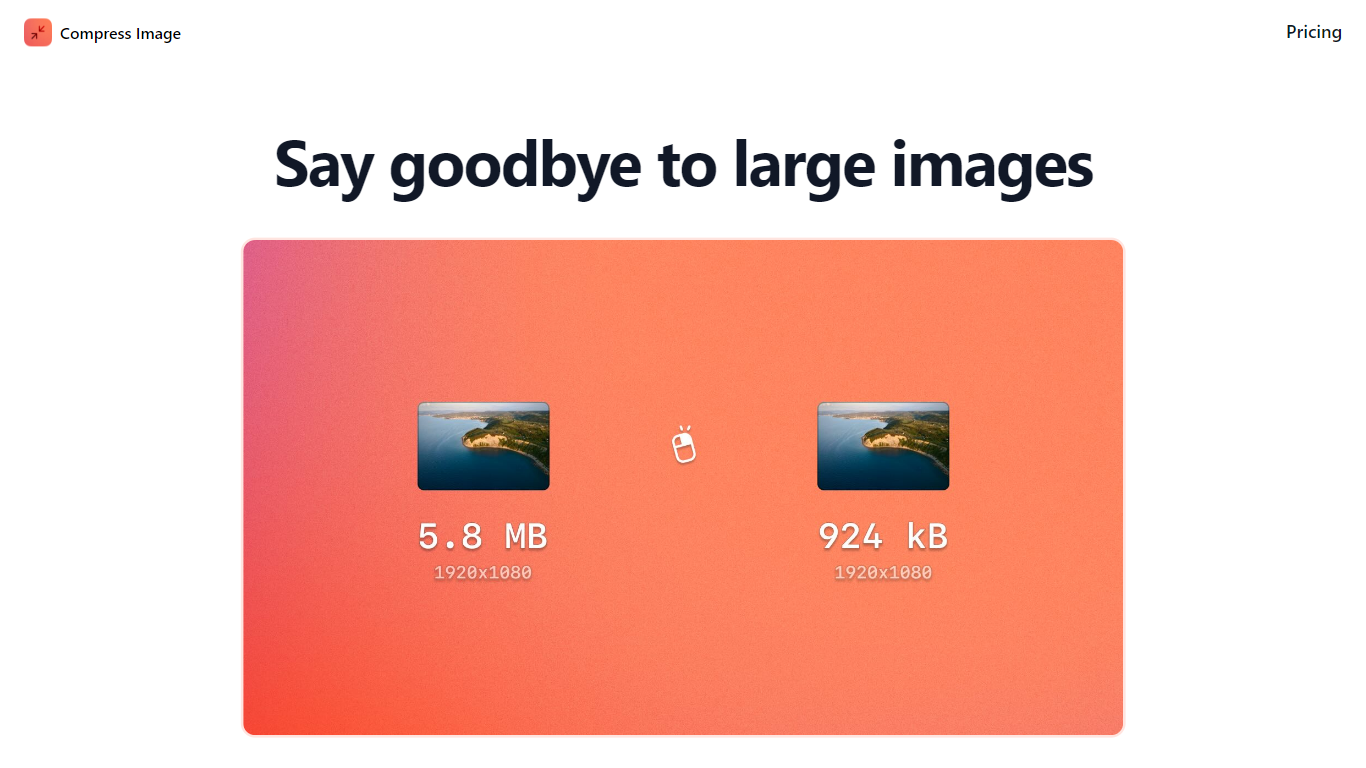
Compress Images is a macOS Finder Quick Action that shrinks image files locally without uploading them to a server. Right-click a photo, pick Quick Actions, then Compress Image to run the tool from Finder. It targets Mac users who need smaller JPG and HEIC files for email, web uploads, or storage cleanup.
Browser compressors usually send files to remote servers. Compress Images runs offline on macOS 12 or later and advertises up to 90% size reduction with what it calls invisible compression. That trade-off favors privacy and speed over cross-platform access.
Graphic designers, photographers, and anyone juggling large HEIC exports from iPhones are the likely audience. Bulk conversion has no stated limit, and HEIC files can auto-convert to JPG during compression.
Pricing is a one-time $5.99 purchase with no subscription. The app works entirely through Finder, so there is no separate editor window to learn.
InsightFace
What is InsightFace?
InsightFace is an open-source face analysis platform that ships research-grade recognition, detection, and swapping models alongside enterprise licensing, SDKs, and APIs. Founded in 2018, it grew from the ArcFace paper into a full stack used by developers on GitHub and by companies that need commercial deployment rights.
The platform covers face recognition model packs like buffalo_l and antelopev2, InSwapper-128 face swapping, deepfake detection, the InspireFace C/C++ SDK with liveness checks, and Live Identity for authorized real-time streaming workflows. You can start with the Python package on PyPI, integrate via REST API, or license models for on-premise and edge deployment.
InsightFace targets ML engineers building prototypes, enterprises running KYC and access control, and creative teams that need reviewed face swap or live identity tooling. Its models rank among NIST FRVT top performers, and the project reports 29,000+ GitHub stars with deployments across 50+ countries.
Compress Images Upvotes
InsightFace Upvotes
Compress Images Top Features
Finder Quick Action compresses images in two clicks on macOS 12+
Offline processing with no uploads to remote servers
Up to 90% file size reduction with invisible compression
Unlimited bulk conversion for large photo batches
Auto-converts HEIC files to JPG during compression
One-time $5.99 purchase with no subscription
InsightFace Top Features
Commercial licensing for face recognition packs including buffalo_l, antelopev2, buffalo_s, and buffalo_m
InSwapper-128 face swapping with API access and higher-fidelity proprietary models for approved use cases
Deepfake detection via browser demo, cloud API, on-premise SDK, and model licensing
InspireFace cross-platform C/C++ SDK with built-in anti-spoofing and liveness detection under 5MB
Live Identity runs authorized real-time identity transformation locally on NVIDIA GPUs for streaming workflows
Python package installs with pip and supports face recognition, detection, and swapping in a few lines of code
Compress Images Category
- Image Editing
InsightFace Category
- Image Editing
Compress Images Pricing Type
- Paid
InsightFace Pricing Type
- Freemium