Compress Images vs My Fit Checker
When comparing Compress Images vs My Fit Checker, which AI Image Editing tool shines brighter? We look at pricing, alternatives, upvotes, features, reviews, and more.
Between Compress Images and My Fit Checker, which one is superior?
When we put Compress Images and My Fit Checker side by side, both being AI-powered image editing tools, My Fit Checker stands out as the clear frontrunner in terms of upvotes. The upvote count for My Fit Checker is 22, and for Compress Images it's 6.
Feeling rebellious? Cast your vote and shake things up!
Compress Images

What is Compress Images?
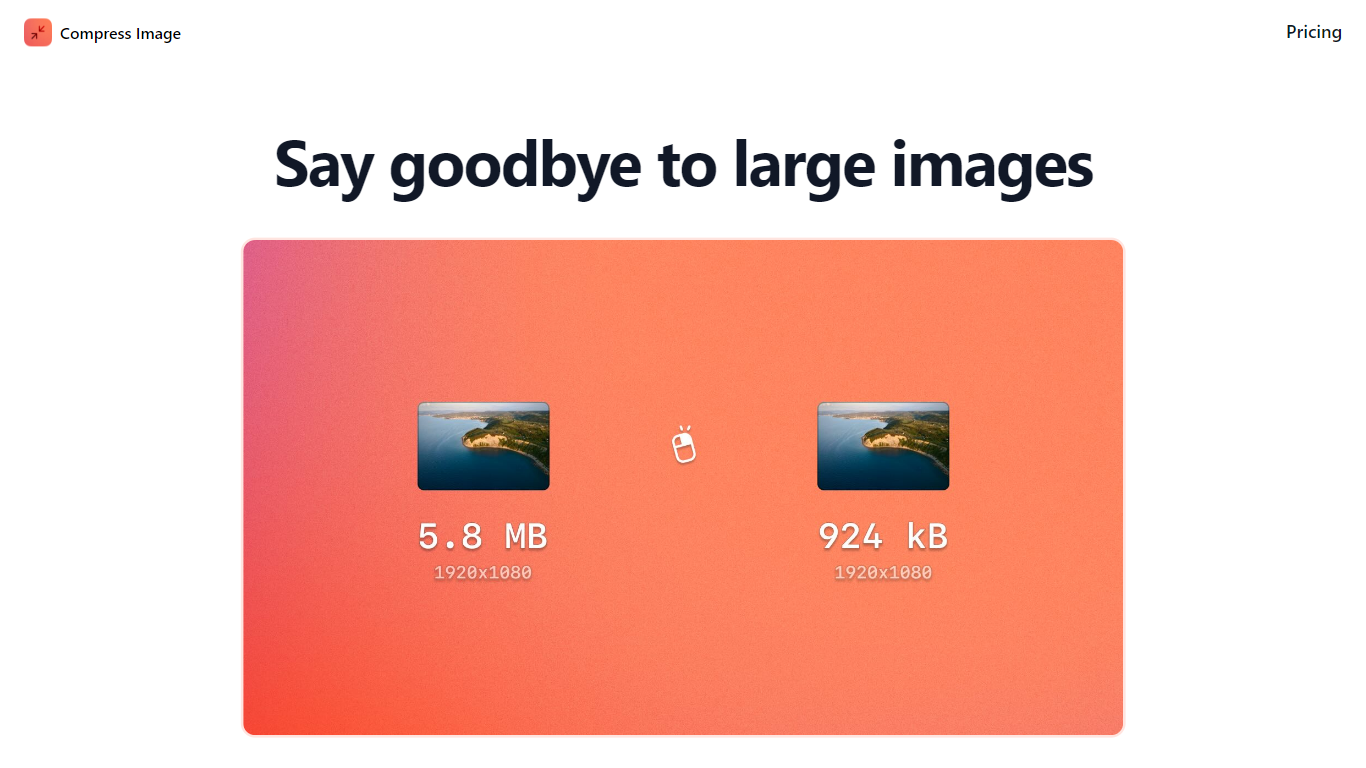
Compress Images is a macOS Finder Quick Action that shrinks image files locally without uploading them to a server. Right-click a photo, pick Quick Actions, then Compress Image to run the tool from Finder. It targets Mac users who need smaller JPG and HEIC files for email, web uploads, or storage cleanup.
Browser compressors usually send files to remote servers. Compress Images runs offline on macOS 12 or later and advertises up to 90% size reduction with what it calls invisible compression. That trade-off favors privacy and speed over cross-platform access.
Graphic designers, photographers, and anyone juggling large HEIC exports from iPhones are the likely audience. Bulk conversion has no stated limit, and HEIC files can auto-convert to JPG during compression.
Pricing is a one-time $5.99 purchase with no subscription. The app works entirely through Finder, so there is no separate editor window to learn.
My Fit Checker
What is My Fit Checker?
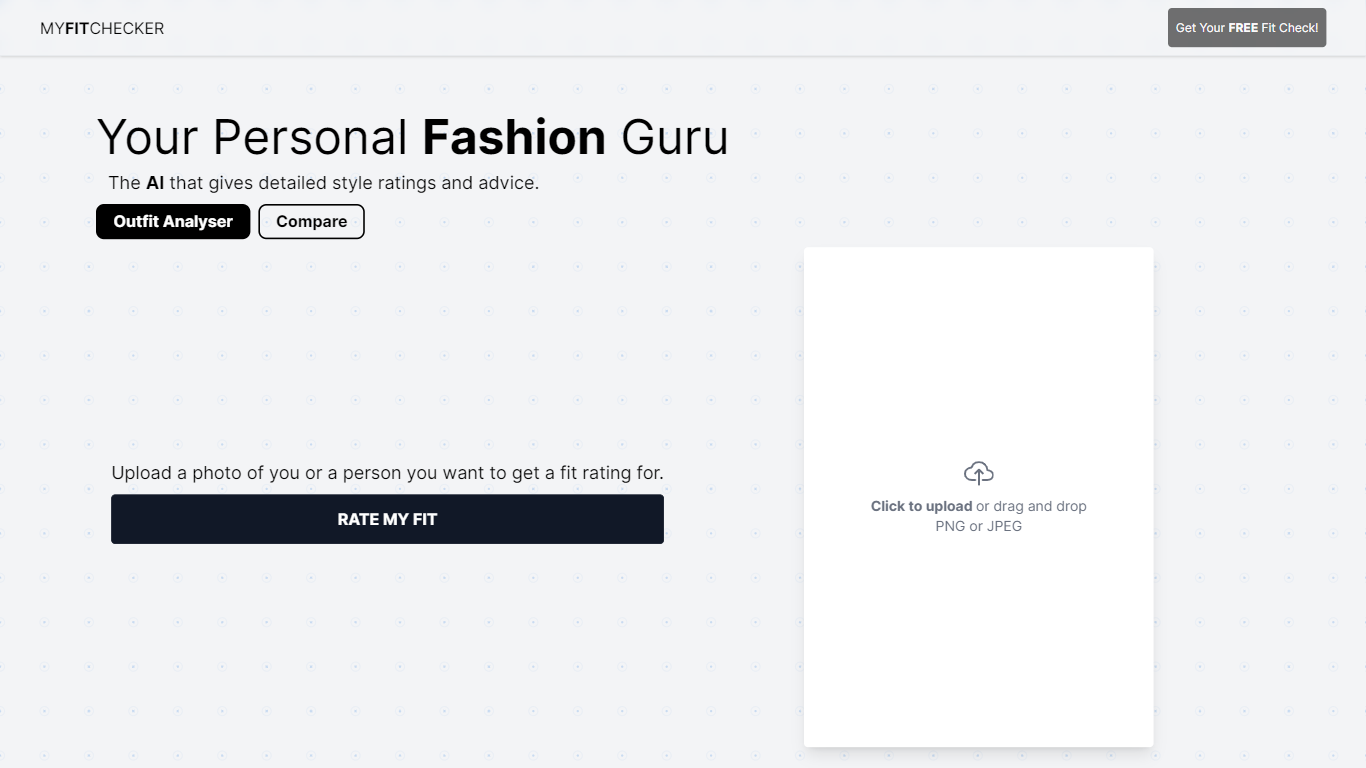
My Fit Checker is a free AI-powered fashion assistant that evaluates your outfit by analyzing photos you upload. It provides a style rating and personalized fashion advice to help you improve your look. The tool supports PNG and JPEG images, making it easy to use on any device. It is designed for anyone interested in getting quick, unbiased feedback on their clothing choices, whether for daily wear or special occasions.
The service is ideal for individuals who want to compare different outfits or seek style validation without visiting a stylist. My Fit Checker uses advanced image recognition and fashion algorithms developed by InParallel Labs to assess fit, color coordination, and overall style harmony. This approach helps users understand how their clothing choices come together visually.
Unlike traditional fashion advice, My Fit Checker offers instant feedback without the need for appointments or consultations. It is accessible to a broad audience, including fashion enthusiasts, casual dressers, and those exploring new styles. The tool’s simplicity and no-cost access make it a practical option for anyone looking to enhance their wardrobe decisions.
The platform continues to evolve with improvements in AI accuracy and user experience. While it focuses on outfit analysis, it does not replace professional styling but serves as a helpful first step in fashion decision-making. My Fit Checker emphasizes ease of use, requiring only a photo upload to deliver meaningful style insights.
Overall, My Fit Checker stands out by combining AI technology with user-friendly design to offer free, immediate outfit evaluations. It supports users in making confident fashion choices and discovering what works best for their personal style.
Compress Images Upvotes
My Fit Checker Upvotes
Compress Images Top Features
Finder Quick Action compresses images in two clicks on macOS 12+
Offline processing with no uploads to remote servers
Up to 90% file size reduction with invisible compression
Unlimited bulk conversion for large photo batches
Auto-converts HEIC files to JPG during compression
One-time $5.99 purchase with no subscription
My Fit Checker Top Features
📸 Easy photo upload supports PNG and JPEG formats for quick outfit analysis
⭐ Instant style ratings help you understand how your outfit looks
👗 Personalized fashion advice guides you to improve your clothing choices
🔄 Compare multiple outfits to find your best style combinations
💻 Accessible on any device with no sign-up or payment required
Compress Images Category
- Image Editing
My Fit Checker Category
- Image Editing
Compress Images Pricing Type
- Paid
My Fit Checker Pricing Type
- Free