Compress Images vs PicTools AI
In the battle of Compress Images vs PicTools AI, which AI Image Editing tool comes out on top? We compare reviews, pricing, alternatives, upvotes, features, and more.
Between Compress Images and PicTools AI, which one is superior?
Upon comparing Compress Images with PicTools AI, which are both AI-powered image editing tools, The users have made their preference clear, PicTools AI leads in upvotes. PicTools AI has attracted 7 upvotes from aitools.fyi users, and Compress Images has attracted 6 upvotes.
Think we got it wrong? Cast your vote and show us who's boss!
Compress Images
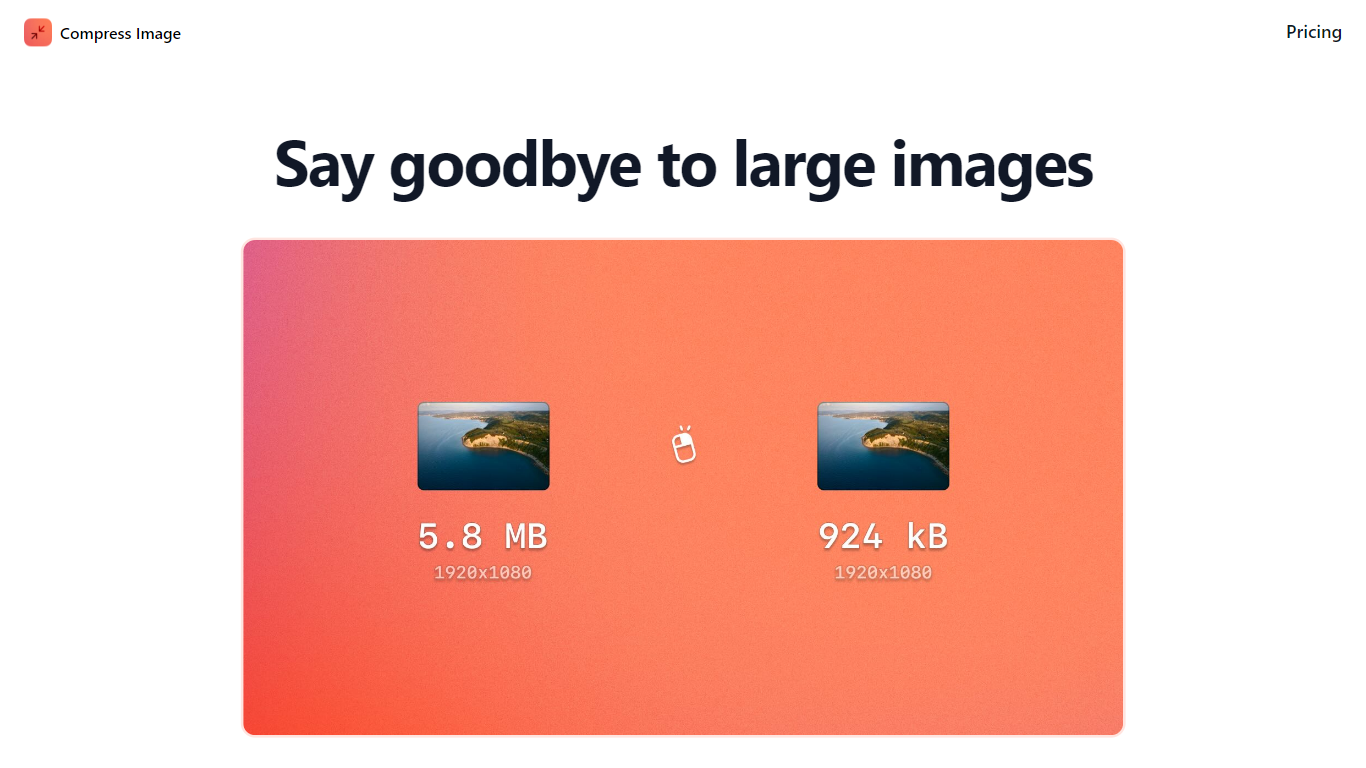

What is Compress Images?
Compress Images is a macOS Finder Quick Action that shrinks image files locally without uploading them to a server. Right-click a photo, pick Quick Actions, then Compress Image to run the tool from Finder. It targets Mac users who need smaller JPG and HEIC files for email, web uploads, or storage cleanup.
Browser compressors usually send files to remote servers. Compress Images runs offline on macOS 12 or later and advertises up to 90% size reduction with what it calls invisible compression. That trade-off favors privacy and speed over cross-platform access.
Graphic designers, photographers, and anyone juggling large HEIC exports from iPhones are the likely audience. Bulk conversion has no stated limit, and HEIC files can auto-convert to JPG during compression.
Pricing is a one-time $5.99 purchase with no subscription. The app works entirely through Finder, so there is no separate editor window to learn.
PicTools AI
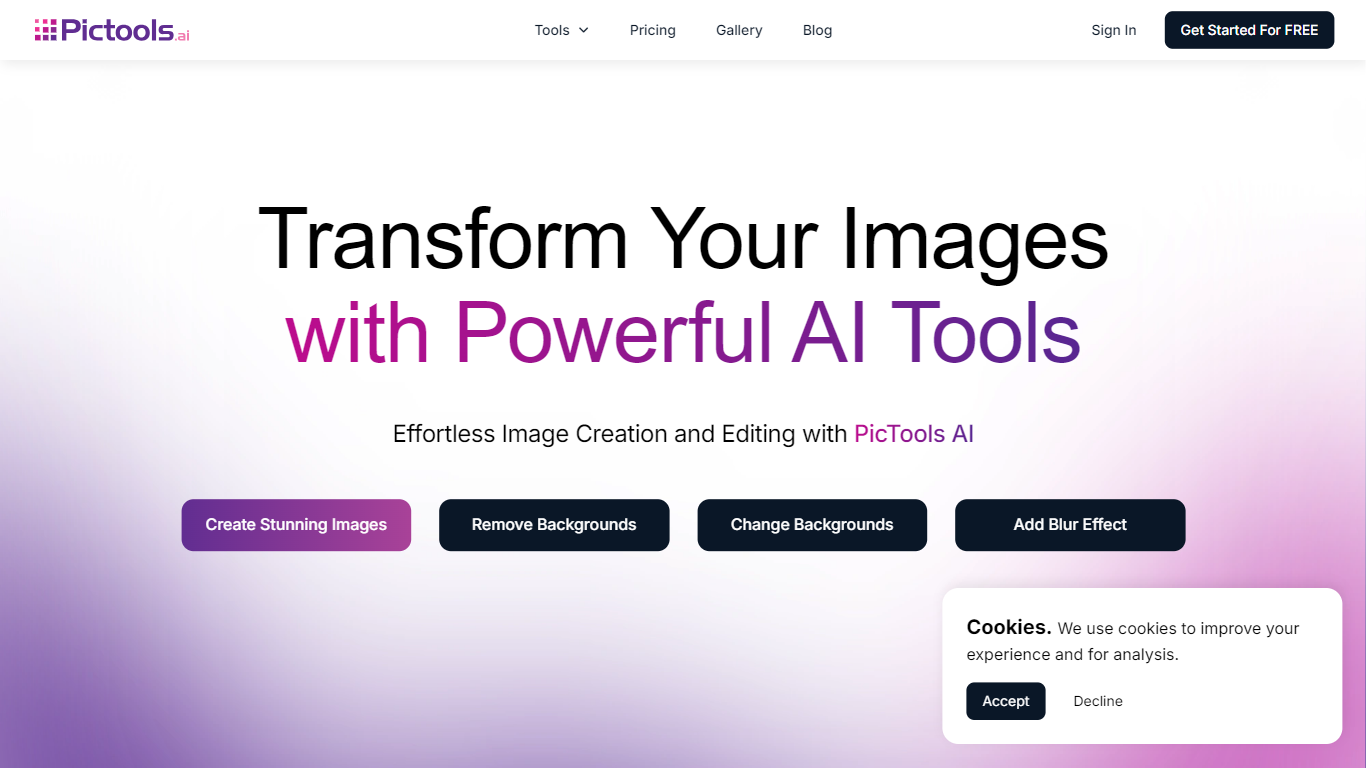
What is PicTools AI?
PicTools AI is an online AI image editor that lets you upload photos and edit them using text prompts or one-click filters. You can remove backgrounds, change outfits, add smiles, restore old photos, and apply over 100 AI filters in seconds without needing design skills. It serves a wide audience including photographers, small business owners, marketers, and content creators who want fast, professional photo edits.
The platform also supports creating new images from text prompts, enhancing creativity and productivity. PicTools AI stands out by combining ease of use with powerful AI features like object removal, background changes, outfit swaps, and photo restoration, all accessible through a simple interface. Privacy is a priority; your images remain private and are never used to train AI models or shared externally.
Compress Images Upvotes
PicTools AI Upvotes
Compress Images Top Features
Finder Quick Action compresses images in two clicks on macOS 12+
Offline processing with no uploads to remote servers
Up to 90% file size reduction with invisible compression
Unlimited bulk conversion for large photo batches
Auto-converts HEIC files to JPG during compression
One-time $5.99 purchase with no subscription
PicTools AI Top Features
🖼️ AI Photo Editing: Upload photos and edit with simple text prompts instantly
🎨 100+ AI Filters: Apply styles like Anime, Studio Ghibli, and Vintage with one click
✂️ Background Removal: Remove or change backgrounds precisely without manual work
👗 Outfit Changes: Swap clothes or try new looks easily using AI
🔄 Photo Restoration: Enhance old or damaged photos by restoring details and colors
Compress Images Category
- Image Editing
PicTools AI Category
- Image Editing
Compress Images Pricing Type
- Paid
PicTools AI Pricing Type
- Freemium