Compress Images vs PostSpark
In the contest of Compress Images vs PostSpark, which AI Image Editing tool is the champion? We evaluate pricing, alternatives, upvotes, features, reviews, and more.
If you had to choose between Compress Images and PostSpark, which one would you go for?
When we examine Compress Images and PostSpark, both of which are AI-enabled image editing tools, what unique characteristics do we discover? Both tools are equally favored, as indicated by the identical upvote count. Every vote counts! Cast yours and contribute to the decision of the winner.
Want to flip the script? Upvote your favorite tool and change the game!
Compress Images

What is Compress Images?
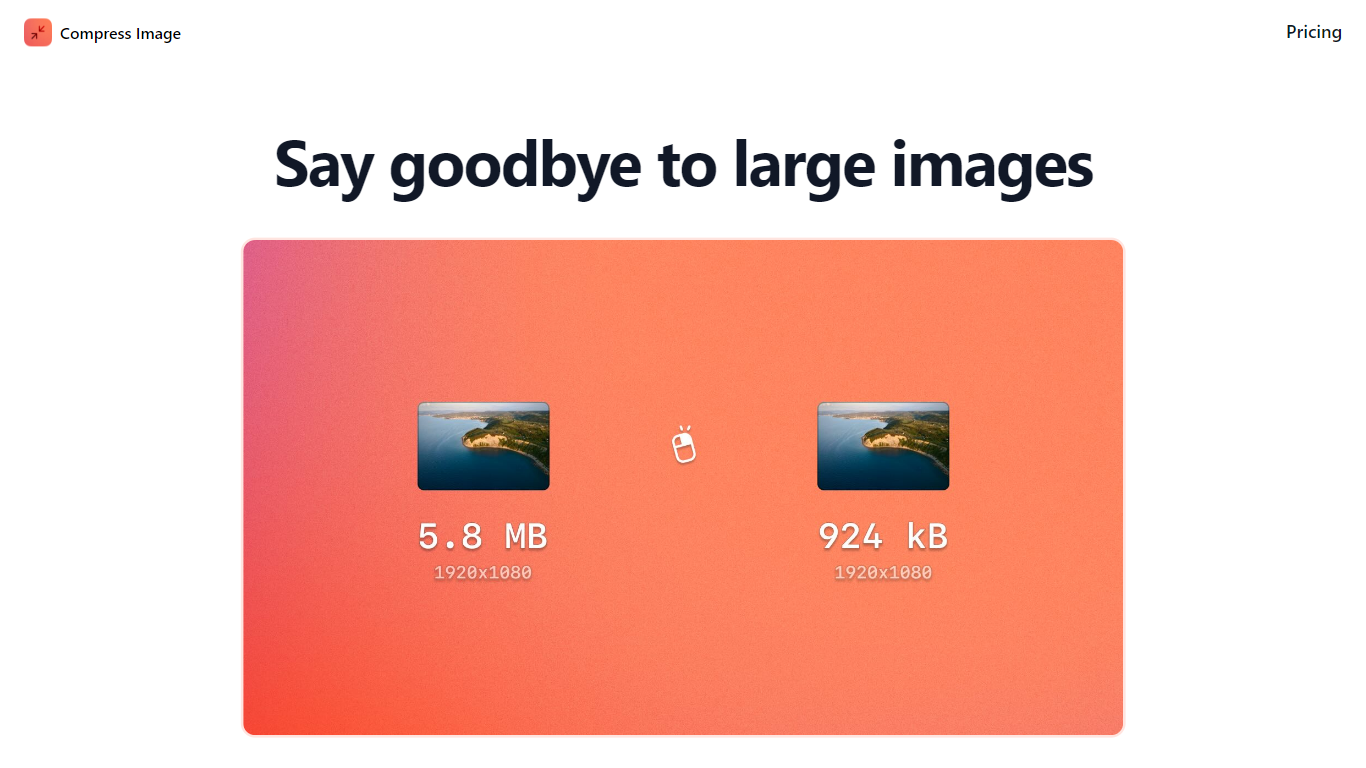
Compress Images is a macOS Finder Quick Action that shrinks image files locally without uploading them to a server. Right-click a photo, pick Quick Actions, then Compress Image to run the tool from Finder. It targets Mac users who need smaller JPG and HEIC files for email, web uploads, or storage cleanup.
Browser compressors usually send files to remote servers. Compress Images runs offline on macOS 12 or later and advertises up to 90% size reduction with what it calls invisible compression. That trade-off favors privacy and speed over cross-platform access.
Graphic designers, photographers, and anyone juggling large HEIC exports from iPhones are the likely audience. Bulk conversion has no stated limit, and HEIC files can auto-convert to JPG during compression.
Pricing is a one-time $5.99 purchase with no subscription. The app works entirely through Finder, so there is no separate editor window to learn.
PostSpark
What is PostSpark?
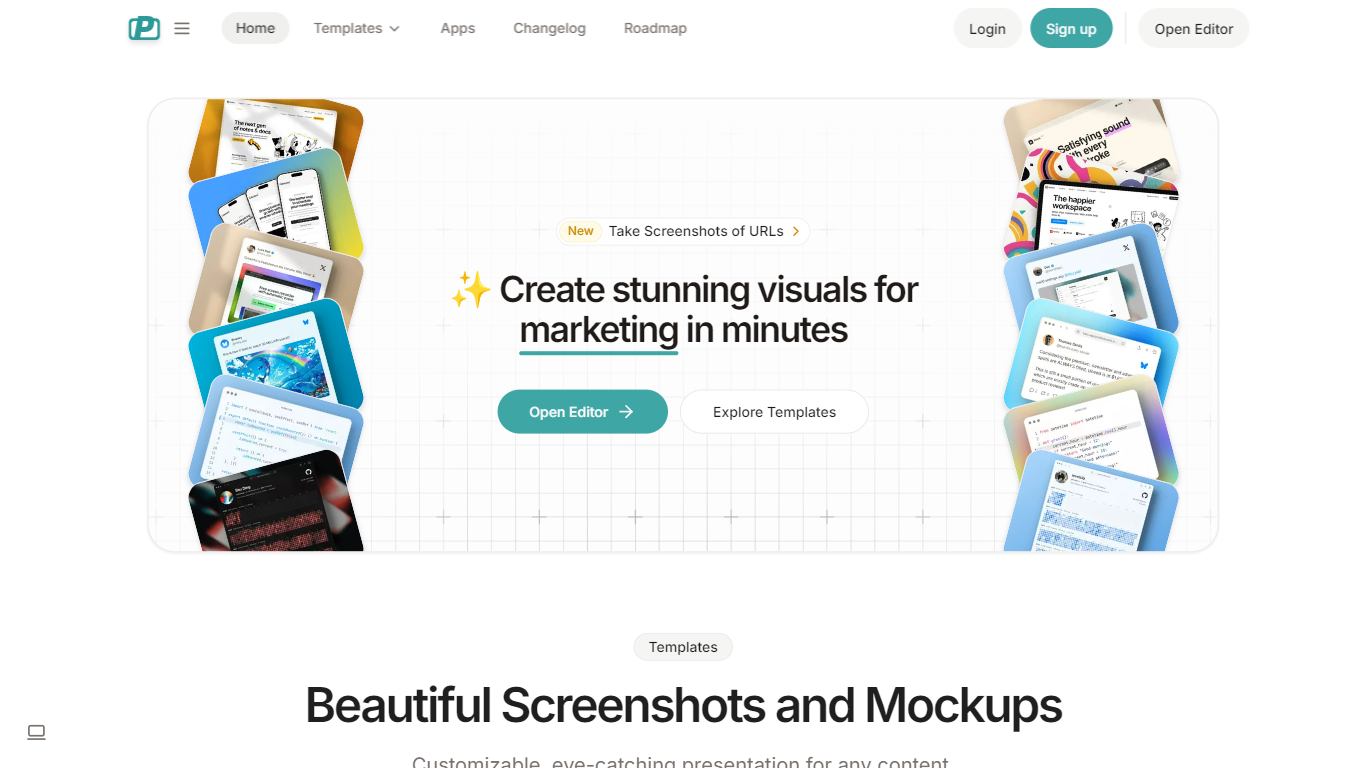
PostSpark is a versatile tool designed for creating visually appealing images tailored for social media platforms. It offers a comprehensive suite of features that enable users to generate stunning screenshots, mockups, and other visual content with ease. The core functionality revolves around a powerful editor that allows for customization of themes, backgrounds, and layouts, ensuring that users can produce content that aligns with their branding and aesthetic preferences.
Targeted primarily at creators, developers, and marketers, PostSpark caters to individuals and teams looking to enhance their online presence through high-quality visuals. Its unique value proposition lies in its user-friendly interface combined with advanced editing capabilities, making it accessible for both novice and experienced users. The tool stands out in the market by providing a one-stop solution for all visual content needs, eliminating the need for multiple applications.
Key differentiators include the ability to capture website screenshots directly, customizable theme presets, and a library of beautiful backgrounds sourced from Unsplash. Additionally, the tool supports various export formats and aspect ratios, ensuring that images are optimized for any social media platform. With features like keyboard shortcuts and quick export options, PostSpark streamlines the design process, allowing users to create professional visuals in just a few clicks.
Compress Images Upvotes
PostSpark Upvotes
Compress Images Top Features
Finder Quick Action compresses images in two clicks on macOS 12+
Offline processing with no uploads to remote servers
Up to 90% file size reduction with invisible compression
Unlimited bulk conversion for large photo batches
Auto-converts HEIC files to JPG during compression
One-time $5.99 purchase with no subscription
PostSpark Top Features
Powerful & Easy to Use Editor: A user-friendly interface that allows for quick customization of designs, saving time with presets and ensuring images are optimized for social media.
Customizable Theme Presets: Users can save their settings and create reusable themes that match their brand identity, enhancing consistency across visual content.
Website Screenshots: Users can enter any URL to capture perfectly optimized screenshots of websites, streamlining the process of creating visual content.
Aspect Ratios: The tool allows for exporting images in perfectly sized formats for any popular social media platform, ensuring that visuals are displayed correctly.
Quick Export Options: Users can copy images to the clipboard or download them in various formats (PNG, JPEG, WebP) with a single click, facilitating easy sharing and usage.
Compress Images Category
- Image Editing
PostSpark Category
- Image Editing
Compress Images Pricing Type
- Paid
PostSpark Pricing Type
- Freemium