Compress Images vs SellerPic
In the face-off between Compress Images vs SellerPic, which AI Image Editing tool takes the crown? We scrutinize features, alternatives, upvotes, reviews, pricing, and more.
In a face-off between Compress Images and SellerPic, which one takes the crown?
If we were to analyze Compress Images and SellerPic, both of which are AI-powered image editing tools, what would we find? Neither tool takes the lead, as they both have the same upvote count. Every vote counts! Cast yours and contribute to the decision of the winner.
Think we got it wrong? Cast your vote and show us who's boss!
Compress Images

What is Compress Images?
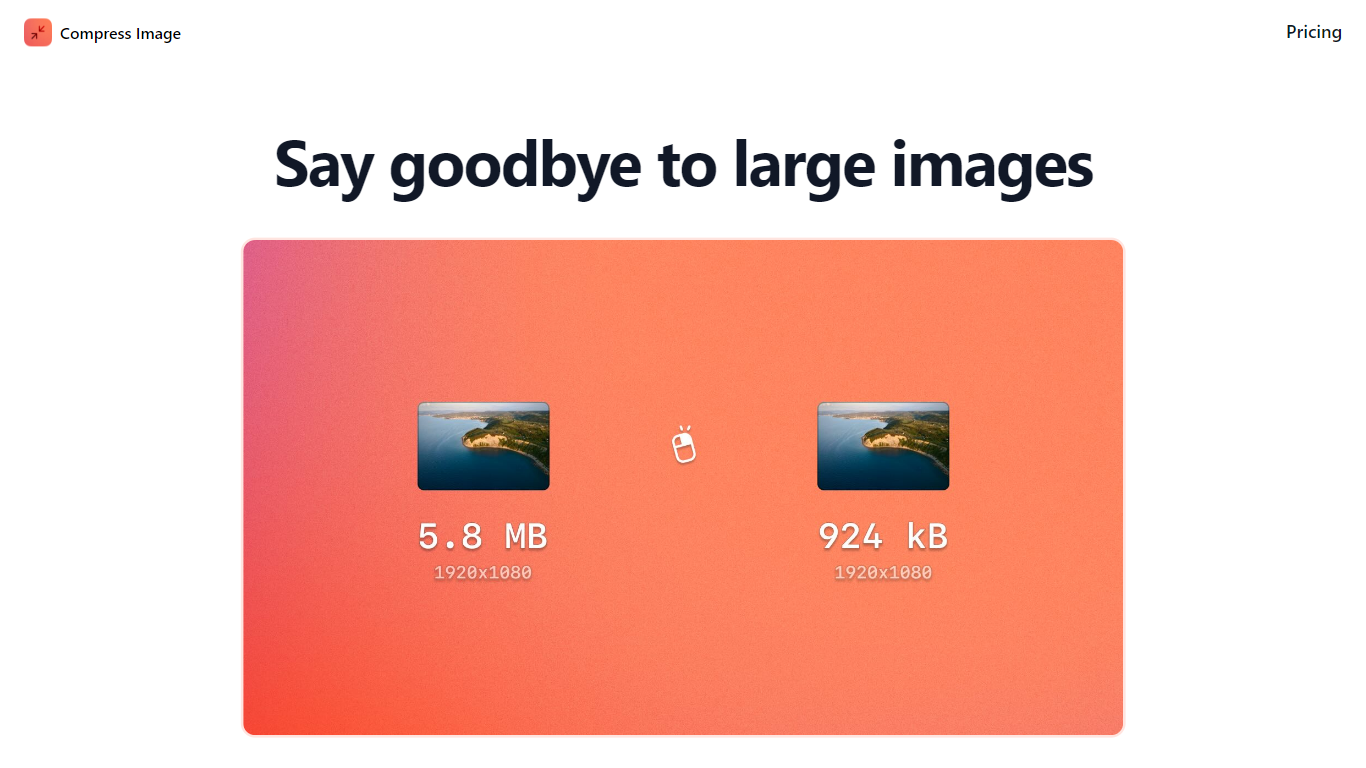
Compress Images is a macOS Finder Quick Action that shrinks image files locally without uploading them to a server. Right-click a photo, pick Quick Actions, then Compress Image to run the tool from Finder. It targets Mac users who need smaller JPG and HEIC files for email, web uploads, or storage cleanup.
Browser compressors usually send files to remote servers. Compress Images runs offline on macOS 12 or later and advertises up to 90% size reduction with what it calls invisible compression. That trade-off favors privacy and speed over cross-platform access.
Graphic designers, photographers, and anyone juggling large HEIC exports from iPhones are the likely audience. Bulk conversion has no stated limit, and HEIC files can auto-convert to JPG during compression.
Pricing is a one-time $5.99 purchase with no subscription. The app works entirely through Finder, so there is no separate editor window to learn.
SellerPic

What is SellerPic?
SellerPic generates professional product images and videos from a single photo, helping e-commerce sellers create marketing content quickly and efficiently. It offers tools to add AI-generated fashion models, create dynamic videos, and produce user-generated content styles tailored for various platforms.
What sets SellerPic apart is its comprehensive AI toolkit that integrates image editing, video creation, and ad cloning in one platform. Unlike traditional photoshoots that are costly and time-consuming, SellerPic delivers complete media assets optimized for multiple e-commerce channels within 24 to 72 hours.
SellerPic also supports white-label solutions for marketing agencies and ensures data security with SOC 2 Type 2 certification and GDPR compliance. Its multi-channel export formats cover Amazon, Shopify, Meta, TikTok, Walmart, and more, enabling sellers to scale content production while maintaining brand consistency.
The platform's user-friendly interface and AI-powered automation reduce production costs and turnaround times, making it ideal for sellers and agencies aiming to enhance product listings and advertising campaigns efficiently.
Compress Images Upvotes
SellerPic Upvotes
Compress Images Top Features
Finder Quick Action compresses images in two clicks on macOS 12+
Offline processing with no uploads to remote servers
Up to 90% file size reduction with invisible compression
Unlimited bulk conversion for large photo batches
Auto-converts HEIC files to JPG during compression
One-time $5.99 purchase with no subscription
SellerPic Top Features
AI Image & Video Generation: Create high-quality photos and dynamic videos from a single product image.
Fast Content Production: Deliver complete media packs within 24 to 72 hours to meet tight deadlines.
Multi-Channel Optimization: Export assets formatted for Amazon, Shopify, Meta, TikTok, Walmart, and more.
White-Label Support: Agencies can present SellerPic as their own technology to clients.
Ad Clone for Shopify: Automatically generate and schedule viral video ads directly from your product catalog.
Compress Images Category
- Image Editing
SellerPic Category
- Image Editing
Compress Images Pricing Type
- Paid
SellerPic Pricing Type
- Freemium