Content Compass AI vs CalcGen AI
In the contest of Content Compass AI vs CalcGen AI, which AI Analytics tool is the champion? We evaluate pricing, alternatives, upvotes, features, reviews, and more.
If you had to choose between Content Compass AI and CalcGen AI, which one would you go for?
When we examine Content Compass AI and CalcGen AI, both of which are AI-enabled analytics tools, what unique characteristics do we discover? There's no clear winner in terms of upvotes, as both tools have received the same number. Your vote matters! Help us decide the winner among aitools.fyi users by casting your vote.
Not your cup of tea? Upvote your preferred tool and stir things up!
Content Compass AI

What is Content Compass AI?
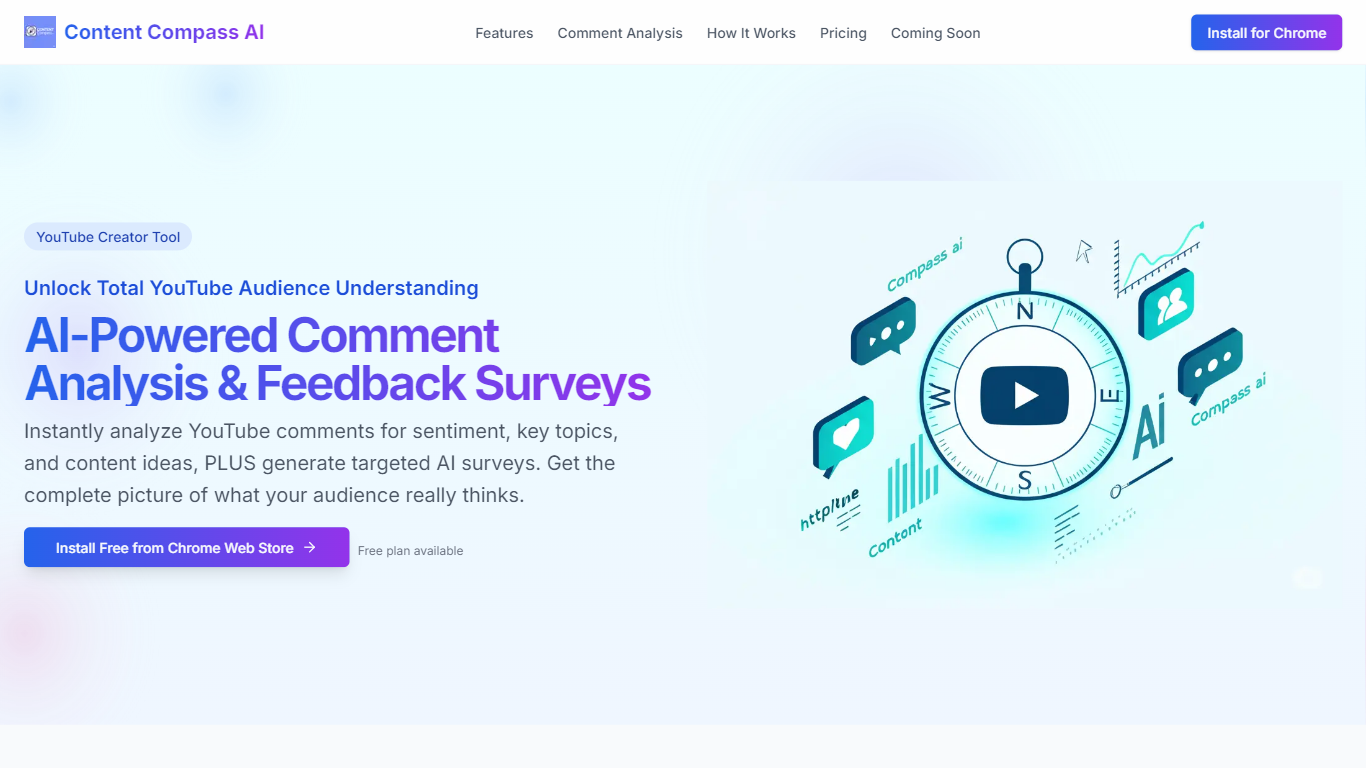
Content Compass AI turns YouTube comment threads into structured audience insights and ready-to-send Google Forms surveys from a Chrome extension. Install it from the Chrome Web Store, open a video, and the extension analyzes comments for sentiment, topics, viewer questions, and content ideas while generating tailored survey questions you can push into Google Forms.
Most YouTube analytics dashboards stop at views and watch time. Content Compass AI focuses on qualitative comment data and pairs it with AI-generated surveys so you get both passive sentiment from existing comments and active responses from structured questions. That combination is its main angle versus standalone survey builders that ignore what viewers already wrote.
YouTube creators, channel managers, and small media teams use it to decode vague comment threads, spot recurring topics, and share Google Forms links through descriptions, cards, and community posts. A free plan is available, and new signups get a 7-day trial with 10 credits to test comment analysis and survey generation before committing.
CalcGen AI
What is CalcGen AI?
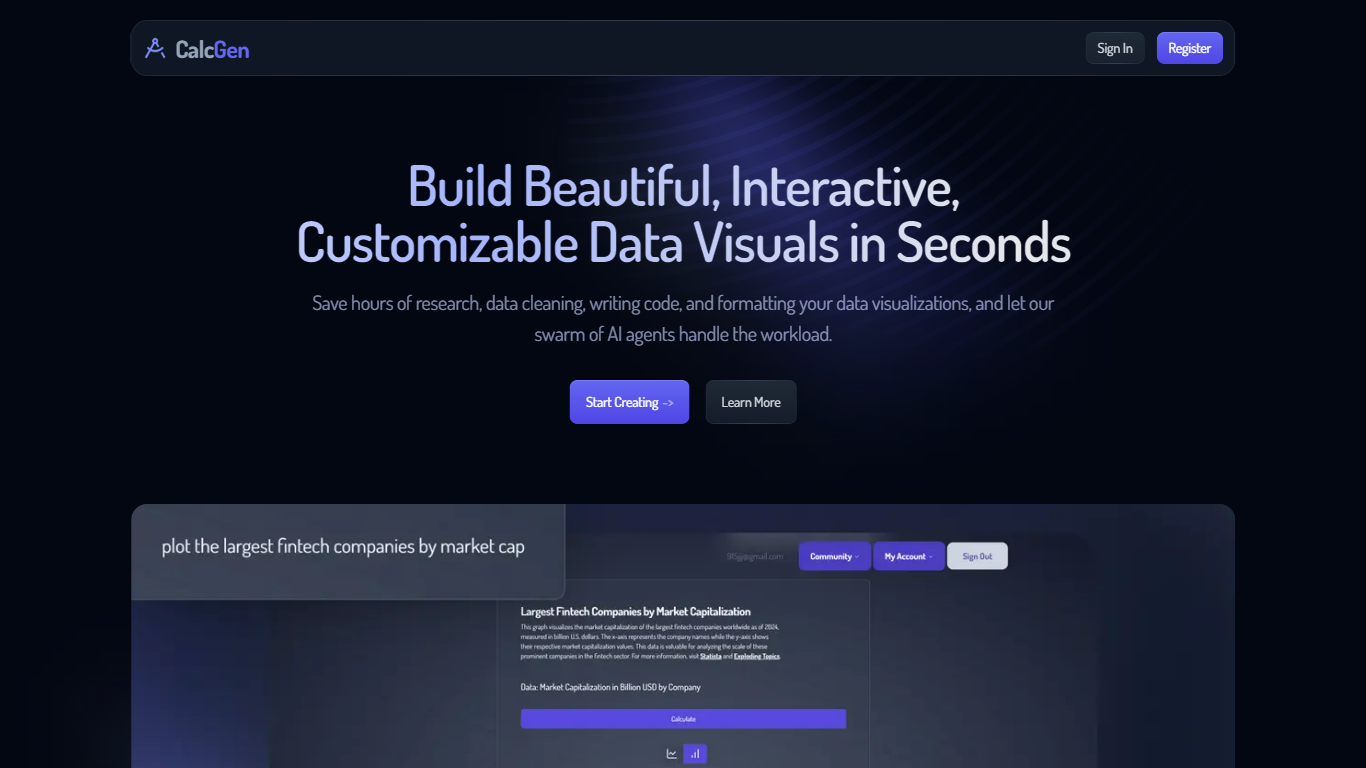
CalcGen AI turns a plain-language question into an interactive chart, graph, or calculator without you writing code or hunting down datasets. Type a prompt like smoking rates in the USA, and a swarm of search, analysis, and visualization agents finds credible sources, writes a summary, and renders a shareable visual you can embed in Notion, PowerPoint, or WordPress.
ChatGPT can sketch a chart from data you paste in. CalcGen goes further by sending a search agent to pull numbers from the web, linking every source, and letting you customize themes, filters, and chart types in a visual editor. The trade-off is beta maturity: the tutorial recommends datasets under 150 points for best results.
Analysts, educators, and marketers use it when they need a polished visualization fast but lack time for spreadsheet cleanup and formatting. CalcGen was featured on Product Hunt as a top 8 launch and in Rundown AI's trending products list in October 2024.
Content Compass AI Upvotes
CalcGen AI Upvotes
Content Compass AI Top Features
AI comment analysis for sentiment, topics, viewer questions, and content ideas
Generates survey questions tailored to each YouTube video's content
One-click Google Forms creation and updates from inside the extension
Customizable question editor with short answer and multiple choice types
Analytics dashboard tracks response rates and comment sentiment trends
Easy sharing guidance for descriptions, cards, end screens, and community posts
7-day free trial with 10 credits for new extension signups
CalcGen AI Top Features
Search Agent finds data online and links credible sources to every visualization
Analysis Agent writes chart titles and detailed data summaries automatically
Visualization Agent builds interactive charts with custom filters and sorting from prompts
Embeds into Notion, PowerPoint, WordPress, Wix, and Miro
Theme library lets you match charts to your brand design language
Custom graph calculators plot equations dynamically from user inputs
Paid plans start at $9.99 per month according to the welcome page
Content Compass AI Category
- Analytics
CalcGen AI Category
- Analytics
Content Compass AI Pricing Type
- Freemium
CalcGen AI Pricing Type
- Freemium