Content Compass AI vs Magic Dash
When comparing Content Compass AI vs Magic Dash, which AI Analytics tool shines brighter? We look at pricing, alternatives, upvotes, features, reviews, and more.
In a comparison between Content Compass AI and Magic Dash, which one comes out on top?
When we put Content Compass AI and Magic Dash side by side, both being AI-powered analytics tools, In the race for upvotes, Magic Dash takes the trophy. Magic Dash has 7 upvotes, and Content Compass AI has 6 upvotes.
Don't agree with the result? Cast your vote and be a part of the decision-making process!
Content Compass AI

What is Content Compass AI?
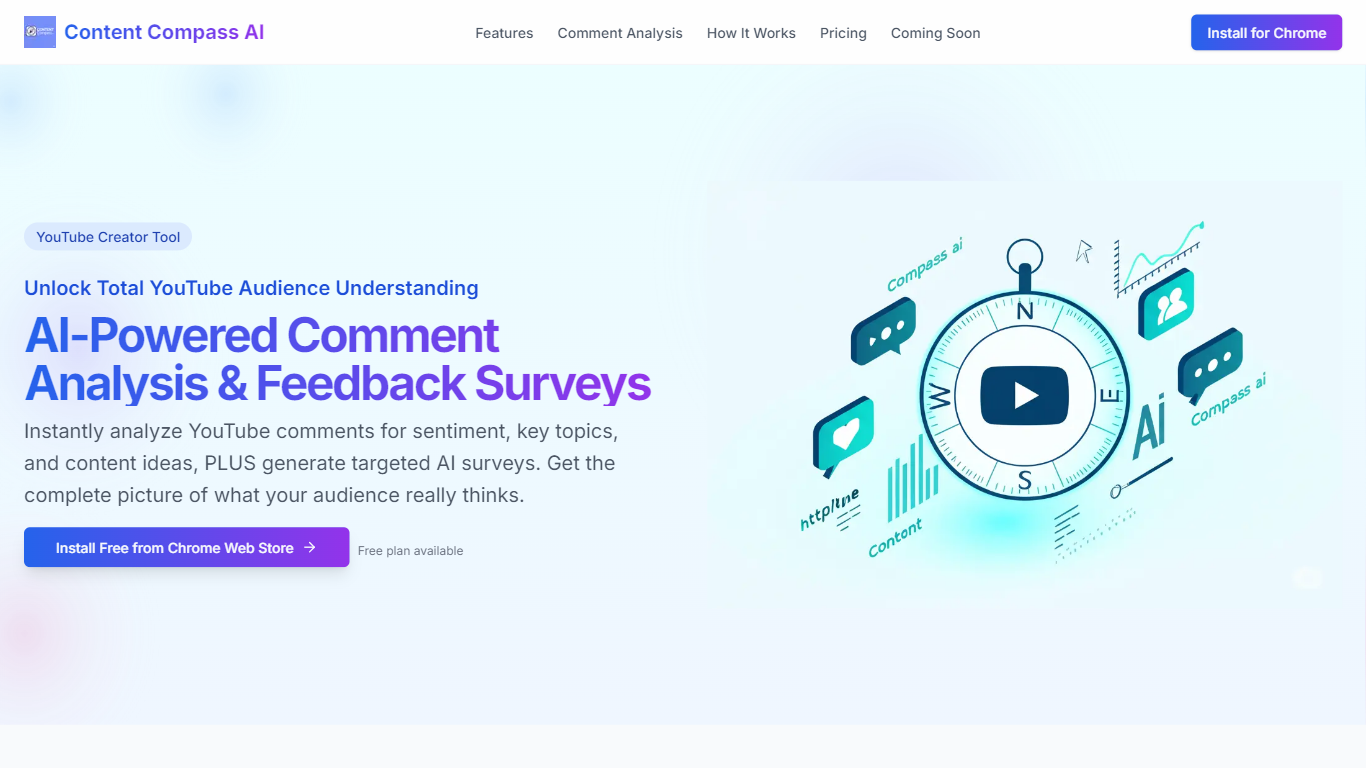
Content Compass AI turns YouTube comment threads into structured audience insights and ready-to-send Google Forms surveys from a Chrome extension. Install it from the Chrome Web Store, open a video, and the extension analyzes comments for sentiment, topics, viewer questions, and content ideas while generating tailored survey questions you can push into Google Forms.
Most YouTube analytics dashboards stop at views and watch time. Content Compass AI focuses on qualitative comment data and pairs it with AI-generated surveys so you get both passive sentiment from existing comments and active responses from structured questions. That combination is its main angle versus standalone survey builders that ignore what viewers already wrote.
YouTube creators, channel managers, and small media teams use it to decode vague comment threads, spot recurring topics, and share Google Forms links through descriptions, cards, and community posts. A free plan is available, and new signups get a 7-day trial with 10 credits to test comment analysis and survey generation before committing.
Magic Dash
What is Magic Dash?
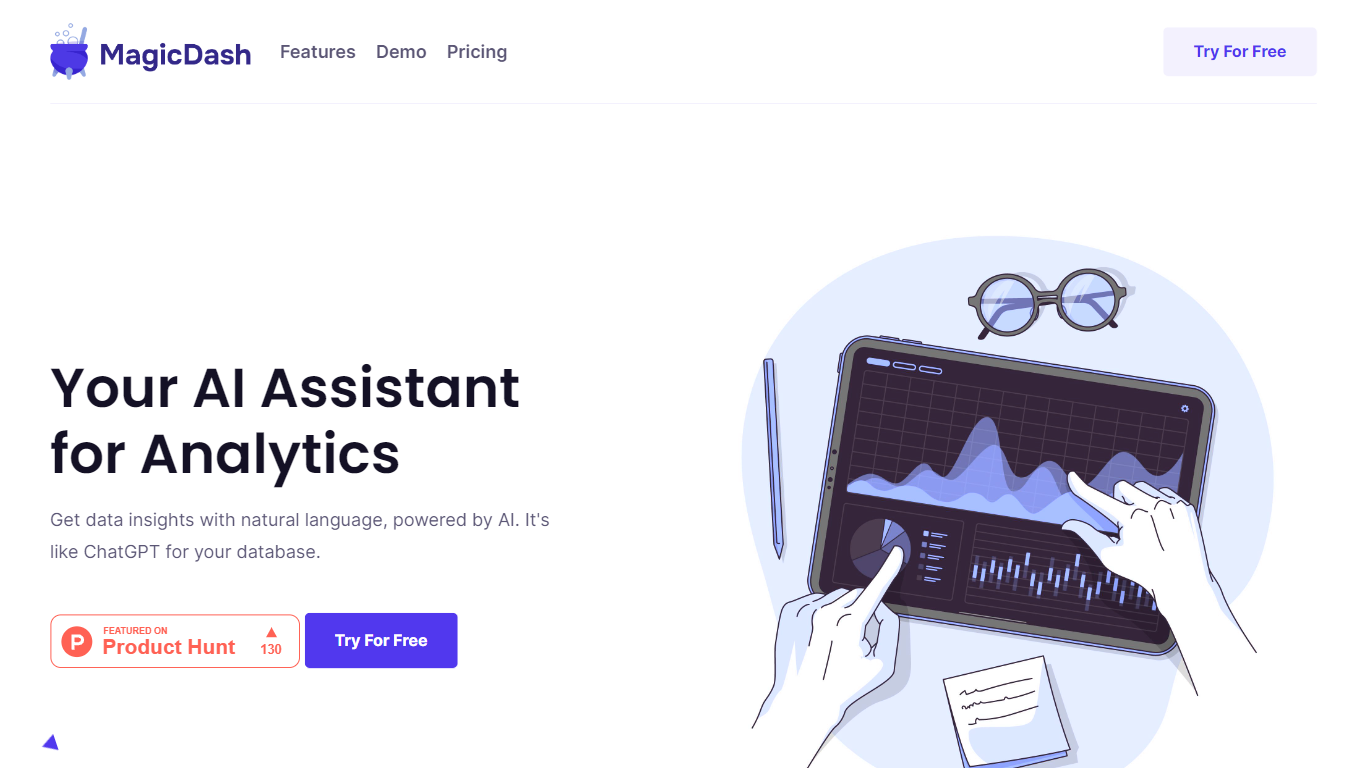
Magic Dash is an AI-powered analytics platform designed to simplify and expedite the process of data analysis. This intuitive tool allows users to gain insights from their databases using natural language, akin to the convenience of ChatGPT. With Magic Dash, database querying is transformed into an effortless experience, free from the traditional complexities of query writing. By supporting a variety of databases, such as Airtable and MongoDB, Magic Dash enables seamless integration in just one click. It offers a clear advantage in speed and simplicity with features like quick visualization of insights, a user-friendly interface, and significant resource savings by eliminating the need for writing queries. Security is a top priority, too, with fully encrypted database connections ensuring user data is protected. With the option to try it for free, Magic Dash aims to cater to a broad audience looking for a smarter, more efficient way to handle their analytics.
Content Compass AI Upvotes
Magic Dash Upvotes
Content Compass AI Top Features
AI comment analysis for sentiment, topics, viewer questions, and content ideas
Generates survey questions tailored to each YouTube video's content
One-click Google Forms creation and updates from inside the extension
Customizable question editor with short answer and multiple choice types
Analytics dashboard tracks response rates and comment sentiment trends
Easy sharing guidance for descriptions, cards, end screens, and community posts
7-day free trial with 10 credits for new extension signups
Magic Dash Top Features
Quick Insights: Visualize any insight in seconds.
No Coding: No need to write queries anymore.
Easy to Use: Simple and intuitive UX.
Save Resources: Remove query writing from the process.
Fully Encrypted: Ensures your database connection is secure.
Content Compass AI Category
- Analytics
Magic Dash Category
- Analytics
Content Compass AI Pricing Type
- Freemium
Magic Dash Pricing Type
- Freemium