Content Compass AI vs Mode
In the battle of Content Compass AI vs Mode, which AI Analytics tool comes out on top? We compare reviews, pricing, alternatives, upvotes, features, and more.
Between Content Compass AI and Mode, which one is superior?
Upon comparing Content Compass AI with Mode, which are both AI-powered analytics tools, There's no clear winner in terms of upvotes, as both tools have received the same number. Your vote matters! Help us decide the winner among aitools.fyi users by casting your vote.
Disagree with the result? Upvote your favorite tool and help it win!
Content Compass AI
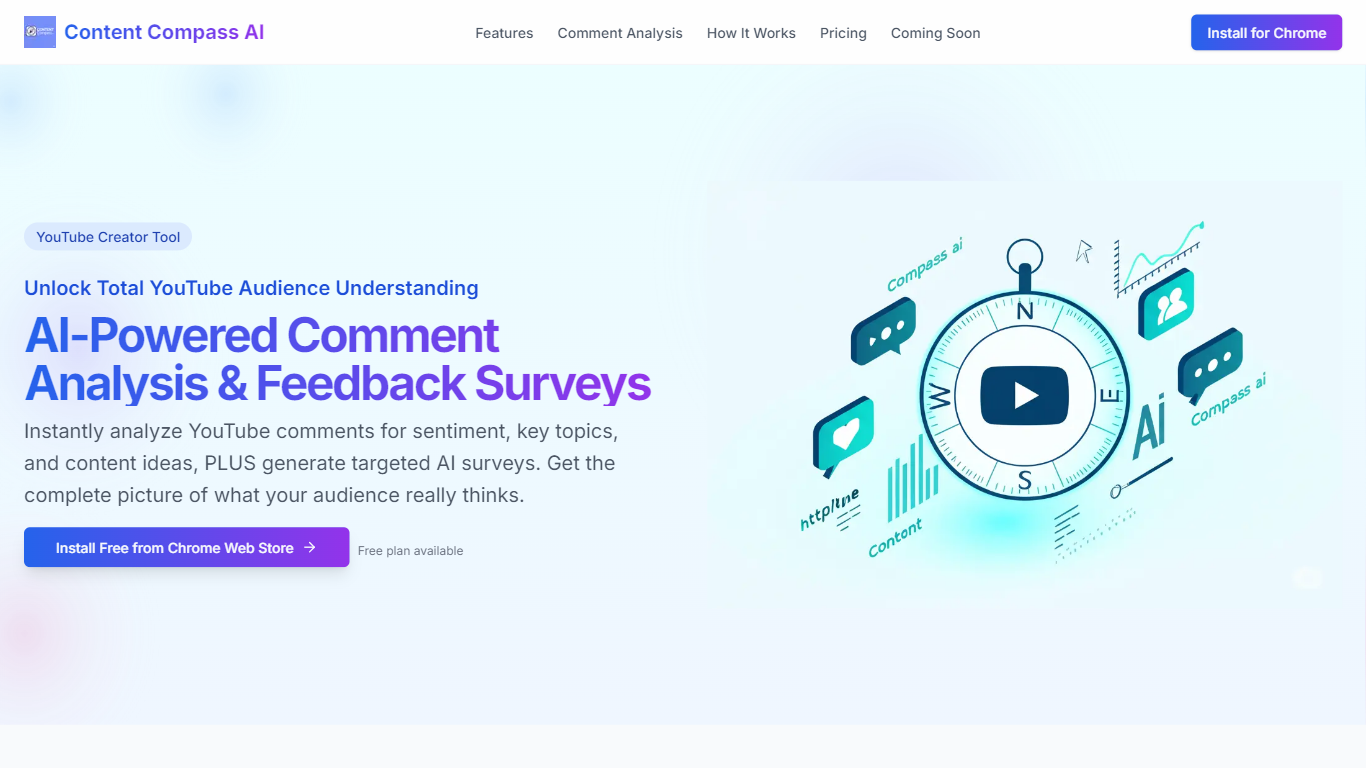

What is Content Compass AI?
Content Compass AI turns YouTube comment threads into structured audience insights and ready-to-send Google Forms surveys from a Chrome extension. Install it from the Chrome Web Store, open a video, and the extension analyzes comments for sentiment, topics, viewer questions, and content ideas while generating tailored survey questions you can push into Google Forms.
Most YouTube analytics dashboards stop at views and watch time. Content Compass AI focuses on qualitative comment data and pairs it with AI-generated surveys so you get both passive sentiment from existing comments and active responses from structured questions. That combination is its main angle versus standalone survey builders that ignore what viewers already wrote.
YouTube creators, channel managers, and small media teams use it to decode vague comment threads, spot recurring topics, and share Google Forms links through descriptions, cards, and community posts. A free plan is available, and new signups get a 7-day trial with 10 credits to test comment analysis and survey generation before committing.
Mode
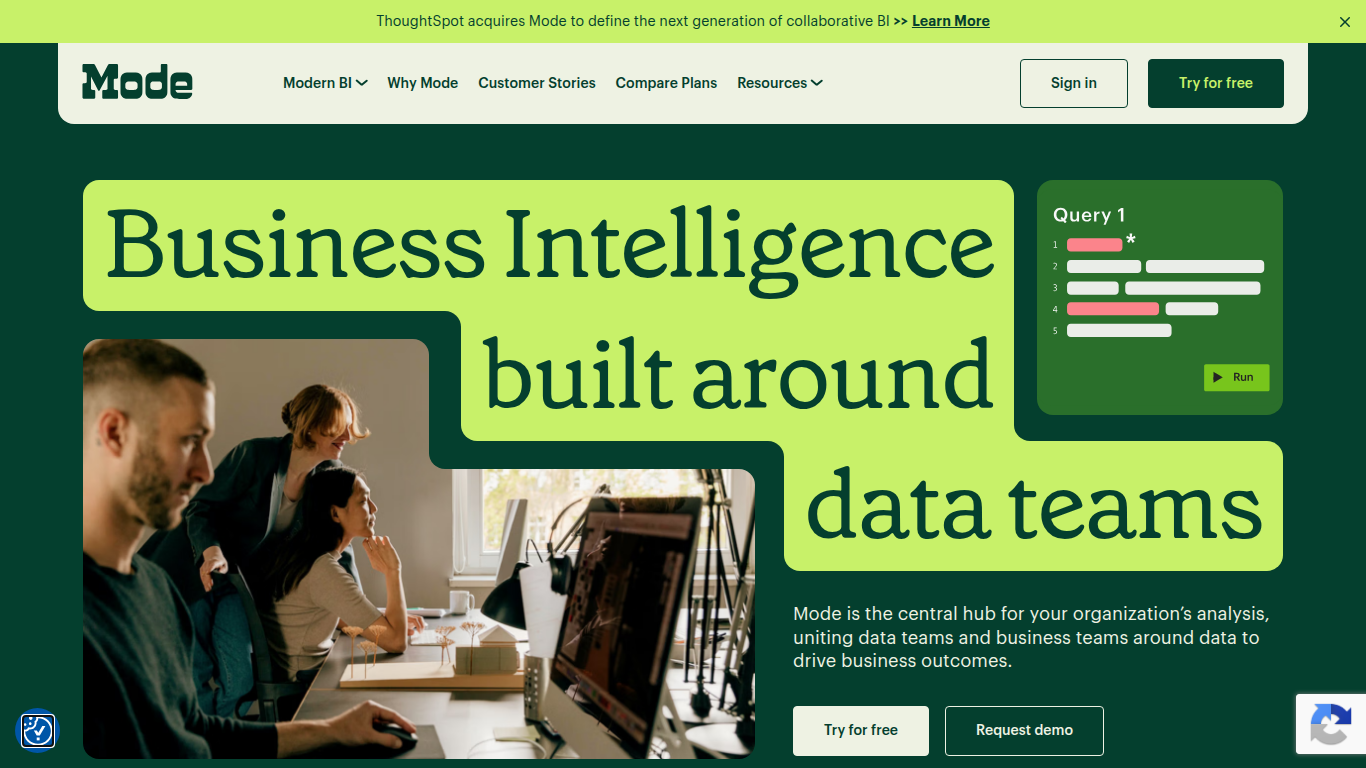
What is Mode?
Mode unites data teams and business teams around SQL, Python, R, and visual analysis in one workspace. Analysts run ad hoc queries, build interactive dashboards, and publish self-service reports without switching tools. The platform connects to major data warehouses and integrates with the dbt Semantic Layer for governed metrics across the organization.
Most BI tools force a choice between analyst-grade depth and business-user simplicity. Mode runs both on the same platform: data teams write SQL and Python notebooks while business users explore curated datasets through drag-and-drop dashboards. Reusable datasets, scheduled reports, and Slack sharing keep everyone on the same numbers without maintaining separate data models for each audience.
Mode targets data analysts, analytics engineers, and business intelligence teams at companies that have invested in a modern data stack. The free Studio plan supports up to 3 users with SQL, Python, and R at 10 MB per query. Pro and Enterprise tiers add 250 GB monthly compute, permissioning, API access, and visualization of tens of millions of rows. ThoughtSpot acquired Mode to combine collaborative BI with search-driven analytics.
Content Compass AI Upvotes
Mode Upvotes
Content Compass AI Top Features
AI comment analysis for sentiment, topics, viewer questions, and content ideas
Generates survey questions tailored to each YouTube video's content
One-click Google Forms creation and updates from inside the extension
Customizable question editor with short answer and multiple choice types
Analytics dashboard tracks response rates and comment sentiment trends
Easy sharing guidance for descriptions, cards, end screens, and community posts
7-day free trial with 10 credits for new extension signups
Mode Top Features
SQL editor with connected Python and R notebooks using 60+ libraries
Visual exploration of 100,000+ datapoints directly in the browser
Interactive dashboards with drilldowns, filters, and scheduled reports
Reusable datasets curated by data teams for self-service reporting
dbt Semantic Layer integration for governed metrics across the org
Email and Slack sharing with REST API and webhook automation
Custom data apps built with HTML, CSS, and JavaScript for internal tools
Content Compass AI Category
- Analytics
Mode Category
- Analytics
Content Compass AI Pricing Type
- Freemium
Mode Pricing Type
- Freemium