Converse vs PDFPeer
Dive into the comparison of Converse vs PDFPeer and discover which AI PDF tool stands out. We examine alternatives, upvotes, features, reviews, pricing, and beyond.
When comparing Converse and PDFPeer, which one rises above the other?
When we compare Converse and PDFPeer, two exceptional pdf tools powered by artificial intelligence, and place them side by side, several key similarities and differences come to light. The users have made their preference clear, PDFPeer leads in upvotes. The number of upvotes for PDFPeer stands at 89, and for Converse it's 7.
Want to flip the script? Upvote your favorite tool and change the game!
Converse

What is Converse?
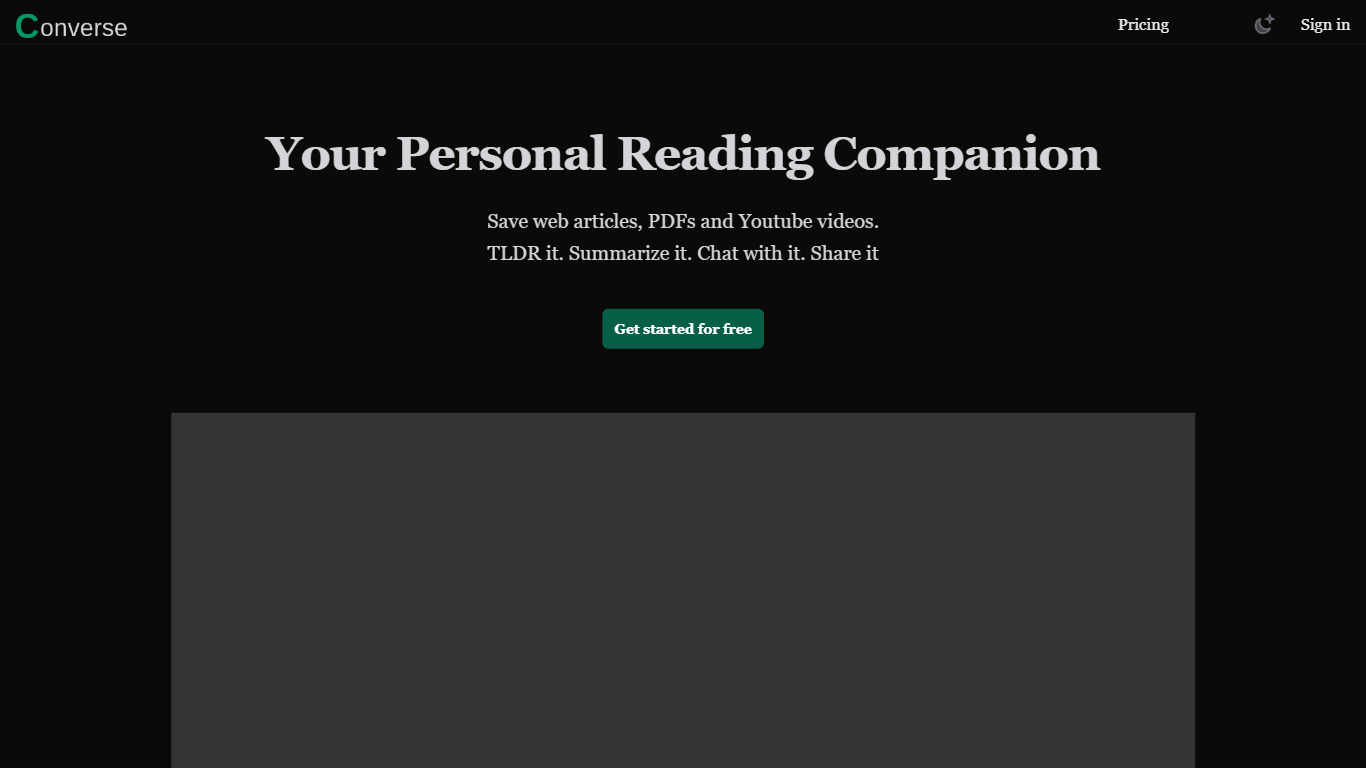
Converse is a read-it-later and PDF chat tool that saves web articles, PDF uploads, and YouTube videos in one personal library. You clip content, get TLDR and detailed summaries with key takeaways, then ask questions in a chat panel that cites the source. It sits in the PDF and research assistant space rather than a plain bookmarking app.
Most read-it-later apps stop at saving links. Converse adds document chat with source references across all three formats, plus social sharing where friends can interact with a shared article or PDF. The free tier caps you at three summaries and one item per format per month, which pushes heavy readers toward Plus or the lifetime plan.
Researchers, students, and anyone drowning in long PDFs or video essays will get the most from it. Collections keep saved items organized, and the site claims detailed summaries can cut reading and watching time by up to 80 percent when you only need the gist.
PDFPeer
What is PDFPeer?
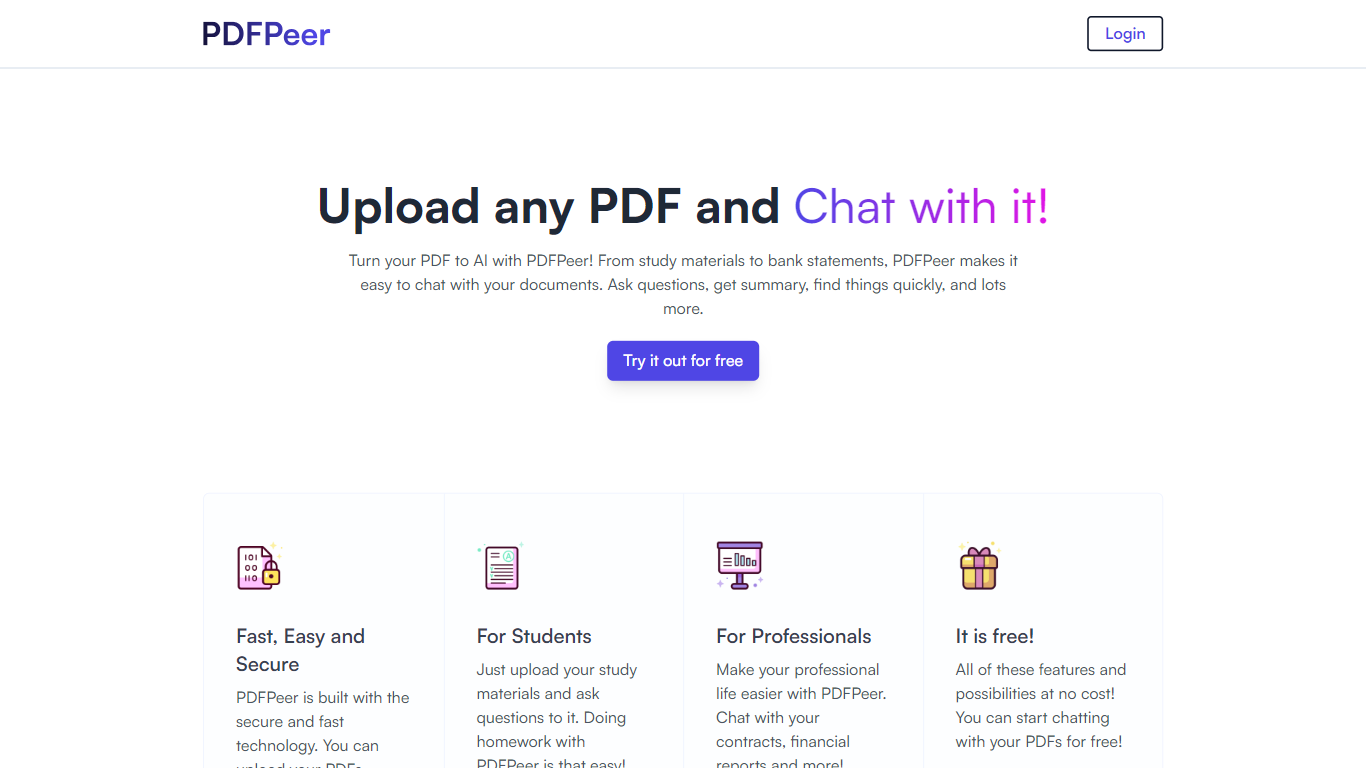
PDFPeer turns uploaded PDFs into documents you can question in plain language. Upload a file, then ask for summaries, specific facts, or quick lookups without scrolling page by page. The product targets students working through lecture notes and professionals handling contracts, reports, bank statements, and similar paperwork.
The homepage highlights use across study materials, invoices, resumes, contracts, tax forms, research papers, and other document types. PDFPeer also ships a separate free tools section for conversions and extraction, including PDF to text, OCR, image conversion, and split PDF workflows that do not require signing in.
Accounts support Google, GitHub, or email sign-in. Southern East Inc., based in Waterloo, Ontario, operates PDFPeer and handles billing through Stripe.
Converse Upvotes
PDFPeer Upvotes
Converse Top Features
Free plan includes 3 AI summaries, 1 PDF, 1 web article, 1 YouTube video, and 20 chat messages per month
Plus plan at $9.99/month unlocks unlimited summaries, TLDRs, key takeaways, and chat messages
Chat with saved PDFs, web articles, and YouTube videos with answers cited to source sections
Library stores web articles and uploaded PDFs permanently with custom collections
Share saved articles so friends can read summaries and interact with the same document
Plus and Lifetime plans include 1,000 image generations per month via GenPictures
PDFPeer Top Features
Upload a PDF and ask questions in natural language instead of searching manually
Generate summaries and pull specific details from long documents quickly
Works across study notes, contracts, invoices, resumes, tax forms, and research papers
Free tier includes one PDF with limits on file size, page count, and daily questions
Unlimited plan removes PDF, page, and question caps with priority support
Standalone free PDF utilities for text extraction, OCR, image conversion, and splitting files
Converse Category
- PDF
PDFPeer Category
- PDF
Converse Pricing Type
- Freemium
PDFPeer Pricing Type
- Freemium