CourseGen vs ScreenApp
Explore the showdown between CourseGen vs ScreenApp and find out which AI Education tool wins. We analyze upvotes, features, reviews, pricing, alternatives, and more.
In a face-off between CourseGen and ScreenApp, which one takes the crown?
When we contrast CourseGen with ScreenApp, both of which are exceptional AI-operated education tools, and place them side by side, we can spot several crucial similarities and divergences. The users have made their preference clear, ScreenApp leads in upvotes. ScreenApp has received 7 upvotes from aitools.fyi users, while CourseGen has received 6 upvotes.
Don't agree with the result? Cast your vote and be a part of the decision-making process!
CourseGen

What is CourseGen?
CourseGen is an innovative web platform designed to streamline the process of creating educational courses online. It leverages advanced technology to simplify and enhance the course creation experience for educators and course designers. With a focus on user-friendly design, CourseGen offers a set of tools that make it easy for professionals to develop comprehensive and engaging courses for a variety of subjects. The platform's core objective is to facilitate the creation of high-quality educational content that can be accessed by learners globally. The integration of search engine optimization (SEO) strategies ensures that the courses generated can easily be discovered by interested learners using search engines, thereby increasing the visibility and reach of the educational materials.
ScreenApp
What is ScreenApp?
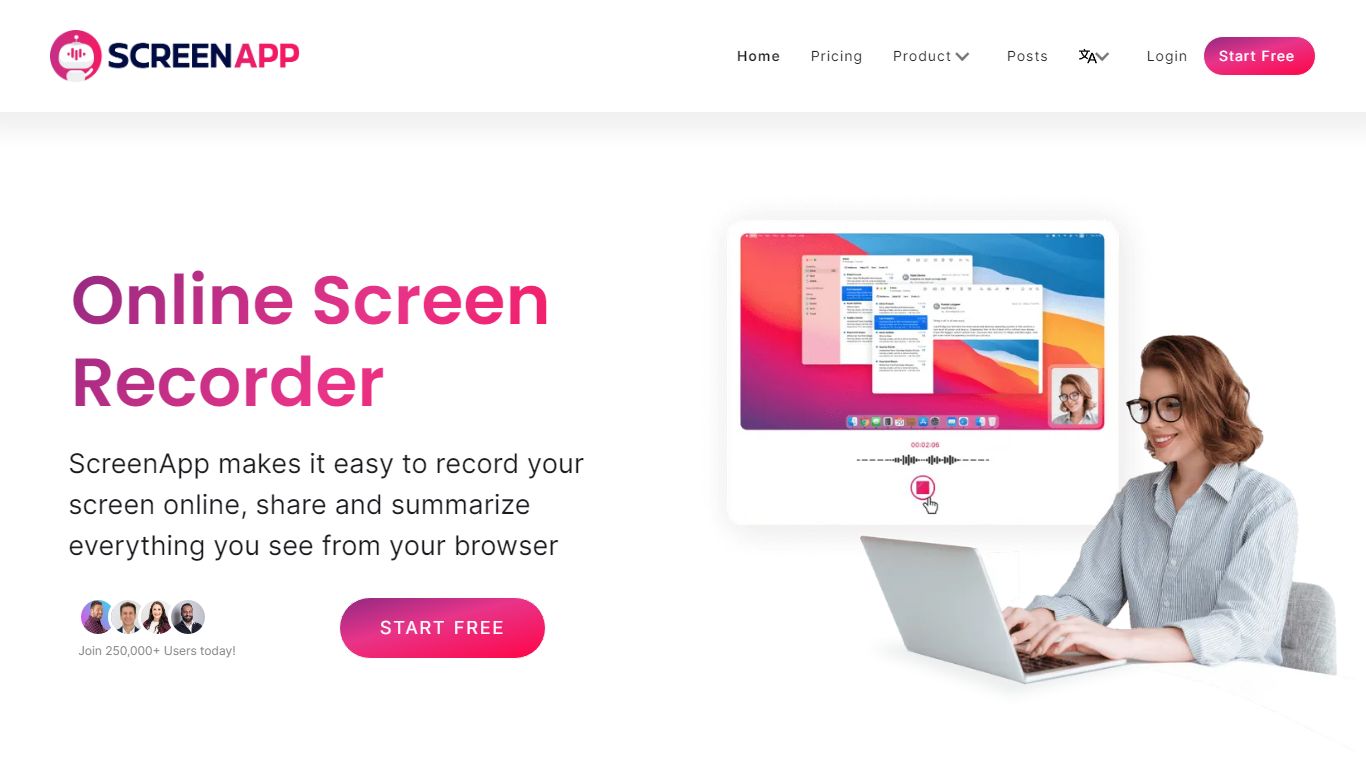
ScreenApp records your screen, webcam, or in-person audio in the browser and turns those captures into searchable transcripts, summaries, and notes. Teachers, trainers, and students use it as an education-focused recorder when they need lecture clips, meeting walkthroughs, or tutorial videos without installing desktop software first. The free tier includes 3 recordings with AI summaries and a full transcript on each file.
Compared with basic screen recorders that stop at MP4 exports, ScreenApp layers AI chat, templates, and cross-file search on top of every recording. Growth and Business plans add a meeting bot, video frame analysis, and API access, while the site advertises 351 feature-specific tools from lecture note taking to SOP generation. That breadth makes it closer to an AI video workspace than a single-purpose capture button.
ScreenApp runs on the web plus Chrome, Mac, Windows, iOS, and Android apps, so teams can record a class session on a laptop and review AI notes on a phone. It fits educators recording lessons, sales teams sharing async demos, and anyone who wants spoken content turned into text they can skim later.
CourseGen Upvotes
ScreenApp Upvotes
CourseGen Top Features
User-Friendly Design: Intuitive interface to simplify the course creation process.
Educational Tools: A comprehensive suite of tools to develop various types of courses.
Global Reach: Courses designed to be accessible by a global audience.
SEO Optimization: Incorporates SEO strategies to enhance course discoverability.
Quality Content: Supports the creation of high-quality educational materials.
ScreenApp Top Features
Free plan with 3 recordings, full transcripts, and 3 AI generations per month
Growth plan at $19 per month (billed annually) with 600 AI credits per year and unlimited recordings
Meeting bot on paid plans that joins calls and produces summaries without a visible bot avatar on some flows
Video analysis on Business plans with up to 120 analyses per year and unlimited on Enterprise
351 listed AI feature pages covering transcription, lecture notes, SOP generation, and converters
Apps for Web, Chrome extension, Mac, Windows, iOS, and Android with SOC 2 Type II certification
CourseGen Category
- Education
ScreenApp Category
- Education
CourseGen Pricing Type
- Freemium
ScreenApp Pricing Type
- Freemium