CreateDraft vs AI Lawyer
Explore the showdown between CreateDraft vs AI Lawyer and find out which AI Legal tool wins. We analyze upvotes, features, reviews, pricing, alternatives, and more.
When comparing CreateDraft and AI Lawyer, which one rises above the other?
When we contrast CreateDraft with AI Lawyer, both of which are exceptional AI-operated legal tools, and place them side by side, we can spot several crucial similarities and divergences. AI Lawyer stands out as the clear frontrunner in terms of upvotes. AI Lawyer has 8 upvotes, and CreateDraft has 6 upvotes.
Don't agree with the result? Cast your vote and be a part of the decision-making process!
CreateDraft
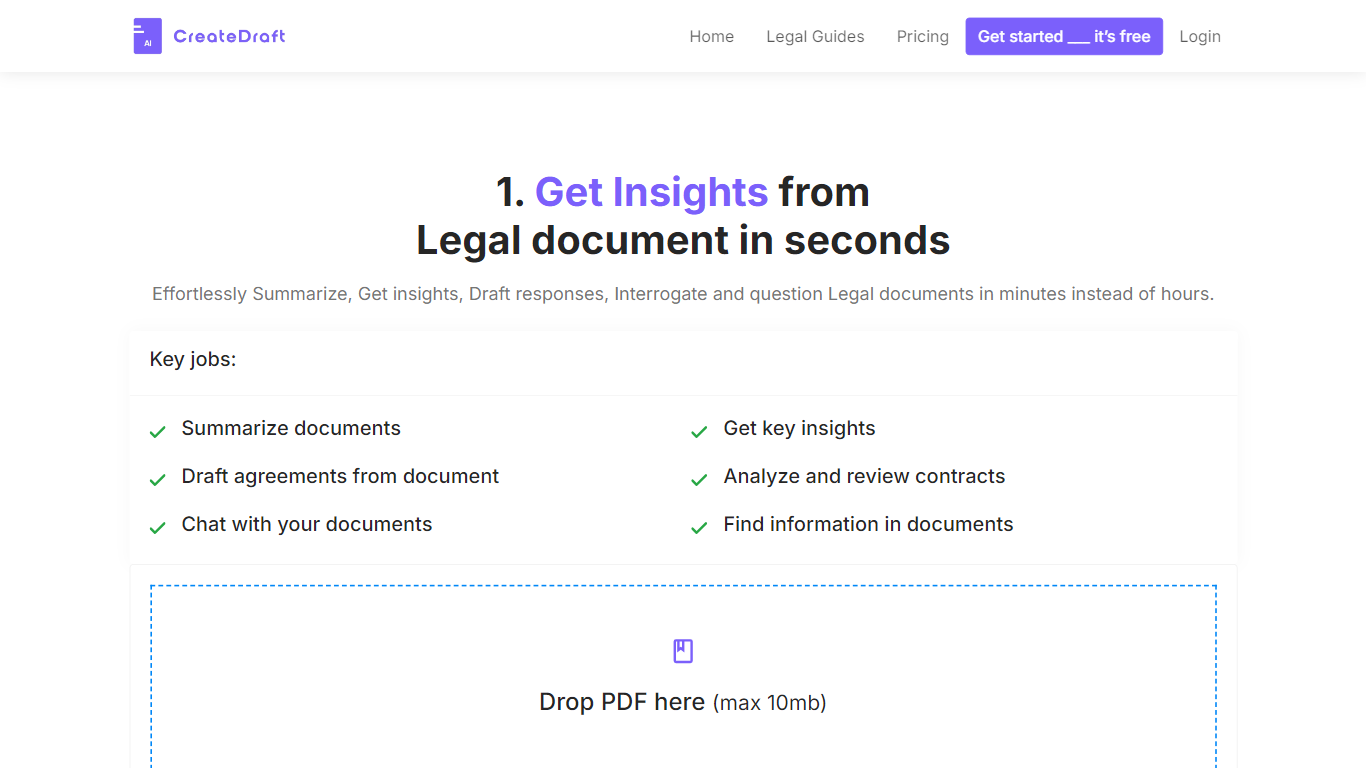

What is CreateDraft?
CreateDraft is a browser-based legal drafting assistant built around contract templates, a rich text editor, and a guided wizard. You pick from 373 agreement types (NDAs, employment contracts, lease agreements, and more), set jurisdiction and language, then generate and edit the draft in one workspace. Guests get 5,000 words to try it; signing up unlocks unlimited credits with no credit card required.
Most AI writing tools treat legal work like generic copy. CreateDraft centers the workflow on structured agreements: the Draft Wizard walks through title, section outlines, and full draft in three steps, with jurisdiction and language selectors before generation. You can also open any template straight in the TinyMCE editor, switch between models like GPT 5 and GPT 4o, and export to MS Word, HTML, or plain text.
It fits solo attorneys, in-house counsel, legal assistants, and small firms that need a first draft fast without opening a blank document. Use it to spin up NDAs, employment offers, service agreements, or partnership terms, then proofread and translate inside the same editor.
AI Lawyer
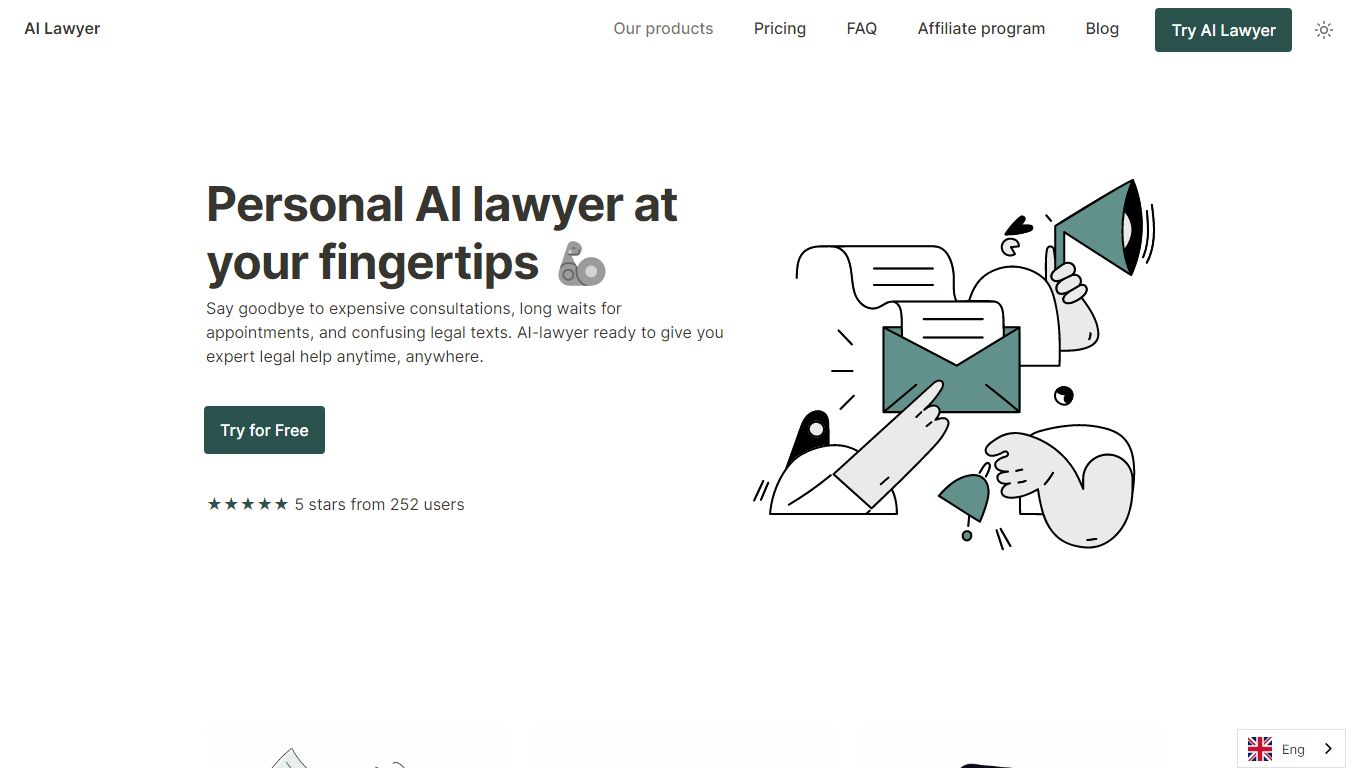
What is AI Lawyer?
AI Lawyer answers legal questions, summarizes contracts, and drafts letters for consumers, students, and practicing attorneys through a chat assistant. The homepage pitches web, iOS, and Android access with internet-powered research, document uploads, and Ask AI Lawyer conversations. New users get a free trial after signing up with Google, Apple, or email.
Traditional legal research platforms charge per seat and focus on firm workflows. AI Lawyer targets individuals and small teams with weekly or monthly subscriptions starting at $9.99, plus free legal templates and clause generators on the marketing site. That makes it cheaper for quick consumer letters, but it is not a substitute for licensed counsel on high-stakes matters.
Freelancers, law students, and solo attorneys use it to decode jargon, draft demand letters, and automate boilerplate clauses. The pricing page lists $19.99 per month as the most popular plan with a 24-hour trial, while students and teachers can claim a 50% discount inside the app. Support is available 24/7 according to the homepage, and refunds go through [email protected].
CreateDraft Upvotes
AI Lawyer Upvotes
CreateDraft Top Features
Choose from 373 legal templates covering NDAs, employment agreements, lease contracts, and more
Guest users can draft up to 5,000 words before creating an account
Draft Wizard runs a three-step flow: title, section outlines, then full draft
Select jurisdiction and one of 50+ output languages before generating text
Switch between GPT 5, GPT 4.1, GPT 4o, GPT o1, and GPT o3 inside the editor
Export finished drafts as plain text, HTML, a text file, or an MS Word document
AI Lawyer Top Features
Ask AI Lawyer chat for real-time answers to legal questions
Document summarization advertised in about 5 seconds per file
Internet-powered legal research across jurisdictions and languages
iOS and Android apps plus web access at app.ailawyer.pro
Free legal templates library with thousands of downloads per template
CreateDraft Category
- Legal
AI Lawyer Category
- Legal
CreateDraft Pricing Type
- Freemium
AI Lawyer Pricing Type
- Freemium