CreateDraft vs DoNotPay
In the contest of CreateDraft vs DoNotPay, which AI Legal tool is the champion? We evaluate pricing, alternatives, upvotes, features, reviews, and more.
If you had to choose between CreateDraft and DoNotPay, which one would you go for?
When we examine CreateDraft and DoNotPay, both of which are AI-enabled legal tools, what unique characteristics do we discover? The upvote count favors DoNotPay, making it the clear winner. The number of upvotes for DoNotPay stands at 8, and for CreateDraft it's 6.
Want to flip the script? Upvote your favorite tool and change the game!
CreateDraft
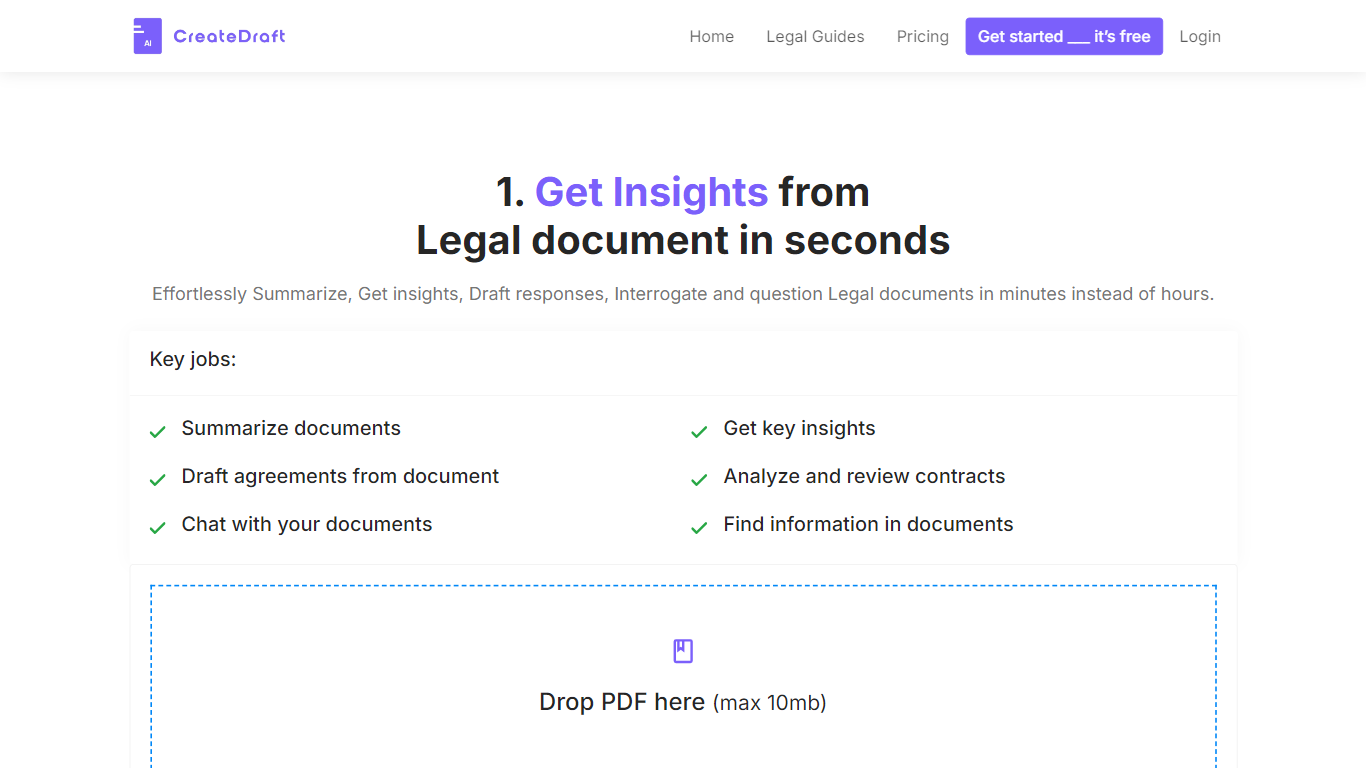

What is CreateDraft?
CreateDraft is a browser-based legal drafting assistant built around contract templates, a rich text editor, and a guided wizard. You pick from 373 agreement types (NDAs, employment contracts, lease agreements, and more), set jurisdiction and language, then generate and edit the draft in one workspace. Guests get 5,000 words to try it; signing up unlocks unlimited credits with no credit card required.
Most AI writing tools treat legal work like generic copy. CreateDraft centers the workflow on structured agreements: the Draft Wizard walks through title, section outlines, and full draft in three steps, with jurisdiction and language selectors before generation. You can also open any template straight in the TinyMCE editor, switch between models like GPT 5 and GPT 4o, and export to MS Word, HTML, or plain text.
It fits solo attorneys, in-house counsel, legal assistants, and small firms that need a first draft fast without opening a blank document. Use it to spin up NDAs, employment offers, service agreements, or partnership terms, then proofread and translate inside the same editor.
DoNotPay
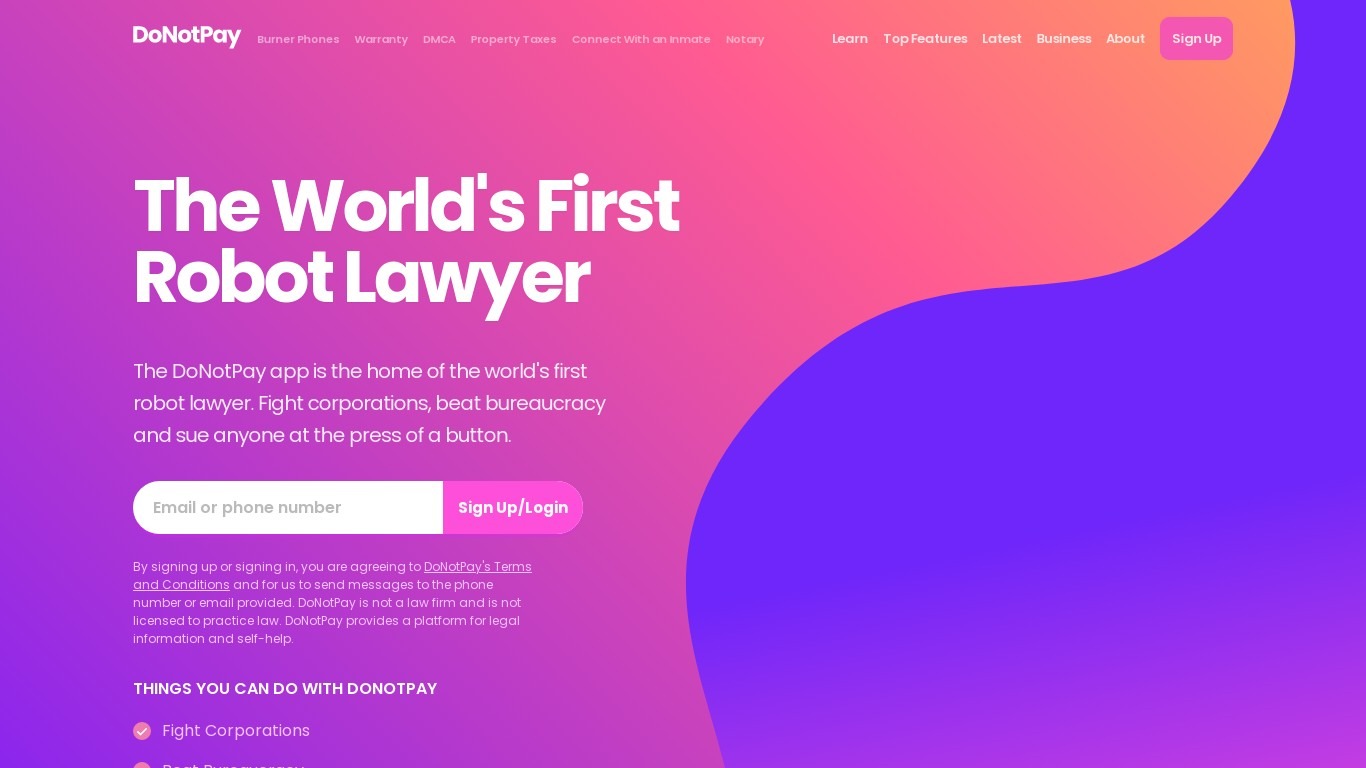
What is DoNotPay?
DoNotPay helps consumers fight corporations, recover money, and beat bureaucracy with more than 100 automated self-help tools on donotpay.com. You can cancel subscriptions, appeal parking tickets, file small claims paperwork, find unclaimed money, and block spam robocalls from one account. Its Free Trial Card issues a virtual card that auto-declines charges when a trial period ends.
Unlike traditional legal clinics, DoNotPay automates document generation and filing workflows for everyday disputes rather than pairing you with a licensed attorney. The company states it is not a law firm and does not provide legal advice, which keeps costs lower but means outcomes depend on your situation and jurisdiction.
Consumers dealing with unfair fees, subscription traps, robocalls, or DMV paperwork are the core audience. People who need licensed counsel for complex litigation should hire a lawyer. DoNotPay fits renters, travelers, and busy households who want templated legal tools and consumer advocacy on demand.
CreateDraft Upvotes
DoNotPay Upvotes
CreateDraft Top Features
Choose from 373 legal templates covering NDAs, employment agreements, lease contracts, and more
Guest users can draft up to 5,000 words before creating an account
Draft Wizard runs a three-step flow: title, section outlines, then full draft
Select jurisdiction and one of 50+ output languages before generating text
Switch between GPT 5, GPT 4.1, GPT 4o, GPT o1, and GPT o3 inside the editor
Export finished drafts as plain text, HTML, a text file, or an MS Word document
DoNotPay Top Features
More than 100 consumer tools spanning legal, financial, and bureaucratic tasks
Free Trial Card virtual card auto-declines charges after free trials end
Subscription cancellation chatbot can contact customer service on your behalf
Burner phone numbers for signups that require SMS verification
Robocall compensation and spam text fighting tools with documented payout paths
Mailing service sends letters with proof of mailing tracked in one dashboard
Small claims, parking ticket appeals, and bill negotiation templates built in
CreateDraft Category
- Legal
DoNotPay Category
- Legal
CreateDraft Pricing Type
- Freemium
DoNotPay Pricing Type
- Paid