CreateDraft vs Legal Robot
In the face-off between CreateDraft vs Legal Robot, which AI Legal tool takes the crown? We scrutinize features, alternatives, upvotes, reviews, pricing, and more.
In a face-off between CreateDraft and Legal Robot, which one takes the crown?
If we were to analyze CreateDraft and Legal Robot, both of which are AI-powered legal tools, what would we find? In the race for upvotes, CreateDraft takes the trophy. The number of upvotes for CreateDraft stands at 6, and for Legal Robot it's 3.
Think we got it wrong? Cast your vote and show us who's boss!
CreateDraft

What is CreateDraft?
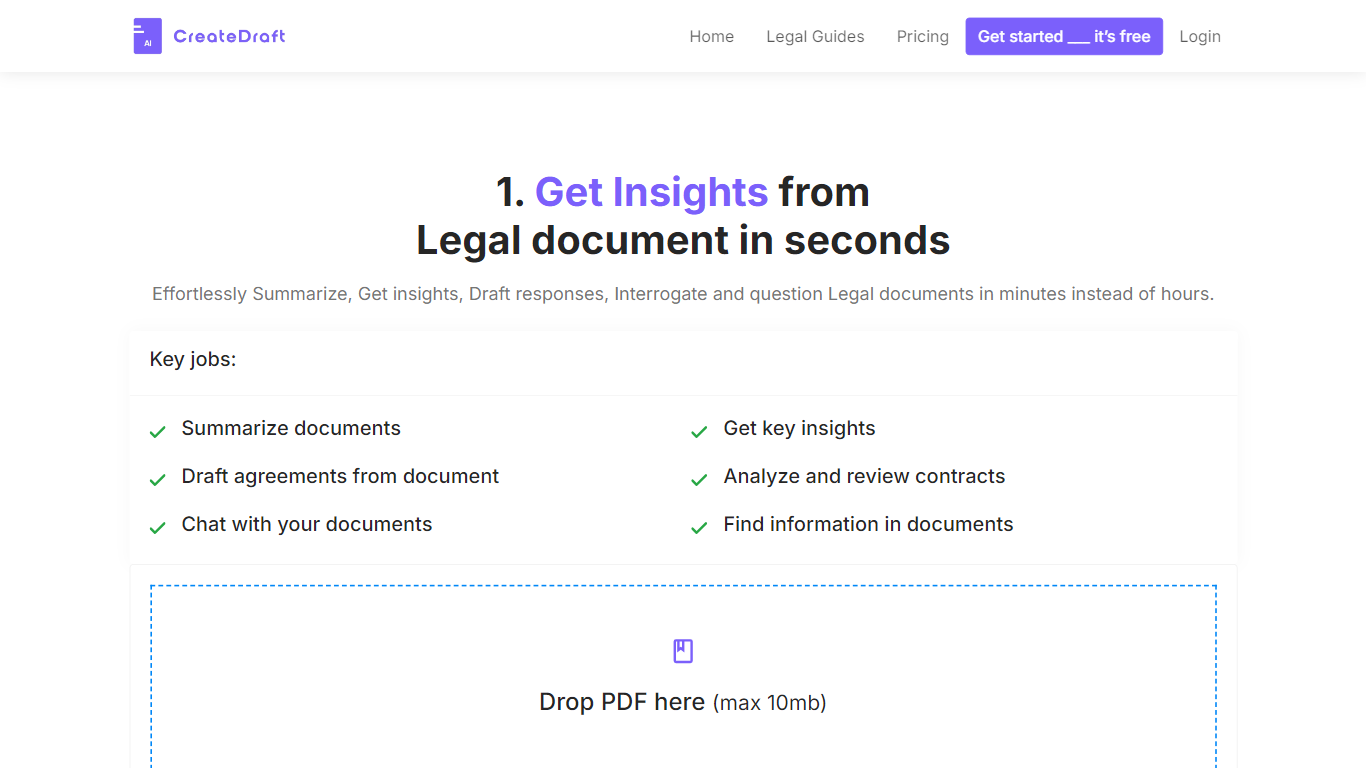
CreateDraft is a browser-based legal drafting assistant built around contract templates, a rich text editor, and a guided wizard. You pick from 373 agreement types (NDAs, employment contracts, lease agreements, and more), set jurisdiction and language, then generate and edit the draft in one workspace. Guests get 5,000 words to try it; signing up unlocks unlimited credits with no credit card required.
Most AI writing tools treat legal work like generic copy. CreateDraft centers the workflow on structured agreements: the Draft Wizard walks through title, section outlines, and full draft in three steps, with jurisdiction and language selectors before generation. You can also open any template straight in the TinyMCE editor, switch between models like GPT 5 and GPT 4o, and export to MS Word, HTML, or plain text.
It fits solo attorneys, in-house counsel, legal assistants, and small firms that need a first draft fast without opening a blank document. Use it to spin up NDAs, employment offers, service agreements, or partnership terms, then proofread and translate inside the same editor.
Legal Robot
What is Legal Robot?
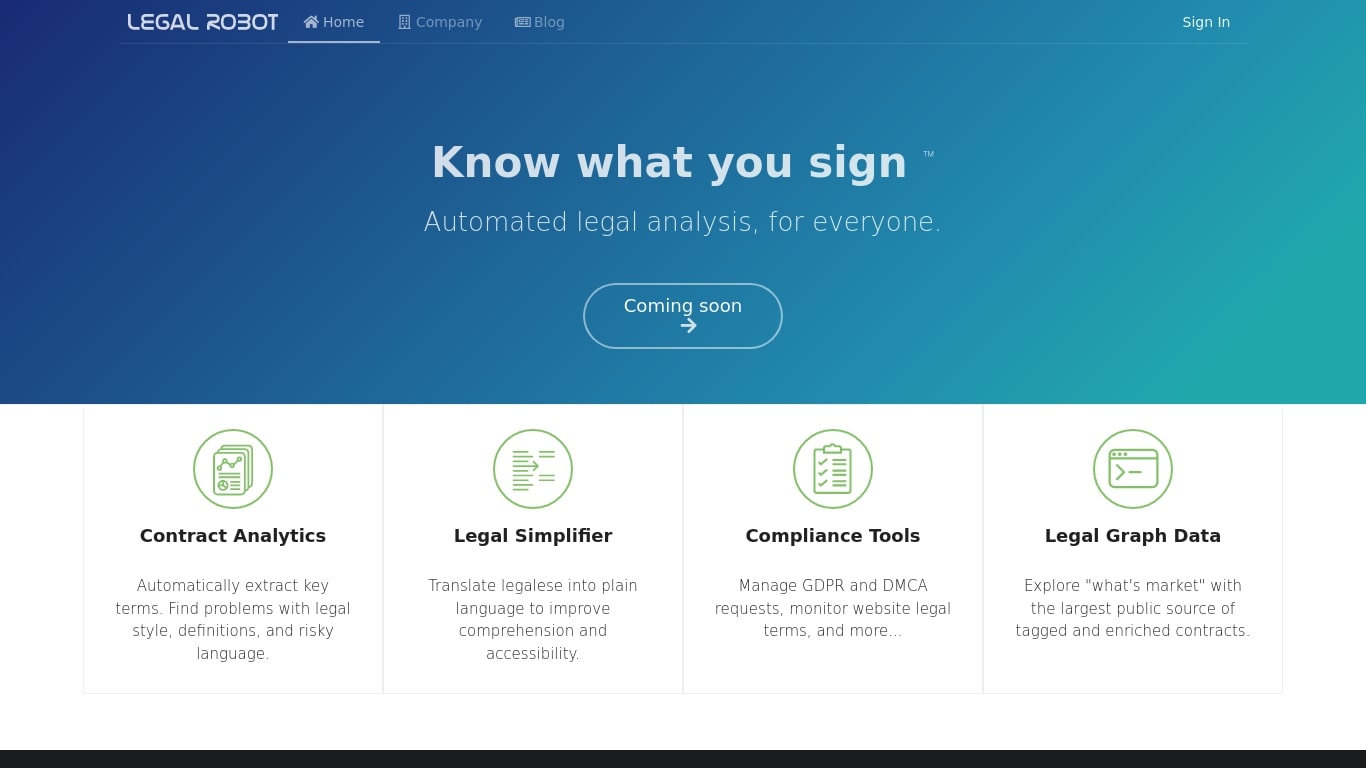
Legal Robot reads legal documents and flags risky language, unclear definitions, and style problems before you sign. Its Legal Simplifier turns dense legalese into plain English, and compliance helpers cover GDPR and DMCA requests. A Legal Graph Data layer lets you compare contract language against a large tagged corpus.
Most contract review tools send your files to a remote server. Legal Robot runs analysis on your device, encrypts the results with a key only you hold, and stores the ciphertext in your own cloud account. That local-first model targets teams who cannot upload sensitive agreements to a vendor cloud.
Legal Robot was trained on English-language contracts from the US, Canada, UK, and Australia under common law. The FAQ states it does not provide legal advice, only automated comparisons and linguistic statistics. New sign-ups currently show a Coming soon label on the homepage, so access may be limited even though the product pages remain live.
It fits small business owners, in-house counsel, and contract managers who need a first pass on agreements before involving an attorney. Support is email-only at [email protected], and the company lists a Vallejo, California address on its site.
CreateDraft Upvotes
Legal Robot Upvotes
CreateDraft Top Features
Choose from 373 legal templates covering NDAs, employment agreements, lease contracts, and more
Guest users can draft up to 5,000 words before creating an account
Draft Wizard runs a three-step flow: title, section outlines, then full draft
Select jurisdiction and one of 50+ output languages before generating text
Switch between GPT 5, GPT 4.1, GPT 4o, GPT o1, and GPT o3 inside the editor
Export finished drafts as plain text, HTML, a text file, or an MS Word document
Legal Robot Top Features
Contract Analytics extracts key terms and flags risky language, style issues, and weak definitions
Legal Simplifier translates legalese into plain language for faster comprehension
Compliance Tools handle GDPR and DMCA requests and monitor website legal terms
Legal Graph Data compares your contract language against a large tagged public corpus
On-device analysis keeps sensitive documents off Legal Robot servers before encryption
Deep Learning models trained on English contracts from the US, Canada, UK, and Australia
CreateDraft Category
- Legal
Legal Robot Category
- Legal
CreateDraft Pricing Type
- Freemium
Legal Robot Pricing Type
- Paid