CreateDraft vs Legalese Decoder
When comparing CreateDraft vs Legalese Decoder, which AI Legal tool shines brighter? We look at pricing, alternatives, upvotes, features, reviews, and more.
In a comparison between CreateDraft and Legalese Decoder, which one comes out on top?
When we put CreateDraft and Legalese Decoder side by side, both being AI-powered legal tools, There's no clear winner in terms of upvotes, as both tools have received the same number. Every vote counts! Cast yours and contribute to the decision of the winner.
Does the result make you go "hmm"? Cast your vote and turn that frown upside down!
CreateDraft

What is CreateDraft?
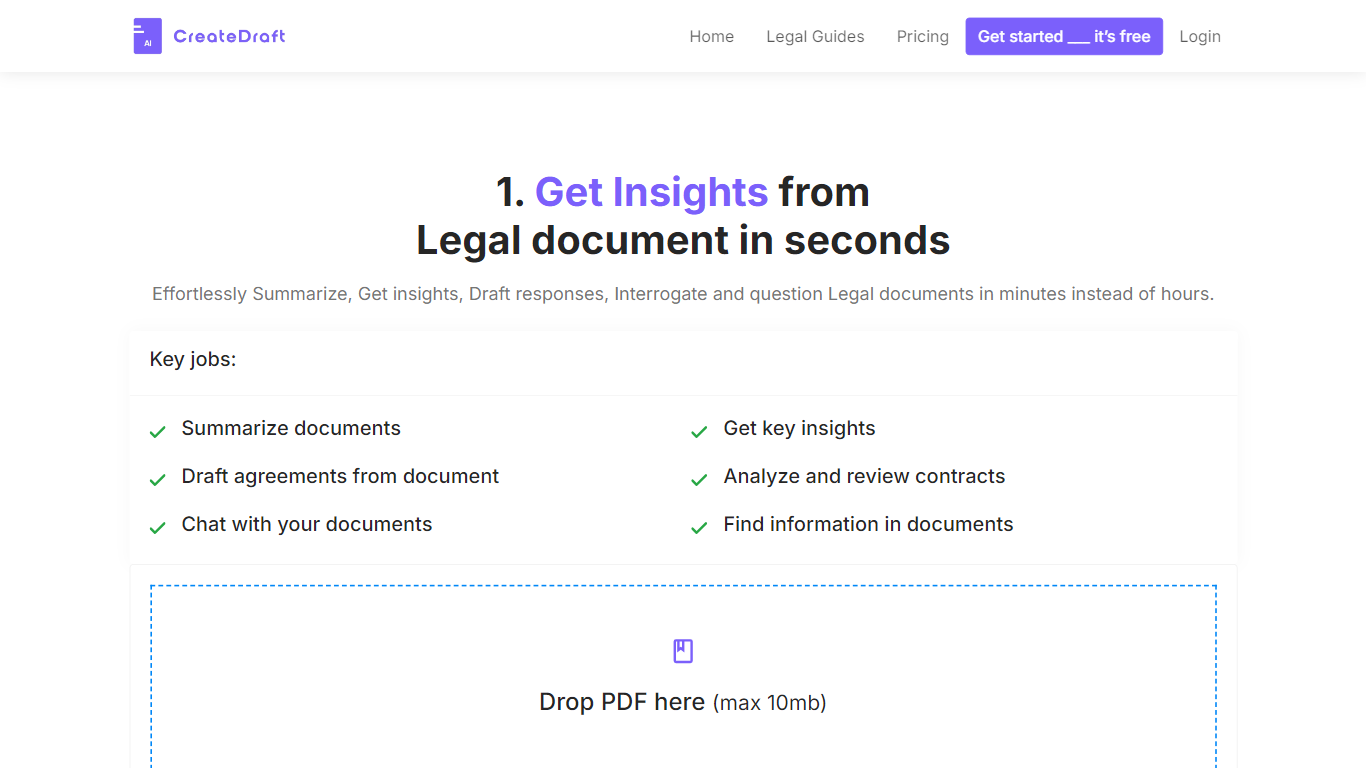
CreateDraft is a browser-based legal drafting assistant built around contract templates, a rich text editor, and a guided wizard. You pick from 373 agreement types (NDAs, employment contracts, lease agreements, and more), set jurisdiction and language, then generate and edit the draft in one workspace. Guests get 5,000 words to try it; signing up unlocks unlimited credits with no credit card required.
Most AI writing tools treat legal work like generic copy. CreateDraft centers the workflow on structured agreements: the Draft Wizard walks through title, section outlines, and full draft in three steps, with jurisdiction and language selectors before generation. You can also open any template straight in the TinyMCE editor, switch between models like GPT 5 and GPT 4o, and export to MS Word, HTML, or plain text.
It fits solo attorneys, in-house counsel, legal assistants, and small firms that need a first draft fast without opening a blank document. Use it to spin up NDAs, employment offers, service agreements, or partnership terms, then proofread and translate inside the same editor.
Legalese Decoder
What is Legalese Decoder?
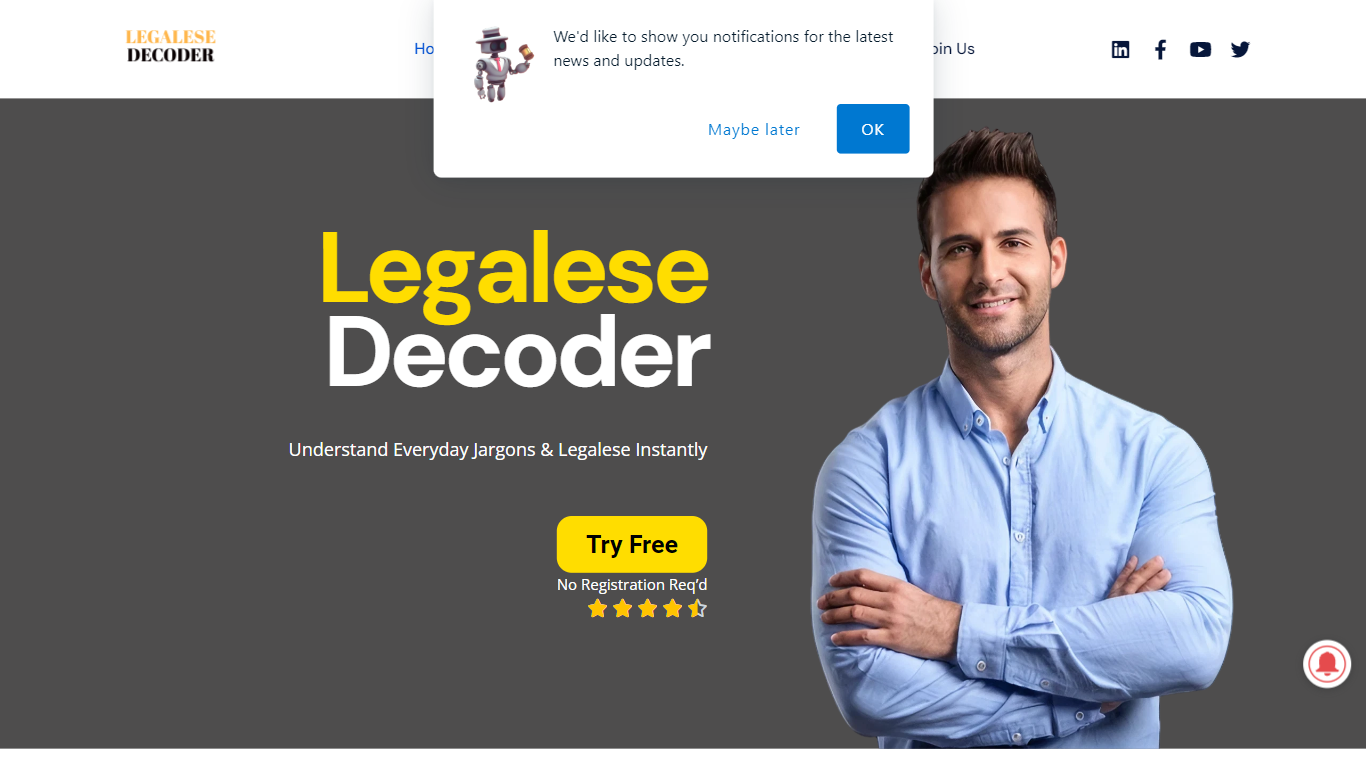
Legalese Decoder uploads contracts, agreements, and similar legal files, then returns a plain-English rewrite of the full document. You submit a file on the web app, and it identifies key terms, matches them to definitions in its legal database, and rephrases the text in simpler language. No registration is required to start, and the site says results arrive within minutes.
Most legal AI tools answer one-off questions or draft clauses. Legalese Decoder focuses on rewriting an entire document end to end. Professional and Business tiers add a contract analyzer that flags risk, fairness, and anomalies, plus a legal non-advisor that answers document-specific questions without crossing into licensed advice.
The site targets freelancers reviewing client contracts, small business owners who cannot hire a lawyer for every agreement, and renters reading leases. Its FAQ lists contracts, agreements, and investment-related legal documents as supported inputs.
CreateDraft Upvotes
Legalese Decoder Upvotes
CreateDraft Top Features
Choose from 373 legal templates covering NDAs, employment agreements, lease contracts, and more
Guest users can draft up to 5,000 words before creating an account
Draft Wizard runs a three-step flow: title, section outlines, then full draft
Select jurisdiction and one of 50+ output languages before generating text
Switch between GPT 5, GPT 4.1, GPT 4o, GPT o1, and GPT o3 inside the editor
Export finished drafts as plain text, HTML, a text file, or an MS Word document
Legalese Decoder Top Features
Home plan handles up to 5,000 words per document (about 10 pages, 40,000 characters max)
Professional plan raises the cap to 100,000 words (about 200 pages, 800,000 characters)
Contract analyzer on Professional and Business tiers flags risk, fairness, and anomalies
Upload a legal document and receive a plain-language rewrite within minutes
No registration required to use the web application
60-day money-back guarantee and PCI Level 1 checkout through Stripe
SpeedDial AI Lawyer phone line listed at +1 (470) 835 3425
CreateDraft Category
- Legal
Legalese Decoder Category
- Legal
CreateDraft Pricing Type
- Freemium
Legalese Decoder Pricing Type
- Freemium