Cubed vs HuggingChat
In the face-off between Cubed vs HuggingChat, which AI Code Assistant tool takes the crown? We scrutinize features, alternatives, upvotes, reviews, pricing, and more.
In a face-off between Cubed and HuggingChat, which one takes the crown?
If we were to analyze Cubed and HuggingChat, both of which are AI-powered code assistant tools, what would we find? There's no clear winner in terms of upvotes, as both tools have received the same number. The power is in your hands! Cast your vote and have a say in deciding the winner.
Want to flip the script? Upvote your favorite tool and change the game!
Cubed
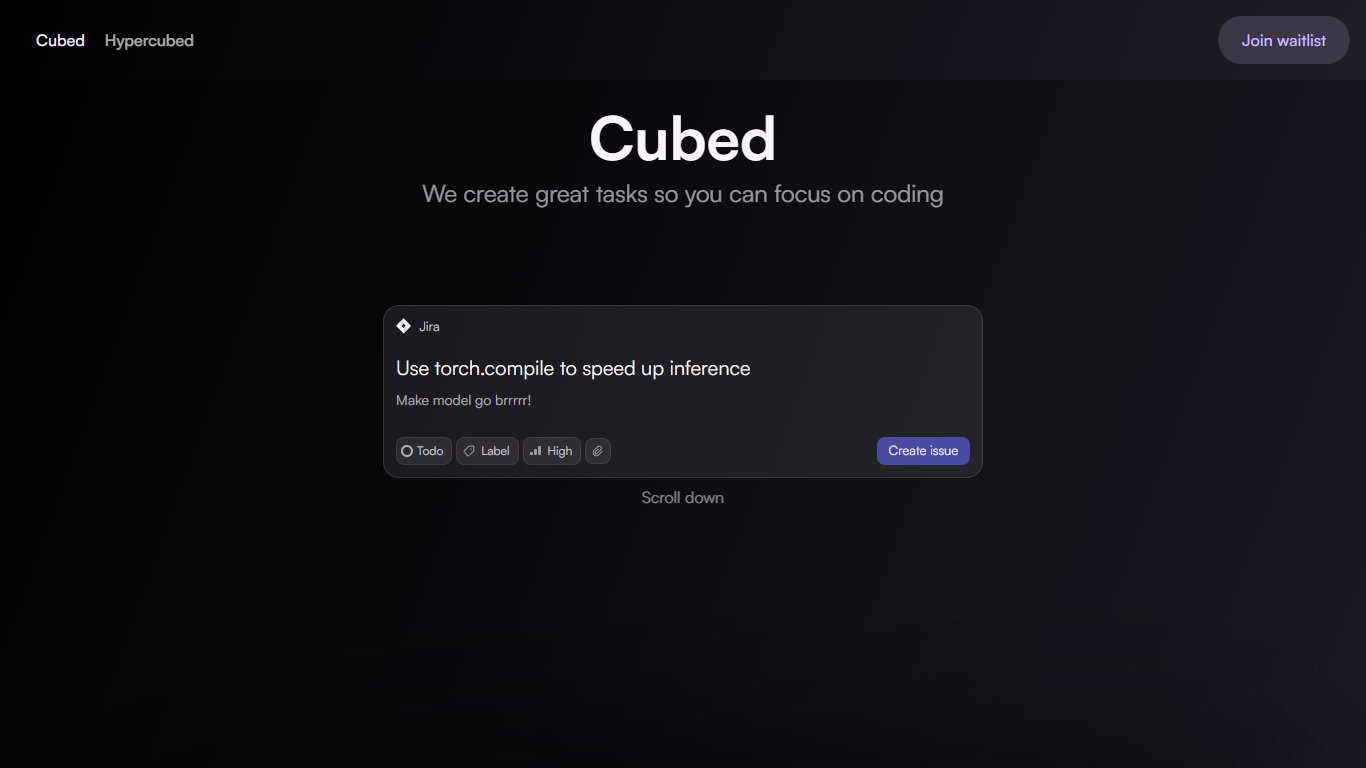

What is Cubed ?
Cubed is a productivity platform tailored for software engineers that generates AI-created tasks by analyzing a project's GitHub codebase. It creates clear, actionable cards that guide developers through their workflow, helping them focus on what matters most. The platform's AI understands the context of the codebase to improve ticket creation and speed up development cycles.
A key part of Cubed is its Visual Studio Code extension called Hypercubed. This plugin uses the AI-generated cards and GitHub data to provide coding assistance directly within the editor. It enriches large language models with relevant context from the project, making AI suggestions more accurate and helpful.
Cubed targets software engineers and development teams who want to streamline task management and coding workflows. By automating task generation and integrating tightly with GitHub and VS Code, it reduces manual overhead and keeps developers focused on coding.
The platform emphasizes context-aware AI to deliver precise task descriptions and coding help. This approach differentiates Cubed from generic task or AI coding tools by deeply understanding the project's code and history.
Technically, Cubed connects to GitHub repositories to analyze code changes and project structure. It then uses AI models to generate descriptive tasks and injects this information into VS Code through the Hypercubed plugin. This setup ensures developers get relevant, actionable insights without leaving their coding environment.
Overall, Cubed enhances software development productivity by combining AI task generation with integrated coding support, making it easier for engineers to manage work and write code efficiently.
HuggingChat
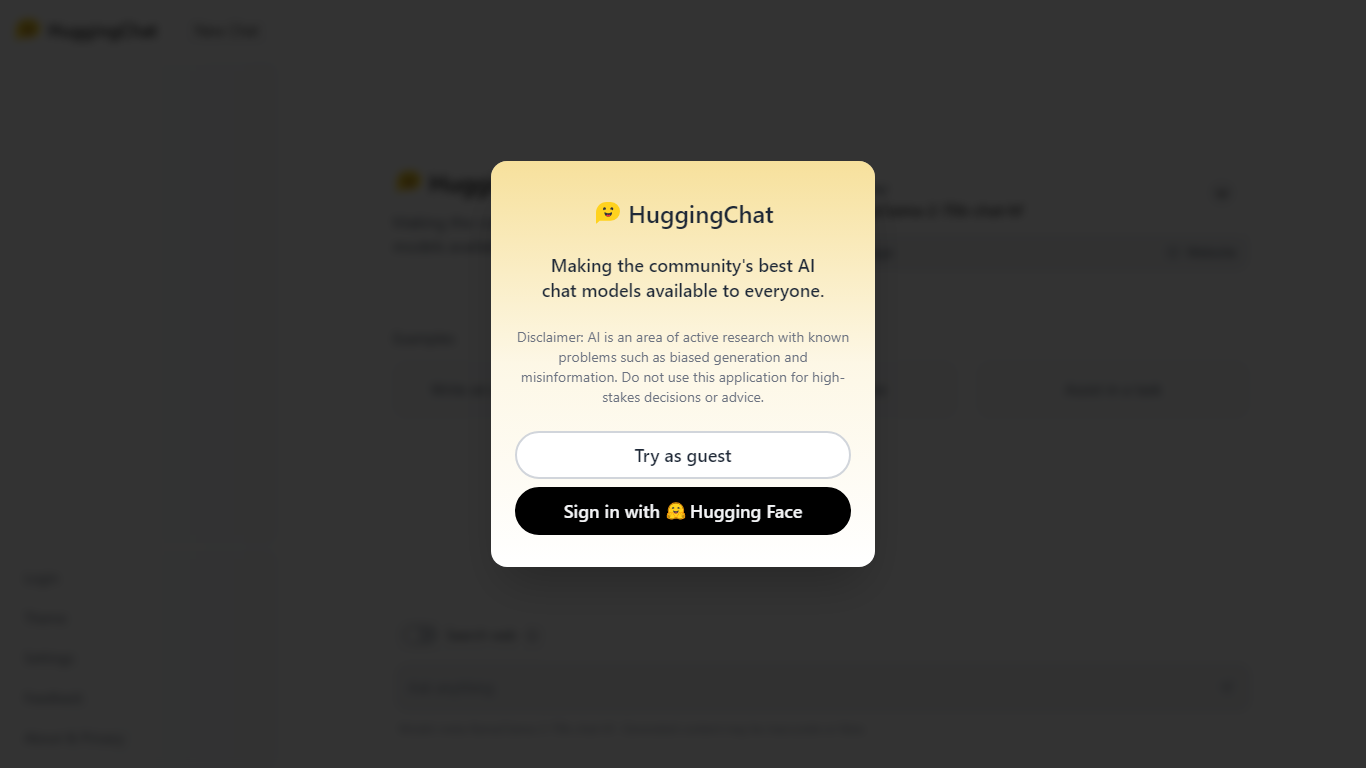
What is HuggingChat?
HuggingChat is a free chat assistant that runs open source AI models from the Hugging Face community. Pick a model directly or let Omni route your prompt to the best available option. The interface supports image generation, web tasks, dataset search, and MCP tool connections alongside standard text chat.
Closed chatbots lock you into one vendor model. HuggingChat exposes 137 open source models you can switch between mid-conversation, including newcomers like DeepSeek V4 Flash with a 1M-token context window. The trade-off is variable quality across models and a Hugging Face account requirement to save chats.
Developers, researchers, and curious users reach for it to test Llama, DeepSeek, and other community models without API keys or local GPU setup. Hugging Face positions it as making the community's best chat models available to everyone.
Cubed Upvotes
HuggingChat Upvotes
Cubed Top Features
📝 AI-Generated Task Cards: Automatically create clear, actionable tasks from your GitHub codebase to keep work organized.
🔍 Context-Aware Coding Help: Hypercubed plugin provides coding suggestions enriched with your project's specific details.
⚡ Faster Development Cycles: Reduce manual ticket writing and focus on coding with AI-driven task management.
🔗 GitHub Integration: Directly connects with your repositories to analyze code changes and generate relevant tasks.
💻 VS Code Extension: Access AI-powered assistance inside your favorite code editor for seamless workflow support.
HuggingChat Top Features
Choose from 137 open source chat models or let Omni auto-select the best fit
DeepSeek V4 Flash offers a 1M-token context window and adjustable thinking modes
MCP (Model Context Protocol) connections extend chat with external tools
Built-in prompts cover image generation, website building, and dataset search
Free to use with a Hugging Face account for chat history and settings
New Chat shortcut and per-model settings pages for application and Omni routing
Powered by Hugging Face with DR 91 on the parent domain
Cubed Category
- Code Assistant
HuggingChat Category
- Code Assistant
Cubed Pricing Type
- Freemium
HuggingChat Pricing Type
- Free