CubeOne vs Plus AI
When comparing CubeOne vs Plus AI, which AI Presentation tool shines brighter? We look at pricing, alternatives, upvotes, features, reviews, and more.
In a comparison between CubeOne and Plus AI, which one comes out on top?
When we put CubeOne and Plus AI side by side, both being AI-powered presentation tools, The users have made their preference clear, Plus AI leads in upvotes. Plus AI has 14 upvotes, and CubeOne has 6 upvotes.
Not your cup of tea? Upvote your preferred tool and stir things up!
CubeOne
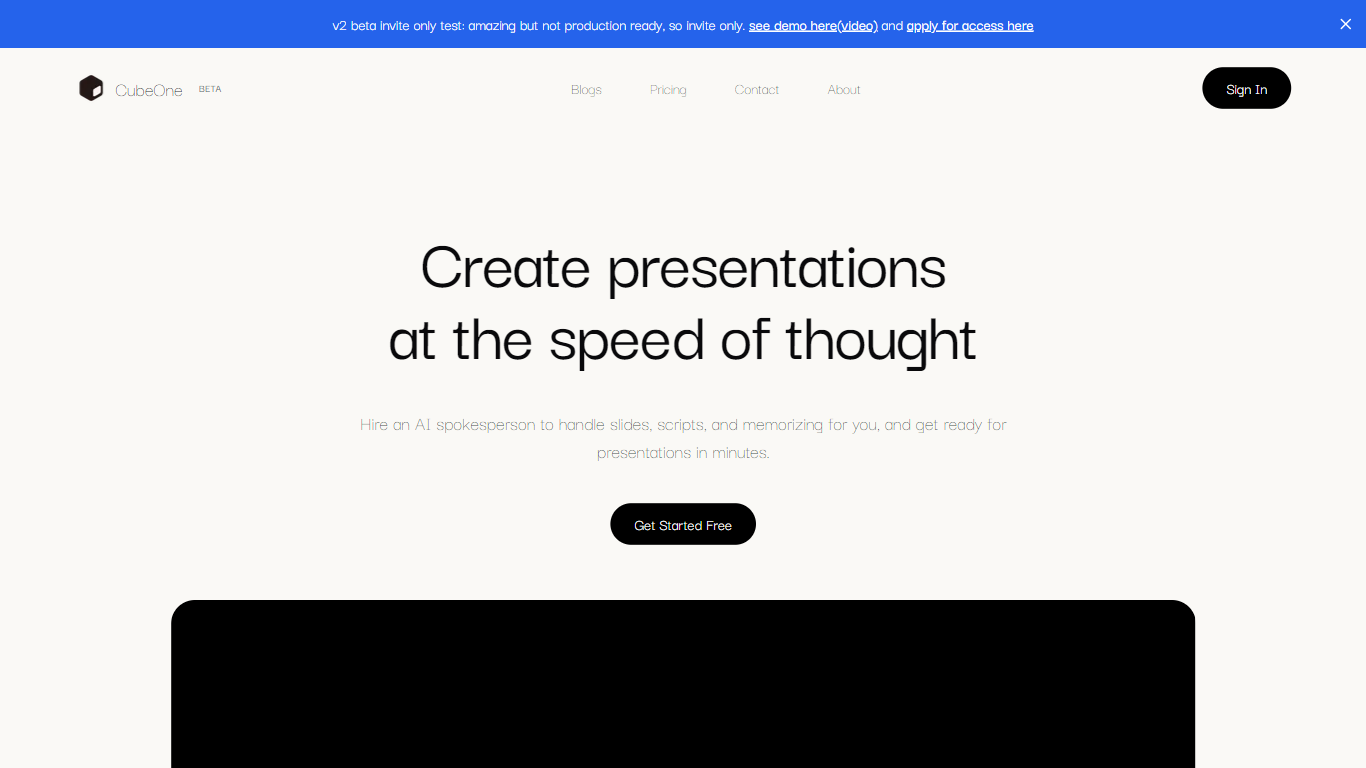

What is CubeOne?
CubeOne is an AI presentation maker that turns a short prompt or an imported PowerPoint file into designed slides you can still edit like a normal deck. You describe what you need, or drop in a .pptx, and it builds slides where every text box, image, and shape stays draggable and editable. Export back to PowerPoint or move into Canva whenever you want.
Most AI slide tools lock you into templates or flatten output into images you cannot tweak. CubeOne keeps native slide objects underneath, so you get freeform editing plus one-click Beautify that redesigns a rough draft into a polished slide. You can also draw a region on a slide and describe what to generate there, or chat with the built-in AI to restyle a slide in plain language.
It fits sales teams rebuilding pitch decks, founders shipping investor updates, educators turning lesson notes into visuals, and anyone who lives in slides but does not want to spend an hour on layout. Plans start at $15 per month after a free trial that redesigns your first three slides with no card required.
Plus AI
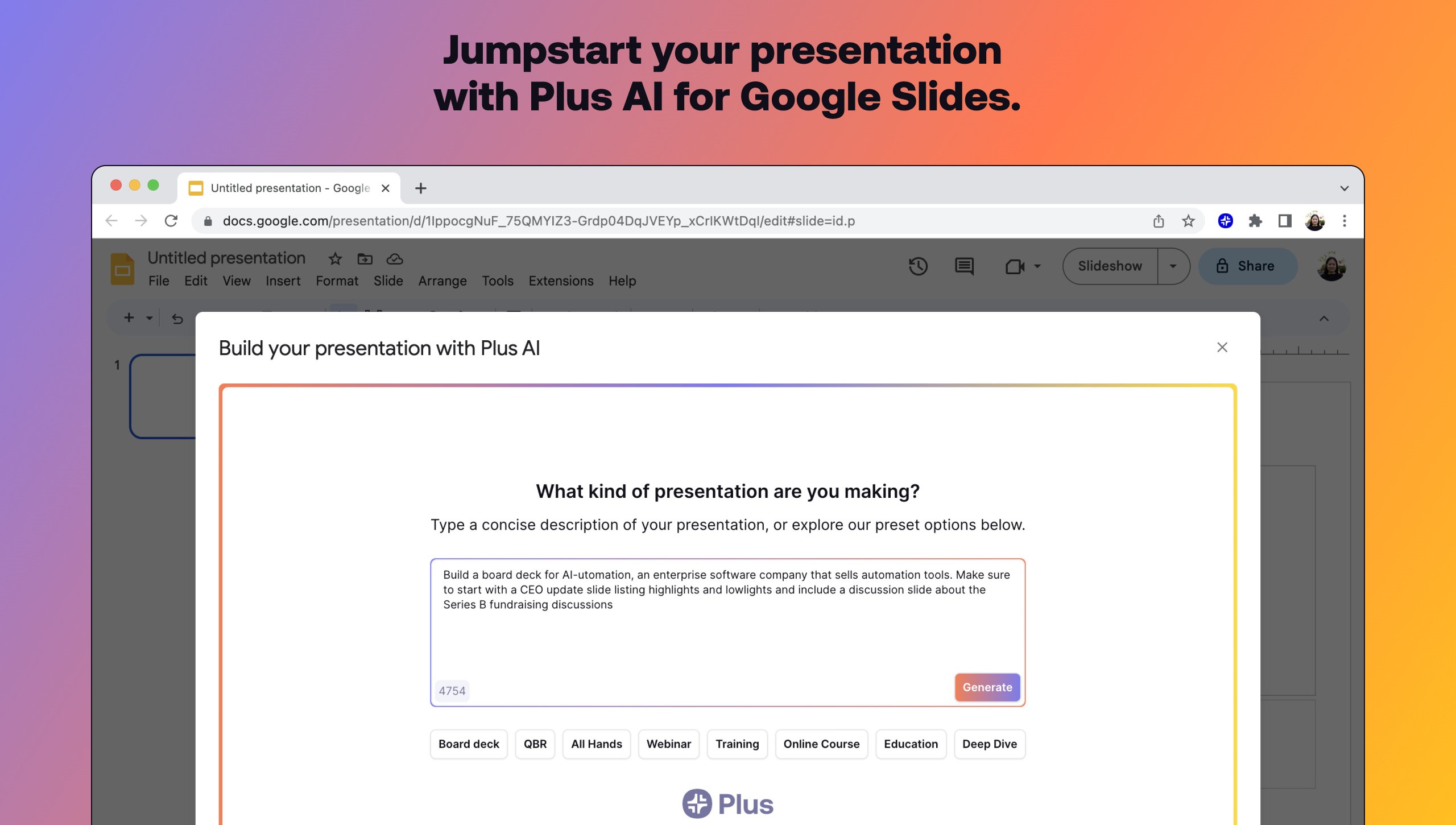
What is Plus AI?
Plus AI builds and edits presentations inside Google Slides and PowerPoint instead of exporting to a separate design app. Install the add-on, describe a deck in a prompt or upload a PDF, Word, PowerPoint, or text file, and it drafts slides you can rewrite, remix, or extend with single-slide inserts.
Standalone slide generators spit out files you still have to rebuild in Slides. Plus AI runs natively in the editor your team already uses, which keeps collaboration, comments, and template compatibility intact. That in-app workflow is the main reason to pick it over browser-only deck builders when Google Workspace is non-negotiable.
Consultants, sales teams, and educators use Remix to turn paragraphs into multi-column layouts, save preset prompts for recurring decks, and share brand colors on Team plans. A 7-day trial includes 1,000 AI credits before paid tiers start at $10 per user monthly when billed annually.
CubeOne Upvotes
Plus AI Upvotes
CubeOne Top Features
Import any .pptx file and keep every slide element editable instead of flattened images
One-click Beautify redesigns rough content into a polished slide layout
Plus plan includes 6,000 credits per month; Pro includes 16,000 credits at $40 per month
Draw a region on a slide and describe what to generate inside that space
Built-in AI chat edits slides from plain-language prompts like restyle or add images
Export decks back to PowerPoint or move them into Canva without losing editability
Plus AI Top Features
Generates full presentations from a short prompt or uploaded PDF, DOCX, PPTX, or TXT
Rewrites, remixes, and inserts individual slides without leaving Google Slides or PowerPoint
Lists 1M+ installs with a 4.6 rating on Google Workspace Marketplace
Team plans add custom logos, fonts, colors, and shared preset libraries
Pro plan includes document uploads and 100K-character prompts for long briefs
SOC 2 Type II compliance with encryption in transit and at rest
CubeOne Category
- Presentation
Plus AI Category
- Presentation
CubeOne Pricing Type
- Freemium
Plus AI Pricing Type
- Freemium