CueCam Presenter vs AI Video Editing | Clipchamp
When comparing CueCam Presenter vs AI Video Editing | Clipchamp, which AI Video Editing tool shines brighter? We look at pricing, alternatives, upvotes, features, reviews, and more.
In a comparison between CueCam Presenter and AI Video Editing | Clipchamp, which one comes out on top?
When we put CueCam Presenter and AI Video Editing | Clipchamp side by side, both being AI-powered video editing tools, There's no clear winner in terms of upvotes, as both tools have received the same number. Be a part of the decision-making process. Your vote could determine the winner.
Think we got it wrong? Cast your vote and show us who's boss!
CueCam Presenter

What is CueCam Presenter?
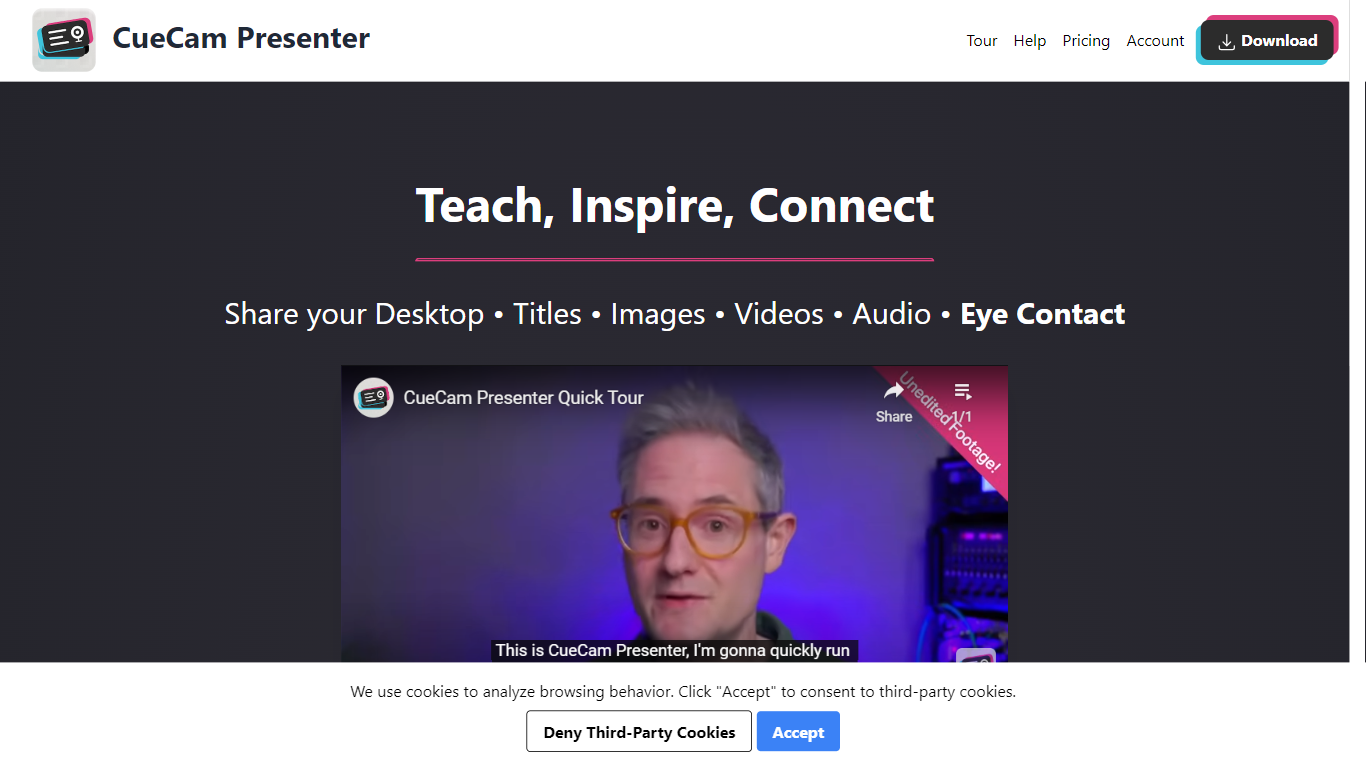
CueCam Presenter is an innovative Mac app that revolutionizes the way users can share content during video calls. This versatile application allows you to utilize your iPhone as a high-quality camera, teleprompter, and preview window, ensuring that you maintain eye contact and professional poise throughout your presentations. With the compatibility to connect with an iPad as well, CueCam Presenter lets you annotate and draw over shared content with the Video Pencil feature, providing a seamless and dynamic presentation experience. The app offers a virtual camera and microphone feature that integrate smoothly into any app on your Mac, blending live video, graphics, and audio without the need for additional software like OBS Studio.
AI Video Editing | Clipchamp

What is AI Video Editing | Clipchamp?
Experience the next level of video editing with Clipchamp's AI Video Editing tools, designed to elevate your creative projects effortlessly. Clipchamp harnesses the power of AI to provide an array of intelligent features that assist you in producing stunning videos without the need for any downloads. It's time to unleash your inner director using the AI video editor and craft short videos that leave a lasting impression. Whether you’re a TikTok enthusiast or a business professional, the AI voiceover maker offers over 400 lifelike voices in various languages and styles to match your video's tone. Autocaptions make your content more accessible, with precise voice detection technology for captions in 140 languages. For those looking to refine their speaking skills, the Speaker Coach offers real-time feedback on your recording sessions. Discover the wealth of AI-powered capabilities at your fingertips with Clipchamp and transform your digital storytelling.
CueCam Presenter Upvotes
AI Video Editing | Clipchamp Upvotes
CueCam Presenter Top Features
Virtual Camera and Microphone: Utilize a special camera and microphone in any Mac app for advanced graphics and audio mixing.
Instant Content Sharing: Share pictures, videos, app windows, or connected cameras with a click from the status bar menu.
Advanced Presentation Tools: Plan and run presentations with cue cards, teleprompter, slides, videos, and live titles.
Companion Apps for Apple Devices: Use Shoot for your iPhone and Video Pencil for your iPad to enhance your webcam presentations.
Ease of Use: No complicated configurations or setups, with best practices for live video and audio readily available.
AI Video Editing | Clipchamp Top Features
AI Video Editor: Simplify the video creation process with an AI editor that can generate engaging short videos automatically.
Text to Speech: Utilize a versatile AI voiceover maker featuring over 400 lifelike voices in a variety of languages.
Autocaptions: Increase accessibility and engagement with precise autocaptions available in 140 languages.
Speaker Coach: Improve your presentation skills with real-time feedback on your speech during recording.
AI Audio Enhancements: Look forward to upcoming features that will further enhance audio quality in your videos.
CueCam Presenter Category
- Video Editing
AI Video Editing | Clipchamp Category
- Video Editing
CueCam Presenter Pricing Type
- Freemium
AI Video Editing | Clipchamp Pricing Type
- Freemium