Cursor AI vs PSEUDO.AI
In the face-off between Cursor AI vs PSEUDO.AI, which AI Developer tool takes the crown? We scrutinize features, alternatives, upvotes, reviews, pricing, and more.
In a face-off between Cursor AI and PSEUDO.AI, which one takes the crown?
If we were to analyze Cursor AI and PSEUDO.AI, both of which are AI-powered developer tools, what would we find? The upvote count favors PSEUDO.AI, making it the clear winner. PSEUDO.AI has received 7 upvotes from aitools.fyi users, while Cursor AI has received 6 upvotes.
Want to flip the script? Upvote your favorite tool and change the game!
Cursor AI

What is Cursor AI?
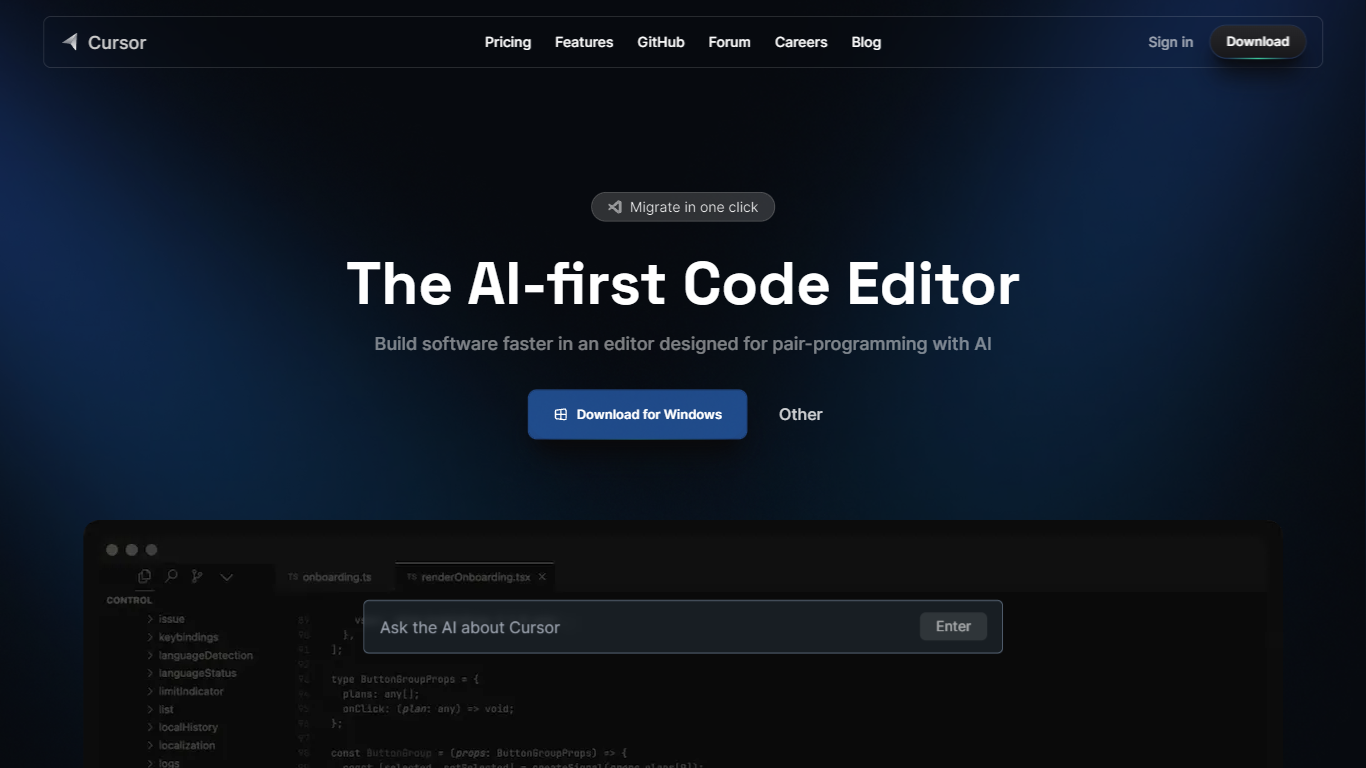
Cursor AI gives developers an agentic coding environment where you delegate implementation work while keeping architectural control. The editor indexes your full codebase, runs multi-step agents in the IDE, terminal, Slack, and GitHub, and ships changes through Tab autocomplete, Composer edits, and cloud agents that can build and demo features end to end. A free Hobby tier requires no credit card to start.
Compared with chat-only copilots that suggest single lines, Cursor AI runs parallel agents on their own machines and ties into Bugbot for pull request reviews. Individual plans start at $20 per month with frontier models, MCP servers, and cloud agents, while Teams adds $40 per user billing with SAML SSO and shared team context. That agent-first stack suits fast-moving product teams, though usage-based model billing can add cost after included limits.
Software engineers, startup teams, and enterprise developers use Cursor AI to migrate from VS Code with one-click extension imports, trigger tasks from issue trackers, and enforce privacy mode so code is not used for training. The pricing page lists Pro, Pro+, and Ultra individual tiers plus Enterprise with pooled usage and audit logs. Contact for sales and support is available at [email protected].
PSEUDO.AI

What is PSEUDO.AI?
PSEUDO.AI turns source code into human-readable pseudocode in your browser. You enter a prompt or code snippet, pick a language, and the app returns plain-language steps that read like structured pseudocode rather than raw syntax. It runs on the web at pseudoai.vercel.app with no install, and targets teams who need to explain implementation details to people who do not read code daily.
Most code explainers summarize what a snippet does in prose. PSEUDO.AI keeps the output closer to pseudocode structure, which makes handoffs to designers, product owners, or junior developers easier to scan. The trade-off is focus: it is built for pseudocode conversion, not debugging, testing, or repo-wide documentation. That narrow scope is the point when the goal is shared comprehension, not a full IDE workflow.
Software developers use it to translate tricky logic before code reviews or stakeholder meetings. Computer science students and instructors lean on it when a textbook example needs a readable walkthrough. Product managers and mentors who sit in technical discussions but do not write production code get a format they can follow without parsing braces and semicolons.
Cursor AI Upvotes
PSEUDO.AI Upvotes
Cursor AI Top Features
Hobby plan is free with no credit card and includes limited Agent requests plus Composer access
Individual Pro plan costs $20 per month with extended Agent limits and frontier model access
Teams plan costs $40 per user per month with SAML/OIDC SSO and centralized billing
Cloud agents build, test, and demo features end to end on their own machines
Bugbot reviews pull requests with agentic code reviews on Teams and usage-based billing on Individual
CLI installs on macOS, Linux, and Windows via curl https://cursor.com/install
PSEUDO.AI Top Features
Choose from 12 languages on the converter page, including C, C++, C#, Java, Python 3, JavaScript, Node.js, PHP, Kotlin, Swift, and SQL.
Runs entirely in the browser at pseudoai.vercel.app with no downloads required, per the homepage FAQ.
Uses an OpenAI-trained GPT model to generate pseudocode from your code input, according to the site FAQ.
Three-step workflow on the converter: enter a prompt or topic, pick a language, then click GO and copy the output.
Homepage FAQ lists Java, Python, C++, and JavaScript among supported languages, with a broader list on the live converter.
Cursor AI Category
- Developer
PSEUDO.AI Category
- Developer
Cursor AI Pricing Type
- Freemium
PSEUDO.AI Pricing Type
- Free