DataLang - Chat with your Databases vs Chat with AI - LetsView Chat
Compare DataLang - Chat with your Databases vs Chat with AI - LetsView Chat and see which AI Chat Bot tool is better when we compare features, reviews, pricing, alternatives, upvotes, etc.
Which one is better? DataLang - Chat with your Databases or Chat with AI - LetsView Chat?
When we compare DataLang - Chat with your Databases with Chat with AI - LetsView Chat, which are both AI-powered chat bot tools, The upvote count shows a clear preference for DataLang - Chat with your Databases. The number of upvotes for DataLang - Chat with your Databases stands at 7, and for Chat with AI - LetsView Chat it's 6.
You don't agree with the result? Cast your vote to help us decide!
DataLang - Chat with your Databases

What is DataLang - Chat with your Databases?
DataLang enables users to interact with multiple databases using natural language, creating GPT-powered assistants that provide instant data insights without coding. Users connect their data sources and build custom SQL views to define the data they want to query. These assistants then allow querying data naturally, making complex database interactions accessible to non-technical users.
What distinguishes DataLang is its balance between flexibility and ease of use. While it supports various database types including SQL and NoSQL, it requires some initial SQL knowledge to create views. However, once configured, users can query data effortlessly through natural language, and customize GPT assistants for specific workflows.
DataLang also emphasizes secure data handling with encryption and role-based privacy controls. It supports API integrations to extend functionality and enables sharing or publishing of GPT assistants for collaboration or public use. This makes it suitable for data analysts, developers, and business users seeking quick, code-free data insights.
Chat with AI - LetsView Chat
What is Chat with AI - LetsView Chat?
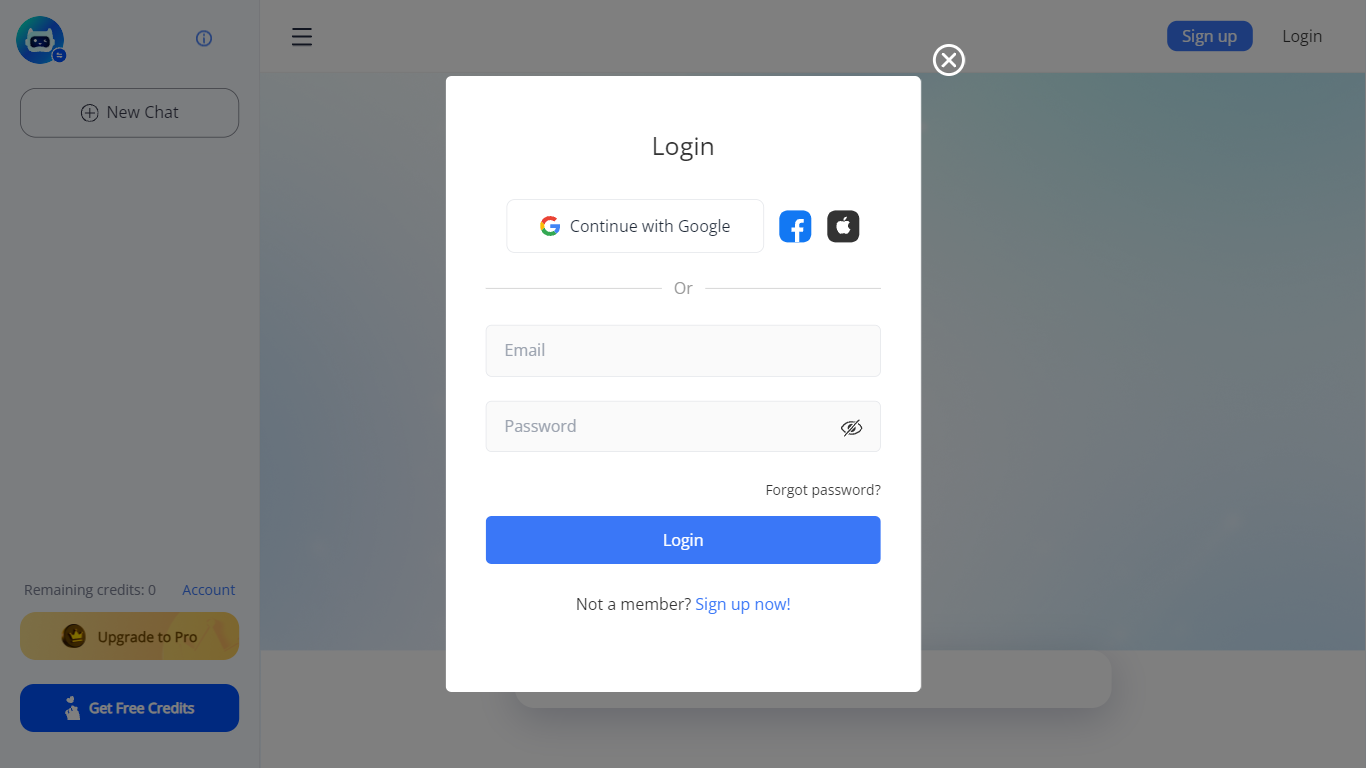
LetsView Chat is a browser-based AI chatbot from LetsView where you sign in, pick an assistant, and send prompts through a web interface. The chatbot page shows credit balances, a free-credit promo, and an Upgrade to Pro path, so usage runs on credits rather than an open-ended free session.
Unlike LetsView's screen-mirroring apps, this product is a standalone chat workspace with assistant switching, recommended prompts, and an Inspiration Library to browse starter ideas. You can continue with Google or create a LetsView account before chatting.
The public page exposes little technical detail beyond those workflow pieces, so teams evaluating LetsView Chat should sign in to test assistant quality and credit limits directly on letsview.com/chatbot.
DataLang - Chat with your Databases Upvotes
Chat with AI - LetsView Chat Upvotes
DataLang - Chat with your Databases Top Features
Connect multiple database types including SQL and NoSQL for versatile data access
Build custom SQL views to tailor data queries without coding
Create and customize GPT assistants for specific data tasks
Secure data with built-in encryption and role-based privacy controls
Publish or share your GPT assistants for team collaboration or public use
API integration capabilities to connect GPT assistants with other applications
Support for multiple user roles with privacy controls
Chat with AI - LetsView Chat Top Features
Browser-based chat at letsview.com/chatbot with no desktop download mentioned on the page
Switch assistant profiles before starting a new chat session
Credit balance displayed in the interface with Upgrade to Pro and Get Free Credits options
Inspiration Library for browsing prompt ideas inside the chat workspace
Google sign-in plus standard email signup and login
Recommended prompt shortcuts surfaced on the chat landing screen
DataLang - Chat with your Databases Category
- Chat Bot
Chat with AI - LetsView Chat Category
- Chat Bot
DataLang - Chat with your Databases Pricing Type
- Paid
Chat with AI - LetsView Chat Pricing Type
- Freemium