DB Sensei vs SQLtroughAI
Dive into the comparison of DB Sensei vs SQLtroughAI and discover which AI SQL tool stands out. We examine alternatives, upvotes, features, reviews, pricing, and beyond.
In a comparison between DB Sensei and SQLtroughAI, which one comes out on top?
When we compare DB Sensei and SQLtroughAI, two exceptional sql tools powered by artificial intelligence, and place them side by side, several key similarities and differences come to light. Neither tool takes the lead, as they both have the same upvote count. You can help us determine the winner by casting your vote and tipping the scales in favor of one of the tools.
Don't agree with the result? Cast your vote and be a part of the decision-making process!
DB Sensei

What is DB Sensei?
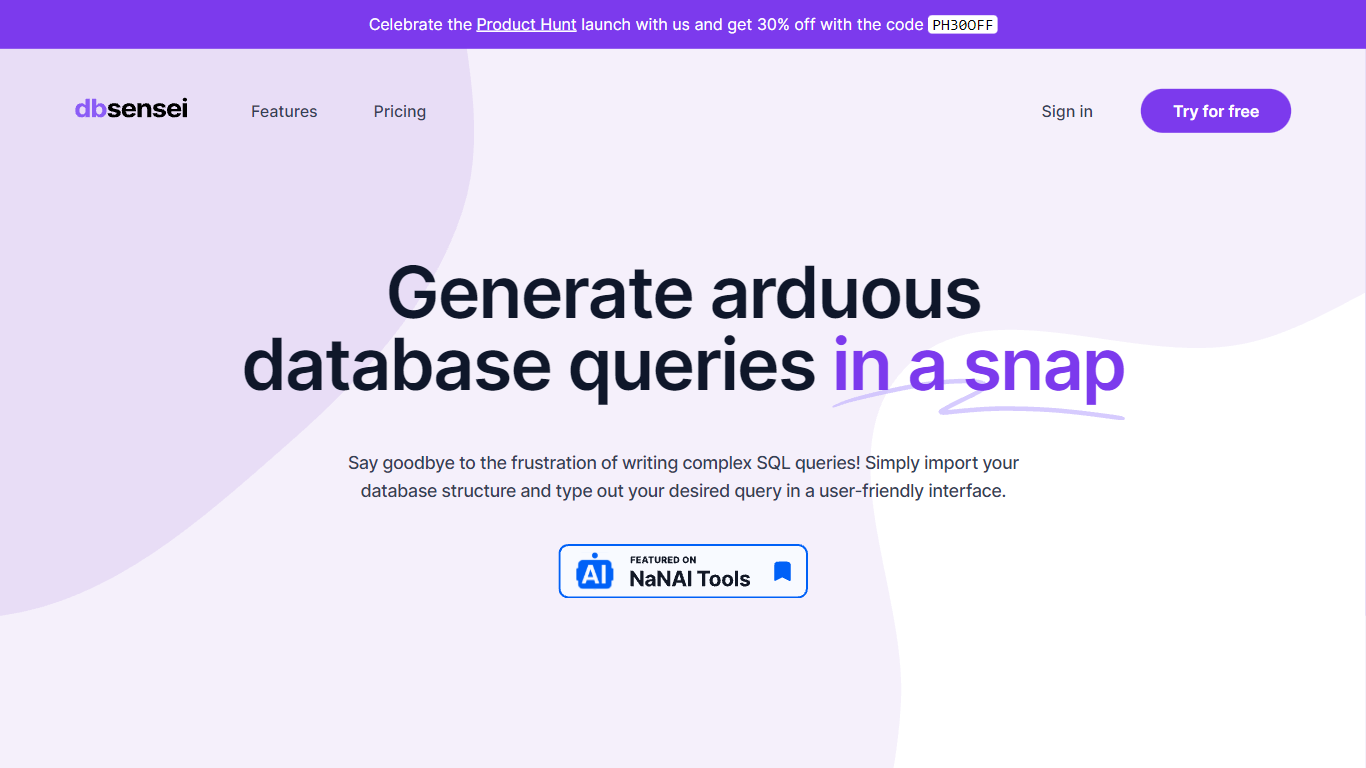
DB Sensei is the revolutionary tool designed to transform the way database professionals work with SQL. This powerful, AI-powered software makes it easier than ever to generate, fix, explain, and format SQL queries. Import your database structure, outline your requirements, and let DB Sensei handle the complexities of query formulation with a user-friendly interface.
Take advantage of DB Sensei's launch on Product Hunt and get an exclusive 30% discount with the code PH30OFF. Maximize your productivity and minimize manual coding errors with features like an intelligent Query Generator, Query Fixer, Query Explainer, and Query Formatter. DB Sensei is not just a tool; it's an indispensable ally for anyone working with databases, from novices to experienced SQL developers.
SQLtroughAI
What is SQLtroughAI?
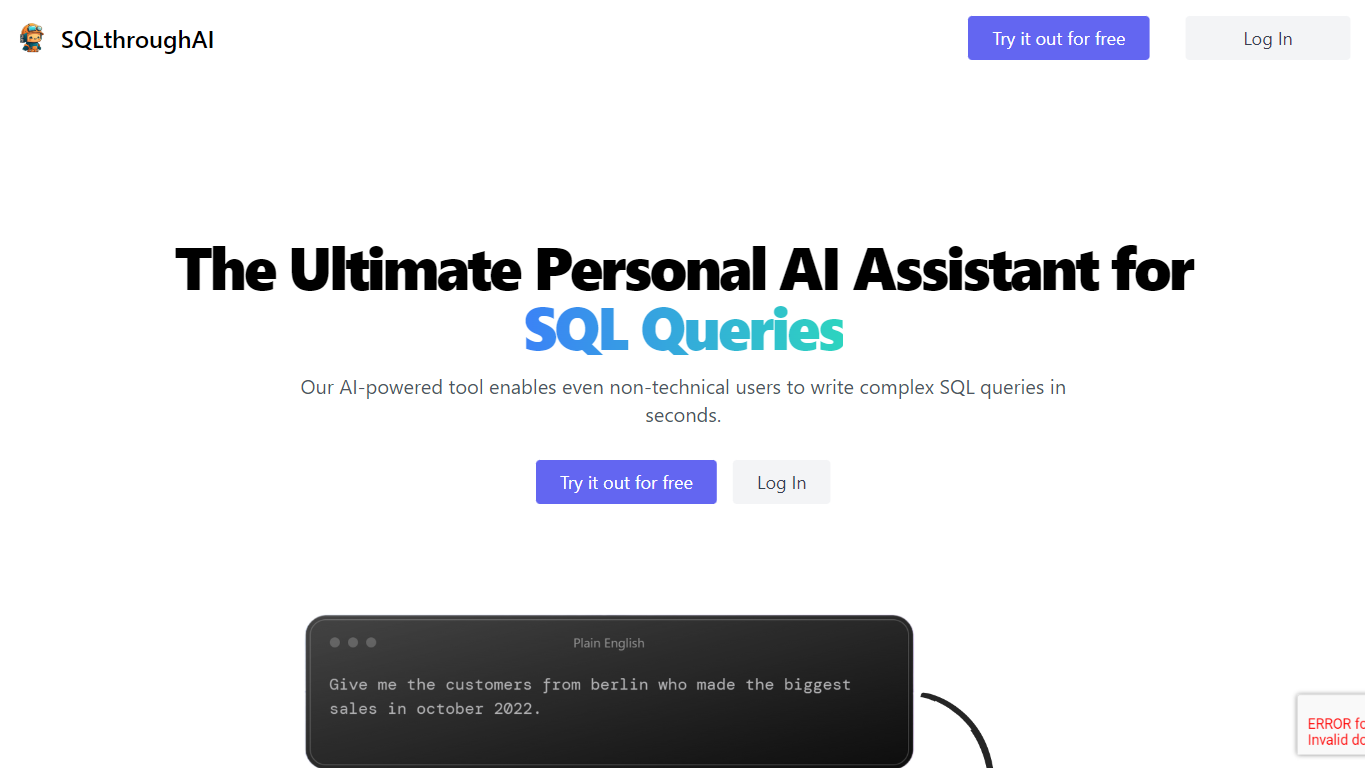
Type a plain-English data question and SQLtroughAI writes the SQL for dialects like MySQL, MongoDB, and Oracle PL/SQL. You start by defining your tables, either by uploading a CSV or Excel file or entering column names and data types manually. The product targets anyone who knows what data they need but does not want to memorize SQL syntax. It lives in the browser with signup, query history, and Stripe billing.
Most text-to-SQL tools assume you already have a live database connection. SQLtroughAI flips that order and asks you to model the dataset first, either from a spreadsheet or manual column entry. The site also says uploaded CSV and Excel contents are not stored, which matters if you are prototyping with sample files rather than production data. That schema-first path is narrower than enterprise query assistants, but it keeps setup lightweight for one-off analysis.
Business analysts, data analysts, and students who know what data they need but not the exact SQL phrasing are the obvious fit. SQLtroughAI stores past runs in Old Queries, so you can revisit generations without rewriting prompts. Billing runs through Stripe once you move past the trial period.
DB Sensei Upvotes
SQLtroughAI Upvotes
DB Sensei Top Features
AI Powered: Utilize artificial intelligence to craft debug and understand complex SQL queries.
SQL is no longer a barrier: Simplify the process of writing SQL code with tools designed for convenience.
Query Generator: Generate intricate SQL queries effortlessly with the help of AI.
Query Fixer: Easily identify and correct errors in your SQL queries.
Query Formatter: Automatically format your SQL queries for better readability and maintainability.
SQLtroughAI Top Features
Outputs SQL for MySQL, MongoDB, Oracle PL/SQL, and other dialects listed on the homepage
Define tables by uploading CSV or Excel files, or by entering column names and types manually
SQLthroughAI states it does not store the contents of uploaded CSV or Excel files
14-day free trial with no credit card required to create an account
Logged-in app includes New Query, Old Queries, Databases, Connections, and Stripe billing links
Built on OpenAI models that the team says were adapted specifically for SQL generation
DB Sensei Category
- SQL
SQLtroughAI Category
- SQL
DB Sensei Pricing Type
- Freemium
SQLtroughAI Pricing Type
- Freemium